当前位置:网站首页>MSDN中“演练:使用 Web 窗体页创建分页的数据访问” 一文中的代码的一点改进
MSDN中“演练:使用 Web 窗体页创建分页的数据访问” 一文中的代码的一点改进
2022-06-21 07:39:00 【世风十三】
如果你安装了MSDN,正在学习使用.NET制作网站,也许会碰到这样一个示例文档:
Visual Basic 和 Visual C# 概念
ms-help://MS.VSCC.2003/MS.MSDNQTR.2003FEB.2052/vbcon/html/vbwlkwalkthroughdisplayingdatainlistboxesonwebformspage.htm
文中讲述了如何制作一个带有自定义分页的数据列表,特点是每次只从数据库中取出相应条数的数据,这种方式对于大型的数据表的列表显示非常有好处,比另外一种一次将所有数据全取出后再缓存分页的方案好。
本人在采用此方案时发现几处小的BUG,如下:
- 在“定位到下一页”的程序代码中,
private void btnNext_Click(object sender, System.EventArgs e)
{
// Get the page number of the page most recently displayed
CurrentPage = (int)(ViewState["CurrentPage"]);
CurrentPage++;
// Gets the id on current page
string lastid = DataGrid1.Items[9].Cells[0].Text;
cmdNext.Parameters["@customerid"].Value = lastid;
FillGrid(cmdNext);
}
红字部分应该改为“string lastid = DataGrid1.Items[DataGrid1.PageSize-1].Cells[0].Text;”,否则当条数(PageSize)不是缺省的10条时,可能会导致出错。 - 另外在“在网格中显示数据”这部分中,你会看到有部分代码是判断当本页所取条数小于PageSize时,即认为是数据表的最后一页时,设定“下一页”按钮失效,同样应该加上判断当前页为0或小于0时,即认为是数据表的第一页时,设定“上一页”按钮失效的代码,如下:
if (DataGrid1.Items.Count < DataGrid1.PageSize)
{
btnNext.Enabled = false;
}
if (CurrentPage <= 0)
{
btnPrevious.Enabled = false;
} - 在步骤2的同时,在btnNext_Click方法中还应加上此句“this.btnPrevious.Enabled = true;”,以便在换页后将“上一页”按钮先激活,再根据步骤2中的判断设定按钮的失效与否。
- 补充:刚刚检查看又发现一个新问题,当最后一页的条数刚好是页面条数时,“下一页”按钮依然有效,点击后就会出错,因为已经没有相应的记录可供显示了。所以补充修改如下:(注意红色标记部分)
if(dr.HasRows==true)
{
DataGrid1.DataSource = dr;
DataGrid1.DataBind();
dr.Close();
sqlConnection1.Close();
ViewState["CurrentPage"] = CurrentPage;
ViewState[CurrentPage.ToString()] = DataGrid1.Items[0].Cells[0].Text;
if (DataGrid1.Items.Count < DataGrid1.PageSize)
{
btnNext.Enabled = false;
}
if (CurrentPage <= 0)
{
btnPrevious.Enabled = false;
}
}
else
{
btnNext.Enabled = false;
}
至此,经本人测试这样的分页列表就比较完善了,可以适应不同的分页条数了。
边栏推荐
- Postman publishing API documentation
- Detailed method and process of APP security penetration test
- Is the account with low commission safe? Is there a shortage of funds
- Life cycle of kubernetes pod
- Traversal of binary tree
- RDKit | 合成可行性分数--SA SCORE
- [Blue Bridge Cup monolithic unit] serial port communication
- QML控件類型:Drawer
- Using XAML only to realize the effect of ground glass background panel
- Research Report on market supply and demand and strategy of shuttleless loom industry in China
猜你喜欢

18 statistics and its sampling distribution chi square distribution-t distribution-f distribution

Mathematics is a tool for solving problems
![CUDA or FPGA for special purpose 3D graphics computations? [closed]](/img/65/a214d137e230b1a1190feb03660f2c.jpg)
CUDA or FPGA for special purpose 3D graphics computations? [closed]
卧槽,一行代码就可将网页直接转pdf保存下来(pdfkit)
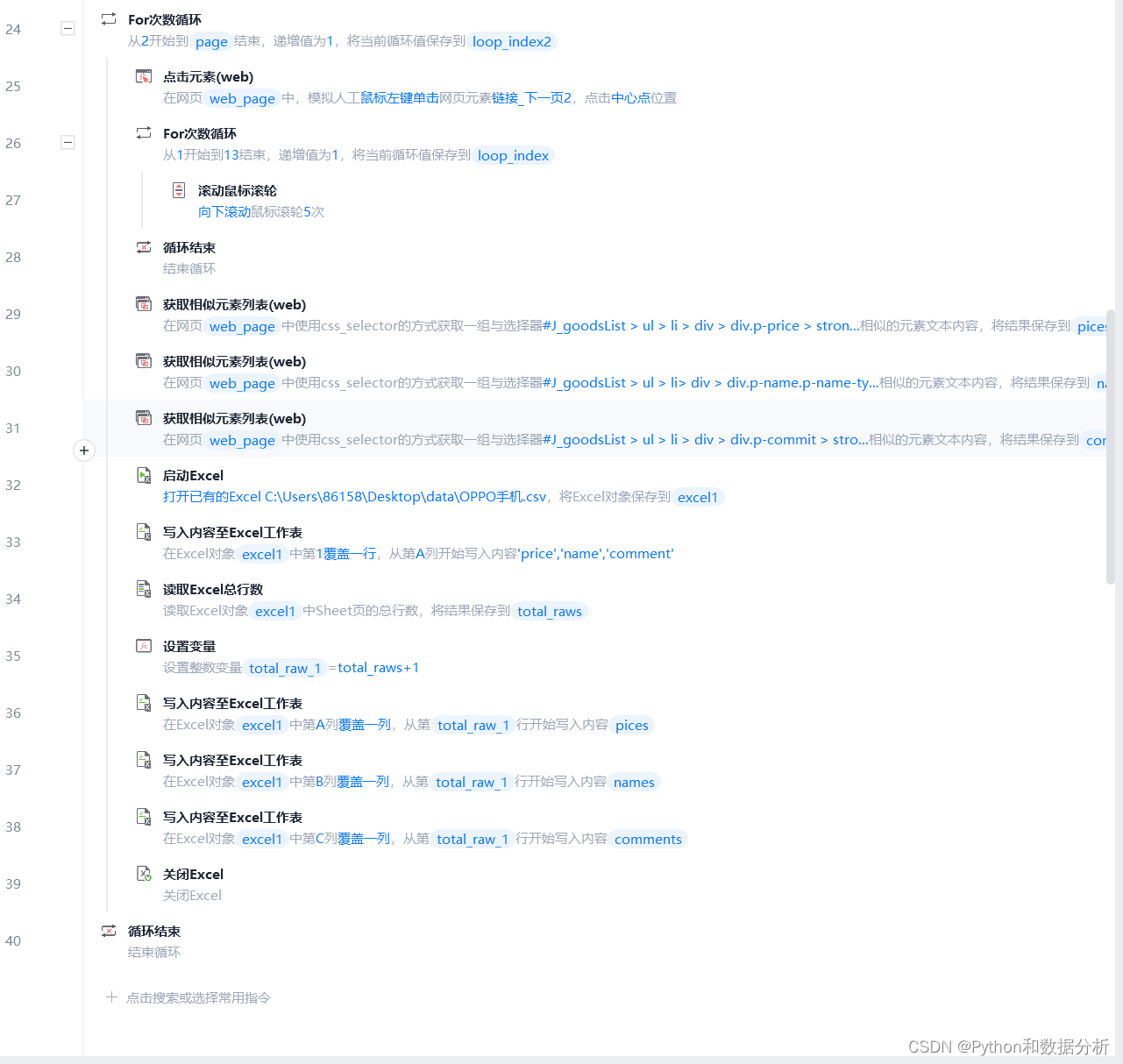
RPA (shadow knife) does not need to write code to capture the product information of an East

Course design of supply chain modeling and simulation based on Flexsim

动态规划解决打家劫舍问题

17 statistics and their sampling distribution statistics and distribution
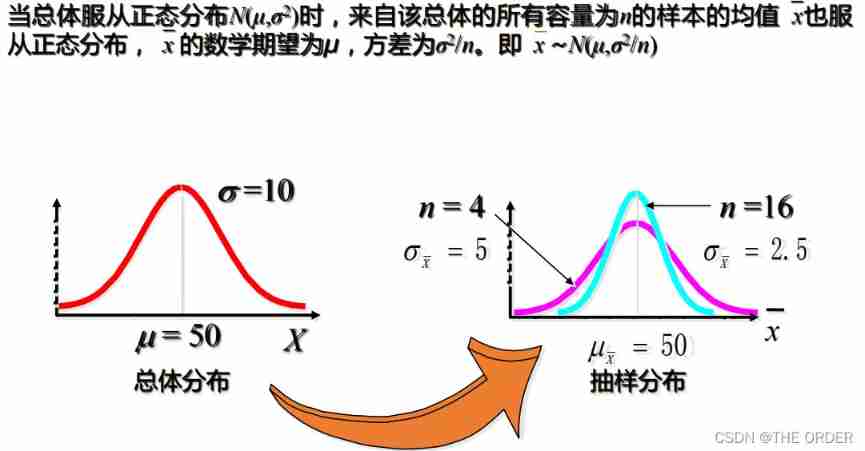
19 statistics and its sampling distribution -- distribution of sample mean and central limit theorem

Deploy ZABBIX enterprise level distributed monitoring
随机推荐
Vite + whistle: a development environment proxy solution once and for all
Stripping the cocoon -- making the digital control of diversified groups simple
[DB written interview 390] what is the external table of oracle?
RDKit | 拓扑极性表面积(TPSA)
Sword finger offer 34 A path with a value in a binary tree
QML control type: drawer
传输层 TCP首部-序号和确认号
SQL advanced challenge (26 - 30)
How to use lerna to manage multiple packages
How to optimize MySQL paging query
Hisilicon series mass production hardware commissioning record
Singleton mode in multithreaded environment
Build a code CR diff platform from 0 to 1
Research Report on anhydrous trisodium phosphate industry - market status analysis and development prospect forecast
[telnet] telnet installation and configuration
Analysis of source code encryption products
18 statistics and its sampling distribution chi square distribution-t distribution-f distribution
Type de contrôle qml: Drawer
Unittest use
Pat class B 1031 checking ID card (15 points)