当前位置:网站首页>Keil development environment installation tutorial
Keil development environment installation tutorial
2022-08-02 03:16:00 【steam】
I. Environment installation package
Installation package + chip pack Baidu network disk address: link: https://pan.baidu.com/s/1iA1xmGV4_JsFmPWza9EIcQ
Second, installation steps
1. Double-click to install mdk515.exe, the default is OK, and the path can be changed.

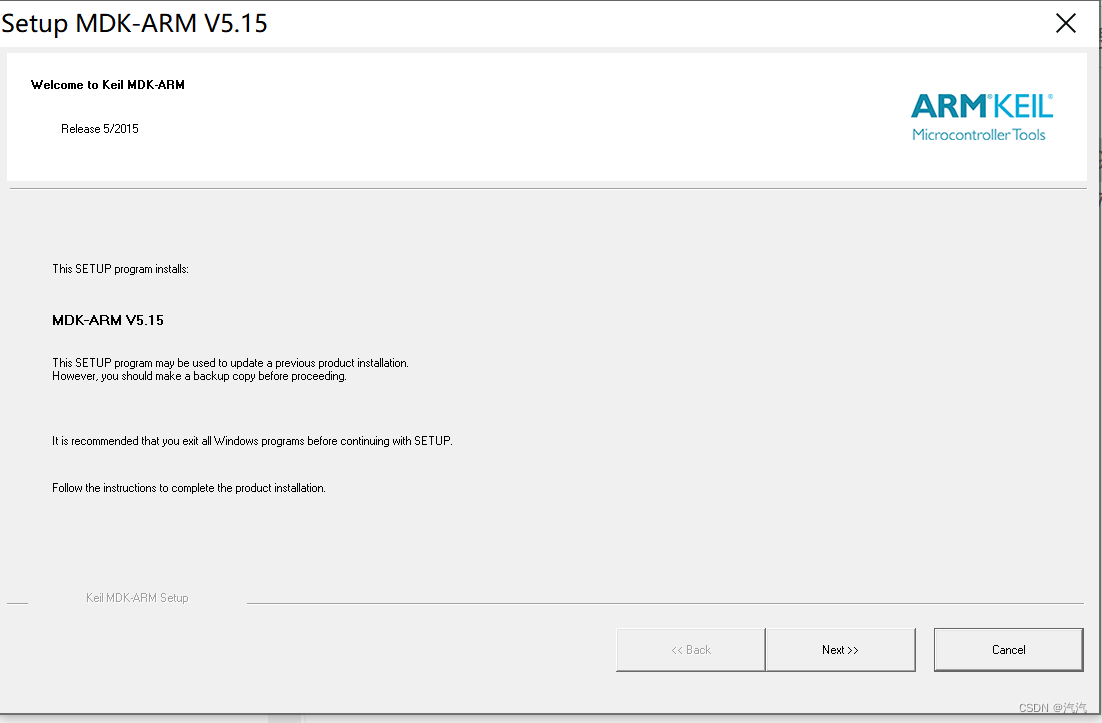


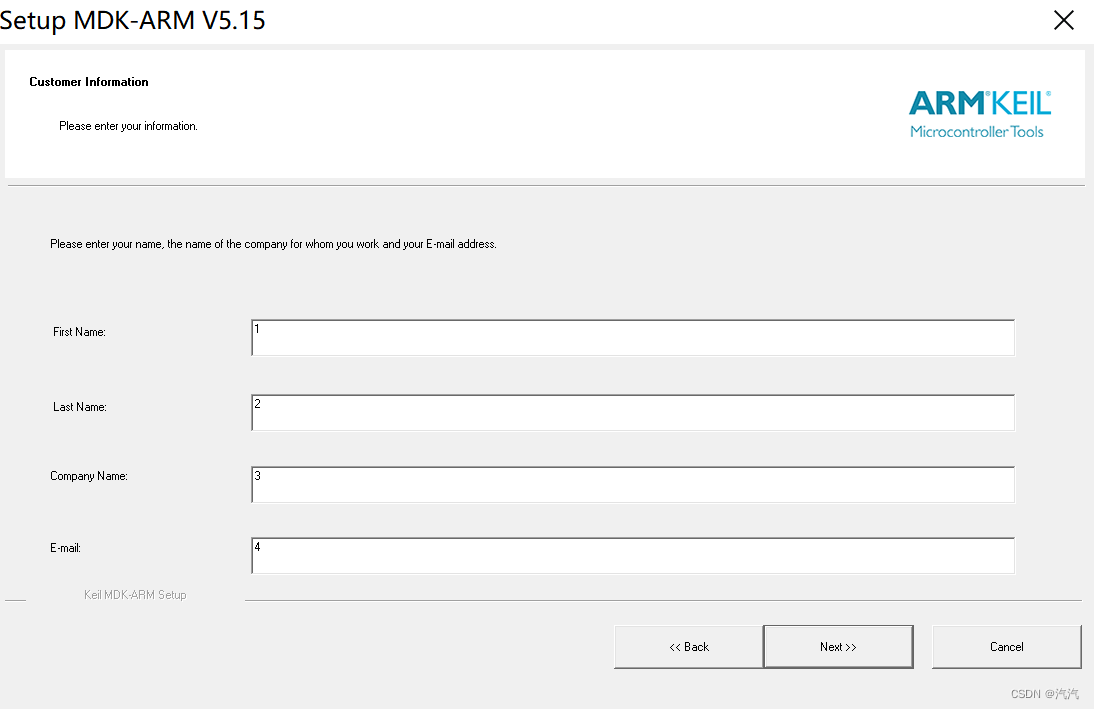

2. After the installation is complete, run keil as an administrator.
3. Select file->license management in the menu bar in keil and copy the CID number.

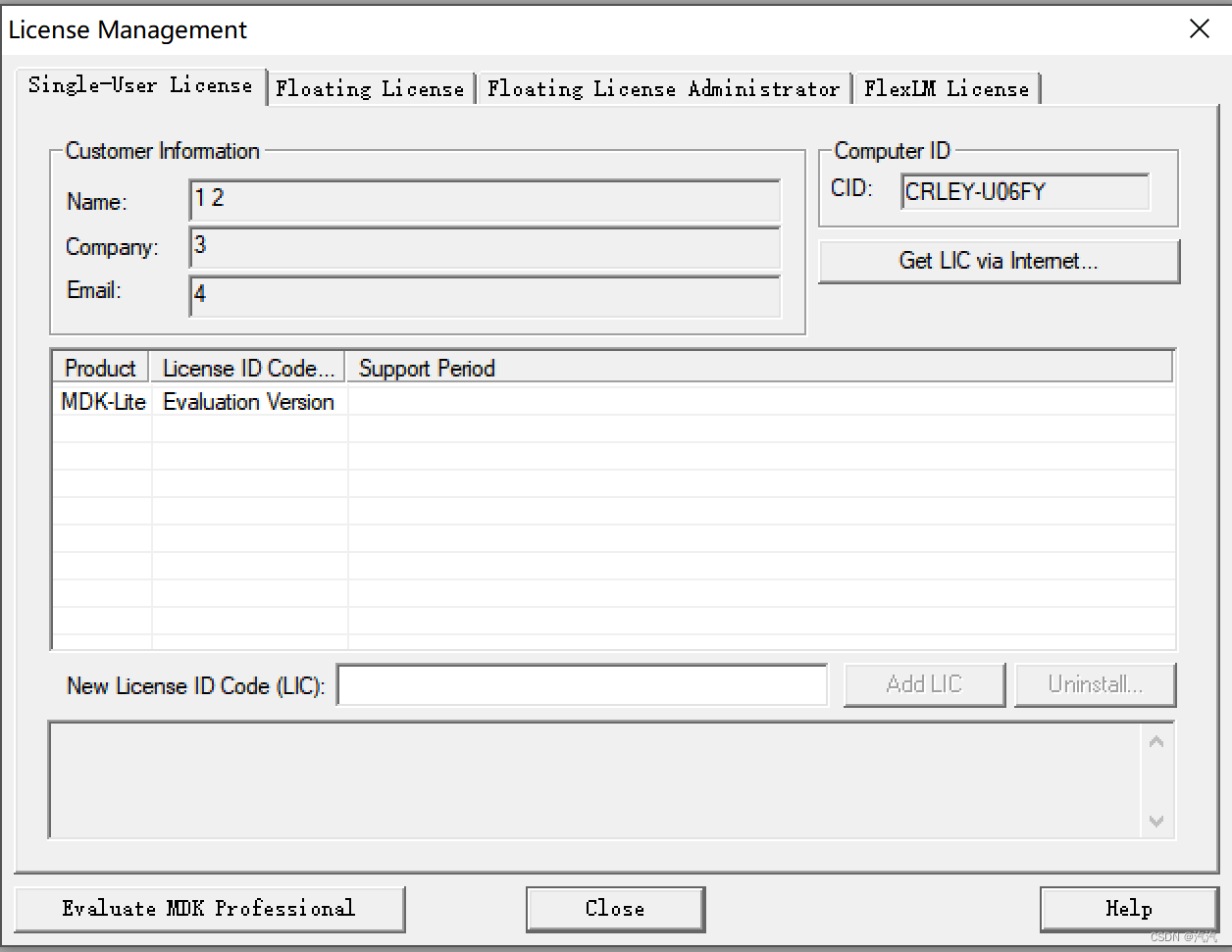
4. Open KEILLic.exe, paste the CID number copied in step 3 into the CID of KEIL_Lic.exe, and click Gnnerate to generate a 30-bit crack code and copy.

5. Go back to the file->license management in step 3, paste the crack code into the New License ID Code (LIC), and click Add LIC to complete the crack.

6. Install Keil.STM32F0xx_DFP.1.4.0.pack.

7. Go to the source code folder and open a file with a suffix named uvprojx to open all the code.
边栏推荐
- 2022年最新一篇文章教你青龙面板拉库,拉取单文件,安装依赖,设置环境变量,解决没有或丢失依赖can‘t find module之保姆教程(附带几十个青龙面板脚本仓库)
- EF Core:基于关系的复杂查询 区分IEnumerable和IQueryable
- 7-35 城市间紧急救援 (25 分)c语言(测试点二未通过)
- 【LeetCode】20. Valid parentheses
- 1. 获取数据-requests.get()
- Navicat cannot connect to database Mysql because of WiFi
- JSP Webshell free kill
- dropout
- VPS8702 VPSC(源特科技)电源管理(PMIC) 封装SOT23-6
- 就瞎写=感想
猜你喜欢




随机推荐
Go语学习笔记 - gorm使用 - gorm处理错误 Web框架Gin(十)
MySQL8--Windows下使用msi(图形界面)安装的方法
Webshell上传方式
01-Node-Express系统框架搭建(express-generator)
just write blindly = feelings
leetcode 143. 重排链表
MySQL8 -- use msi (graphical user interface) under Windows installation method
【LeetCode】206. Reverse linked list
就瞎写=感想
ASP WebShell backdoor script and anti-kill
弹性盒子flex属性
第一章——线性表(顺序表和链表)
JSP WebSehll 后门脚本
总体写作原则
PHP WebShell 免杀
Difference between #{} and ${}
JSP Webshell 免杀
(转帖)HashCode总结(1)
深度学习:目标检测入门知识
VPS8504C 微功率隔离电源隔离芯片 VPSC源特科技