当前位置:网站首页>UE4 how to render statically? 5 steps to generate static rendering
UE4 how to render statically? 5 steps to generate static rendering
2022-07-26 03:14:00 【XDEMO_】
Creating and visualizing buildings is not much different from creating video games : You import the model you want to use , Get ready 3D library , Then enjoy locating objects and characters in the scene . One of these stages involves acquiring 3D Static rendering of the model , View your project in the most authentic way .
In this paper Stupid cat cloud desktop Organize and use ue4 A simple way to create static rendering .
How to use 5 Three steps to generate static rendering
1. Set up the camera
First set up your camera to capture the scene . Go to the search field on the left side of the screen , Find the best option for your project . Film camera is recommended . Set it to rotate easily , Provide you with a better scene view .
The small screen on the right side of the interface shows what the camera sees , Details Allows you to change camera settings , For example, depth of field 、 The proportion 、 Format or focal length .

Place the camera anywhere in the scene
2. Focusing camera
Draw the debugging focus plane It is very useful for determining the focus according to the focal length . With the aid of a dropper tool , You only need to click a point to set the focal plane . After having it , You can adjust this value to focus anywhere you want . After setting the focal plane, deactivate it and adjust the focal length or aperture setting .

Use the eyedropper tool to select the focal plane
3. View the scene through the camera
Here is a tip for you . Unreal engine on the home page 4 In the upper left corner of the interface “ perspective ” Tab , Select your camera to view . When you want to focus on the details of the image that will be obtained after the project rendering , This is very useful . Don't forget to deactivate the camera controls to move the scene backwards .

View what the camera sees from the home page
4. Capture the scene in high resolution
After placing the camera in place and under control , Press F11 View the scene in full screen . Select the drop-down menu in the upper left corner , And then click High resolution screenshot To create screenshots .
The machine will automatically open a tab , You can modify the rendering resolution in it .

Select the drop-down menu in the upper left corner , Then click high resolution screenshot
please remember , Screenshots will use your screen resolution by default , But you can change the multiplier . let me put it another way , If you are in Screenshot Size Multiplier Input in 1.0 , You will get an image with the same resolution as your monitor . If we want to achieve 4k Images , Need to be in Screenshot Size Multiplier Input in 2.0 . single click screenshots , This will open the path to the location where the rendered image is saved . If you want to delete the rendering symbol , Please press in the project tab G And take a new screenshot .

If we want to achieve 4k Images , Need to be in Screenshot Size Multiplier Input in 2.0.
5. Remove all render elements
You can delete individual render elements , These elements can then be used for post-processing of the image 、 Create montage, etc . It's very simple , Just choose Include Buffer Visualization Targets Options , And then click Take a Screenshot. You will find all the rendering elements in the screenshot folder .

You can delete individual render elements , These elements can then be used to post process images and create montages
With the development of Cloud Computing , Presumably, many friends have heard of Cloud Computing , But also with the local computer can not bring all kinds of 3d After software , Many designers choose to use Stupid cat cloud desktop , Completely unaffected by local configuration , Efficient operation 3d Software rendering production synthesis one-stop service . Stupid cat cloud desktop It can be for UNREAL Users provide cloud production output solutions , Improve work efficiency . Users connect to the server directly through the dumb cat all over the country , Share a set of assets , It can be made directly on the dumb cat / Modify engineering documents , Reduce data transmission costs .
边栏推荐
- Canvas - drawing pictures - dynamic drawing production
- Win11 hide input method status bar method
- 万维网、因特网和互联网的区别
- [C language] deeply understand integer lifting and arithmetic conversion
- Oxycon 2022 network capture frontier conference is about to open!
- STM32 - PWM learning notes
- els 消息循环
- [tensorflow & pytorch] image data enhancement API
- Istio三之VirtualService、Gateway、DestinationRule配置使用
- How to close the case prompt icon of win11? Closing method of win11 case prompt Icon
猜你喜欢

JVM内存模型解析
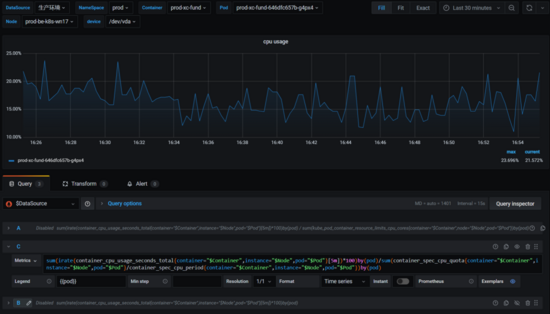
如何正确计算 Kubernetes 容器 CPU 使用率

Standardize your own debug process
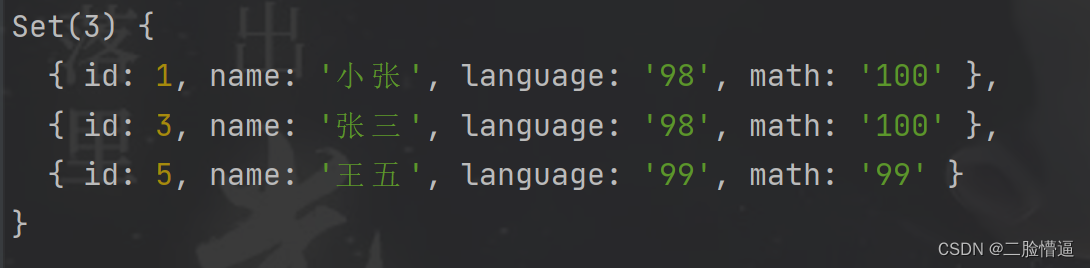
There are a group of students in the class who have got the test results in Chinese and mathematics. Please select the students whose total score is the first

文件操作(一)——文件简介与文件的打开方式和关闭
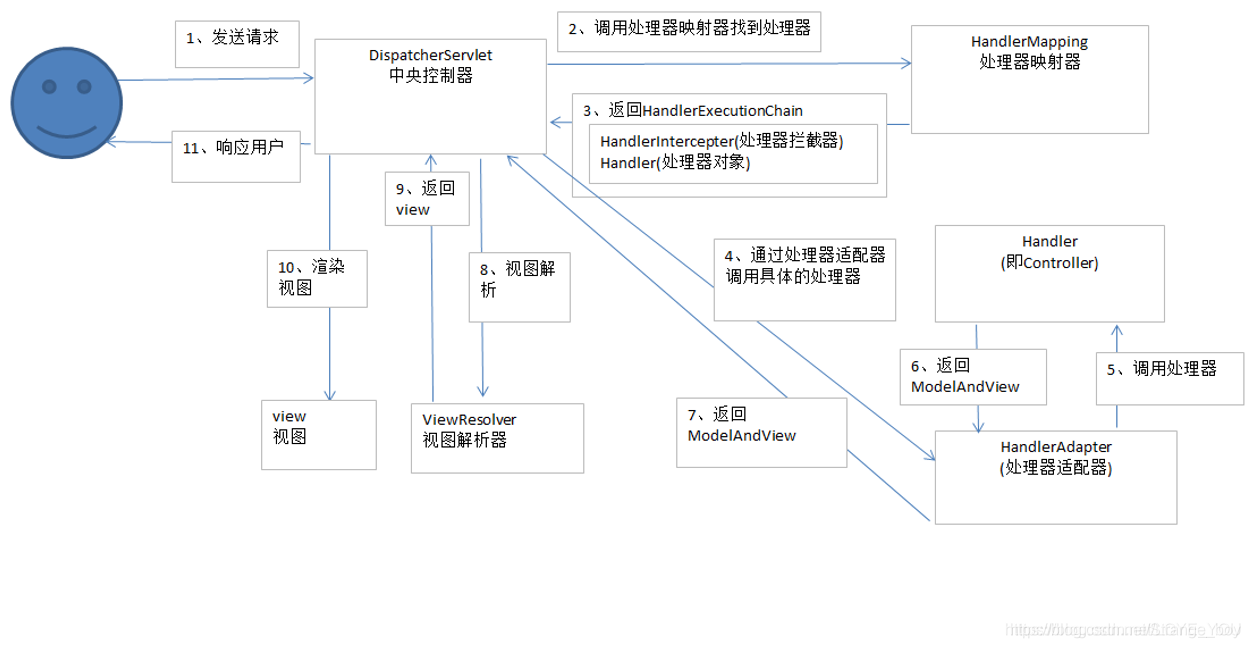
【无标题】
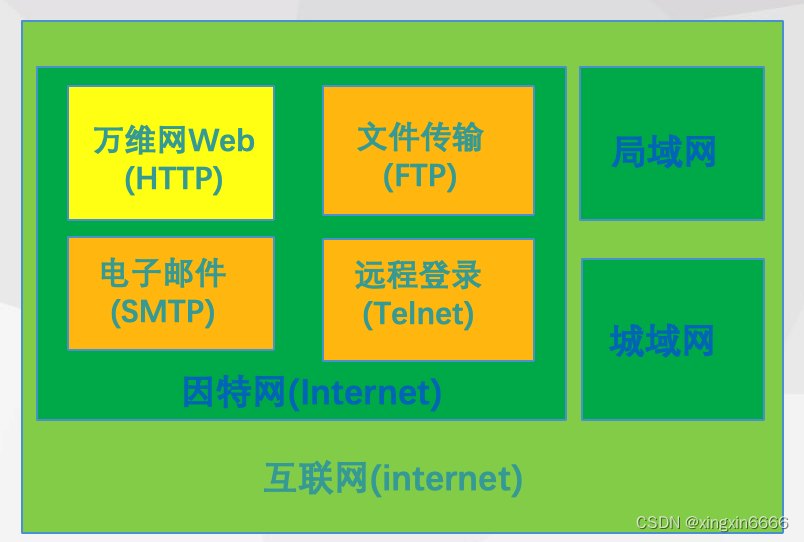
The difference between the world wide web, the Internet and the Internet
![[tensorflow & pytorch] image data enhancement API](/img/72/d3e46a820796a48b458cd2d0a18f8f.png)
[tensorflow & pytorch] image data enhancement API

URDF 语法详解

What are the methods of array sorting in JS
随机推荐
Win11更改磁盘驱动器号的方法
[NOIP2001 普及组]装箱问题
Opencv报错:(parameter or structure field))Unrecognized or unsupported array type in functon ‘cvGetMat‘
重装Win7系统如何进行?
Opencv annotates the image (picture frame + writing)
中国信通院陈屹力:降本增效是企业云原生应用的最大价值
Unity quickly builds urban scenes
Hcip day 8 notes sorting (OSPF routing control, Appendix E, anti ring, shortest path calculation, republication))
snownlp库各功能及用法
canvas——矩形的绘制——柱状图的制作
VR panoramic shooting and production of business center helps businesses effectively attract people
Golang 中‘...‘的用法
els 窗口设置、WM_CREATE、WM_PAINT
Digital commerce cloud DMS dealer management system solution: DMS system realizes business Omni channel and sales data collection
【C进阶】深入探索数据的存储(深度剖析+典例解读)
Teach you to rely on management hand in hand
STM32——串口学习笔记(一个字节、16位数据、字符串、数组)
[C language] deeply understand integer lifting and arithmetic conversion
.net serialize enumeration as string
Hello World driver (II) - primary version