当前位置:网站首页>VMware Workstation 虚拟机启动就直接蓝屏重启问题解决
VMware Workstation 虚拟机启动就直接蓝屏重启问题解决
2022-07-26 22:39:00 【天一道长--玄彬】
虚拟机安装好启动的时候就蓝屏报错需要重启:先检查线程核心数和内存,硬盘是否充足。
1、BIOS设置打开CPU虚拟化:
1)、在开机的时候多按几次F2,就进入BIOS,然后选择在上方的【Configuration】选项,然后将最下方的【Intel Virtual Technology】,设置为【Enable】的状态,然后就可以按下F10保存退出,重启进入系统即可;
2)、如果是AMD平台同样是在BIOS中选择【Configuration】的选项,将【SVM Support】的选项设置成Enable的状态,同样是按下【F10】保存退出即可;
2、虚拟化已开启,但是虚拟机开机仍然蓝屏。此时需要打开windows自带虚拟化平台。
 同时按下WIN+R键打开运行窗口输入“OptionalFeatures ”打开添加删除功能;
之后勾选Windows虚拟机监控程序平台以及虚拟机平台,点击确定后重启电脑即可

3、如果以上操作还是不可用:
那就换新版本vmware15.5,16等高版本。因为低版本涉及和系统兼容性问题。
边栏推荐
猜你喜欢
![[ciscn2019 North China Day1 web5] cyberpunk](/img/84/b186adc8becfc9b3def7dfd8e4cd41.png)
[ciscn2019 North China Day1 web5] cyberpunk
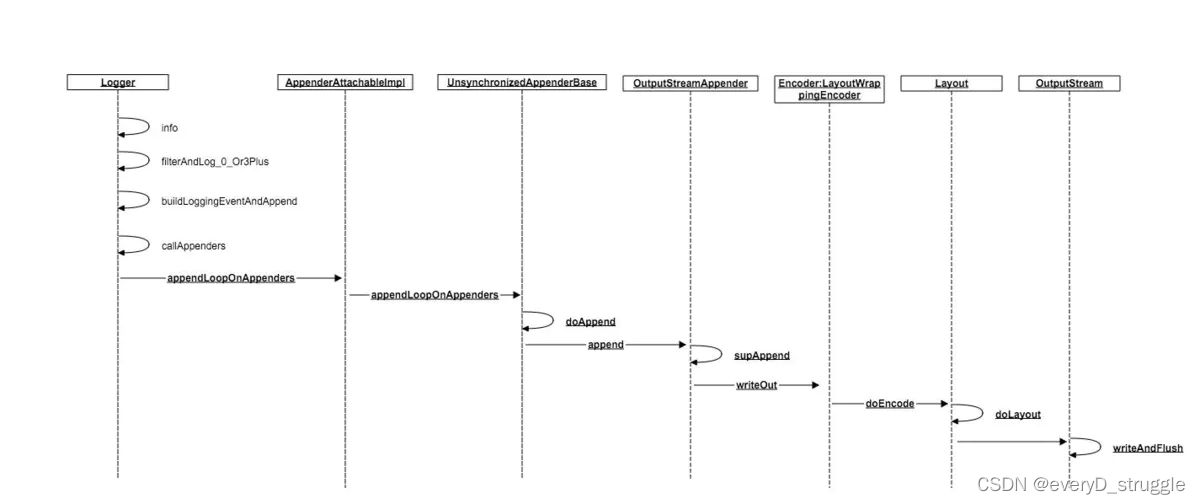
logback自定义MessageConverter
![[4.10 detailed explanation of game theory]](/img/df/690f9fb3adcb00317eb3438a76baaa.png)
[4.10 detailed explanation of game theory]

5_ Linear regression

JSCORE day_ 03(7.4)

DOM day_02(7.8)网页制作流程、图片src属性、轮播图、自定义属性、标签栏、输入框事件、勾选操作、访问器语法

JSCORE day_02(7.1)
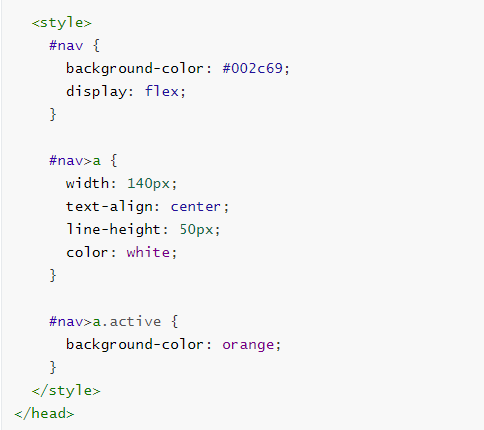
DOM day_04(7.12)BOM、打开新页面(延迟打开)、地址栏操作、浏览器信息读取、历史操作

The detailed process of reinstalling AutoCAD after uninstallation and deleting the registry
![[红明谷CTF 2021]write_shell](/img/f5/c3a771ab7b40311e37a056defcbd78.png)
[红明谷CTF 2021]write_shell
随机推荐
Crop TIF image
The detailed process of reinstalling AutoCAD after uninstallation and deleting the registry
【AtCoder Beginner Contest 261 (A·B·C·D)】
CUDA version difference between NVIDIA SMI and nvcc -v
[SQL注入] 联合查询
【4.7 高斯消元详解】
[RootersCTF2019]I_< 3_ Flask
JSCORE day_ 04(7.5)
C language to find prime numbers, leap years and minimum common multiples and maximum common divisors
Promise basic usage 20211130
Vector size performance problems
[SQL注入] 报错注入
QML type system
Install redis-7.0.4 in Linux system
【3. 基础搜索与图论初识】
【AtCoder Beginner Contest 261 (A·B·C·D)】
【Codeforces Round #807 (Div 2.) A·B·C】
C language is more than a variety of descriptions of size. Don't stick to one way of writing
【 Educational Codeforces Round 132 (Rated for Div. 2) A·B·C】
postman的使用