当前位置:网站首页>PXE principle and configuration
PXE principle and configuration
2022-07-26 12:33:00 【Free to Superman】
Catalog
PXE Service construction process
PXE Introduce
PXE By intel Network guidance technology developed by the company , Work again C/S In mode , Allows clients to download boot images from remote servers over the network , And load the installation file or the whole system .
PEX Strictly speaking, it is not an installation method , It's a way of guiding . Conduct PXE The necessary condition for installation is that the installed computer contains a PXE Supported network cards (NIC), That is, there must be PXE Client. PXE The protocol enables the computer to start over the network .
The agreement is divided into client and server End ,PEX client On the network card ROM in , When the computer boots ,BIOS hold PXE client Call in memory to execute , from PXE client Download the files placed at the remote end to run locally through the network . function PXE The protocol needs to be set DHCP The server and TFTP The server .DHCP The server is used for PXE client Allocate one IP, Because it's for PXE client Allocation address , So in configuration DHCP The server needs to add what you want PXE Set up .
PXE Service construction process
1、PXE The client sends DHCP request , towards DHCP Server application IP Address .
2、DHCP Server response PXE Client requests , Automatically from IP Allocate an address in the address pool IP Address to PXE The client , And tell PXE The client :TFTP Server's IP Address and PXE Bootloader file pxelinux.0, Default in TFTP share directory /var/lib/tftoboot Next
3、PXE The client is going to TFTP The server initiates the acquisition pxelinux.0 Request for bootstrap file .
4、TFTP Server response PXE Client requests , Share it pxelinux.0 File transfer to PXE The client .
5、PXE The client starts to the main interface of system installation through the network
6、PXE Client to file sharing server (ftp、http、nfs) Initiate acquisition centos System or windows Request for system installation files .
7、vsftp File sharing service response PXE request , Transfer the shared quota system installation file to PXE The client .
8、PXE The client enters the installation prompt wizard interface , Users need to manually complete the operation of system installation
To configure PXE
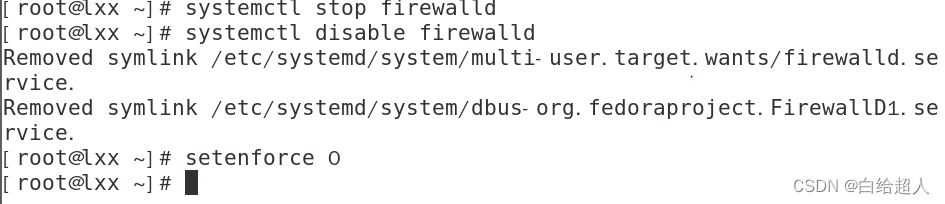
First disable the firewall
systemctl stop firewalld
systemctl disable firewalld
setenforce 0
One function of configuring dual network cards is dhcp, A use network source installation environment package
dhcp Automatically assigned IP Your network card must be net1 Host only mode

Then check whether the addition is successful , One more. ens37 It means that the addition is successful

And then to ens37 Configure network card directory
cd /etc/sysconfig/network-scripts # Enter the network card configuration directory
cp ifcfg-ens33 ifcfg-ens37
vim ifcfg-ens37
Get into ens37 To put uuid Delete , Otherwise, it will bump out bug
ip The address should be net1 In segment , The gateway can be configured without
After configuration ,systemctl restart network Restart the network card service

then yum install dhcp service , Installed ones can also yum Upgrade next

vim /etc/dhcp/dhcpd.conf # Go to configuration file
cp -p /usr/share/doc/dhcp*/dhcpd.conf.example /etc/dhcp/dhcpd.conf #-p Copy with file attributes , Whether to overwrite the input y Express yes

vim /etc/dhcp/dhcpd.conf # Go back to editing
From top to bottom, it means :
Disable dynamic updates
Network segment
Address pool
gateway
dns Address
Appoint tftp Server address
Appoint pxe The file name of the bootloader
Last systemctl start dhcpd # Turn on dhcp service
systemctl enable dhcpd # Boot up

yum -y install tftp-server
yum -y install xinetd
{tftp Is a small and easy to implement file transfer protocol ,tftp Is based on UDP The datagram , We need to have our own corrective measures .tftp Only file transfer is supported , No interaction supported , There is no huge command set . Low security , Authentication is not supported }

vim /etc/xinetd.d/tftp To configure tftp
Only need to disable Change that line to no that will do ( double negative , Open for indication tftp service )

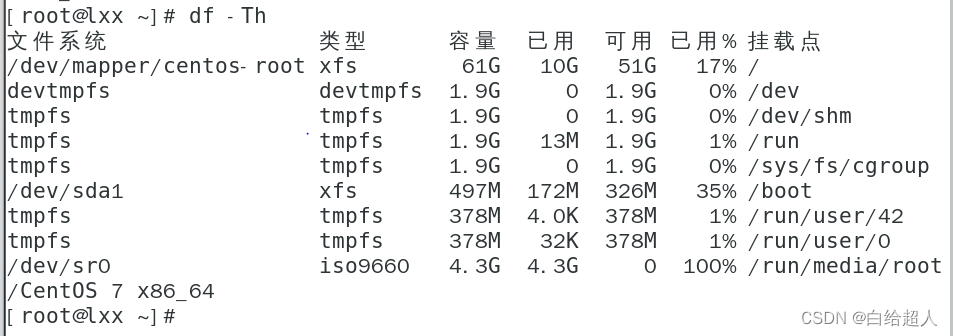
mount /dev/cdrom / Empty directory Mount the image file
df -Th Check whether the mount is successful
Enter the kernel file Copy the kernel initialization image file to /var/lib/tftpboot
cd /mnt/images/pxeboot
cp initrd.img vmlinuz /var/lib/tftpboot # Copy the kernel initialization file
vmlinuz: It's steerable 、 Compressed kernel
initrd.img: System initialization file
Last systemctl start xinetd Opening service
systemctl enable xinetd
systemctl start tftp
systemctl enable tftp

yum provides /pxelinux.0
# Find out which installation package installed this file , Use when not a path and a package
yum -y install syslinux
rpm -ql syslinux | grep pxelinux.0 # lookup pxe The location of the bootstrap

cp Copy the second
cp /usr/share/syslinux/pxelinux.0 /var/lib/tftpboot # Copy tftp Under the root directory of , System boot file

mkdir /var/lib/tftpboot/pxelinux.cfg/
# Default pxelinux.cfg There is no need to manually create , Note that it is a directory, not a directory .cfg ending
vim /var/lib/tftpboot/pxelinux.cfg/default # Configure menu file
( There is no need to add the following ks=ftp://192.168.100.111/ks.cfg)

install ftp service , Get ready centos7 Installation source
yum -y install vsftpd # install ftp service

mkdir /var/ftp/centos7
cp -rf /mnt/* /var/ftp/centos7 # Copy the image to it
Last systemctl start vsftpd # Turn on ftp service
systemctl enable vsftpd # Boot from boot

yum -y install system-config-kickstart # install system-config-kickstart Tools

Enter the application in the upper left corner of the desktop , Select system tools , choice kickstart, Then set it step by step


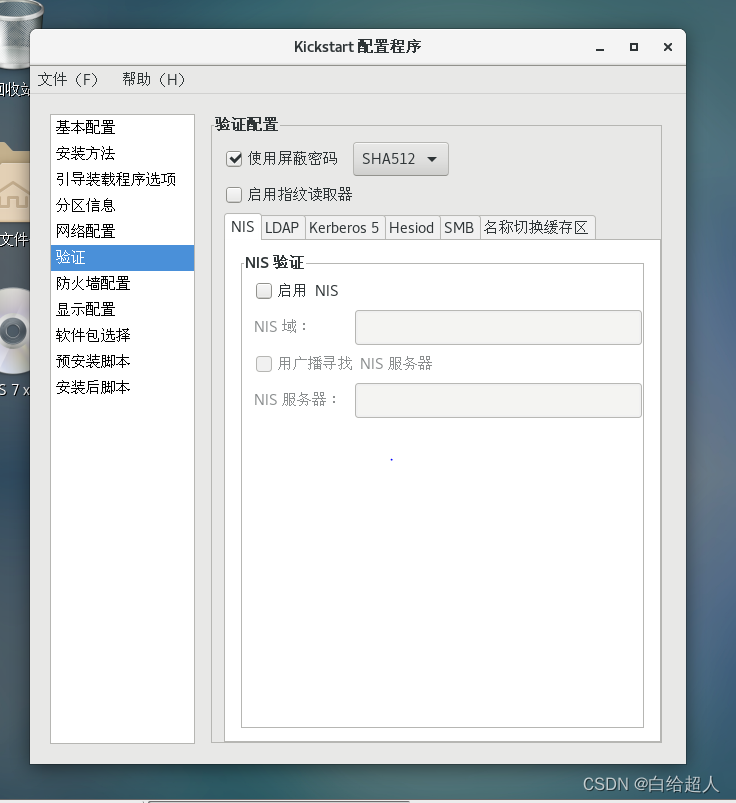
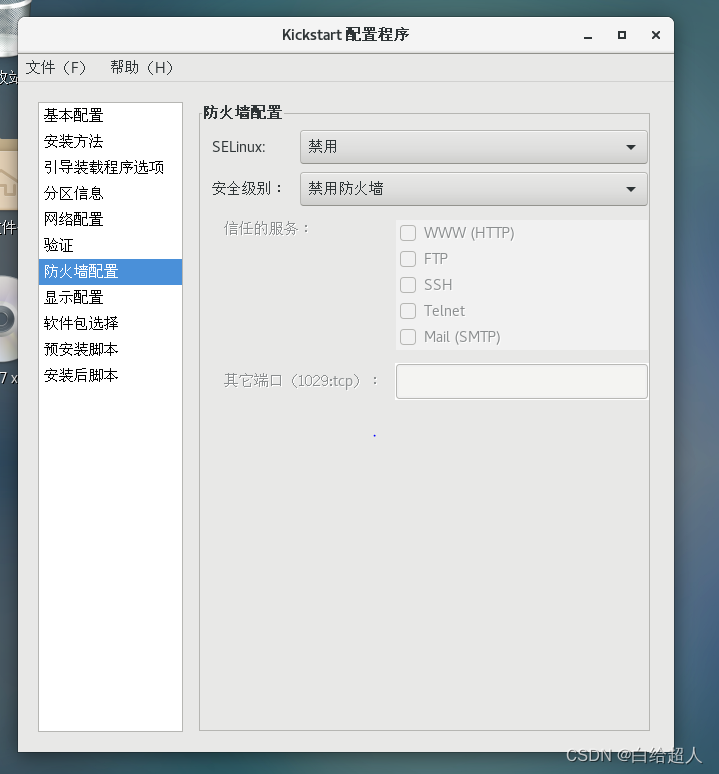
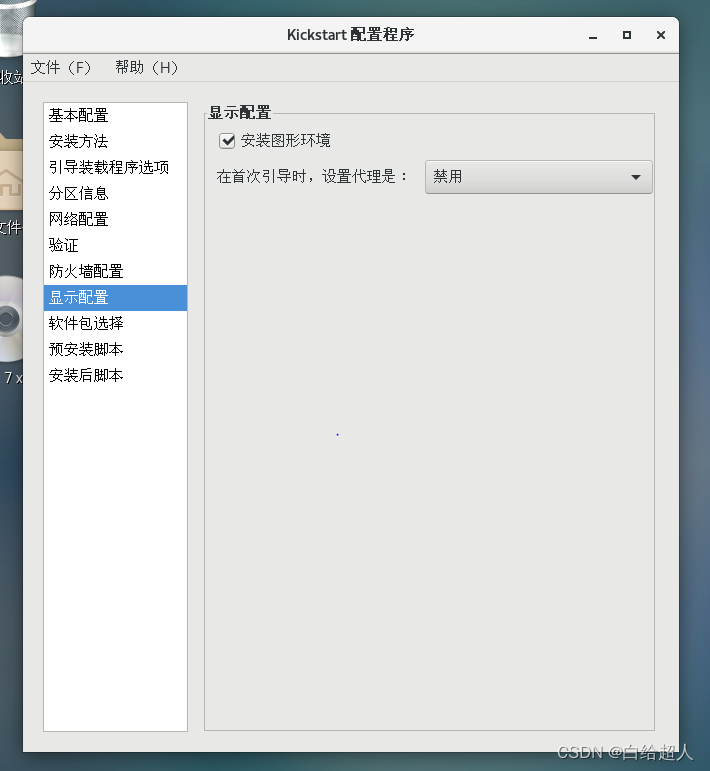
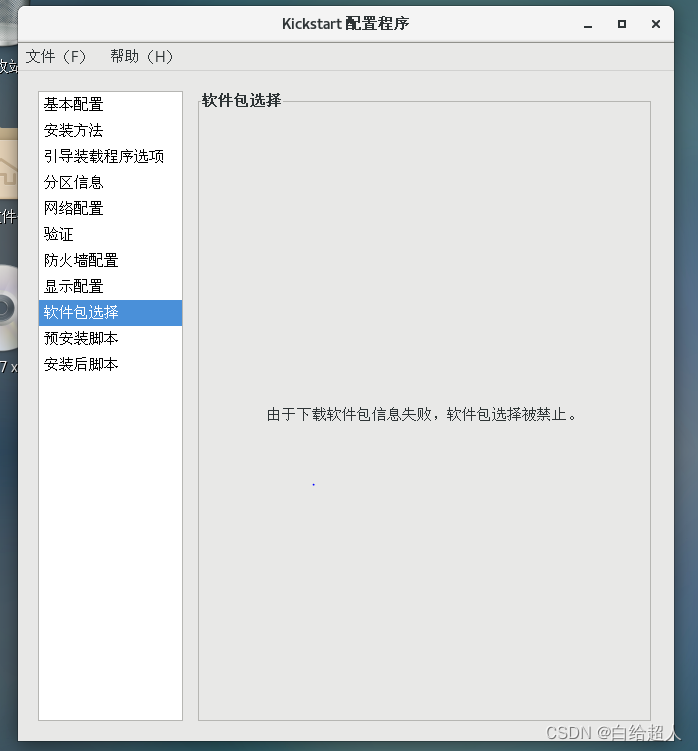
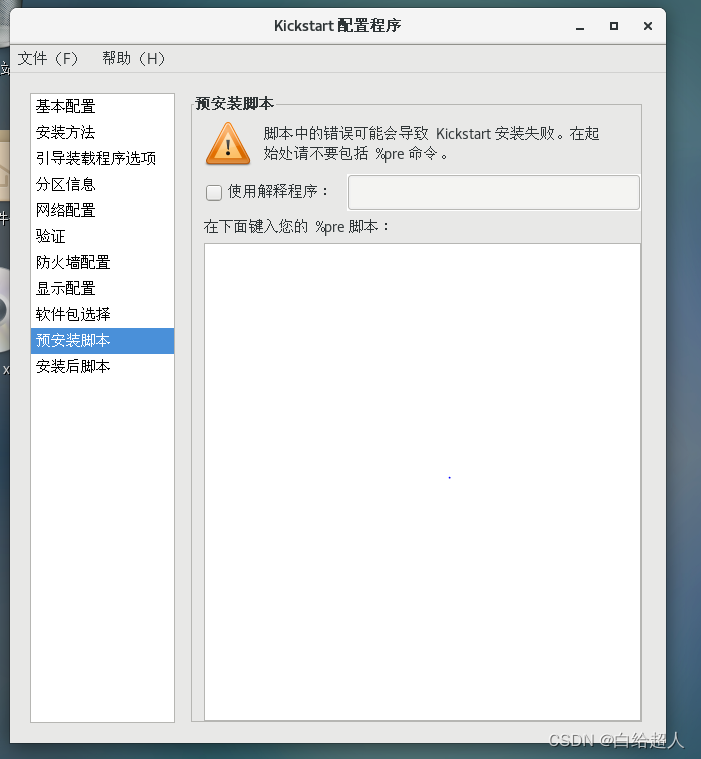

Save the configuration to /var/ftp in , Change of name ks.cfg

ls Look at the file

cd /root # Enter home directory
vim anaconda-ks.cfg
Put the following figure inside , Copied to the var/ftp/ks.cfg in

After copying and pasting cat /var/ftp/ks.cfg Check it out.
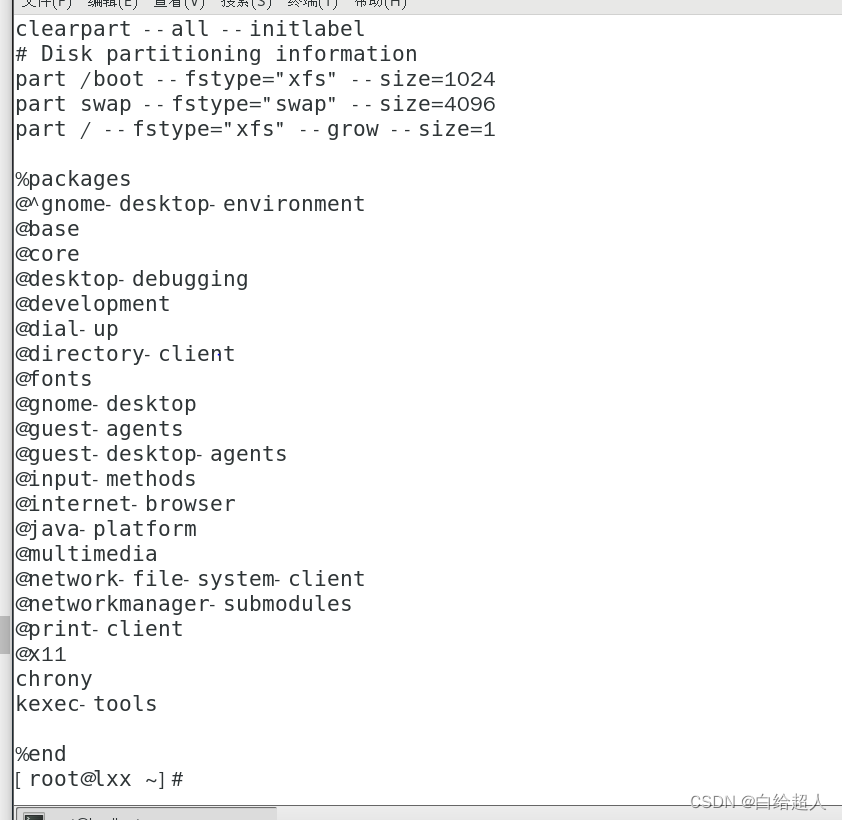
vim /var/lib/tftpboot/pxelinux.cfg/default
# Enter the menu file to optimize , take ks Boot parameters to boot menu file

Now the configuration is complete
verification
Create an empty virtual machine , Don't give the image file

Then start the virtual machine and let it install automatically


边栏推荐
猜你喜欢







随机推荐
3D point cloud course (VIII) -- feature point matching
华为超融合FusionCube解决方案笔记
编程式导航路由跳转到当前路由(参数不变), 多次执行会抛出NavigationDuplicated的警告错误?
酷早报:7月25日Web3加密行业新闻大汇总
Detailed interpretation of hole convolution (input and output size analysis)
Some common writing methods and skills
yolov7训练危险品识别 pytorch
腾讯云与智慧产业事业群(CSIG)调整组织架构,成立数字孪生产品部
干货|语义网、Web3.0、Web3、元宇宙这些概念还傻傻分不清楚?(中)
[MySQL constraint]
2、 Container_
11 "pocket" universities in China! Running on campus and leaving the school before accelerating
What is a callback function? Understanding of the word "back"
How much do you know about the two infrastructures of the badminton stadium?
C语言文件知识点
什么是回调函数,对于“回”字的理解
数据库组成视图
“2022华为开发者大赛中国区东部赛区开幕式”在福州成功举办
Ds-112 time relay
Sim900a based on STM32 sends short messages in Chinese and English