当前位置:网站首页>window10 lower semi-automatic labeling
window10 lower semi-automatic labeling
2022-08-02 14:19:00 【weixin_50862344】
前言
I took a look at our project's tags a lot not working,have to be relabeled.I want to save more than 10,000 or nearly 20,000 photos with the help of automatic or semi-automatic annotation
方法1:easyDL智能标注
(1)借助百度easyDL进行标注
- 选择EasyDL图像–>物体检测
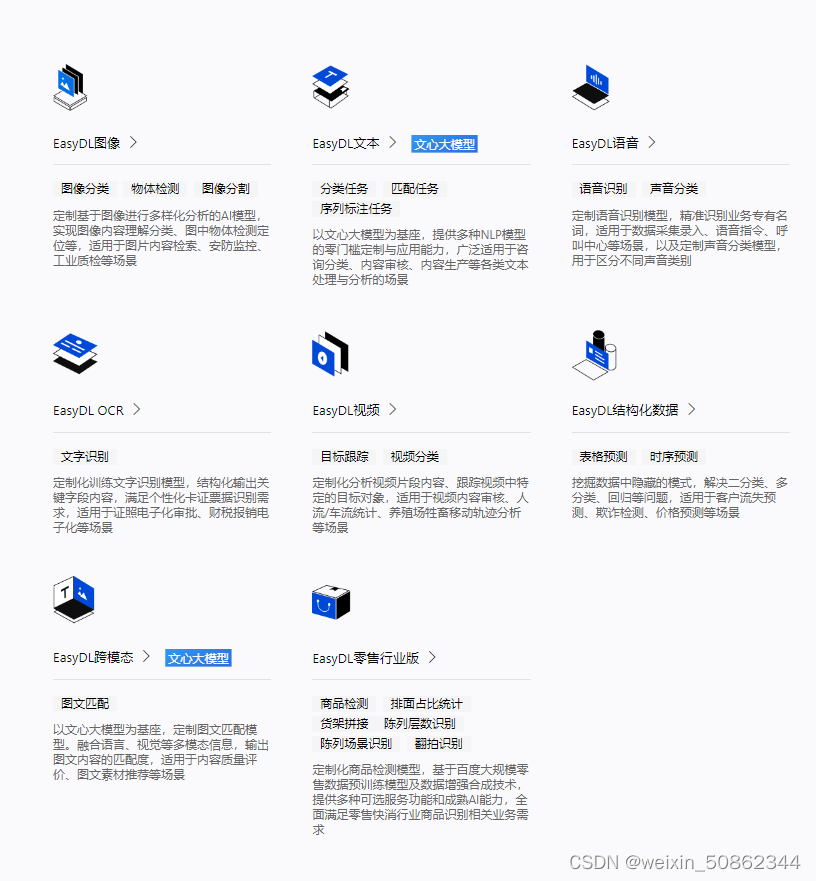
I am doing image recognition so chooseEasyDL图像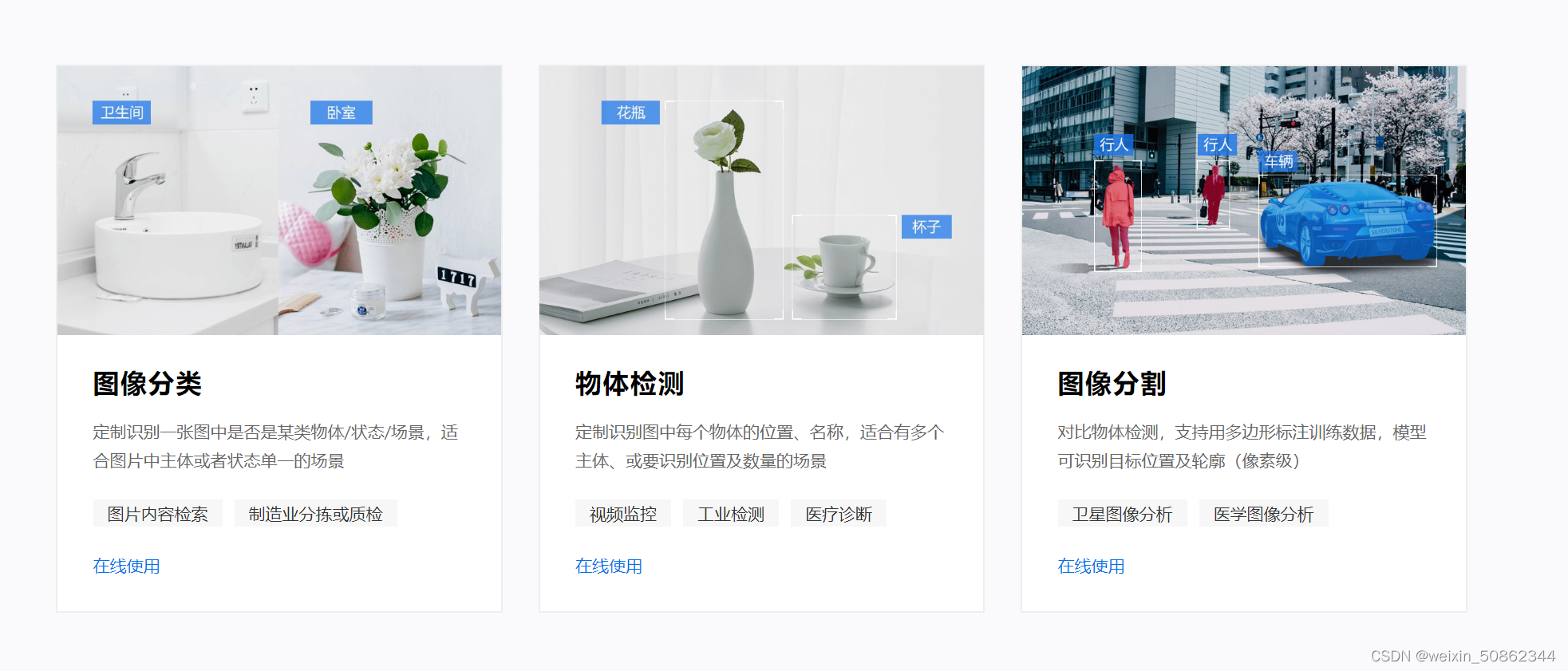
- After simple registration information, import pictures or compressed packages to mark them
- I marked a hundred or so sheets and wanted to try automatic marking
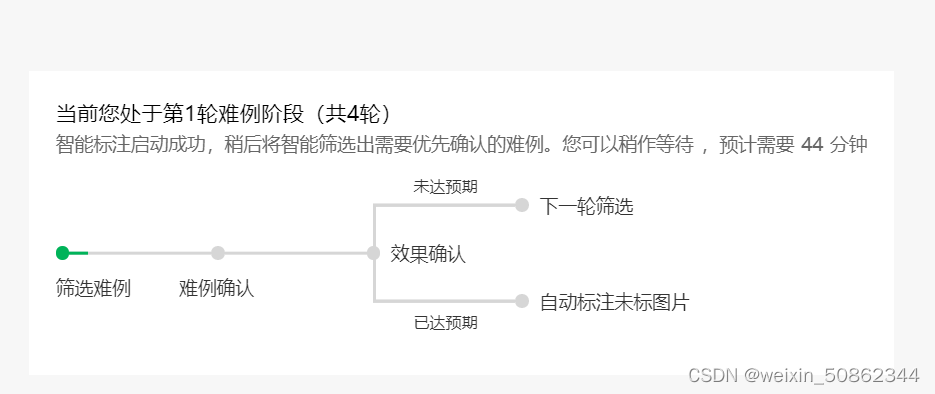
In fact, it will be corrected and corrected later
Finally, you can see the results in the following figure in the data overview - Click on the red circle“立即前往”,进入EasyDAata,点击 “立即使用”,再点击“导出”
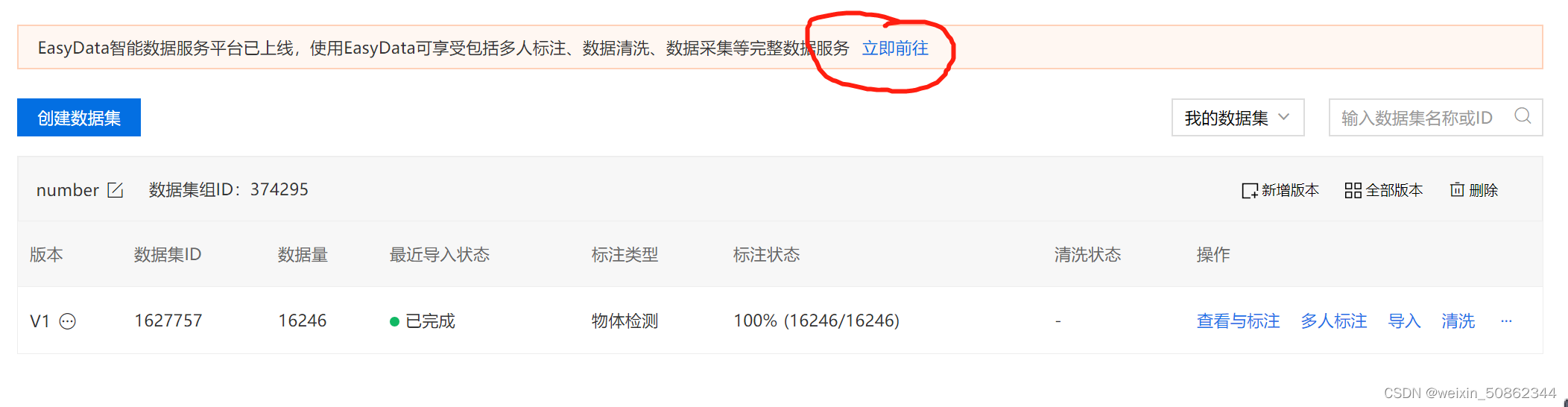
- Just wait for a while下载了
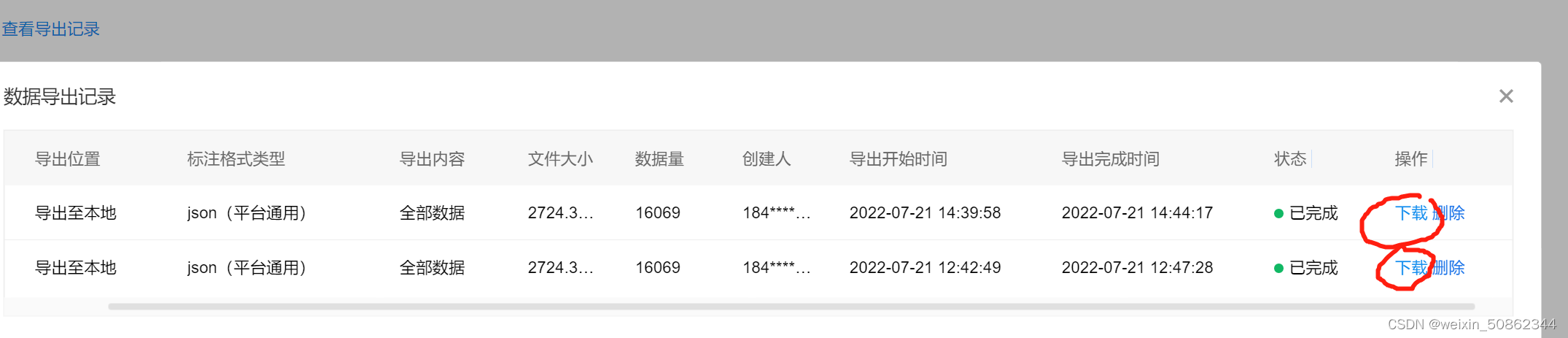
Finally put a picture of the result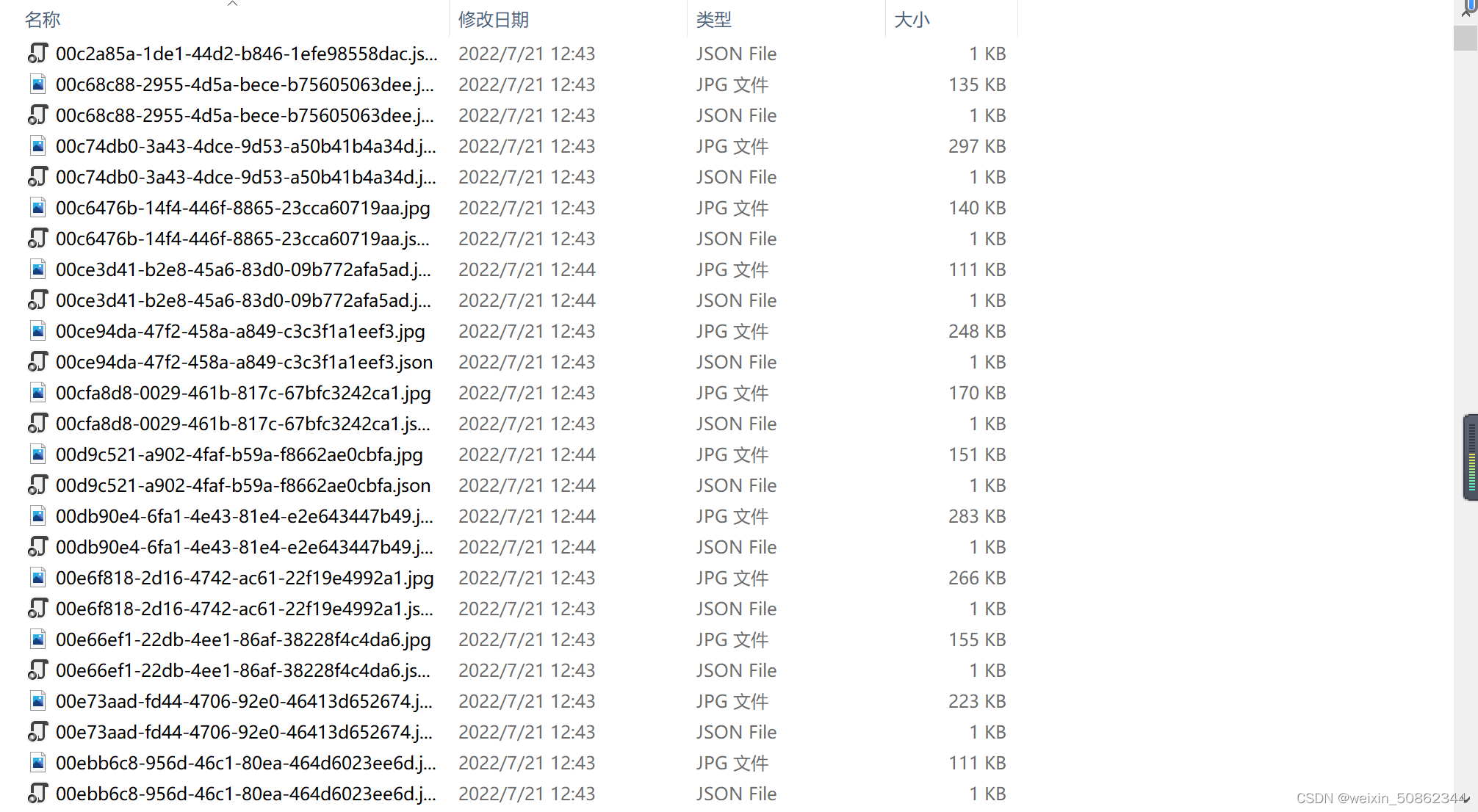
It is a one-to-one correspondence
I'll probably have to write a script later,Separate the two files
The scripts I write all fail due to copyright issues,I found out later that I was dumbfounded.Type directly into the search bar.jpg或者是.json,Then select all and copy to another folder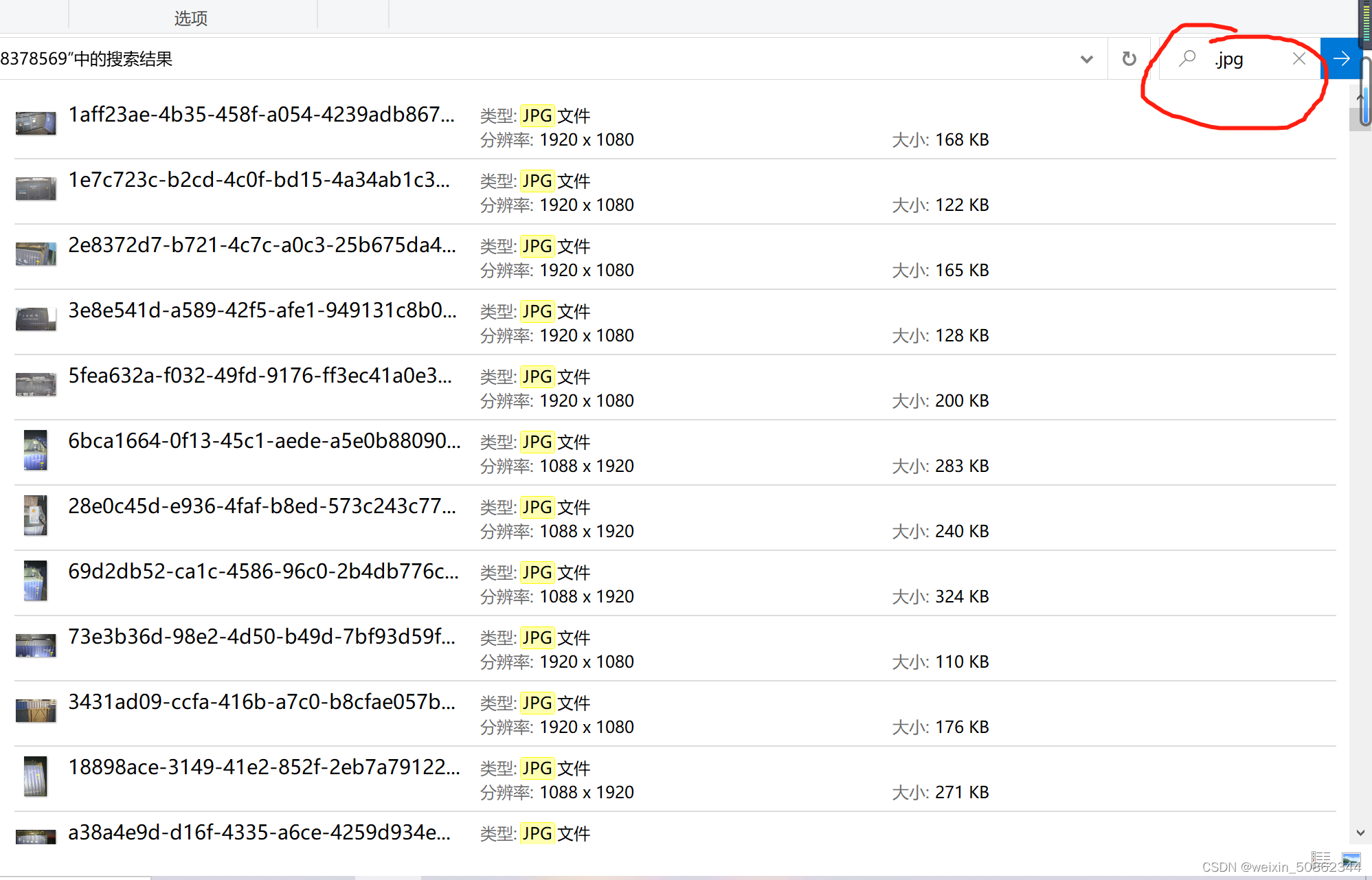
方法2:使用labelimg和pytorch框架下的yolov5Implement automatic labeling
(1)环境配置
Not to mention the environment configuration
The framework is also selectedpytorch
(2)思路
First train a model on a small batch of data,Then use this weight for identification and labeling
!!!Remind you of the number of training sets with small samples,It can't be really too small either(The suggestion is to have a thousand sheets,Recommendations are based on your own dataset)
出于两方面的考虑:①If the sample is too small, the training effect is not good,It may become semi-manual at the back(出力不讨好)
②Some special training samples can be appropriately added to increase the training effect
(3)步骤
1 )The first is to train a small weight first
- Make use of the previously marked filesyolov5训练
I don't know how to trainPytorch搭建YoloV5目标检测平台
But there is a problem that the code given by the blogger is different from the code given by the official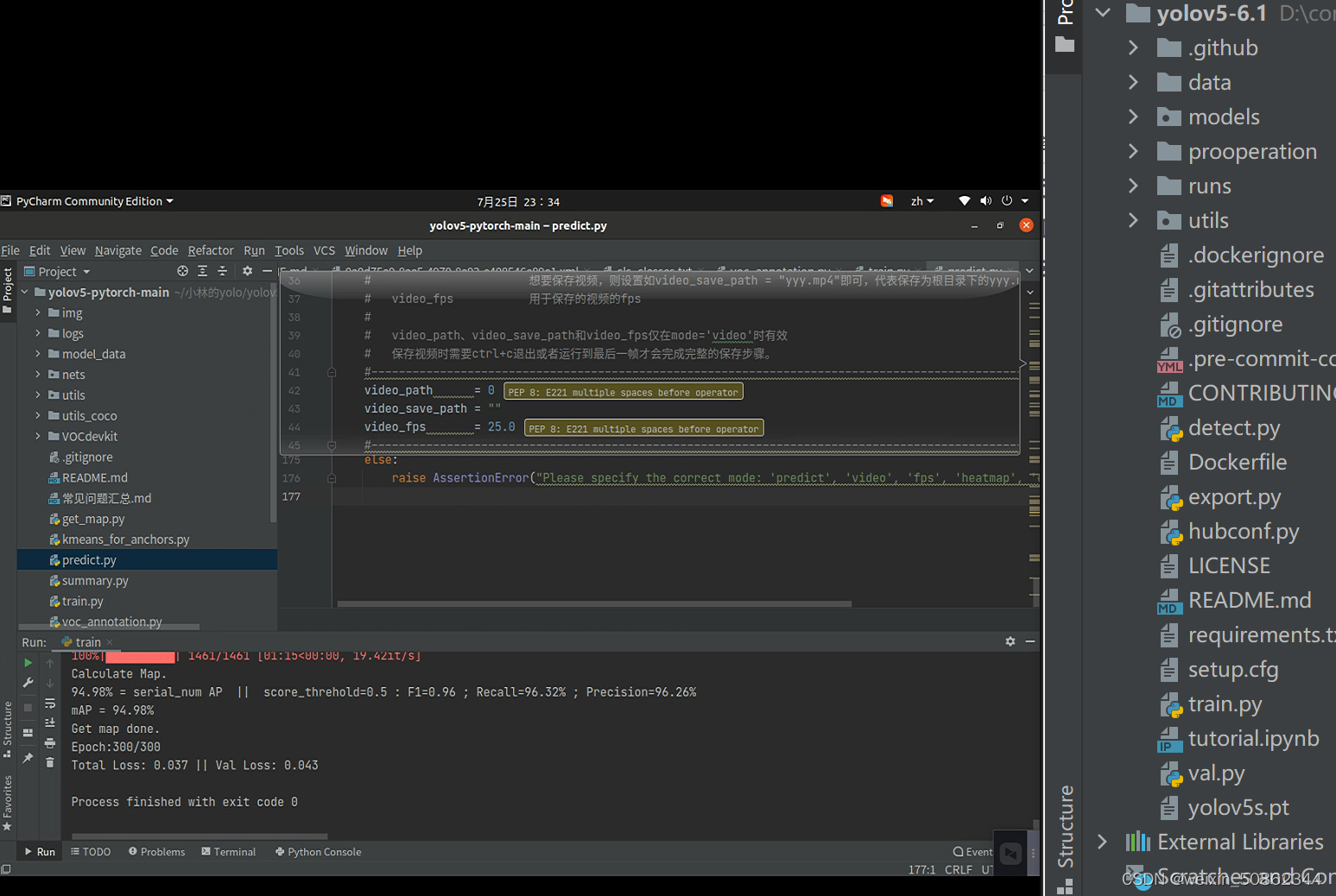
On the left is the blogger's code and on the right is downloaded from the official website,And the resulting weights file ispth类型,The official website download seems to be generatedpt文件
- If you only follow this blogger, you have to consider it nextpth转pt文件了
Be sure to write a script next time!!!
- Use the official code
Check out this article I wrote earlierMaybe some places are not clear,You can private message me or comment directly,看到了(我会的)一定解答
2)开始自动标注
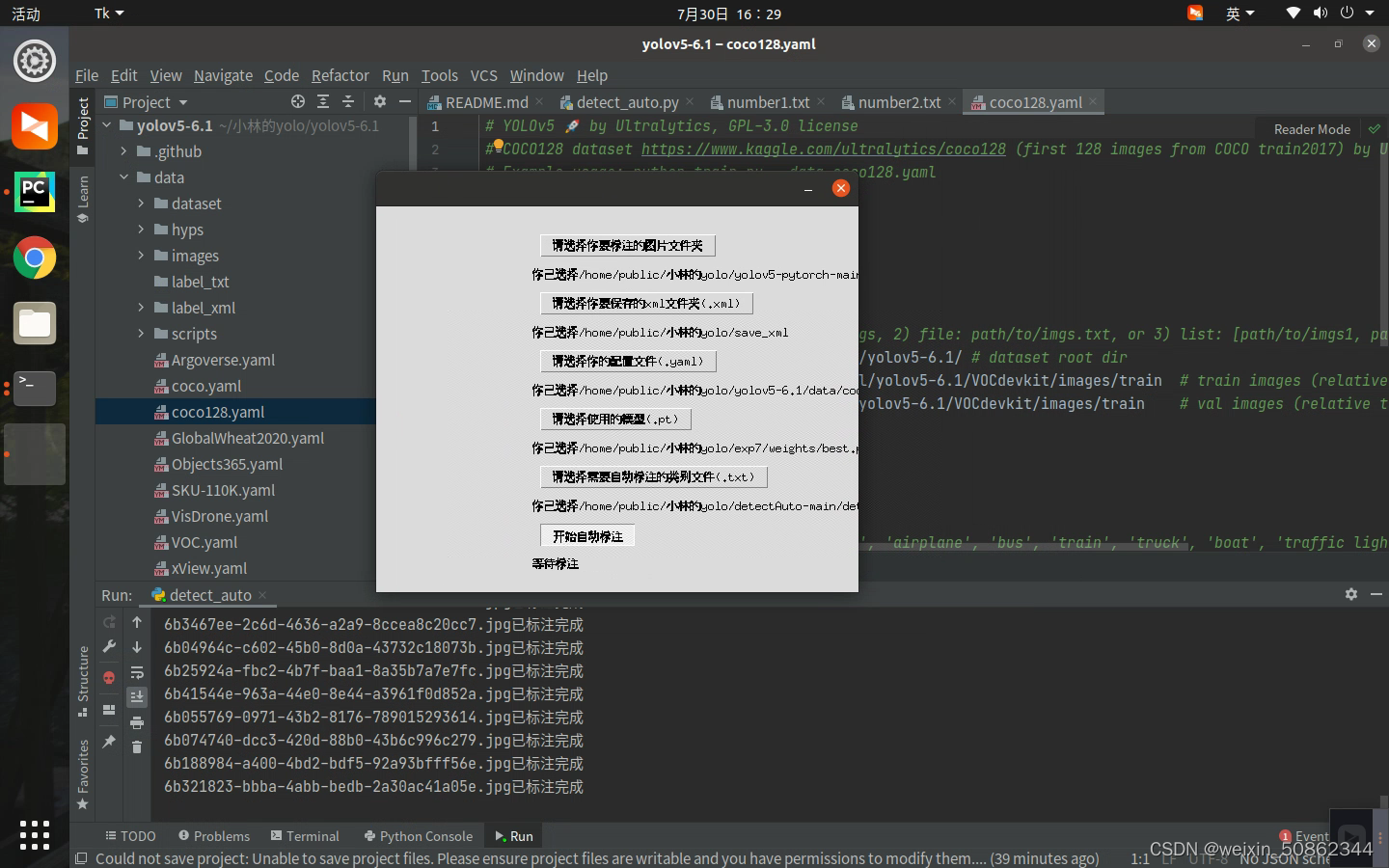
I tried a lot of code and the final result is the mysterycv男的自动标注整体操作比较简单,还有视频讲解.
操作下:
- 直接在github下载在这
- 然后放入yolov5的文件夹中
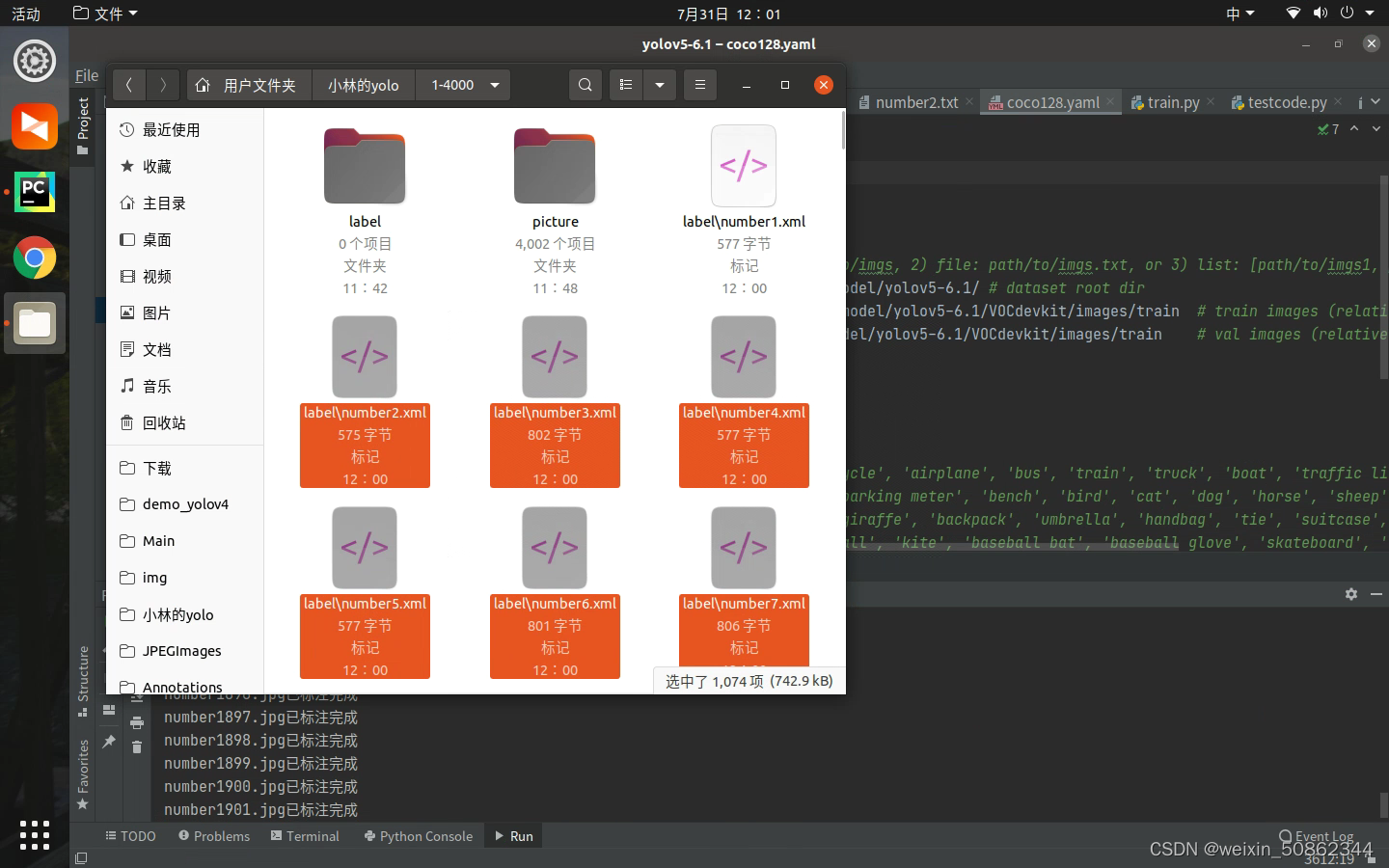
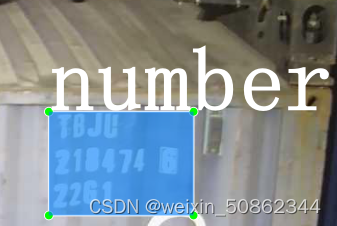
pip Install natsortBecause I haven't downloaded it before- Give me a diagram!
16,000 photos were done in a while!But I found that there is a more troublesome problem is that he can only be therewindow系统下运行,如果在linux(我用的是ubantu)就会出现xmlThe file cannot enter the folder subfolder!!!
Must change next time!下次一定下次一定!
3)xml转成yolo(即txt)格式
import xml.etree.ElementTree as ET

import pickle
import os
from os import listdir, getcwd
from os.path import join
import glob

###!!!!!!!!!###
###(1)改类名
classes = ['number']


def convert(size, box):
    dw = 1.0 / size[0]
    dh = 1.0 / size[1]
    x = (box[0] + box[1]) / 2.0
    y = (box[2] + box[3]) / 2.0
    w = box[1] - box[0]
    h = box[3] - box[2]
    x = x * dw
    w = w * dw
    y = y * dh
    h = h * dh
    return (x, y, w, h)


def convert_annotation(image_name):
    ###!!!!!!!!!###
    #(2)修改为自己的xml路径
    in_file = open('D:/computervision/ocr/data/xml_file/' + image_name[:-3] + 'xml')  # xml文件路径
    #(3)改txt路径
    out_file = open('D:/computervision/ocr/data/txt/' + image_name[:-3] + 'txt', 'w')  # 转换后的txt文件存放路径
    f = open('D:/computervision/ocr/data/xml_file/' + image_name[:-3] + 'xml')
    xml_text = f.read()
    root = ET.fromstring(xml_text)
    f.close()
    size = root.find('size')
    w = int(size.find('width').text)
    h = int(size.find('height').text)

    for obj in root.iter('object'):
        cls = obj.find('name').text
        if cls not in classes:
            print(cls)
            continue
        cls_id = classes.index(cls)
        xmlbox = obj.find('bndbox')
        b = (float(xmlbox.find('xmin').text), float(xmlbox.find('xmax').text), float(xmlbox.find('ymin').text),
             float(xmlbox.find('ymax').text))
        bb = convert((w, h), b)
        out_file.write(str(cls_id) + " " + " ".join([str(a) for a in bb]) + '\n')


wd = getcwd()

if __name__ == '__main__':
    ###!!!!!!!!!###
    ###(4)改jpg文件路径
    for image_path in glob.glob("D:/computervision/ocr/data/jpg_file/*.jpg"):  # 每一张图片都对应一个xml文件这里写xml对应的图片的路径
        image_name = image_path.split('\\')[-1]
        convert_annotation(image_name)
One problem with this code is that it doesn'txml文件(Because the training results may not necessarily guarantee that every image can be labeled),At this point, it needs to be corrected manually!
方法3:基于PaddleHub和Labelimg
emmm…The first two works well ,I didn't study it carefully.下次一定!下次一定!
边栏推荐
猜你喜欢
![[ROS] The difference between roscd and cd](/img/a8/a1347568170821e8f186091b93e52a.png)
[ROS] The difference between roscd and cd
ZABBIX配置邮件报警和微信报警
The bad policy has no long-term impact on the market, and the bull market will continue 2021-05-19
Sentinel源码(三)slot解析
Unit 15 Paging, Filtering
What are the file encryption software?Keep your files safe
Cloin 控制台乱码
window10下半自动标注
跑跑yolov5吧

世界上最大的开源基金会 Apache 是如何运作的?
随机推荐
IDEA打包jar包
YOLOv7使用云GPU训练自己的数据集
What is the difference between web testing and app testing?
[ROS] The difference between roscd and cd
第七单元 ORM表关系及操作
deal!It's July 30th!
Flask框架
yolov5,yolov4,yolov3乱七八糟的
Mysql's case the when you how to use
[ROS](05)ROS通信 —— 节点,Nodes & Master
The bad policy has no long-term impact on the market, and the bull market will continue 2021-05-19
shell脚本“画画”
Configure zabbix auto-discovery and auto-registration.
Deep learning framework pytorch rapid development and actual combat chapter3
8581 线性链表逆置
Sentinel源码(三)slot解析
[ROS] (04) Detailed explanation of package.xml
chapter7
Flask框架深入二
跑yolov5又出啥问题了(1)p,r,map全部为0