当前位置:网站首页>设置QCheckbox 样式的注意事项
设置QCheckbox 样式的注意事项
2022-06-26 08:40:00 【liji_digital】
目录
任务
用滑动式按钮显示checkbox的选中和不选中状态。


注意1
为了能显示出按钮的圆角特征,建议图片格式为png格式,这样圆角以外的图片就透明了。
注意2
你可以在qss文件里配置qcheckbox的样式,也可以在代码里直接调用setStyleSheet函数。这里采用后者。
注意3
图片是贴在QCheckbox的方块上的。QCheckbox右边的文字不受影响。
而默认的QCheckbox的方块太小了。图标显示上去很不清楚。所以你要用下面的qss配置方块的尺寸:
QCheckBox::indicator {width: 90px; height: 60px;}注意4
很多的qss示例里面,图片是作为资源文件被引用的,所以要把图片加入qt的资源里面。但是本示例并没有把图片加入资源。而是直接将图片放到构建目录下。setStyleSheet引用的图片路径就是以相对于构建目录而言的。
如下面的路径,是构建目录下的asset

setStyleSheet里面的路径也是相对于构建目录的:
QCheckBox::indicator:unchecked {border-image: url(./asset/on1.png)}假如你使用qss文件配置样式,而你又不想把图片加到资源里面,则应在qss文件内引用相对于qss文件所在目录的路径。
注意5
下面的三行配置要在同一个setStyleSheet中使用,不能采用分开独立的几个setStyleSheet逐个调用,那样的话,前面的调用就无效了。
ui->checkBox->setStyleSheet("QCheckBox::indicator {width: 90px; height: 60px;}"
                                "QCheckBox::indicator:unchecked {border-image: url(./asset/on1.png) 0 0 0 0 stretch stretch}"
                                "QCheckBox::indicator:checked {border-image: url(./asset/off1.png) 0 0 0 0 stretch stretch}");
效果

完整源码和可执行程序已经上传到了我的资源基于qt的程序,演示了如何通过setStyleSheet配置checkbox按钮的外观。-C++文档类资源-CSDN下载
边栏推荐
- Leetcode: array fast and slow pointer method
- SRv6----IS-IS扩展
- Pandas vs. SQL 1_ nanyangjx
- Sublime Text3 common plug-ins
- Install Anaconda + NVIDIA graphics card driver + pytorch under win10_ gpu
- 在哪个软件上开户比较安全
- Use of PCL
- [qnx hypervisor 2.2 user manual]12.2 terminology (II)
- Principle of playing card image segmentation
- 2021 software university ranking crawler program
猜你喜欢

Detailed explanation of traditional image segmentation methods

Fourier transform of image
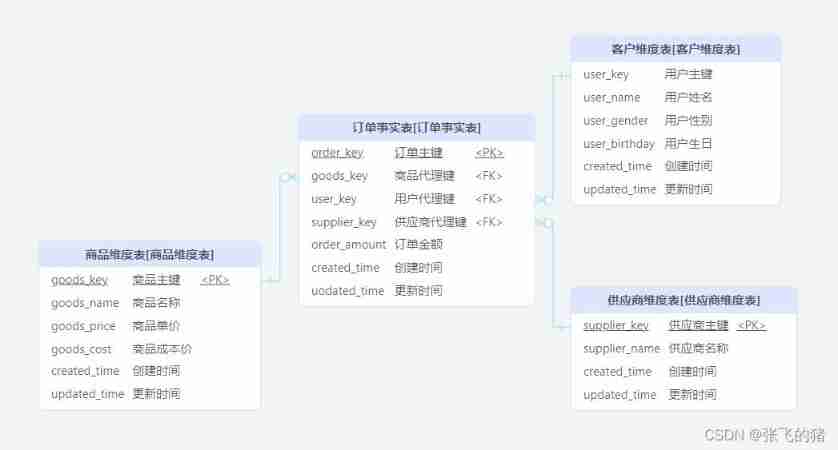
Data warehouse (3) star model and dimension modeling of data warehouse modeling
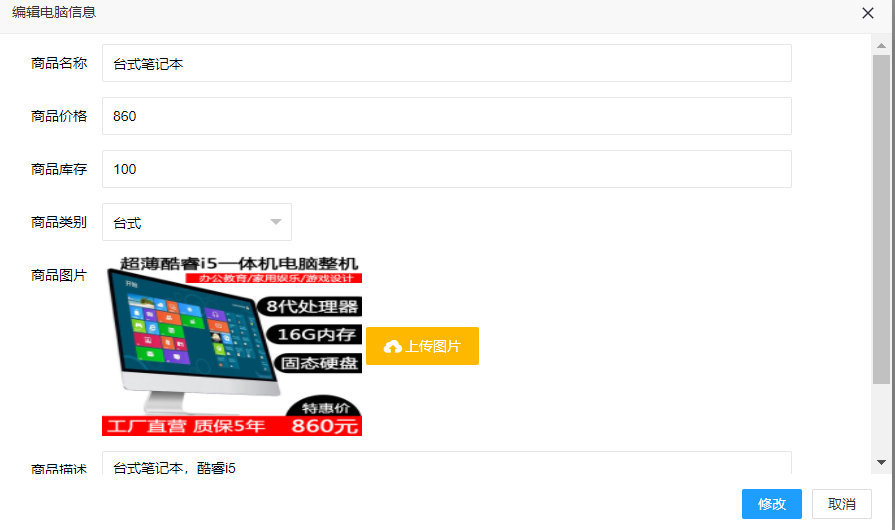
基于SSM的电脑商城

Whale conference one-stop intelligent conference system helps organizers realize digital conference management

框架跳转导致定位失败的解决方法

Digital image processing learning (II): Gaussian low pass filter

外部排序和大小堆相关知识

What are the conditions for Mitsubishi PLC to realize Ethernet wireless communication?

pgsql_ UDF01_ jx
随机推荐
20220623 Adobe Illustrator入门
Summary of mobile terminal lightweight model data
HDU - 6225 little boxes (\u int128)
Software engineering - personal assignment - question review and personal summary
Solution to the encoding problem encountered by the crawler when requesting get/post
ImportError: ERROR: recursion is detected during loading of “cv2“ binary extensions. Check OpenCV in
Exploration of webots and ROS joint simulation (I): software installation
Corn image segmentation count_ nanyangjx
Nebula diagram_ Object detection and measurement_ nanyangjx
Selenium builds cookies pool to bypass authentication and anti crawl login
Segmentation of structured light images using segmentation network
Autoregressive model of Lantern Festival
力扣399【除法求值】【并查集】
【程序的编译和预处理】
Data warehouse (3) star model and dimension modeling of data warehouse modeling
攔截器與過濾器的實現代碼
Digital image processing learning (II): Gaussian low pass filter
1.23 neural network
How to use leetcode
【MATLAB GUI】 键盘回调中按键识别符查找表