当前位置:网站首页>编译安装oh-my-zsh
编译安装oh-my-zsh
2022-07-01 00:41:00 【Hello_wshuo】
1.前言
oh-my-zsh是基于zsh的一套美化工具,其内部也提供很多主题以及插件。github介绍
2.有啥用

对我来说可能查看git分支更加直观,另外其强大的补全功能
又或者更加直观的查看上一条命令的返回值是否为0
当然这点功能只能算冰山一角,还有很多功能值的探索,其不只是一个美化工具也是可以提升工作效率的利器!
3.如何安装
由于是在公司服务器上我没有root权限和sudo权限,所以只能采取编译安装的办法。
oh-my-zsh依赖 zsh,而zsh 依赖与 ncurses,所以首先编译安装ncurses。
3.1 编译安装ncurses
在编译前需要导入一些环境变量,导入环境变量的作用是后续编译zsh的时候能够找到ncurses链接库
export CXXFLAGS="-fPIC"
export CFLAGS="-fPIC"
export NCURSES_HOME=$HOME/.local  # 你自己的 ncurses 目录
export PATH=$NCURSES_HOME/bin:$PATH
export LD_LIBRARY_PATH=$NCURSES_HOME/lib:$LD_LIBRARY_PATH
export CPPFLAGS="-I$NCURSES_HOME/include" LDFLAGS="-L$NCURSES_HOME/lib"
可以将其写入到 ~/.bashrc 中,然后source ~/.bashrc一下。
开始下载编译
wget http://ftp.gnu.org/pub/gnu/ncurses/ncurses-6.1.tar.gz  # 下载ncurses
tar -xzvf ncurses-6.1.tar.gz  # 解压
cd ncurses-6.1
./configure --prefix=$HOME/.local/ --with-shared --without-debug --enable-widec  # 指定路径configure
make -j4 && make install
编译安装成功后会在 家目录下的.local文件夹下,bin目录下是可执行文件,lib目录下存放供zsh使用ncurses的链接库,还有一些头文件放在include文件夹下,可供开发使用,不过这些都不需要care。
3.2 编译安装zsh
wget https://jaist.dl.sourceforge.net/project/zsh/zsh/5.9/zsh-5.9.tar.xz
tar -xvf xvf zsh-5.9.tar.xz
cd zsh-5.9
./configure --prefix=$HOME/.local/  # --prefix是指定编译安装后的目录,也就是最终编译成功后会安装在 $HOME/.local/bin 目录
make -j4 && make install
由于 $HOME/.local/bin 目录默认在 PATH 环境变量中,所以此时输入 zsh 是可以调用到编译好的zsh的
到此 zsh 和 ncurses 都已编译安装成功
3.2 安装 oh-my-zsh
sh -c "$(curl -fsSL https://raw.github.com/robbyrussell/oh-my-zsh/master/tools/install.sh)"
等待安装成功
此时会自动进入zsh,下次启动输入 zsh 即可进入。
4.更换oh-my-zsh主题
oh-my-zsh 有很多主题,其可以在 $HOME/.oh-my-zsh/themes 看到:
其主题更换,可以修改 $HOME/.zshrc 文件内容
如我这里用的主题配置的是agnoste
5.启动自动进入zsh
这里互联网上一般使用 chsh命令来更换默认shell, 但是对于没有root 权限,或者不想修改全局配置的用户来说显然是不好的。
所以这里采用 修改$HOME/.bashrc 文件, 在最后一行加入 zsh 就可以了, 这个文件的作用就是每次shell启动的时候就会自动执行,所以每次ssh连接进入的时候就会自动进入 zsh
6.其它安装软件的方式
由于apt 安装软件需要root权限,所以可以采用 apt download deb,然后解压deb包,最后再将 加压的文件放到 .local 目录下即可
例如 安装 htop
apt download htop
dpkg-deb --fsys-tarfile htop_2.1.0-3_amd64.deb | tar xvf -  # 解压deb
cp -r  ./usr/* .local  # 将解压出来的usr目录下的所有文件夹以及文件 复制到.local下
这种安装方式适合依赖少的软件,如果依赖多就需要下载多个deb包,然后移动到对应目录,这种方法相较于编译安装还是方便了不少
边栏推荐
猜你喜欢

Windows环境下安装MongoDB数据库

5. TPM module initialization
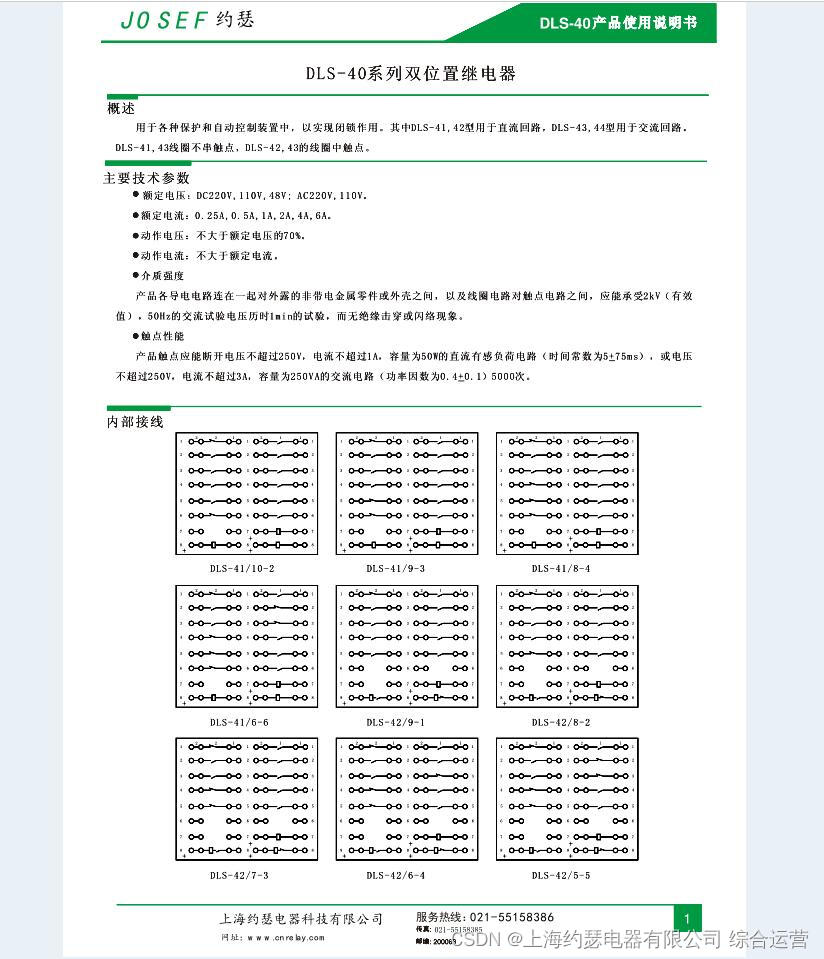
Dls-42/6-4 dc110v double position relay

Win11安装redis 数据库以及redis desktop manager的下载

Vnctf 2022 cm CM1 re reproduction

DC學習筆記正式篇之零——綜述與基本流程介紹

软硬件基础知识学习--小日记(1)

技术人进阶画业务大图,手把手教学来了
Technical personnel advanced to draw a big picture of business, hand-in-hand teaching is coming

fluttertoast
随机推荐
MFC TCP通信服务端客户端Demo备忘vs2019
Analyzing the wisdom principle in maker education practice
【学习笔记】构造
[LeetCode] 爬楼梯【70】
Service grid ASM year end summary: how do end users use the service grid?
[go] go implements row column conversion of sets
uniapp官方组件点击item无效,解决方案
友盟(软件异常实时监听的好帮手:Crash)接入教程(有点基础的小白最易学的教程)
mustache语法
Using asyncio for concurrency
ESP8266 RC522
JS to convert numbers into Chinese characters for output
二十多年来第一次!CVPR最佳学生论文授予中国高校学生!
Web interface testing of software testing
Metauniverse and virtual reality (II)
小程序自定义宫格
Docker 部署 MySQL 8
The real topic of the 11th provincial competition of Bluebridge cup 2020 - crop hybridization
Detailed analysis of operators i++ and ++i in JS, i++ and ++i
Principes de formation de la programmation robotique