当前位置:网站首页>Matplotlib常用設置
Matplotlib常用設置
2022-07-01 23:17:00 【冷巷(*_*)】
線條顏色和樣式
圖錶的常用設置
matplotlib.pyplot.plot的color參數設置線條顏色
顏色設置
通用顏色
其他顏色
浮點形式的RGB或者RGBA元組
十六進制的RGB或者RGBA字符串
1-2之間的小數作為的灰度值
X11/CSS4中規定的顏色名稱
Xkcd中指定的顏色名稱
Tableau調色板中的顏色
CN格式的顏色循環
| b | 藍色 |
| g | 綠色 |
| r | 紅色 |
| c | 藍綠色 |
| #FFFF00 | 黃色 |
| m | 洋紅色 |
y | 黃色 |
| k | 黑色 |
w | 白色 |
| 0.5 | 灰度值字符串 |

標記設置
matplotlib.pyplot.plot的linestyle參數設置顏色設置線條樣式
線條樣式設置
1.實線'-'
2.雙劃線'--'
3.點劃線'-.'
4.虛線':'
標記樣式
marker參數,設置標記樣式
| . | 點標記 |
| , | 像素標記 |
| o | 實心圓標記 |
| v | 倒三角標記 |
| ^ | 上三角標記 |
| > | 右三角標記 |
| < | 左三角標記 |
| 1 | 下花三角標記 |
| 2 | 上花三角標記 |
| 3 | 左花三角標記 |
| 4 | 右花三角標記 |
| s | 實心正方形標記 |
| p | 實心五角形標記 |
| * | 星形標記 |

看看標記的用法

圖布設置
設置畫布
語法格式
matpoltlib.pyplot.figure(num=None,figsize=None,dpi=None,facecolor=None,edgecolor=None,frameon=True)參數說明
1.num:圖像編號或名稱,數字為編號,字符串為名稱,可以通過該參數激活不同的畫布
2.figsize:指定畫布的寬和高,單比特為英寸
3.dpi:指定繪圖對象的分辨率,即每英寸包含多少個像素,默認值為80。像素越大,畫布越大
4.facecolor:背景顏色
5.edgeolor:邊框顏色
6.frameon:是否顯示邊框,默認值為True,繪制邊框,如果為False,則不繪制邊框
這畫布說白了就是背景。
設置坐標軸和網絡格
設置坐標軸
設置坐標軸標題
xlabel函數設置x軸坐標軸標題,ylabel函數設置y軸坐標軸標題
解决中文亂碼問題
plt.rcParame['font.sans-serif']=['SimHei']設置坐標軸刻度
xticks函數設置x軸刻度,yticks函數設置y軸刻度
設置坐標軸範圍
xlim函數設置x軸坐標軸範圍,ylim函數設置y軸坐標軸範圍
設置網絡線
grid()函數設置網格線


文本標簽_ 標題_圖例
添加文本標簽
matplotlib.pyplot.text(x,y,s,**kwargs)| fontsize | 字體大小 |
| ha | 水平對齊方式 |
| va | 垂直對齊方式 |
設置標題和圖例
matplotlib.pyplot.title()

matplotlib.pyplot.legend()| best | 自適應 |
| lower right | 右下方 |
| center left | 左中間 |
| center | 正中央 |
| upper right | 右上方 |
| lower left | 左下方 |
| center right | 右中間 |
| lower center | 下中間 |
| upper left | 左上方 |
| right | 右側 |
| upper center | 上中間 |


文本注釋與坐標軸刻度線
添加注釋
matplotlib.pyplot.annotate(s,xy,xytext,xycoords,arrowprops)調整圖錶與畫布邊緣間距
matplotlib.pyplot.subplots_adjust(left,right,top,bottom)坐標軸的刻度線
matplotlib.pyplot.tick_params(bottom,left,right,top)

matplotlib.pyplot.rcParams('xtick.direction')='in'

matplotlib.pyplot.rcParams('ytick.direction')='in'边栏推荐
- Unable to climb hill sort, directly insert sort
- The last packet sent successfully to the server was 0 milliseconds ago. The driver has not received
- "35 years old, the boss of the company, with a monthly salary of 20000, give away takeout": the times abandoned you, not even saying goodbye
- What is the relationship between modeling and later film and television?
- The difference between timer and scheduledthreadpoolexecutor
- 马赛克后挡板是什么?
- Summary of "performance testing" of software testing, novice will know the knowledge points on the road
- window10安装wsl(一)(WslRegisterDistribution ERROR)
- Win 10 mstsc connect RemoteApp
- flutter Unable to load asset: assets/images/888. png
猜你喜欢

SWT/ANR问题--SWT 导致 kernel fuse deadlock

CKS CKA ckad change terminal to remote desktop
What is the mosaic tailgate?

【Kotlin 第三方 】coil koltin协程图片加载库Coil类似Glide的图片加载第三方

91. (cesium chapter) cesium rocket launch simulation

2022年危险化学品经营单位安全管理人员考试题及在线模拟考试
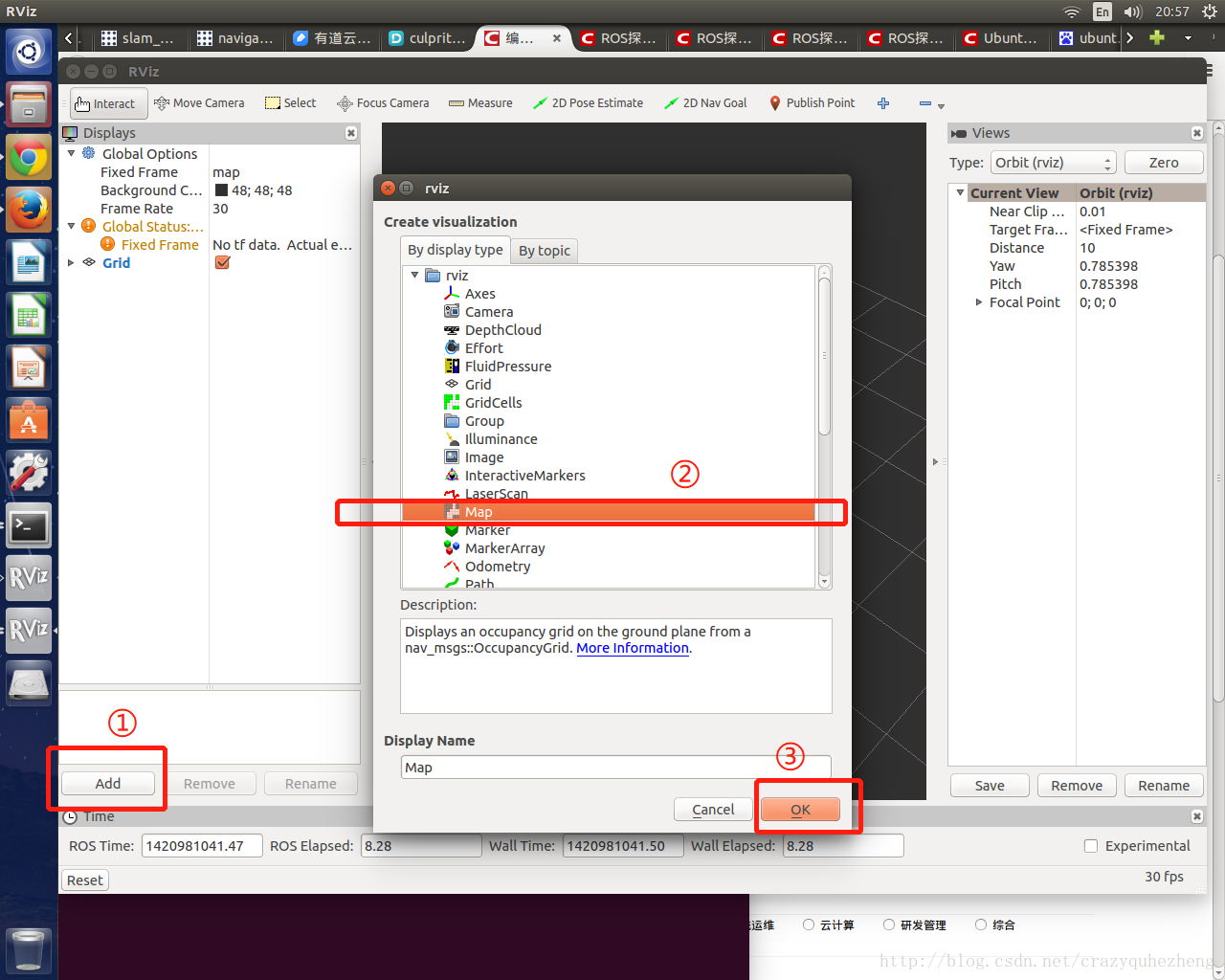
rviz打开后如何显示实时2D地图

Detailed explanation of twenty common software testing methods (the most complete in History)

Groups and ranges of regular series

Redis数据类型和应用场景
随机推荐
Redis~02 缓存:更新数据时如何保证MySQL和Redis中的数据一致性?
MySQL binlog cleanup
Win 10 mstsc connect RemoteApp
What is the relationship between modeling and later film and television?
[机缘参悟-35]:鬼谷子-飞箝篇-远程连接、远程控制与远程测试之术
Design of ESP automatic download circuit
2022 safety officer-c certificate examination question simulation examination question bank and simulation examination
The difference between timer and scheduledthreadpoolexecutor
Understanding threads
认识线程
实在RPA:银行数字化,业务流程自动化“一小步”,贷款审核效率“一大步”
【Swoole系列1】在Swoole的世界中,你将学习到什么?
2022 examination questions and online simulation examination for safety management personnel of hazardous chemical business units
Convergence and disposal suggestions of some Internet exposure surfaces
Explain the volatile keyword
每日三题 6.29
Timer和ScheduledThreadPoolExecutor的区别
Mysql 5.7 实现 rank 排名
Jerry's burning of upper version materials requires [chapter]
毕业季,既是告别,也是新的开始