当前位置:网站首页>MATLAB如何修改默认设置
MATLAB如何修改默认设置
2022-07-03 06:17:00 【最爱大盘鸡】
今天在github上下载了一个代码,运行结束之后,发现它把我的figure里面的默认解释器改了。
原本的设置是:
interpreter = 'none'
但我打开figure的属性窗口一看,这个属性被改成了
interpreter = 'Latex'
这样在画图过程中,一旦文本里面有汉字,就会出现下面的警告:
警告: 更新 Text 时出错。 字符串标量或字符向量必须具备有效的解释器语法
解决方法有2个:
- 是以后每次写
legend()或者xlabel()、ylabel()的时候加上interpreter = 'none' - 把默认设置修改回原来的样子
我决定一劳永逸,选择第二个。
开始上网查资料,找到了这篇文章,介绍了如何把figure的背景色换成白色,代码是set(0,'defaultfigurecolor','w')。我从这篇文章中受到启发,认为可以找到默认设置的句柄,再通过set()设置句柄参数,恢复默认设置。多说一嘴,代码里面0这个句柄代表的是计算机屏幕(可以参考这里)。
下一步是上网查找MATLAB的默认句柄有什么,找到了这篇文章。
作者说可以用get(0,'factory')来获取默认的属性定义值。在MATLAB命令行里面输入这行命令之后,出现了好多好多可以设置的属性。但我找了一下,没有发现interpreter的名字,感觉可能不是用这行代码来做。
当下心思一动,心想可以不可以把factory替换成default,在命令行输入代码get(0,'default'),得到如下输出:
ans =

  包含以下字段的 struct:

              defaultFigurePosition: [680 558 560 420]
     defaultFigurePaperPositionMode: 'auto'
             defaultFigurePaperType: 'A4'
            defaultFigurePaperUnits: 'centimeters'
             defaultFigurePaperSize: [21 29.7000]
             defaultTextInterpreter: 'latex'
           defaultLegendInterpreter: 'latex'
    defaultAxesTickLabelInterpreter: 'latex'
注意到最后三行出现了interpreter和latex的名字, 这就是要找的默认设置。
在命令行输入下面三行代码就可以把解释器换成MATLAB的默认设置了。
set(0,'defaultTextInterpreter','none');
set(0,'defaultLegendInterpreter','none');
set(0,'defaultAxesTickLabelInterpreter','none');
再次输入get(0,'default')检查一下是否设置成功,得到如下输出。
ans =

  包含以下字段的 struct:

              defaultFigurePosition: [680 558 560 420]
     defaultFigurePaperPositionMode: 'auto'
             defaultFigurePaperType: 'A4'
            defaultFigurePaperUnits: 'centimeters'
             defaultFigurePaperSize: [21 29.7000]
             defaultTextInterpreter: 'none'
           defaultLegendInterpreter: 'none'
    defaultAxesTickLabelInterpreter: 'none'
成功!这下在figure中画图用汉字的时候再也不会给警告了。
通过这件事情我觉得吧,还是得多思考多想一想怎么解决问题,解决问题后还要及时记录,防止自己忘记。
边栏推荐
- Kubesphere - set up redis cluster
- Use selenium to climb the annual box office of Yien
- BeanDefinitionRegistryPostProcessor
- Oauth2.0 - explanation of simplified mode, password mode and client mode
- Kubernetes notes (V) configuration management
- JMeter linked database
- Cesium entity (entities) entity deletion method
- 【无标题】8 简易版通讯录
- [system design] proximity service
- Mysql
猜你喜欢
Synthetic keyword and NBAC mechanism
YOLOV1学习笔记
Cesium Click to obtain the longitude and latitude elevation coordinates (3D coordinates) of the model surface

Kubernetes notes (I) kubernetes cluster architecture
Jedis source code analysis (II): jediscluster module source code analysis
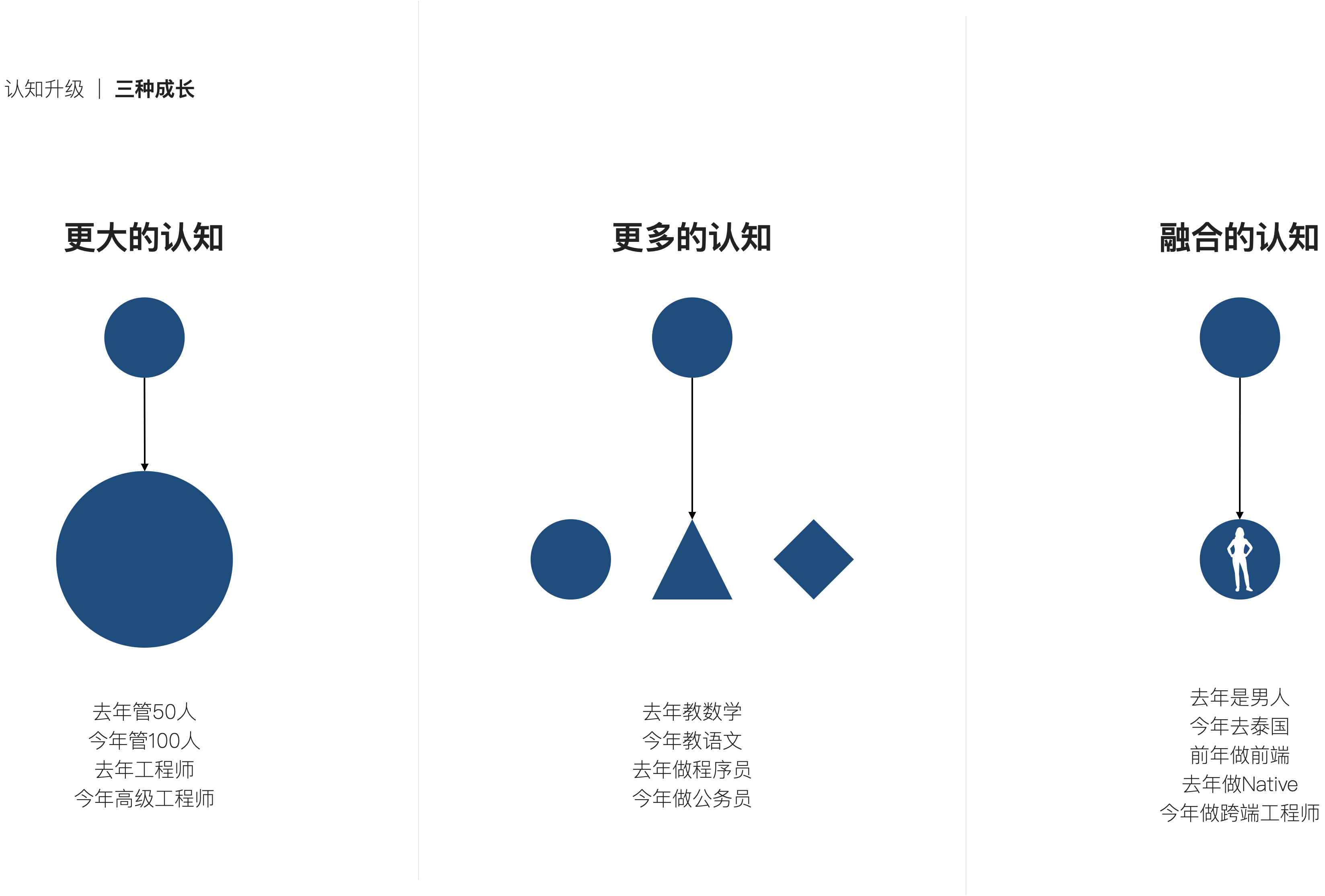
Advanced technology management - do you know the whole picture of growth?
![[set theory] relational closure (relational closure solution | relational graph closure | relational matrix closure | closure operation and relational properties | closure compound operation)](/img/a4/00aca72b268f77fe4fb24ac06289f5.jpg)
[set theory] relational closure (relational closure solution | relational graph closure | relational matrix closure | closure operation and relational properties | closure compound operation)
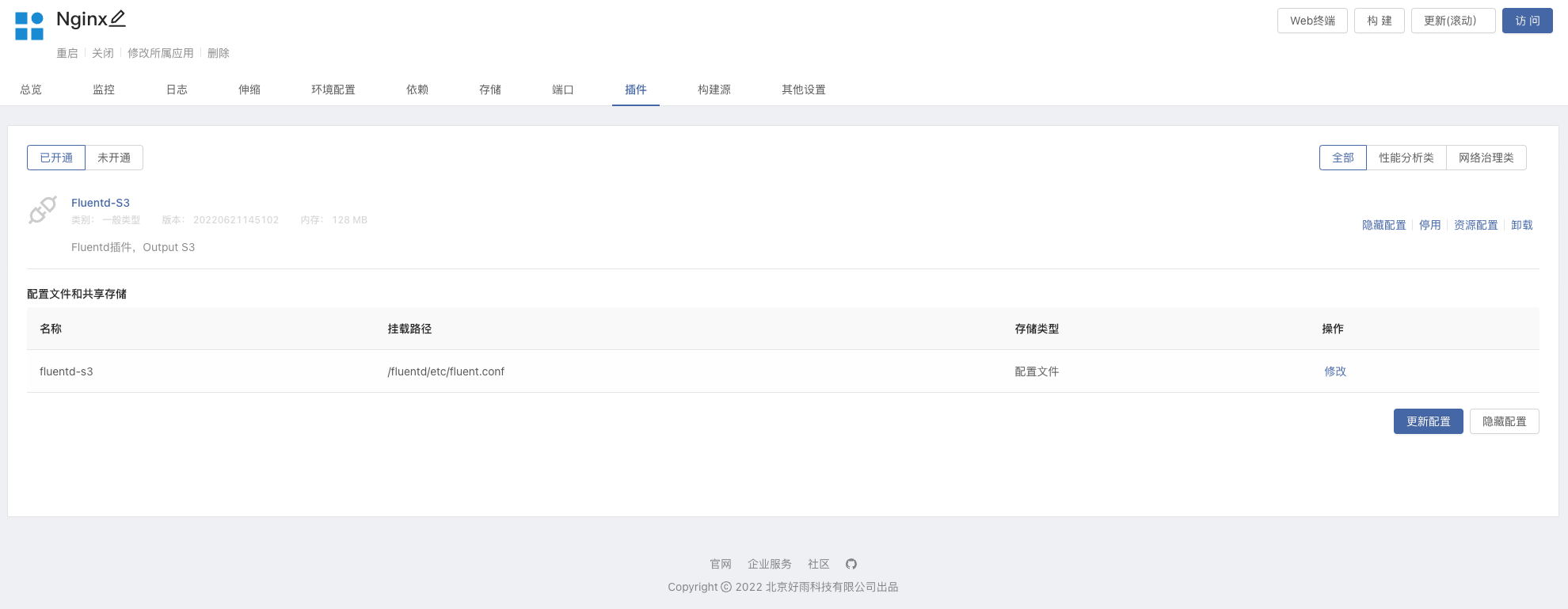
輕松上手Fluentd,結合 Rainbond 插件市場,日志收集更快捷

Read blog type data from mysql, Chinese garbled code - solved
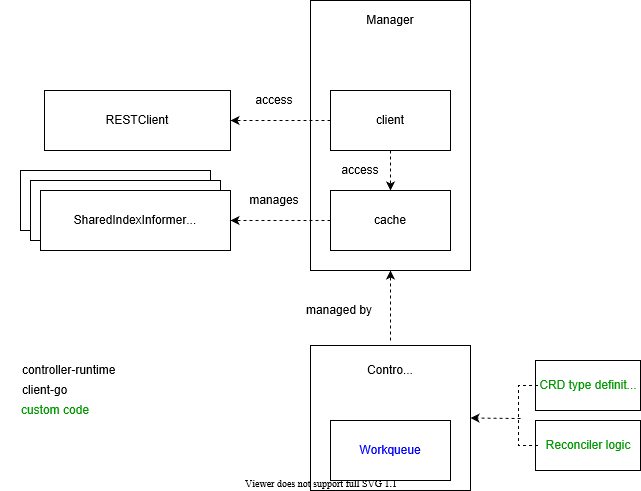
In depth analysis of kubernetes controller runtime
随机推荐
Cannot get value with @value, null
剖析虚幻渲染体系(16)- 图形驱动的秘密
Svn branch management
BeanDefinitionRegistryPostProcessor
Kubernetes notes (I) kubernetes cluster architecture
Disruptor learning notes: basic use, core concepts and principles
phpstudy设置项目可以由局域网的其他电脑可以访问
POI dealing with Excel learning
智牛股--03
Scripy learning
Detailed explanation of findloadedclass
Beandefinitionregistrypostprocessor
Leetcode solution - 02 Add Two Numbers
从 Amazon Aurora 迁移数据到 TiDB
Mysql
What's the difference between using the Service Worker Cache API and regular browser cache?
Some thoughts on machine learning
Clickhouse learning notes (2): execution plan, table creation optimization, syntax optimization rules, query optimization, data consistency
Push box games C #
arcgis创建postgre企业级数据库