当前位置:网站首页>2020微信小程序反编译教程(小程序反编译源码能用吗)
2020微信小程序反编译教程(小程序反编译源码能用吗)
2022-07-31 15:37:00 【全栈程序员站长】
大家好,又见面了,我是你们的朋友全栈君。
文章主要实现:废话不多说下面就直接来流程了!
第1步:先安装 node.js 点击下载
第2步:再下载wxappUnpacker反编译包 点击下载包
第3步: 保证以上都安装后 电脑命令窗口:CMD 运行第2步目录运行加载node 依赖:
命令窗口复制以下黄色命令:
npm install uglify-es --save
npm install esprima  --save
npm install css-tree  --save
npm install cssbeautify --save
npm install vm2  --save
npm install uglify-es  --save
npm install js-beautify  --save
npm install escodegen  --save
npm install cheerio --save安装后
获取小程序apk包 (提示:如何获取能破的小程序包 需要另外的软件配合网上多的是这里就不提供了)
现在分为两种
第1种简单小程序 一次性就可以搞定
第2种大公司小程序(插件和分包) 需要4个步骤: 按步骤继续
node wuWxapkg.js         文件路径 +wxapkg 文件解包

node wuConfig.js         文件路径+  app-config.json

node wuJs.js             文件路径+  app-service.js (或小游戏中的 game.js  app-wxss.js   app-wxss.js )

node wuWxml.js           文件路径+

node wuWxss.js 文件路径+ 注意细节:
先编译主包 node wuWxapkg.js -o -d -s=文件地址 xxxx.wxapkg 文件包
再编译分包 node wuWxapkg.js -d -s=文件地址 xxxx.wxapkg 子文件包
node wuWxml.js -m +app-wxss.js
再执行:—————–》22
node wuConfig.js <files…> 将 app-config.json 中的内容拆分到各个文件对应的 .json 和 app.json , 并通过搜索 app-config.json 所在文件夹下的所有文件尝试将 iconData 还原为 iconPath 。
node wuJs.js <files…> 将 app-service.js (或小游戏中的 game.js ) 拆分成一系列原先独立的 javascript 文件,并使用 Uglify-ES 美化,从而尽可能还原编译前的情况。
node wuWxml.js [-m] <files…> 将编译/混合到 page-frame.html ( 或 app-wxss.js ) 中的 wxml 和 wxs 文件还原为独立的、未编译的文件。如果加上-m指令,就会阻止block块自动省略,可能帮助解决一些相关过程的 bug 。
node wuWxss.js <dirs…> 通过获取文件夹下的 page-frame.html ( 或 app-wxss.js ) 和其他 html 文件的内容,还原出编译前 wxss 文件的内容。
node wuWxapkg.js [-o] [-d] [-s=<Main Dir>] <files…> 将 wxapkg 文件解包,并将包中上述命令中所提的被编译/混合的文件自动地恢复原状。如果加上-o指令,表示仅解包,不做后续操作。如果加上-d指令,就会保留编译/混合后所生成的新文件,否则会自动删去这些文件。同时,前面命令中的指令也可直接加在这一命令上。
而如果需要解压分包,请先解压主包,然后执行node wuWxapkg.js [-d] -s=<Main Dir> <subPackages…>,其中Main Dir为主包解压地址。
除-d与-s外,这些指令两两共存的后果是未定义的(当然,是不会有危险的)。
发布者:全栈程序员栈长,转载请注明出处:https://javaforall.cn/127971.html原文链接:https://javaforall.cn
边栏推荐
- Unity中实现点选RenderTexture中的3D模型
- 苹果官网样式调整 结账时产品图片“巨大化”
- Implement anti-shake and throttling functions
- 7. Summary of common interview questions
- C language "the third is" upgrade (mode selection + AI chess)
- Efficient use of RecyclerView Section 1
- 11 pinia use
- TRACE32 - SNOOPer-based variable logging
- 自动化测试如何创造业务价值?
- How useful is four-quadrant time management?
猜你喜欢

Why don't you make a confession during the graduation season?
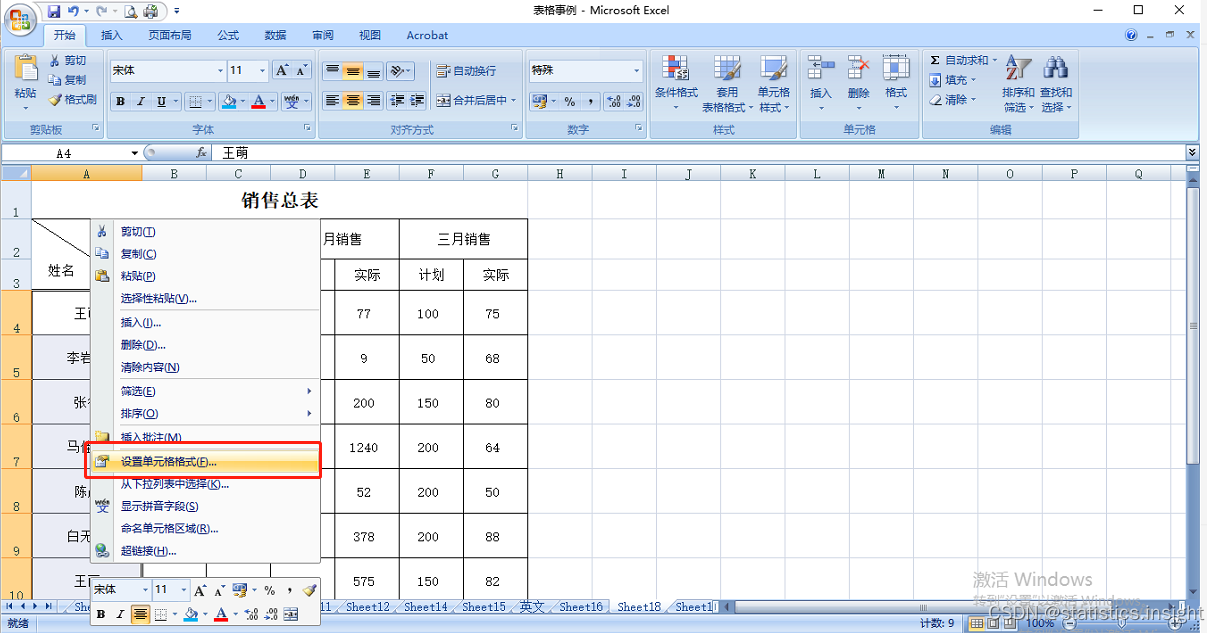
Excel quickly aligns the middle name of the table (two-word name and three-word name alignment)

01 邂逅typescript,环境搭建
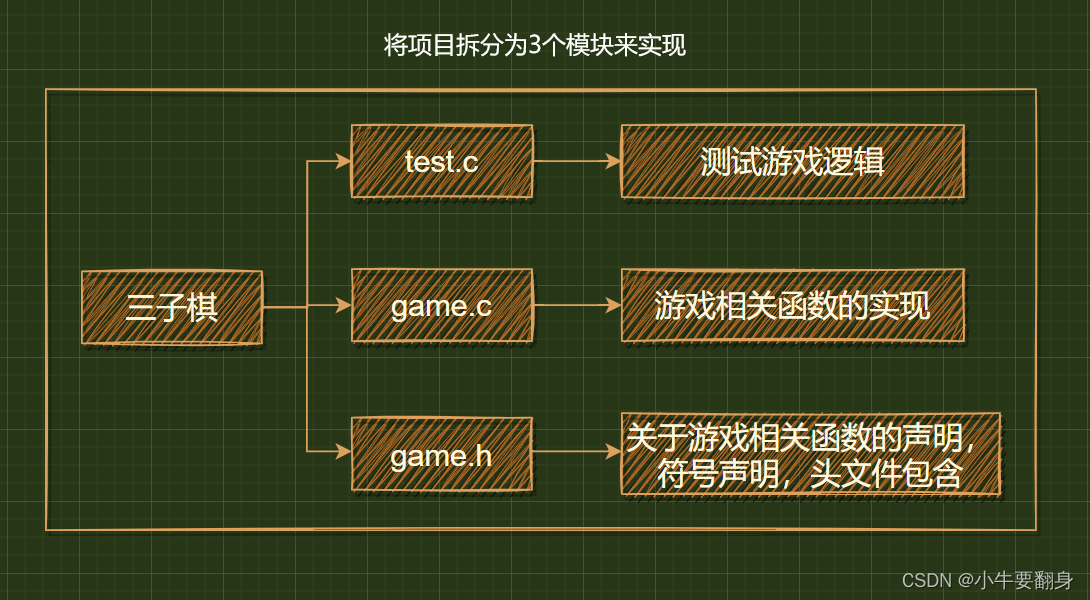
C language "the third is" upgrade (mode selection + AI chess)

AVH部署实践 (一) | 在Arm虚拟硬件上部署飞桨模型

基于ABP实现DDD
01 Encounter typescript, build environment

RecyclerView的高效使用第一节
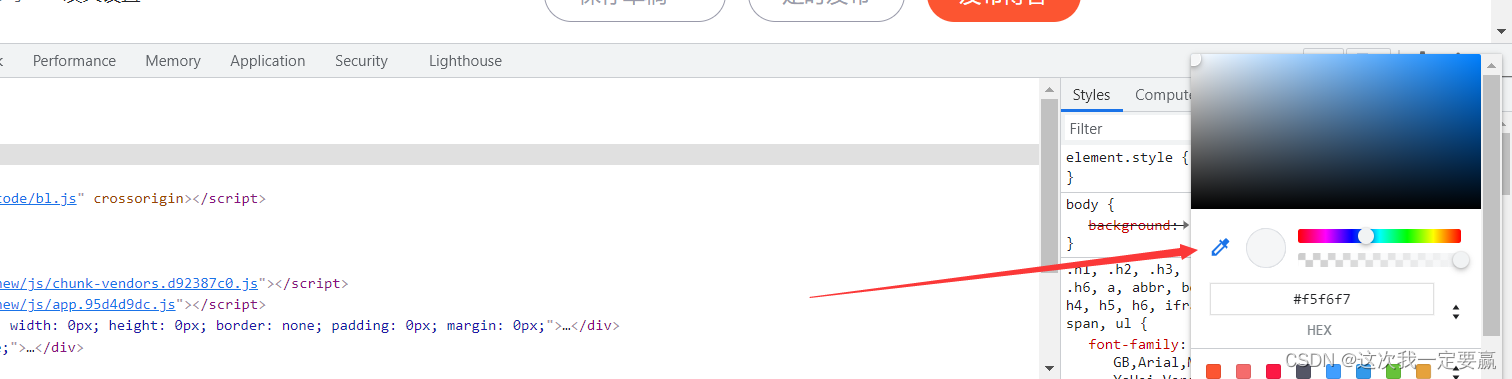
浏览器自带的拾色器
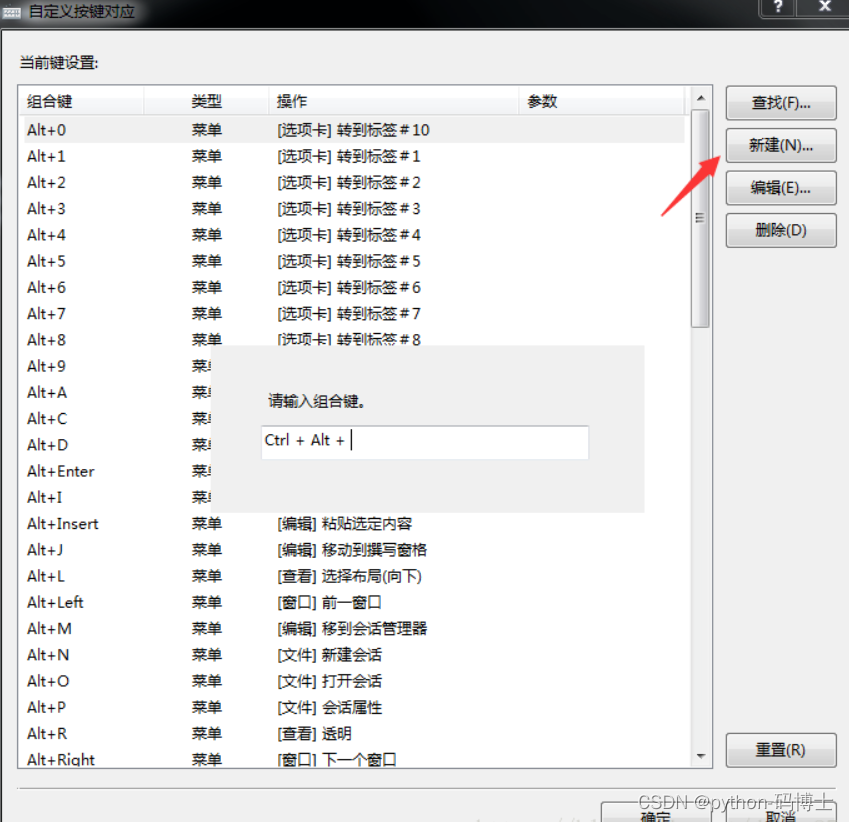
Ubantu专题4:xshell、xftp连接接虚拟机以及设置xshell复制粘贴快捷键
随机推荐
01 邂逅typescript,环境搭建
Deployment应用生命周期与Pod健康检查
Dialogue with Zhuang Biaowei: The first lesson of open source
ansible study notes 02
工程力学复习资料
RecyclerView高效使用第三节
hough变换检测直线原理(opencv霍夫直线检测)
为什么毕业季不要表白?
ansible学习笔记02
MySQL数据库操作
Precautions and solutions when SIGABRT error is reported
删除 状态良好(恢复分区)的磁盘
TRACE32 - SNOOPer-based variable logging
R语言ggplot2可视化:使用ggpubr包的ggboxplot函数可视化分组箱图、使用ggpar函数改变图形化参数(legend、修改可视化图像的图例在整图中的位置)
Codeforces Round #796 (Div. 2)(A-D)
Efficient use of RecyclerView Section 1
为什么黑客领域几乎一片男生?
Matlab matrix basic operations (definition, operation)
How useful is four-quadrant time management?
mongo enters error