当前位置:网站首页>qt5-MVC:数据可视化的层次揭秘
qt5-MVC:数据可视化的层次揭秘
2022-07-01 00:41:00 【德天老师】
MVC模式原理
每一个程序都有其原理,我们学习过程中透过他们的原理,来了解他们的工作方向,将会使我们的学习变得无比简单。
揭秘数据层次顺序
- 建立格式布局
- 调用可视化功能
- 建立字符型列表模型
- 定义列表源数据列
- 把数据源列表加入列表模型
- 把列表模型加入可视化功能(可视化点击发射信号–激活消息盒子)
- 消息盒子槽函数,相当于列数数据的功能交互,完成数据消息功能调试
- 将可视化加入布局,相当于摆放到窗口内部
- 激活可视化布局,相当于把数据这块牌匾上面的红布揭开,正式对公众宣传开业。
消息槽函数
def clicked(self,item):
QMessageBox.information()—消息盒子
参数1:继承父类self
参数2:QListView—触发继承自QListView
参数3:盒子信息,信号列表索引item.row()
备注:
item—是列表的内容
.row()—是调用当前内容的显示行索引(0,1,2…)
程序源码
from PyQt5.Qt import *
import sys
app = QApplication([])
class ListView(QWidget):
    def __init__(self,parent=None):
        super(ListView,self).__init__(parent)
        self.setWindowTitle('QListView 例子')
        self.resize(300,270)
        layout = QVBoxLayout()
        listview = QListView()
        listmodel = QStringListModel()#字符列表:针对列表显示模型
        self.list = ['列表1','列表2','列表3']
        listmodel.setStringList(self.list)
        listview.setModel(listmodel)
        listview.clicked.connect(self.clicked) #发射一个item.row()索引数据给self.clicked
        layout.addWidget(listview)
        self.setLayout(layout) #布局生效语句,必须写完整,否则添加的可视化模板无法显示

    #点击弹出消息盒子,单击每一个列表项会有一个值存储到槽函数item中,item.row()方法会把对应项的索引数据显示出来
    def clicked(self,item):
        QMessageBox.information(self,'QListView','您选择了'+self.list[item.row()])

win = ListView()
win.show()
sys.exit(app.exec_())

边栏推荐
- 自定义注解实现校验
- 友盟(软件异常实时监听的好帮手:Crash)接入教程(有点基础的小白最易学的教程)
- WIN11中MathType编辑中“打开数学输入面板”是灰色不可编辑
- User defined annotation implementation verification
- Web interface testing of software testing
- 用recyclerReview展示Banner,很简单
- 技术人进阶画业务大图,手把手教学来了
- 软硬件基础知识学习--小日记(1)
- 蒹葭苍苍,白露为霜。
- Principes de formation de la programmation robotique
猜你喜欢
![Split the linked list [take next first and then cut the linked list to prevent chain breakage]](/img/eb/708ab20c13df75f4dbd2d6461d3602.png)
Split the linked list [take next first and then cut the linked list to prevent chain breakage]

The longest selling mobile phone in China has been selling well since its launch, crushing iphone12
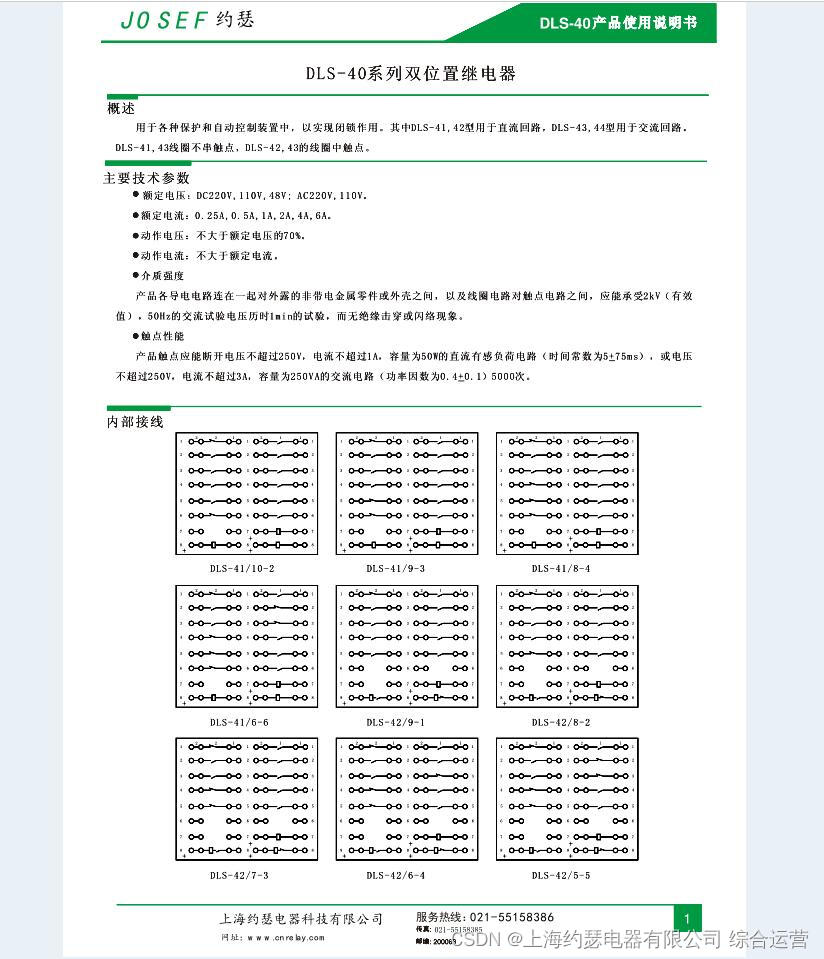
DLS-42/6-4 DC110V双位置继电器

5. TPM module initialization

【网络丢包,网络延迟?这款神器帮你搞定所有!】

解析融合学科本质的创客教育路径

ESP8266 RC522

Install redis database and download redis Desktop Manager in win11

基础知识之三——标准单元库

Orb-slam2 source code learning (II) map initialization
随机推荐
用recyclerReview展示Banner,很简单
数字IC设计流程总结
Open3D 点云包围盒
MFC TCP通信服务端客户端Demo备忘vs2019
集群与LVS介绍及原理解析
Two position relay st2-2l/ac220v
Unhandled Exception: MissingPluginException(No implementation found for method launch on channel)
做生意更加务实
探索互联网时代STEAM教育创新之路
冲击继电器ZC-23/DC220V
TypeError: can‘t convert cuda:0 device type tensor to numpy. Use Tensor.cpu() to copy the tensor to
MATLAB 最远点采样(FPS改进版)
K210工地安全帽
Introduction and principle analysis of cluster and LVS
機器人編程的培訓學科類原理
Using asyncio for concurrency
尝试新的可能
二季度最后一天
Interpreting the scientific and technological literacy contained in maker Education
DX-11Q信号继电器