当前位置:网站首页>JetPack component Databinding
JetPack component Databinding
2022-07-31 02:40:00 【Cola】
Android JetPack组件Databinding
简介
DataBinding 是 Google 在 Jetpack 中推出的一款数据绑定的支持库,利用该库可以实现在页面组件中直接绑定应用程序的数据源.使其维护起来更加方便,架构更明确简介.
DataBinding 唯一的作用,也是他的使命,就是绑定数据,and all support libraries,Essentially all to support this feature.The word binding has two interpretations,第一是将数据绑定在 UI 元素;第二是将 UI The data on it is bound to the corresponding data model,Also supports data and UI change observation,When one of them changes, it needs to be synchronized to the other.
启用databinding
First set up to use Databinding,在 app module 的 build.gradle 中添加如下代码即可:
android {

    ...
    dataBinding {

        enabled = true
    }
}
布局xml
根结点必须为<layout>,只能存在一个<data>和一个直接子View结点.
variable (变量标签)
变量的属性名name不能包含_下划线,否则再kt文件里会找不到变量,有时可能需要指定自定义类型,可以使用 import syntax to import classes,以及使用 alias 设置别名
    <data>
        <import type="com.example.databinding.Entity.User"/>
        <import type="com.example.databinding.Entity.user.User" alias="member"/>
        <variable name="user" type="User" />
        <variable name="member" type="member" />
    </data>
当需要使用两个同名但不同包名的类,可以使用alias别名属性
data (数据标签)
它有个属性class,可以自定义DataBinding生成的类名及路径
<data class="ObservableDataBinding"> </data>
@{}表达式
运算符
| 运算类型 | 运算符 |
|---|---|
| 算术运算符 | + - / * % |
| 字符串连接运算符 | + |
| 逻辑运算符 | && |
| 二元运算符 | & |
| 一元运算符 | + - ! ~ |
| 移位运算符 | >> >>> << |
| 三元运算符 | == > < >= <= |
| 分组运算符 | () |
关键字
instanceof

字符、字符串、数字、null

类型转换

方法调用

字段访问

数组访问 []
Bind normal data
DataBinding Ordinary data objects can be bound(非 Observable/LiveData)
<data>
        <import type="java.lang.String"/>
        <variable name="content" type="String" />
</data>
Bind observable data
Binding observable data means when the data changes UI will change along with it,There are three ways to bind observable data:objects、fields 和 collections.
Binding to a single variable:fields
For some data classes only a few of the fields are required to support observables,Then you can use this method to create observable data
data class User(
	val name: ObservableField<String>,
    val likes: ObservableInt
)
Basic data types use the corresponding wrapper classes directly
| 基本数据类型 | 包装类 |
|---|---|
| boolean | ObservableBoolean |
| byte | ObservableByte |
| char | ObservableChar |
| short | ObservableShort |
| int | ObservableInt |
| long | ObservableLong |
| float | ObservableFloat |
| double | ObservableDouble |
Reference types are used with generic parameters ObservableField 类来创建
val name: ObservableField<String>
Binding to the collection:collections
<data>
    <import type="android.databinding.ObservableList"/>
    <variable name="user" type="ObservableList<Object>"/>
</data>
<TextView android:text="@{user[index]}" ... />
可以直接使用 [] 运算符( list[0] )获取对应位置的元素
绑定对象:objects
Requires bound data entity class inheritance BaseObservable
class Person : BaseObservable() {

    @get:Bindable
    var country: String = ""
        set(value) {

            field = value
            notifyPropertyChanged(BR.country)
        }

    @get:Bindable
    var sex: String = ""
        set(value) {

            field = value
            notifyPropertyChanged(BR.sex)
        }
}
Need to support add on observable data @get:Bindable 注解,然后重写 set 方法,在其中调用 notifyPropertyChanged method represents updating that data,BR 是自动生成的,The package name is the same as the current package name,会根据 Bindable Annotated variables generate corresponding values;也可以调用 notifyChange() method to update all data
绑定 LiveData
LiveDataData binding is also supported
<?xml version="1.0" encoding="utf-8"?>
<layout>
<data>
<variable name="desc" type="androidx.lifecycle.MutableLiveData<String>" />
</data>
...
<TextView android:layout_width="wrap_content" android:layout_height="wrap_content" android:layout_gravity="center_vertical" android:text="@{desc}" />
</layout>
我们可以直接将 LiveData 赋值给 text,然后绑定数据
val desc = MutableLiveData<String>()
binding.desc = desc
双向绑定
One-way binding means that the data is updated after the change UI,The two-way binding means that when any one of them changes, it will be updated to the other synchronously.
双向绑定使用 @={} 表达式来实现:
<data>
...
<variable
name="input"
type="androidx.databinding.ObservableField<String>" />
</data>
...
<EditText
android:layout_width="match_parent"
android:layout_height="wrap_content"
android:text="@={input}"/>
边栏推荐
- ShardingJDBC基本介绍
- 完整复制虚拟机原理(云计算)
- ShardingJDBC使用总结
- User interaction + formatted output
- Manchester City confuses fans with smart scarf that detects emotions
- Discourse 自定义头部链接(Custom Header Links)
- AI中的数学思想
- 关于 mysql8.0数据库中主键位id,使用replace插入id为0时,实际id插入后自增导致数据重复插入 的解决方法
- To write good test cases, you must first learn test design
- 12 磁盘相关命令
猜你喜欢
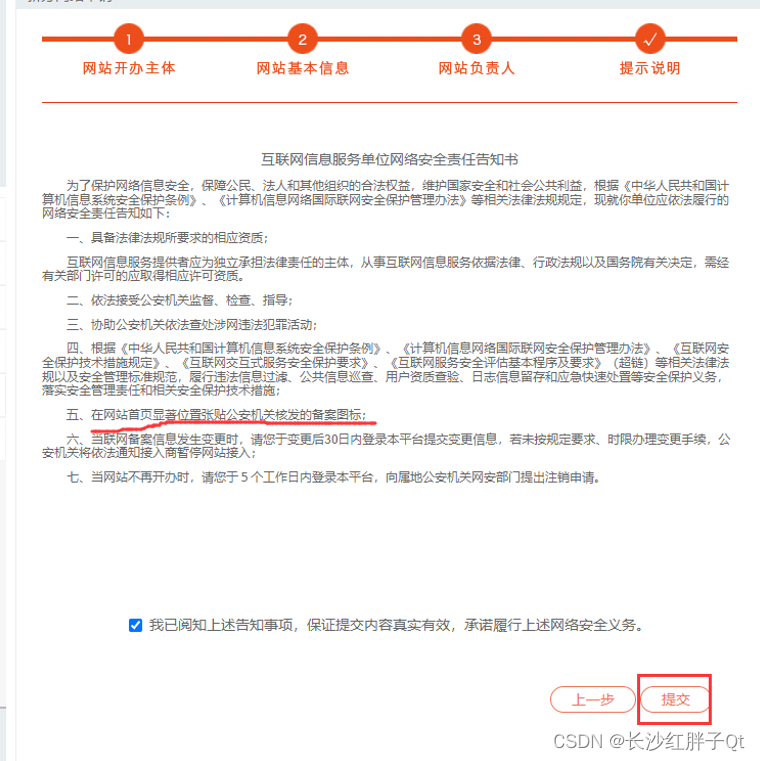
公司官网建站笔记(六):域名进行公安备案并将备案号显示在网页底部

7. List of private messages
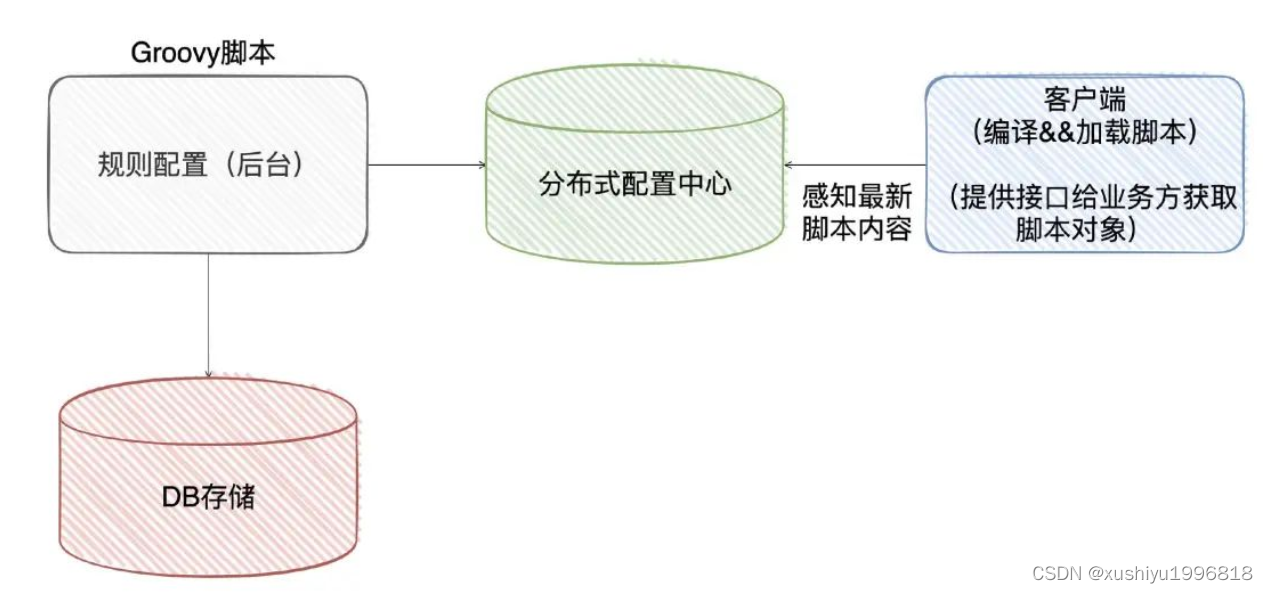
How to design the changing system requirements
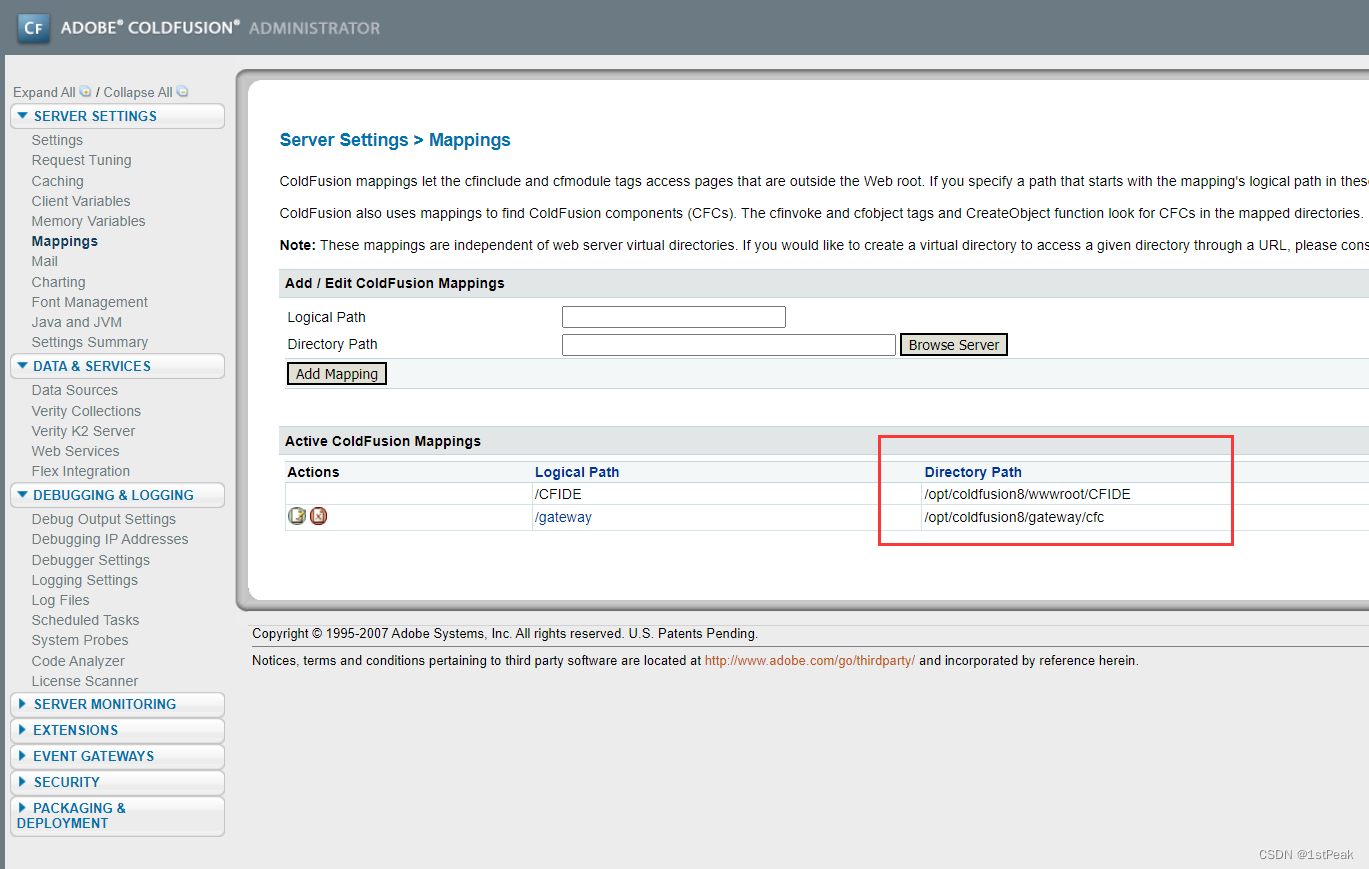
coldfusion8 background scheduled tasks take shell
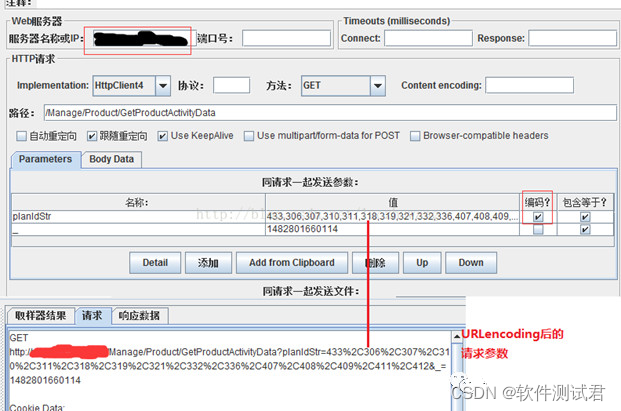
Software testing basic interface testing - getting started with Jmeter, you should pay attention to these things
自动化办公案例:如何自动生成期数据?

php 网站的多语言设置(IP地址区分国内国外)
英特尔软硬优化,赋能东软加速智慧医疗时代到来

ShardingJDBC usage summary

Force buckled brush the stairs (7/30)
随机推荐
[1153] The boundary range of between in mysql
AtCoder Beginner Contest 261 部分题解
The principle of complete replication of virtual machines (cloud computing)
二层广播风暴(产生原因+判断+解决)
LeetCode 每日一题 2022/7/25-2022/7/31
AI software development process in medical imaging field
JetPack组件Databinding
print task sorting js od huawei
YOLOV5学习笔记(三)——网络模块详解
完整复制虚拟机原理(云计算)
Mathematical Ideas in AI
19.支持向量机-优化目标和大间距直观理解
The final exam first year course
基于opencv实现人脸检测
静态路由解析(最长掩码匹配原则+主备路由)
Mathematics to solve the problem - circular linked list
f.grid_sample
局域网电脑硬件信息收集工具
MPPT太阳能充放电控制器数据采集-通过网关采集电池电压容量电量SOC,wifi传输
mmdetection训练一个模型相关命令