当前位置:网站首页>Tutorial (5.0) 09 Restful API * fortiedr * Fortinet network security expert NSE 5
Tutorial (5.0) 09 Restful API * fortiedr * Fortinet network security expert NSE 5
2022-07-02 19:09:00 【Feita plum】

 In this lesson , You will learn how to use FortiEDR RESTful API.

 By showing RESTful API The ability to , You will be able to use RESTful API And FortiEDR Interact with the management console .

 What is? API? You can easily put FortiEDR The functionality of is integrated into the organization's existing software .FortiEDR The central manager supports REST http Of API, For accessing security and communication control data , And equipment and software configuration and operation . Essentially , This is a way to copy the functions of the management console through programming . You can manage device and software configurations 、 Analyze events and repair equipment , None of this requires the use of an administrative console .

 RESTful API How it works ? It is based on HTTP Of REST. It USES SSL encryption , And JSON The format returns the protocol information . Token based authentication can be used , Password based authentication can also be used . To use password based authentication , You need to make sure that users are assigned Admin and Rest API role . You can USERS Of the management console under ADMINISTRATION Tab . The API Use several different methods —get To read data ,POST or PUT To update . It has DELETE And some other orders .

 One of the most common problems reported is , When new users first try to use API when , Unauthorized messages will appear . The reason is that the password needs to be reset . When a new user logs into the management console for the first time , Will be forced to change the password . Because it doesn't work API Reset password , So you will get an error message . The solution is simple . To solve this problem , Please click ADMINISTRATION Tab, click USERS. Find the user in the list and click reset password . open “ Reset password ” Dialog box . eliminate “ The next time you log in, you need to change your password ” Check box , Then enter the password and click “ Reset ”. Users should now be able to pass API Sign in . perhaps , You can ask users to use API Log in to the management console and reset their password before calling .

 There are two ways to access API. The first way is to use CLI Applications , such as Curl. The figure above shows a typical Curl request . If you use a self signed certificate for the central manager ( This is the default setting ), Then use -k Bypass certificate validation . Input -H, Then enter the authorization type and credentials , Then input URL Parameters . Sample commands to JSON Format returns a list , It contains the organization name 、 Allocated seats 、 Seats in use 、 Expiration date, etc .
The second method is to use image Postman or Insomania In this way GUI Applications . You will see with just Curl The format of the request is the same , But formatted as Postman Format . First , choice GET Method , Then input URL Parameters :https://<FortiEDRHOST>/management-rest/organizations/list-organizations. In the image above , You can see a command in the application itself . You can see in the upper left corner GET, And then there was URL Parameters — In this case , You ask for a list of all organizations in a multi tenant environment . Under it , You can see Authorization tab . stay “TYPE” Select... From the drop-down list “Basic Auth”, Enter your username and password . In this lesson, you will learn more about authentication . At the bottom , You can see the result returned from the request , A list of all organizations JSON file . You can see the name of the organization 、 Allocated seats 、 Seats in use 、 Expiration date, etc .

 The figure above shows some useful API command . you are here FortiEDR RESTful API The manual can get a complete list and detailed instructions .

 Why use Postman? This is the API A very simple way to interact , It is a clean and simple interface , It preserves API Request history , So you can have a list of previous work done , You can reuse a request , So you don't have to enter all the information again .
Here are some uses postman The technique of . First , Make sure the correct request method is selected on the left side of the screen . In the example shown above , You can see a PUT request . The second is URL Parameters . Later in this lesson , You will learn more about body Knowledge of parameters . You can also refer to it FortiEDR RESTful API Guide to get a complete list of options . Some request types require body parameters . under these circumstances , choice Body tab , choice raw, Then select... From the drop-down list on the right side of the screen JSON (application/ JSON) Format . Then you can enter your... In the text field body Parameters . The example shown above changes the event 51516 The state of .

 Take a look at using API Sample workflow . In this scenario , You will be in FortiEDR Investigate threats in the environment . First , You need a list of events , Classify it as malicious or suspicious , And it has the operation of blocking or simulating blocking .
here , What you search is information , Instead of changing anything , So you use GET Method . then , Input URL Parameters . You have seen some examples , But this time you are looking for a list of events , So from https Start , Then input FortiEDR host . You can use IP Address or name ( for example acme).fortiedr.com. After the host address , Always input management-rest, Then there are categories 、 event , And then there was call—— In this case, it's list- event . Then add search criteria . By using & Number , You can search multiple search parameters at a time . In this case , You need to search for categories and operations . You can also enter multiple values for each condition , Separate with commas . In this case , We look for two possible classifications and two possible operations .
This search returns JSON List of formats . Every event has quite a lot of information — event ID、 technological process 、 route 、 date 、 state 、 What rules have been violated , wait . To continue the sample workflow , Suppose we are investigating the event shown in the figure above . Pay attention to the event ID, 46426. Next , You will use this in new requests ID.

 Now? , Get the event just copied ID Original event details for . You will send another GET request , This request gets the event ID Original data items , Then add fulldatarequed =true.
Again , You will receive a JSON list , This time, the details about the original item are displayed . Use this information to retrieve the executable . So , You will need the original Eventld、MainProcessld and Application route . Copy these values into a separate text file , So that they can be used later to retrieve samples of malware . There are several things to remember . First , there Eventld Field and the event you copied in the previous picture ID Different . This is the original event ID, This is what you need to retrieve files . The application path must be converted to URL Coding format .

Now use the information just obtained , Use GET Command to retrieve the executable . Then input URL Parameters . In this case , You need to find the information stored in the forensics , So change the parameter to forensics , And then there was get-event-file command . Then use the information just copied — Original event ID、 process ID And application path — Tell the system the exact file you are looking for .
If you click Send, Your results will be similar to what you see in the upper right corner of the screen . It looks like nonsense , But it is actually a password protected compressed file , Include the file you requested . To get a file in a usable format , have access to Send and Download. Use “ send out ” Drop down menu selection “ send out ” and “ download ”. Now you can save locally zip file . To extract an executable , Input password enCrypted, Capitalization C.

Next , Delete malicious executables from the user's device . You can use PUT Request to complete this operation . This is a forensics function , Therefore, access to evidence / Remedial equipment . then , Use the format you see here to specify the device name 、 Name and path of the executable file to be deleted . The file should disappear from the device , As the example above shows .

After retrieving the executable , Evaluate it by testing it in a secure sandbox environment . for example , Suppose you verify that the file is malicious . You may want to put the affected collectors into a high security collector group , To curb infection , Until you completely repair the equipment . So , Send a PUT command . You are sending inventory related information , So enter inventory / Mobile collector . Then enter the collector name and target group —— In this case, it is a high security collector group . You can verify the results in the management console . The example in the above figure shows you that you have successfully cwin7-32 Move from the default collector group to the high security collector group .

After repairing the device or creating an exception , Mark this event as Handled, So that other management console users know that you have handled it . You can also mark it as Read. To change the event state , Please send a PUT request . You need to modify the event in the event category . then , Event must be specified ID. This time, , You have to finish body Field . take read Set to true, take handle Set to false, Indicates that the event is no longer handled . It is always a good idea to add comments explaining how to handle events and other relevant information . You can do this in the admin console EVENT VIEWER Tab to verify your changes . In the picture above , You can see that the event has been handled , And your comment has been added to event HANDLING window . If you look closely , You can see a light colored sign in the background , It indicates that the event has been handled , And the event is plain text , This means that it is marked as read .

The figure above shows another solution . Suppose you check the file that triggers the alarm , Found that it is not malware . under these circumstances , You may want to create an exception . You can also pass API To achieve this . Use POST command . In the event category , stay URL Enter... In the parameter events/create-exception. then , You must specify exception parameters , It applies to events ID, Then there is the collector group that you want to apply exceptions , In the example shown above , yes Sales Group , Not all collector groups . We can also specify the destination . The example shown above shows , Exceptions apply to collector groups 、 All destinations and all users .

answer :A

answer :A

By mastering the objectives involved in this lesson , You learned how to be in FortiEDR Use in RESTful API.

边栏推荐
- 高频面试题
- Deep learning mathematics foundation
- 【JVM调优实战100例】03——JVM堆调优四例
- codeforces每日5题(均1700)-第四天
- Tutoriel (5.0) 10. Dépannage * fortiedr * fortinet Network Security expert NSE 5
- [论文阅读] CA-Net: Leveraging Contextual Features for Lung Cancer Prediction
- R语言ggplot2可视化:可视化折线图、使用labs函数为折线图添加自定义的X轴标签信息
- 全链路数字化转型下,零售企业如何打开第二增长曲线
- 【JVM调优实战100例】01——JVM的介绍与程序计数器
- How to clean up discarded PVs and their corresponding folders
猜你喜欢

Markdown基础语法
The difference between interceptor and filter
教程篇(5.0) 10. 故障排除 * FortiEDR * Fortinet 網絡安全專家 NSE 5
How to copy and paste interlaced in Excel
Exness in-depth good article: dynamic series - Case Analysis of gold liquidity (V)
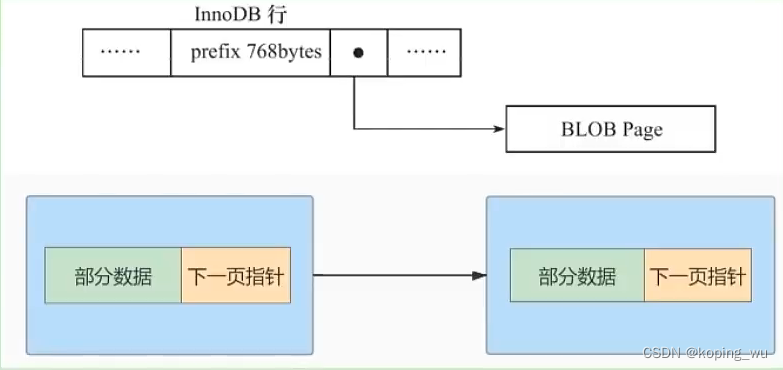
Mysql高级篇学习总结8:InnoDB数据存储结构页的概述、页的内部结构、行格式

Processing strategy of message queue message loss and repeated message sending
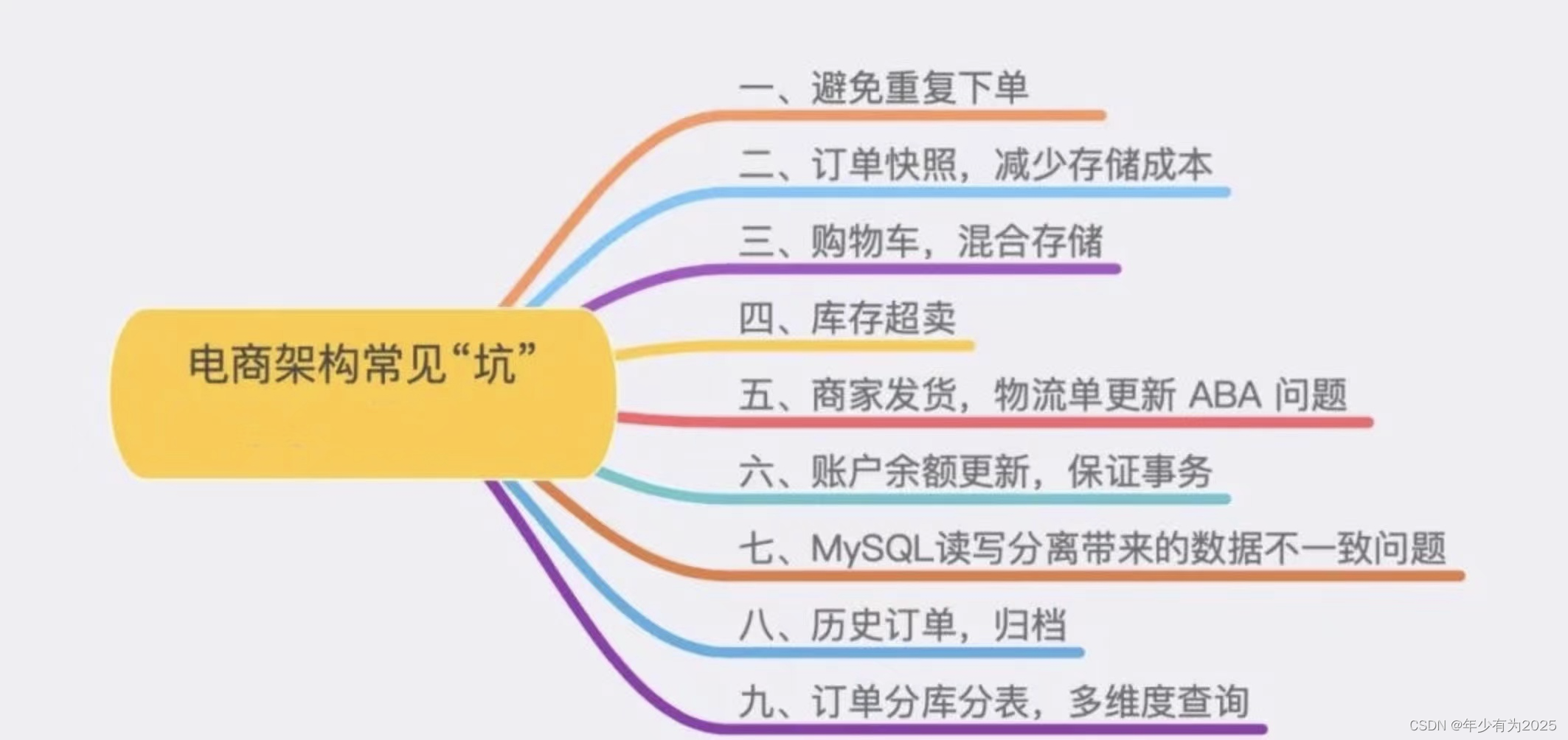
Have you stepped on the nine common pits in the e-commerce system?

9D电影是怎样的?(+维度空间常识)

Imitation Jingdong magnifying glass effect (pink teacher version)
随机推荐
学习八股文的知识点~~1
Fastdfs installation
reduce--遍历元素计算 具体的计算公式需要传入 结合BigDecimal
Installation of thingsboard, an open source IOT platform
R language ggplot2 visualization: gganimate package creates dynamic histogram animation (GIF) and uses transition_ The States function displays a histogram step by step along a given dimension in the
QT中的QPropertyAnimation使用和toast案列
Leetcode (154) -- find the minimum value II in the rotation sort array
How performance testing creates business value
论文导读 | 机器学习在数据库基数估计中的应用
Slam | how to align timestamps?
Introduction to sap s/4hana OData mock service
Gstore weekly gstore source code analysis (4): black and white list configuration analysis of security mechanism
[test development] software testing - concept
全志A33使用主线U-Boot
9D电影是怎样的?(+维度空间常识)
MySQL advanced learning summary 7: MySQL data structure - Comparison of hash index, AVL tree, B tree and b+ tree
[paper reading] Ca net: leveraging contextual features for lung cancer prediction
yolov3 训练自己的数据集之生成train.txt
ICDE 2023|TKDE Poster Session(CFP)
【JVM调优实战100例】03——JVM堆调优四例