当前位置:网站首页>Simple password lock
Simple password lock
2022-07-03 06:23:00 【Bitongo】
This section simulates the smart door lock , be based on 51 The four digit simple password lock made under the single chip microcomputer
The modules used are LCD1602 LCD screen ( Used to display the entered password ) and Matrix key ( Used to enter a password )
The specific code is as follows :
LCD1602 Previously described in detail , Only the functions that need to be used are listed here , For details, please click “ LCD1602 Liquid crystal display (LCD) ”
LCD1602.c
/** * @brief  stay LCD1602 Start displaying the given number at the specified position  * @param Line  Start line position , Range :1~2 * @param Column  Start column position , Range :1~16 * @param Number  Number to display , Range :0~65535 * @param Length  The length of the number to display , Range :1~5 * @retval  nothing  */
void LCD_ShowNum(unsigned char Line,unsigned char Column,unsigned int Number,unsigned char Length)
{

	unsigned char i;
	LCD_SetCursor(Line,Column);
	for(i=Length;i>0;i--)
	{

		LCD_WriteData(Number/LCD_Pow(10,i-1)%10+'0');
	}
}

/** * @brief  stay LCD1602 Start displaying the given string at the specified position  * @param Line  Start line position , Range :1~2 * @param Column  Start column position , Range :1~16 * @param String  String to display  * @retval  nothing  */
void LCD_ShowString(unsigned char Line,unsigned char Column,char *String)
{

	unsigned char i;
	LCD_SetCursor(Line,Column);
	for(i=0;String[i]!='\0';i++)
	{

		LCD_WriteData(String[i]);
	}
}
Matrixkey.c
unsigned char MatrixKey()
{


	key=0x0f;
	if(key!=0x0f)
	{

		Delay(100);
		if(key!=0x0f)
		{

			key=0x0f;
			switch(key)
			{

				case 0x07 : keyvalue=1;break;
				case 0x0b : keyvalue=2;break;
				case 0x0d : keyvalue=3;break;
				case 0x0e : keyvalue=4;break;
			}
			key=0xf0;
			switch(key)
			{

				case 0x70 : keyvalue=keyvalue;break;
				case 0xb0 : keyvalue=keyvalue+4;break;
				case 0xd0 : keyvalue=keyvalue+8;break;
				case 0xe0 : keyvalue=keyvalue+12;break;
			}
			return keyvalue;
		}
	}
}
main.c
void main()
{

	LCD_Init();							//LCD initialization
	LCD_ShowString(1,1,"Input Keys :");	//LCD display string
	while(1)
	{

		t=MatrixKey();				// Get matrix keyboard key code
		if(t)						// If a key is pressed
		{

			if(t<=10)
			{

				if(cot<4)
				{

					keys=keys*10;
					keys=keys+t%10;
					cot++;
				}
			    LCD_ShowNum(2,1,keys,4);//LCD Display password
			}
				if(t==11)
				{

					if(keys==1102)
					{

						LCD_ShowString(1,14,"OK ");
						keys=0;
						cot=0;
						LCD_ShowNum(2,1,keys,4);//LCD Display password
					}
					else
					{

						LCD_ShowString(1,14,"ERR");
						keys=0;
						cot=0;
						LCD_ShowNum(2,1,keys,4);//LCD Display password
					}
				}
				if(t==12)
				{

					keys=0;
					cot=0;
					LCD_ShowNum(2,1,keys,4);
				}
		}
	}
}
边栏推荐
- The most responsible command line beautification tutorial
- Cesium entity(entities) 实体删除方法
- Cesium entity (entities) entity deletion method
- Merge and migrate data from small data volume, sub database and sub table Mysql to tidb
- ssh链接远程服务器 及 远程图形化界面的本地显示
- Decision tree of machine learning
- Time format record
- Printer related problem record
- Fluentd is easy to use. Combined with the rainbow plug-in market, log collection is faster
- ThreadLocal的简单理解
猜你喜欢

【5G NR】UE注册流程
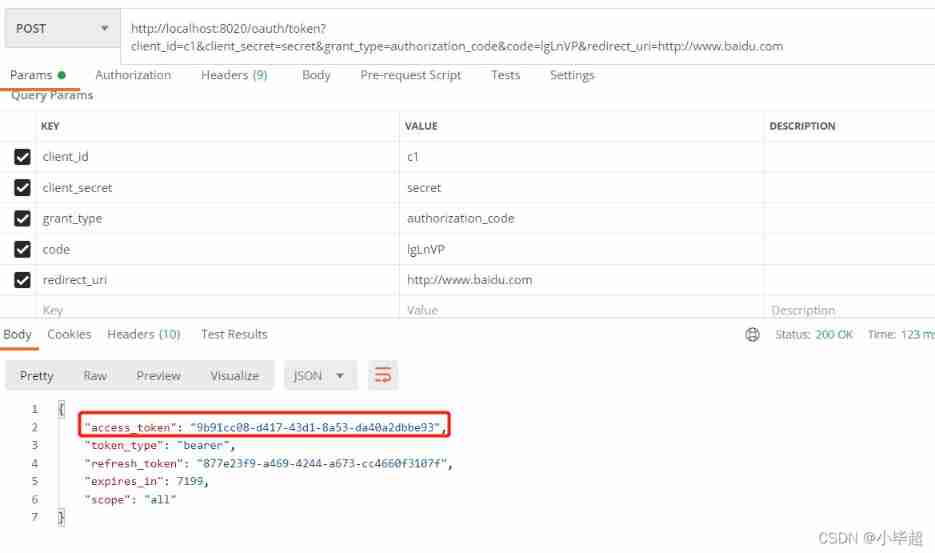
Oauth2.0 - Introduction and use and explanation of authorization code mode
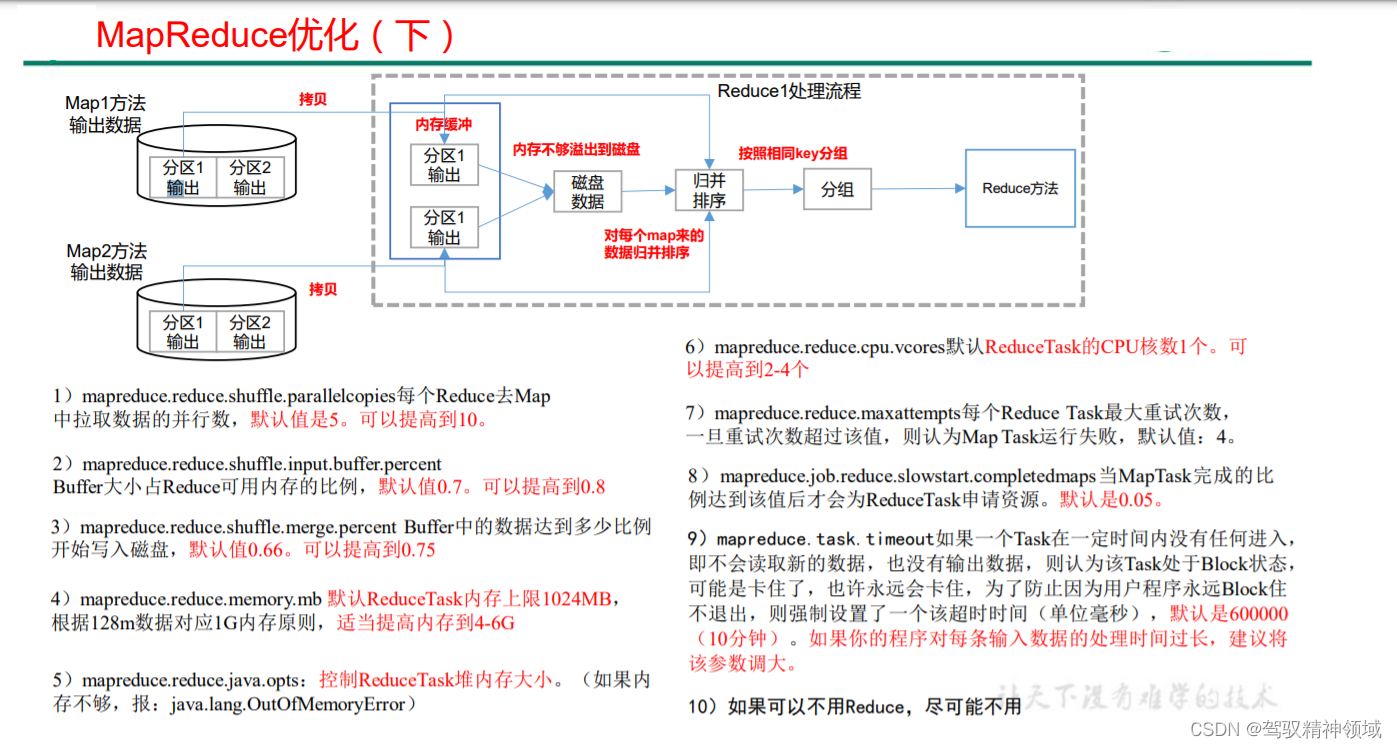
Chapter 8. MapReduce production experience
SQL实现将多行记录合并成一行
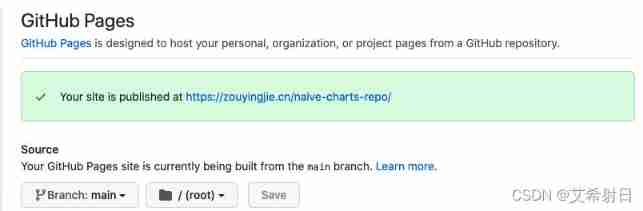
Kubernetes notes (IX) kubernetes application encapsulation and expansion
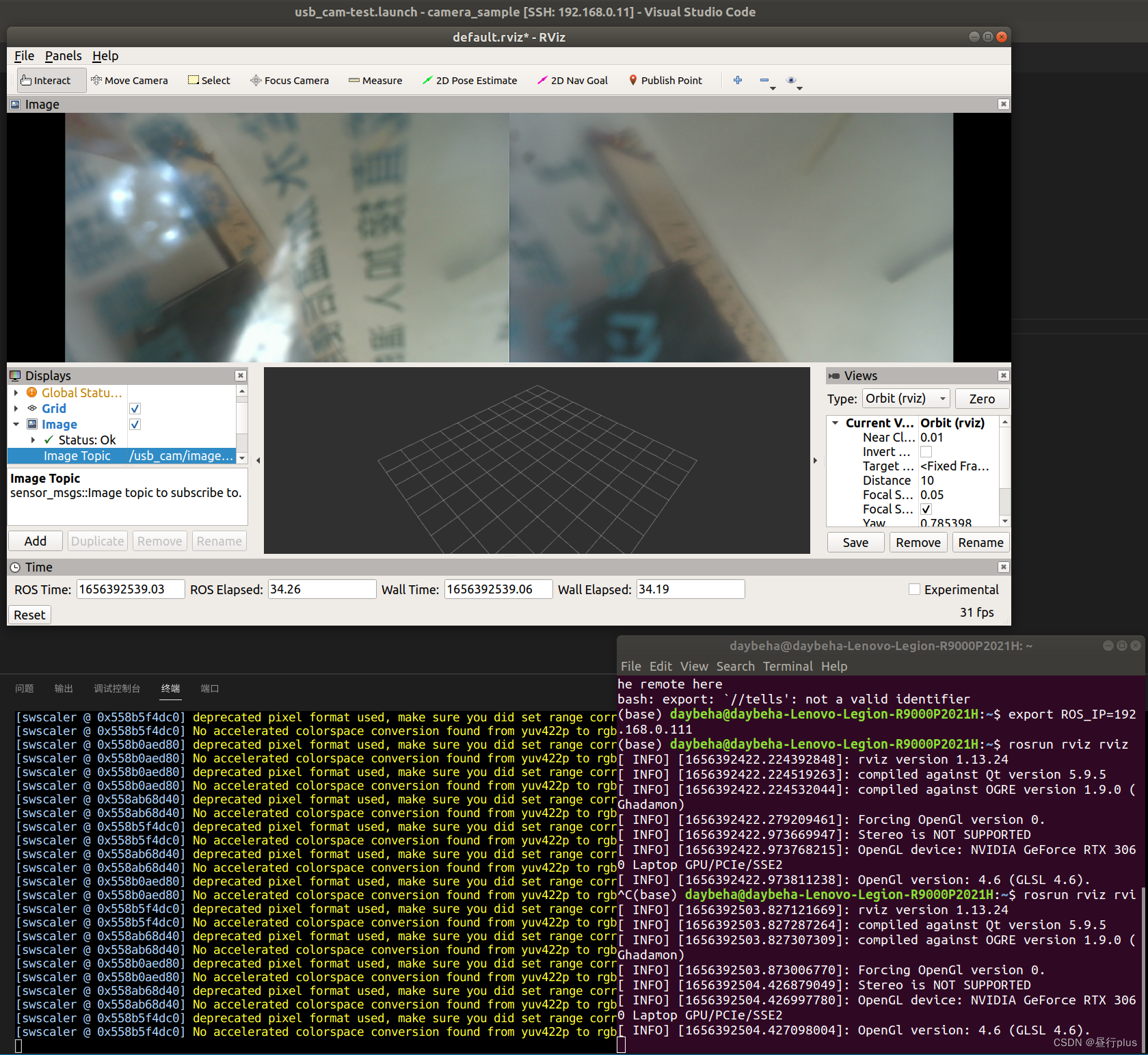
Local rviz call and display of remote rostopic

ruoyi接口权限校验
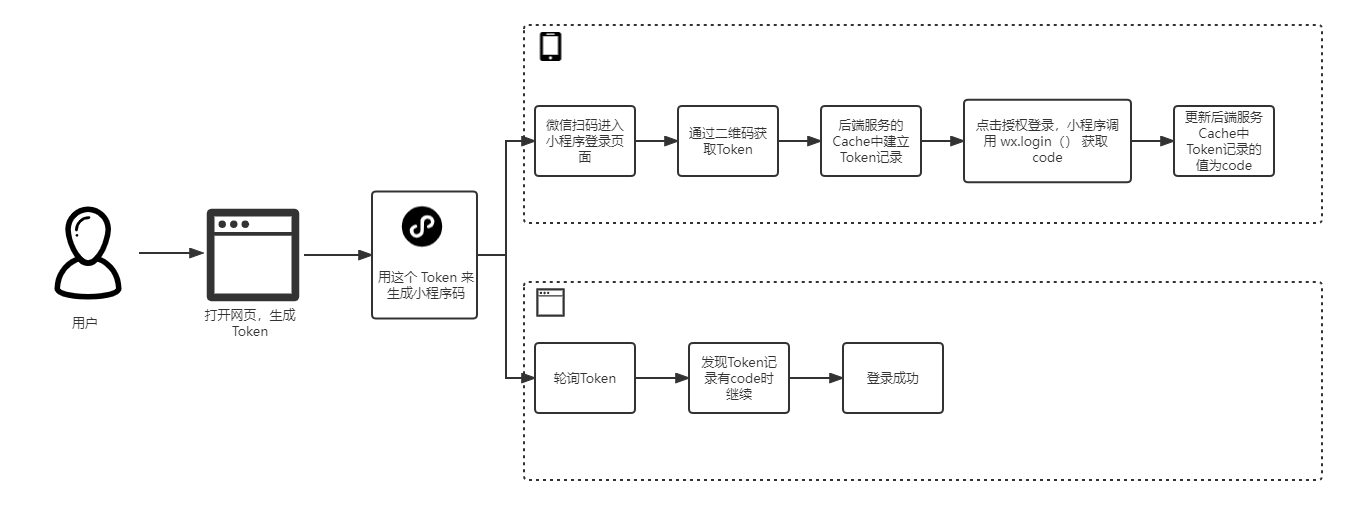
使用 Abp.Zero 搭建第三方登录模块(一):原理篇
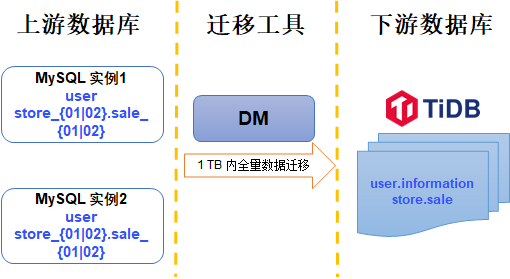
从小数据量分库分表 MySQL 合并迁移数据到 TiDB

Kubesphere - Multi tenant management
随机推荐
MATLAB如何修改默认设置
Cannot get value with @value, null
【无标题】8 简易版通讯录
Push box games C #
YOLOV3学习笔记
[set theory] relational closure (relational closure solution | relational graph closure | relational matrix closure | closure operation and relational properties | closure compound operation)
IE browser flash back, automatically open edge browser
Selenium ide installation recording and local project maintenance
Kubernetes notes (VI) kubernetes storage
Oauth2.0 - explanation of simplified mode, password mode and client mode
Kubernetes notes (IV) kubernetes network
技术管理进阶——你了解成长的全貌吗?
Characteristics and isolation level of database
堆排序和优先队列
致即将毕业大学生的一封信
How to scan when Canon c3120l is a network shared printer
Svn branch management
PHP用ENV获取文件参数的时候拿到的是字符串
Kubernetes notes (III) controller
Oauth2.0 - user defined mode authorization - SMS verification code login