当前位置:网站首页>Tap and longtap encapsulation of touch events -- from Ono
Tap and longtap encapsulation of touch events -- from Ono
2022-06-11 09:42:00 【Happy every day!】
mdn Address :
https://developer.mozilla.org/zh-CN/docs/Web/API/TouchEvent
https://developer.mozilla.org/zh-CN/docs/Web/API/Touch
click 300ms Delay
Wait for a second click , Double click behavior ,
PC Upper dbclick It also fails at the mobile end
touchstart touchmove touchend touchcancel
touchcancel When did it happen ? Touch during sliding , A message pops up , Or telephone access , At this time, there will be message processing that covers the current page , If we operate on messages, etc , It will trigger touchcancel
TouchEvent
type:touchstart,touchmove,touchend,touchcancel
touchstart At the time of the target Namely touchmove,touchend At the time of the incident target
touches:TouchList: Save contacts
changedTouches:TouchList, Contacts related to the current document
targetTouches:TouchList, At present target Contacts on
TouchList There is Touch object
fastclick.js
https://github.com/ftlabs/fastclick/blob/main/lib/fastclick.js
swiper
https://www.swiper.com.cn/demo/index.html
Package and use
<!DOCTYPE html>
<html lang="en">

<head>
  <meta charset="UTF-8">
  <meta name="viewport" content="width=device-width, initial-scale=1.0">
  <meta http-equiv="X-UA-Compatible" content="ie=edge">
  <title></title>
  <link rel="stylesheet" href="">
  <style>
    html {
      /* according to iPhone5 The width of   Set to 100px */
      font-size: 26.66667vw;
    }

    #box {
      width: 1rem;
      height: 1rem;
      background-color: orange;
    }
  </style>
</head>

<body>
  <div id="box"></div>
  <script>
    const Touch = function (selector) {
      return Touch.prototype.init(selector)
    }
    Touch.prototype = {
      init: function (selector) {
        if (typeof selector === 'string') {
          this.elem = document.querySelector(selector)
        }
        return this
      },
      //  single click
      tap: function (callBack) {
        this.elem.addEventListener('touchstart', fn)
        this.elem.addEventListener('touchend', fn)
        let sTime;
        let eTime;

        function fn(e) {
          e.preventDefault()
          switch (e.type) {
            case 'touchstart':
              sTime = +new Date()
              break;
            case 'touchend':
              eTime = +new Date()
              if (eTime - sTime < 500) {
                callBack.call(this, e)
              }
            default:
              break;
          }
        }
      },
      longtap: function (callBack) {
        this.elem.addEventListener('touchstart', fn, false)
        this.elem.addEventListener('touchmove', fn, false)
        this.elem.addEventListener('touchend', fn, false)

        let t = null;
        let _self = this
        function fn(e) {
          e.preventDefault()
          switch (e.type) {
            case 'touchstart':
              t = setTimeout(() => {
                callBack.call(_self, e)
              }, 300);
              break;
            case 'touchmove':
              clearTimeout(t)
              t = null;
              break
            case 'touchend':
              clearTimeout(t)
              t = null;
              break
            default:
              break;
          }
        }

      }
    }

    window.$ = window.Touch = Touch
    $('#box').tap(function (e) {
      console.log(1)
      console.log(e.target)
    })
    $('#box').longtap(function (e) {
      console.log(2)
      console.log(e)
    })
  </script>
</body>

</html>
And the following article is about fastclick The explanations were also very detailed , Attach a link
边栏推荐
- Flask (VIII) - form processing
- ESP8266_接入百度物联网核心套件、使用MQTT协议通信
- Development of PCBA circuit board for small oxygen generator
- Bucket sort
- Detailed explanation of this and static
- OpenCV OAK-D-W广角相机测试
- Ecological co construction | 2021 streamnational excellent partner of the year comes out!
- js中关键字this的理解
- ArcGIS 10.9.1 geological and meteorological volume metadata processing and service publishing and calling
- js基础--关于DOM
猜你喜欢
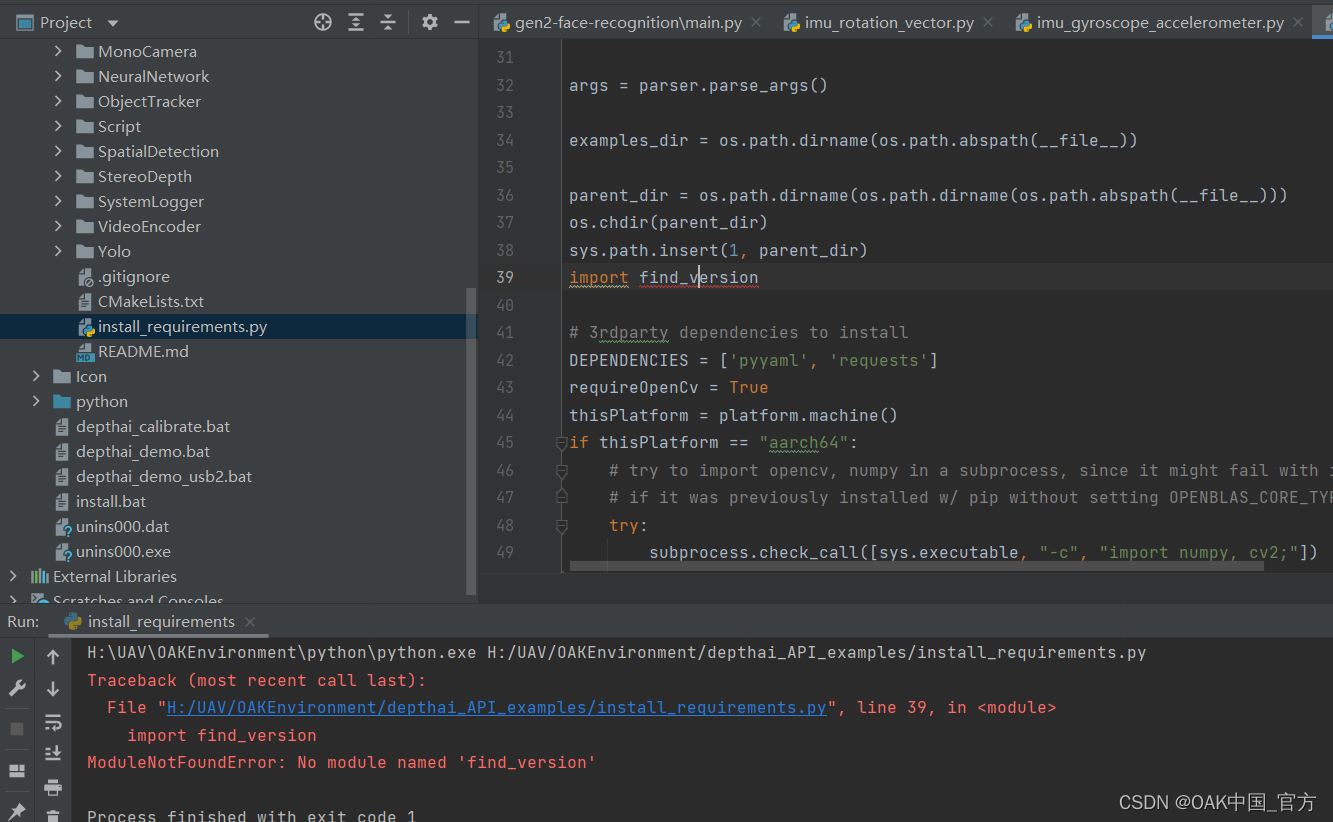
报错ModularNotFoundError: No module named ‘find_version’
![[image denoising] image denoising based on mean + median + Gauss low pass + various improved wavelet transform, including Matlab source code](/img/df/9c7c9484879249a35781425e710983.jpg)
[image denoising] image denoising based on mean + median + Gauss low pass + various improved wavelet transform, including Matlab source code

Version mismatch between installed deeply lib and the required one by the script

How do online app stores of laundry chain stores do?

The first TOF related data set available for deep learning: deep learning for confidence information in stereo and TOF data fusion (iccv 2017)

Opencv image basic operation (IV) -- image feature extraction (corner detection)
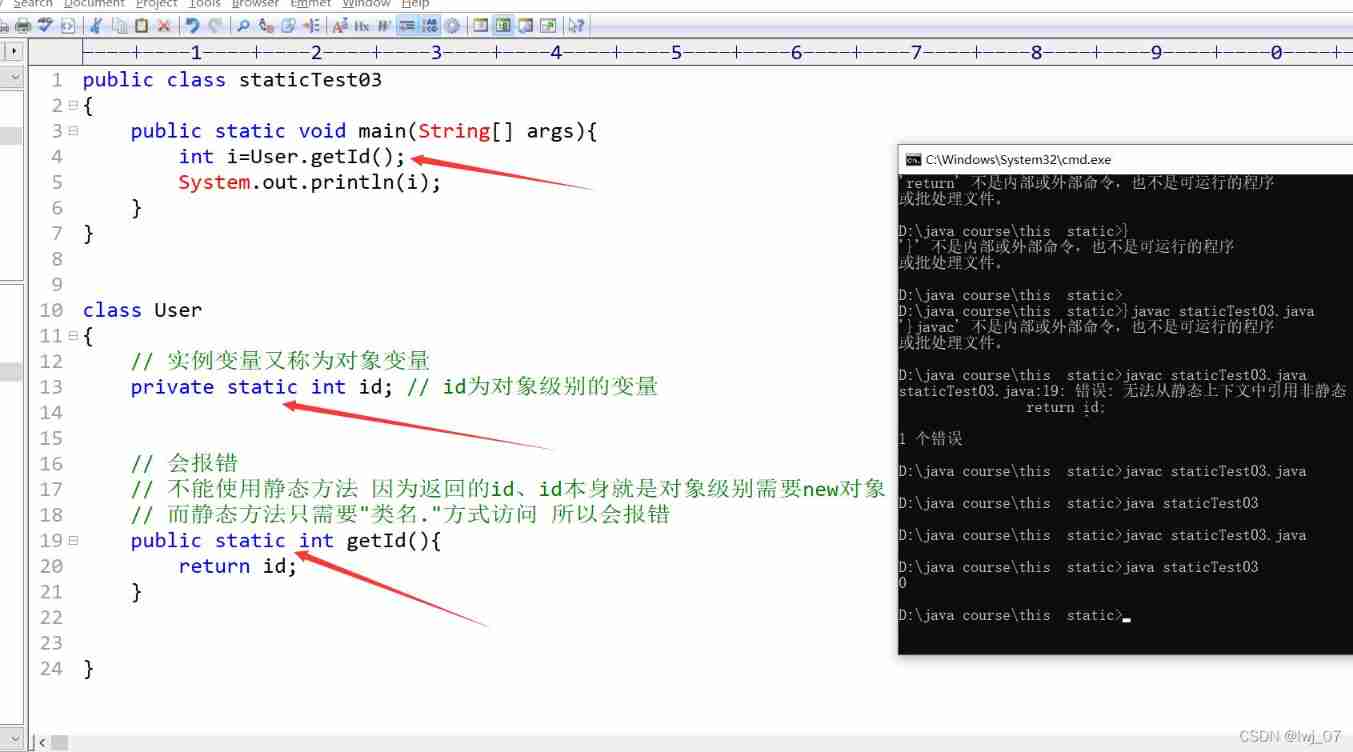
Detailed explanation of this and static

CVE-2021-40449 NtGdiResetDC UAF

Identifier keyword literal data type base conversion character encoding variable data type explanation operator

PD chip ga670-10 for OTG while charging
随机推荐
[image denoising] image denoising based on mean + median + Gauss low pass + various improved wavelet transform, including Matlab source code
报错device = depthai.Device(““, False) TypeError: _init_(): incompatible constructor arguments.
CVPR 2021: learning continuous image representation with local implicit image function
Touch事件的tap,longtap封装--来自小野
Ecological co construction | 2021 streamnational excellent partner of the year comes out!
Design of wrist sphygmomanometer based on sic32f911ret6
Fabric. JS dynamically set font size
RAC单独修改scanip到不同网段时会报错
报错Output image is bigger(1228800B) than maximum frame size specified in properties(1048576B)
考研數學 【數列極限證明題】題型方法總結
ORACLE DG物理备库使用别名数据文件改变路径到OMF路径
「INS-30131」 安装程序验证所需的初始设置失败
Where is it safer to open an account for soda ash futures? How much can soda ash futures do now?
Flask (VIII) - form processing
Set up redis highly available cluster environment
Video review pulsar summit Asia 2021, cases, operation and maintenance, ecological dry goods
How to deal with these problems in the factory production process?
Use of MSF evaluation module
【ROS】noedic-moveit安装与UR5模型导入
Opencv CEO teaches you to use oak (IV): create complex pipelines