当前位置:网站首页>Opencv video
Opencv video
2022-06-30 08:03:00 【emplace_ back】
Read video from camera
 Usually , We have to use cameras to capture real-time images .
 Provides a very simple interface .
 Let's capture a video from the camera ( I use the webcam built into my laptop ) ,
 Convert it to grayscale video and display it . Just a simple task to start .

 To capture video , You need to create one  VideoCapture  object .
 Its parameters can be the device index or the name of the video file .
 The device index is the number that specifies which camera .
 Under normal circumstances , A camera will be connected ( Like in my case ).
 So I simply pass 0( or -1).
 You can pass on 1 To choose a second camera , And so on .
 After that , You can capture... Frame by frame . But in the end , Don't forget to release the prisoners .
To use
cap = cv.VideoCapture(0, cv.CAP_DSHOW)
import numpy as np
import cv2 as cv
cap = cv.VideoCapture(0)
if not cap.isOpened():
    print("Cannot open camera")
    exit()
while True:
    #  Capture frame by frame
    ret, frame = cap.read()
    #  If the frame is read correctly ,ret by True
    if not ret:
        print("Can't receive frame (stream end?). Exiting ...")
        break
    #  Our operations on the framework are here
    gray = cv.cvtColor(frame, cv.COLOR_BGR2GRAY)
    #  Show result frame e
    cv.imshow('frame', gray)
    if cv.waitKey(1) == ord('q'):
        break
#  After completing all operations , Release the catcher
cap.release()
cv.destroyAllWindows()
**cap.read()** Returns a Boolean value (True/ False).
If the frame is read correctly , It will be True.
therefore , You can check the end of the video by checking this return value .
Sometimes ,cap Capture may not have been initialized .
under these circumstances , This code shows an error .
You can go through cap.isOpened() Method to check if it is initialized . If it is True, So be sure . otherwise , Use cap.open() To open it .
 You can still use it cap.get(propId) Method to access some functions of the video ,
 among propId yes 0 To 18 A number between .
 Each number represents the properties of the video ( If applicable to this video ),
 And you can see the full details here :cv::VideoCapture::get().
 Some of these values can be used cap.set(propId,value) Make changes .
value It's the new value you want .
for example , I can get through
cap.get(cv.CAP_PROP_FRAME_WIDTH)
cap.get(cv.CAP_PROP_FRAME_HEIGHT)
Check the width and height of the frame . By default , Its resolution is 640x480. But I want to change it to 320x240. Just use and .
cap.set(cv.CAP_PROP_FRAME_WIDTH,320)
cap.set(cv.CAP_PROP_FRAME_HEIGHT,240).
Be careful If something goes wrong , Please make sure to use any other camera application ( for example Linux Medium Cheese) Can use the camera normally .
Play video from file
It's the same as capturing from a camera , Just change the camera index with the video file name . in addition , When displaying frames , Please use the right time cv.waitKey(). If it's too small , Then the video will be very fast , And if it's too big , Then the video will become very slow ( Um. , This is how slow motion is shown ). Under normal circumstances 25 Millisecond is enough .
import numpy as np
import cv2 as cv
cap = cv.VideoCapture('vtest.avi')
while cap.isOpened():
    ret, frame = cap.read()
    #  If the frame is read correctly ,ret by True
    if not ret:
        print("Can't receive frame (stream end?). Exiting ...")
        break
    gray = cv.cvtColor(frame, cv.COLOR_BGR2GRAY)
    cv.imshow('frame', gray)
    if cv.waitKey(1) == ord('q'):
        break
cap.release()
cv.destroyAllWindows()
Be careful Make sure that the correct... Is installed ffmpeg or gstreamer edition . Sometimes , Use video capture (Video Capture) It's a headache , The main reason is that it was installed incorrectly ffmpeg / gstreamer.
Save the video
fourcc = cv.VideoWriter_fourcc('X', 'V', 'I', 'D')
out = cv.VideoWriter(r'C:\Users\to_bo\Desktop\2.avi',
					 fourcc, 10, (640, 480))
#cv.VideoWriter(filename', fourcc, fps, size)
So we capture a video , Frame by frame processing , We want to save this video . For the image , It's very simple , Just use cv.imwrite(). There is still work to be done here .
This time we create a VideoWriter object . We should specify the output filename ( for example : output.avi). Then we should specify FourCC Code ( See the next paragraph ). Then transfer the number of frame rates and frame sizes . The last one is the color mark . If True, Encoder expects color frame , Otherwise it works with grayscale frames .
FourCC:http://en.wikipedia.org/wiki/FourCC Is used to specify the video codec 4 Byte code . The list of available codes can be found in fourcc.org in :http://www.fourcc.org/codecs.php find . It depends on the platform . Following codecs works well for me .
stay Fedora in :DIVX,XVID,MJPG,X264,WMV1,WMV2.
( Best use XVID.MJPG It will generate large-scale video .X264 It will generate a very small size video )
stay Windows in :DIVX( Yet to be tested and added )
stay OSX in :MJPG(.mp4),DIVX(.avi),X264(.mkv).
FourCC Code as MJPG Of cv.VideoWriter_fourcc(‘M’,‘J’,‘P’,‘G’)or cv.VideoWriter_fourcc(*‘MJPG’) Pass on .
use XVID
Under the code captured from the camera , Flip each frame vertically and save .
import numpy as np
import cv2 as cv
cap = cv.VideoCapture(0)
#  Define codecs and create VideoWriter object
fourcc = cv.VideoWriter_fourcc(*'XVID')
out = cv.VideoWriter('output.avi', fourcc, 20.0, (640,  480))
while cap.isOpened():
    ret, frame = cap.read()
    if not ret:
        print("Can't receive frame (stream end?). Exiting ...")
        break
    frame = cv.flip(frame, 0)
    #  Write the flipped frame
    out.write(frame)
    cv.imshow('frame', frame)
    if cv.waitKey(1) == ord('q'):
        break
#  Release everything when you're done
cap.release()
out.release()
cv.destroyAllWindows()
and then
Open local video
import cv2 as cv

cap = cv.VideoCapture(r'C:\Users\Desktop\1.mp4')

while cap.isOpened():
    ret, frame = cap.read()
    cv.namedWindow('frame', cv.WINDOW_NORMAL)
    cv.imshow('frame', frame)
    if cv.waitKey(1) & 0xFF == 27:
        break

cap.release()
cv.destroyAllWindows()
Save video from camera
import cv2 as cv

cap = cv.VideoCapture(0, cv.CAP_DSHOW)
fourcc = cv.VideoWriter_fourcc('X', 'V', 'I', 'D')
out = cv.VideoWriter(r'C:\Users\Desktop\2.avi', fourcc, 10, (640, 480))
if not cap.isOpened():
    print('Can not open camera')
    exit(0)

while True:
    ret, frame = cap.read()
    if not ret:
        print("Can not receive frame (stream end?). Exiting ...")
        break
    out.write(frame)
    cv.imshow('camera', frame)

    if cv.waitKey(1) & 0xFF == 27:
        break

cap.release()
out.release()
cv.destroyAllWindows()
opencv Study —VideoCapture Class Basics
【OpenCV】Python Video reading and saving
2_2_ Introduction to video
边栏推荐
- 奇迹MU服务器租用选择 真实好用 稳定不卡 还能防入侵
- 深度学习——语言模型和序列生成
- November 22, 2021 [reading notes] - bioinformatics and functional genomics (Section 5 of Chapter 5 uses a comparison tool similar to blast to quickly search genomic DNA)
- 深度学习——序列模型and数学符号
- Development technology sharing of Jingtan NFT digital collection system
- Cadence physical library lef file syntax learning [continuous update]
- 1163 Dijkstra Sequence
- Redis 的过期数据如何处理,淘汰机制都有那些?
- November 19, 2021 [reading notes] a summary of common problems of sneakemake (Part 2)
- 期末複習-PHP學習筆記5-PHP數組
猜你喜欢
Hit the industry directly | the flying propeller launched the industry's first model selection tool
![Cadence physical library lef file syntax learning [continuous update]](/img/5a/b42269d80c13779762a8da67ba6989.jpg)
Cadence physical library lef file syntax learning [continuous update]

Acreems energy efficiency management platform escorts the power safety of high-rise residential areas

Deep learning - embedding matrix and learning word embedding andword2vec

mysql无法连接内网的数据库
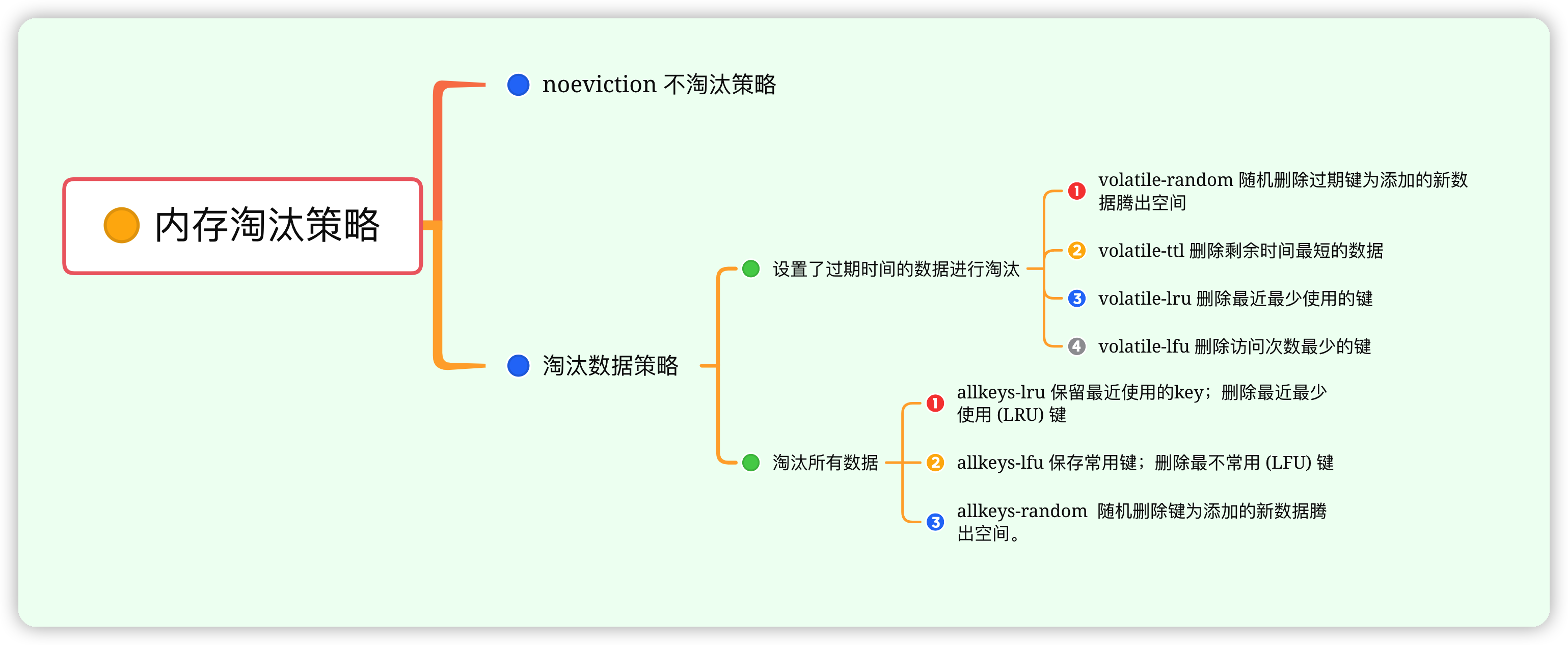
How to handle the expired data of redis and what are the elimination mechanisms?

Deep learning -- Realization of convolution by sliding window

Personal blog one article multi post tutorial - basic usage of openwriter management tool

Deep learning - goal orientation
![July 30, 2021 [wgs/gwas] - whole genome analysis process (Part I)](/img/37/ae0f7ca03ef564b029c9c709779231.jpg)
July 30, 2021 [wgs/gwas] - whole genome analysis process (Part I)
随机推荐
期末复习-PHP学习笔记1
Deep learning - networks in networks and 1x1 convolution
架构实战营模块 5 作业
微信小程序使用vant weapp报错
深度学习——卷积的滑动窗口实现
[tensorflow GPU] building of deep learning environment under windows11
Efga design open source framework openlane series (I) development environment construction
2022.01.20 [bug note] | qiime2: an error was encoded while running dada2 in R (return code 1)
right four steps of SEIF SLAM
深度学习——特征点检测和目标检测
Go 数据类型篇之基本数据类型之间的转化
Given a fixed point and a straight line, find the normal equation of the straight line passing through the point
min_ max_ Gray operator understanding
C. Fishingprince Plays With Array
Tue Jun 28 2022 15:30:29 gmt+0800 (China standard time) date formatting
Introduction to opencv (I): image reading and display
Deep learning - brnn and DRNN
深度学习——循环神经网络
Bingbing learning notes: quick sorting
Why don't you know what to do after graduation from university?