当前位置:网站首页>Dialog data transfer
Dialog data transfer
2022-07-27 05:02:00 【PHP code】
The dialog box appears to complete a simple or short-term task . The data interaction between dialog box and main window is quite important . This section will explain how to conduct data interaction between the dialog box and the main window . According to the previous explanation , Dialog boxes are divided into modal and non modal . We will also take these two as examples , Respectively .
Modal dialog uses exec() Function to display it .exec() The real meaning of function is to start a new event loop ( We will introduce the concept of events in detail in the following chapters ). The so-called event cycle , It can be understood as an infinite loop .Qt After opening the event cycle , All kinds of events sent by the system can be monitored by the program . This event loop is equivalent to a polling function . Since it's an infinite loop , Of course, where the event cycle is turned on , The code will be blocked , The following statements will not be executed . therefore , For the exec() Modal dialog box displayed , We can do it in exec() Function, and then get the data value directly from the dialog box object .
Take a look at the following code :
void MainWindow::open()
{
    QDialog dialog(this);
    dialog.setWindowTitle(tr("Hello, dialog!"));
    dialog.exec();
    qDebug() << dialog.result();
}
In the above code , We use exec() Display a modal dialog . Last line of code ,qDebug() Be similar to std::cout perhaps Java Of System.out.println(); sentence , Output the following information to standard output , It's usually the console . Use qDebug() Need to introduce header file . stay exec() After the function , We can get directly dialog Data value . Be careful ,exec() Start an event cycle , The code is blocked here . because exec() Function did not return , So the following result() Functions will not be executed . Until the dialog box closes ,exec() The function returns , here , We can get the data of the dialog .
One thing to note is that , If we set dialog The property of is WA_DeleteOnClose, Then when the dialog box closes , Object destroyed , We can't use this method to obtain data . under these circumstances , We can consider using parent Build the dialog box by pointer , Avoid setting WA_DeleteOnClose attribute ; Or use another way .
actually ,QDialog::exec() There is a return value , The return value is QDialog::Accepted perhaps QDialog::Rejected. Generally, we will use code similar to the following :
QDialog dialog(this);
if (dialog.exec() == QDialog::Accepted) {
    // do something
} else {
    // do something else
}
To determine the return value of the dialog , That is, the user clicked “ determine ” still “ Cancel ”. For more details, please refer to QDialog file .
Modal dialogs are relatively simple , If it is an modeless dialog ,QDialog::show() The function immediately returns , If we also write so , It is impossible to obtain the data entered by the user . because show() Function does not block the main thread ,show() Return immediately , The user hasn't had time to input , Just execute the following code , Of course, there will be no correct result . Then we should get data in a different way , That is to use the signal slot mechanism .
Because the modeless dialog box can call QDialog::accept() perhaps QDialog::reject() Or more general QDialog::done() function , So we can send a signal here . in addition , If you can't find the right signal point , We can rewrite QDialog::closeEvent() function , Send a signal here . In the window that needs to receive data ( Here is the main window ) Connect to this signal . Similar code snippets are shown below :
//!!! Qt 5
// in dialog:
void UserAgeDialog::accept()
{
    emit userAgeChanged(newAge); // newAge is an int
    QDialog::accept();
}

// in main window:
void MainWindow::showUserAgeDialog()
{
    UserAgeDialog *dialog = new UserAgeDialog(this);
    connect(dialog, &UserAgeDialog::userAgeChanged, this, &MainWindow::setUserAge);
    dialog->show();
}

// ...

void MainWindow::setUserAge(int age)
{
    userAge = age;
}
The code above is very simple , No more details here . in addition , Of the above code Qt 4 Version should also be easy to implement .
Don't worry if the dialog closes , Is it possible to obtain data . because Qt The mechanism of the signal slot ensures , When the slot function is called , We can always use sender() Function to get signal Sender of . About sender() function , More information can be found in the documentation . By the way ,sender() The existence of function enables us to use this function , To realize a modeless dialog box that can only open one ( The method is to record the mark in a dialog mapping table when the dialog box is opened , Use... When the dialog box closes sender() Function to determine whether the dialog box , Then delete it from the mapping table ).
边栏推荐
- 项目对接支付宝支付,内网穿透实现监听支付宝的支付成功异步回调通知
- Three paradigms, constraints, some keyword differences,
- 【搜索】DFS之连通性模型 + 搜索顺序
- What about PS too laggy? A few steps to help you solve the problem
- The usage syntax and scene of selector, as well as the usage of background picture size, text box shadow and excessive effect
- Solution: how to use bash batch command in win10
- Approval of meeting OA
- 使用Photoshop出现提示“脚本错误-50出现一般Photoshop错误“
- How to import PS style? Photoshop style import tutorial
- 集成开发环境Pycharm的安装及模板设置
猜你喜欢
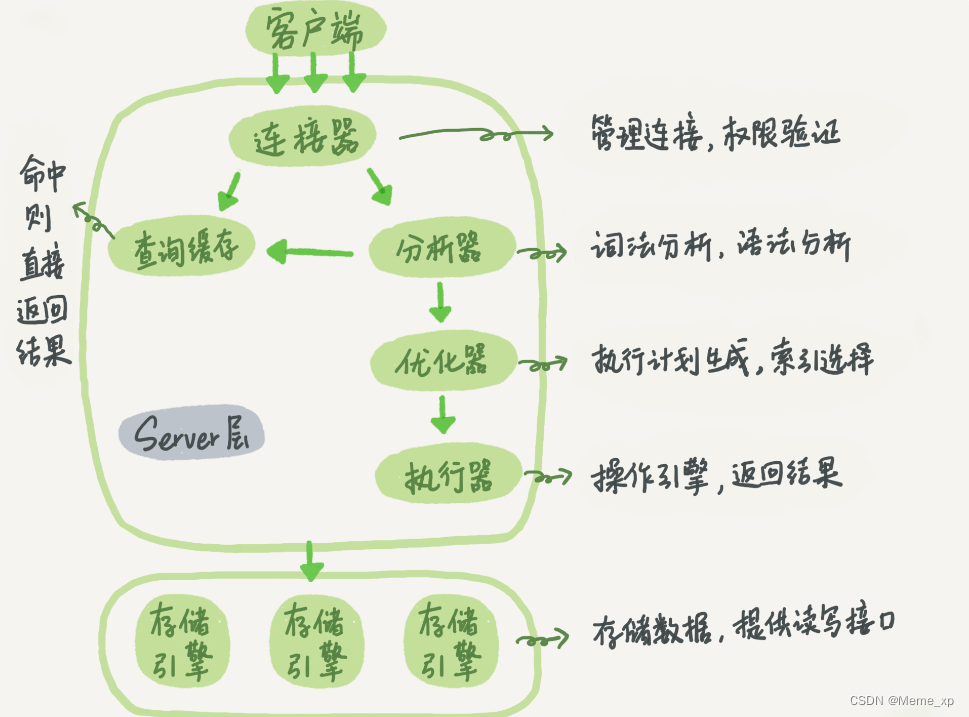
The execution process of a select statement in MySQL

Final Cut Pro Chinese tutorial (1) basic understanding of Final Cut Pro

ps怎么导入lut预设?Photoshop导入lut调色预设教程

C语言 通讯录管理系统(链表,手机号码分段存储,txt文件存取,完整源码)
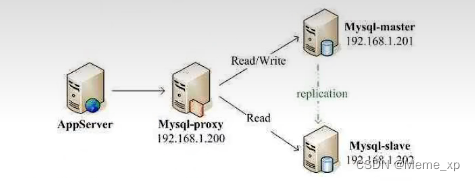
Read write separation and master-slave synchronization

Photoshop裁剪工具隐藏技巧

报错:cannot read poperties of undefined(reading ‘then‘)
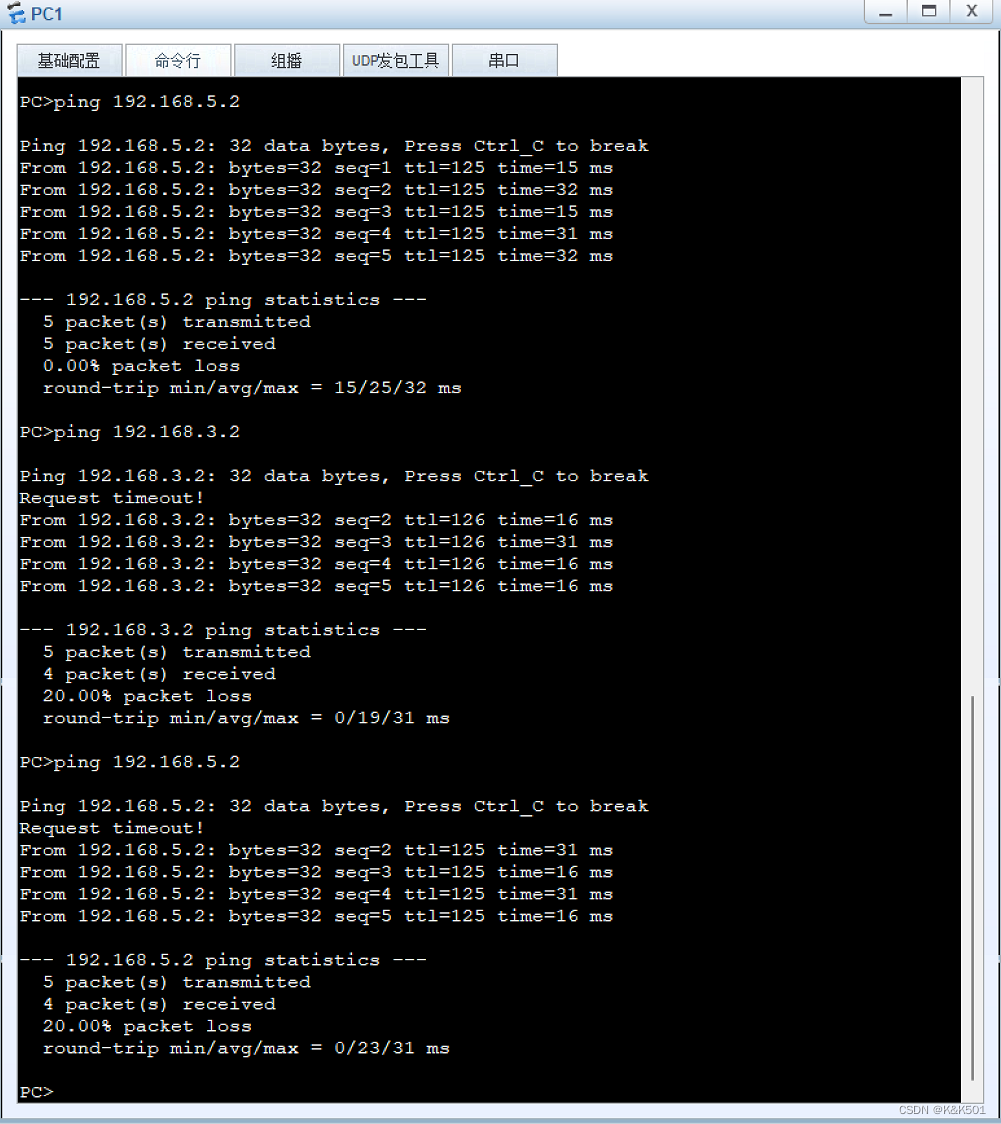
HCIA static routing basic simulation experiment

Unit test Chapter6

Why is count (*) slow
随机推荐
Counting Nodes in a Binary Search Tree
CDH cluster integration external Flink (improved version - keep pace with the times)
On the problem that Gorm's beforedelete hook method does not work
Digital integrated circuit: CMOS inverter (I) static characteristics
【C语言】动态内存管理
柔性数组以及常见问题
文件对话框
动态内存函数的介绍(malloc free calloc realloc)
Final Cut Pro Chinese tutorial (2) understanding of material window
How to import PS style? Photoshop style import tutorial
Open the door of programming
老子云携手福昕鲲鹏,首次实现3D OFD三维版式文档的重大突破
R-score reproduction R-Precision evaluation index quantitative text generation image r-score quantitative experiment whole process reproduction (R-Precision) quantitative evaluation experiment step on
STL upper series - detailed explanation of list container
Plane conversion (displacement, rotation, scaling)
Row, table, page, share, exclusive, pessimistic, optimistic, deadlock
Bubble sort (detailed)
Counting Nodes in a Binary Search Tree
Hiding skills of Photoshop clipping tool
Introduction to MySQL optimization