当前位置:网站首页>使用lodash替换js字符串中的变量
使用lodash替换js字符串中的变量
2022-08-02 16:58:00 【学亮编程手记】
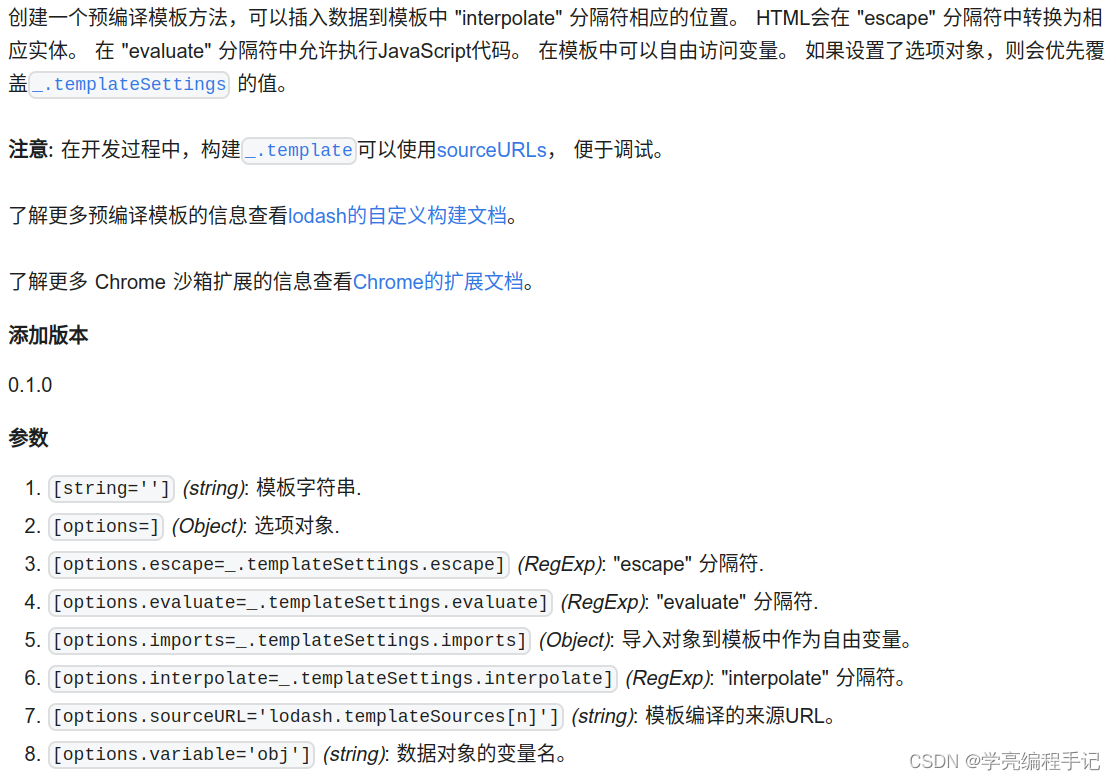
// 使用 "interpolate" 分隔符创建编译模板
var compiled = _.template('hello <%= user %>!');
compiled({
     'user': 'fred' });
// => 'hello fred!'

// 使用 HTML "escape" 转义数据的值
var compiled = _.template('<b><%- value %></b>');
compiled({
     'value': '<script>' });
// => '<b><script></b>'

// 使用 "evaluate" 分隔符执行 JavaScript 和 生成HTML代码
var compiled = _.template('<% _.forEach(users, function(user) { %><li><%- user %></li><% }); %>');
compiled({
     'users': ['fred', 'barney'] });
// => '<li>fred</li><li>barney</li>'

// 在 "evaluate" 分隔符中使用内部的 `print` 函数
var compiled = _.template('<% print("hello " + user); %>!');
compiled({
     'user': 'barney' });
// => 'hello barney!'

// 使用 ES 分隔符代替默认的 "interpolate" 分隔符
var compiled = _.template('hello ${ user }!');
compiled({
     'user': 'pebbles' });
// => 'hello pebbles!'

// 使用自定义的模板分隔符
_.templateSettings.interpolate = /{
     {([\s\S]+?)}}/g;
var compiled = _.template('hello {
    { user }}!');
compiled({
     'user': 'mustache' });
// => 'hello mustache!'

// 使用反斜杠符号作为纯文本处理
var compiled = _.template('<%= "\\<%- value %\\>" %>');
compiled({
     'value': 'ignored' });
// => '<%- value %>'

// 使用 `imports` 选项导入 `jq` 作为 `jQuery` 的别名
var text = '<% jq.each(users, function(user) { %><li><%- user %></li><% }); %>';
var compiled = _.template(text, {
     'imports': {
     'jq': jQuery } });
compiled({
     'users': ['fred', 'barney'] });
// => '<li>fred</li><li>barney</li>'

// 使用 `sourceURL` 选项指定模板的来源URL
var compiled = _.template('hello <%= user %>!', {
     'sourceURL': '/basic/greeting.jst' });
compiled(data);
// => 在开发工具的 Sources 选项卡 或 Resources 面板中找到 "greeting.jst"

// 使用 `variable` 选项确保在编译模板中不声明变量
var compiled = _.template('hi <%= data.user %>!', {
     'variable': 'data' });
compiled.source;
// => function(data) {

// var __t, __p = '';
// __p += 'hi ' + ((__t = ( data.user )) == null ? '' : __t) + '!';
// return __p;
// }

// 使用 `source` 特性内联编译模板
// 便以查看行号、错误信息、堆栈
fs.writeFileSync(path.join(cwd, 'jst.js'), '\ var JST = {\ "main": ' + _.template(mainText).source + '\ };\ ');
边栏推荐
- npm install 编译时报“Cannot read properties of null (reading ‘pickAlgorithm‘)“
- Common software silent installation parameters
- Oracle 11 g rac finished patch, dbca new patches of SQL database also needs to perform?
- Nacos的基本配置
- SQL Statement Basics
- Mysql应用安装后找不到my.ini文件
- golang源码分析(5):sync.Once
- 【无标题】
- 尚硅谷尚品项目汇笔记(二)
- Redis的介绍和使用
猜你喜欢
分类实验报告作业
Kubernetes:(六)Pod重启策略和状态解释
关于我用iVX沉浸式体验了一把0代码项目创建
领导无线边缘AI的联合神经形态学习,具有较高的识别精度以及较低的能耗
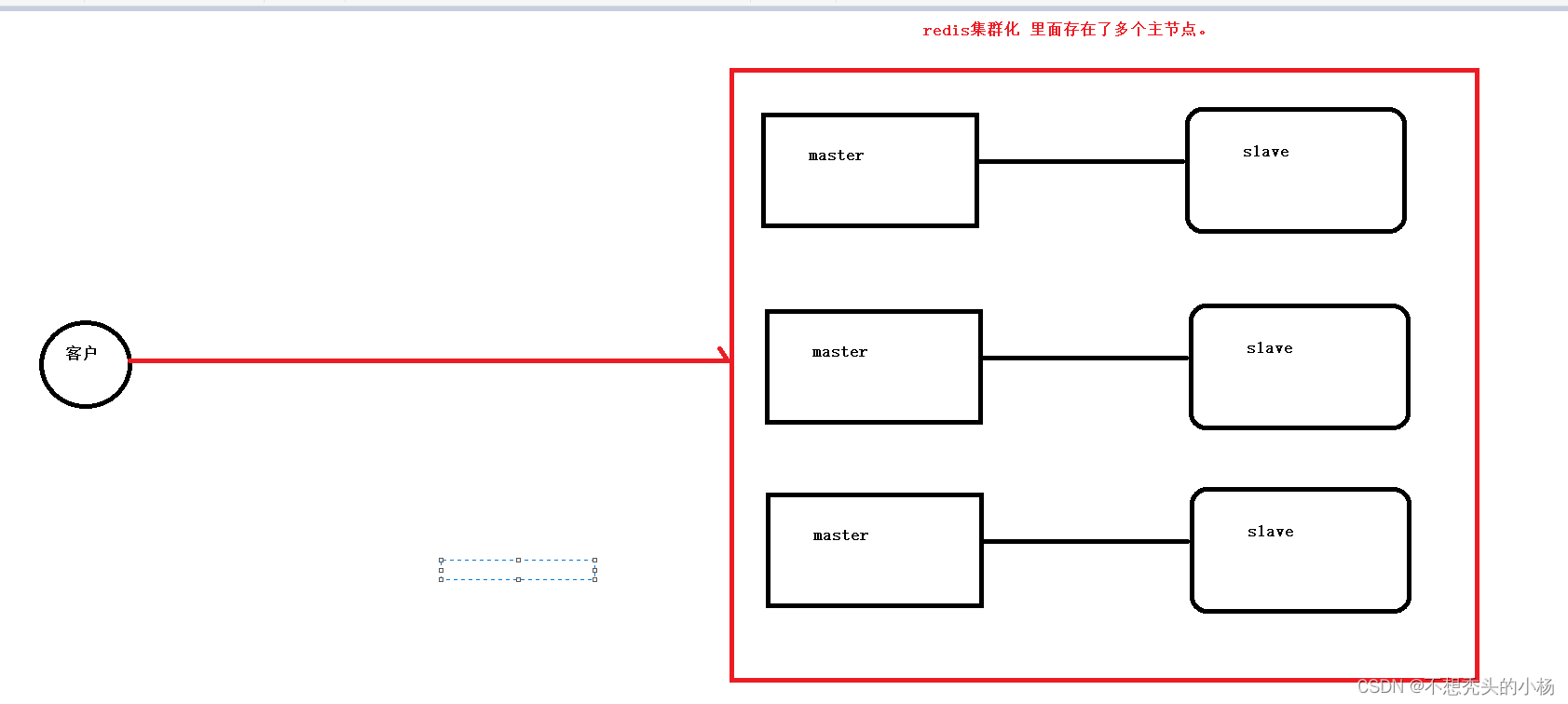
Redis的使用--集群模式
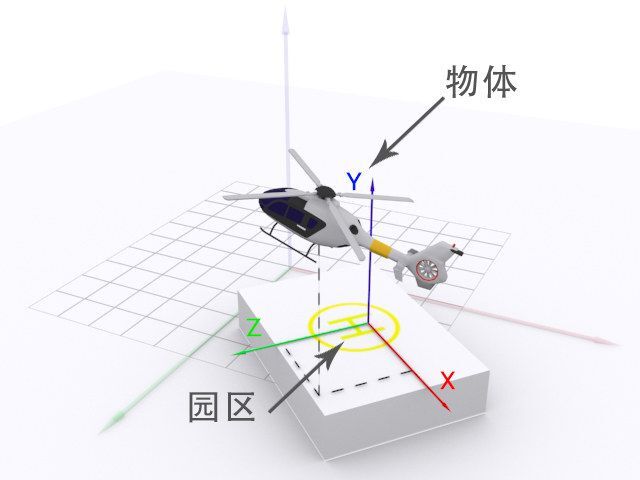
数字孪生园区场景中的坐标知识

【Redis】连接报错:Could not connect to Redis at 127.0.0.1:6379: Connection refused
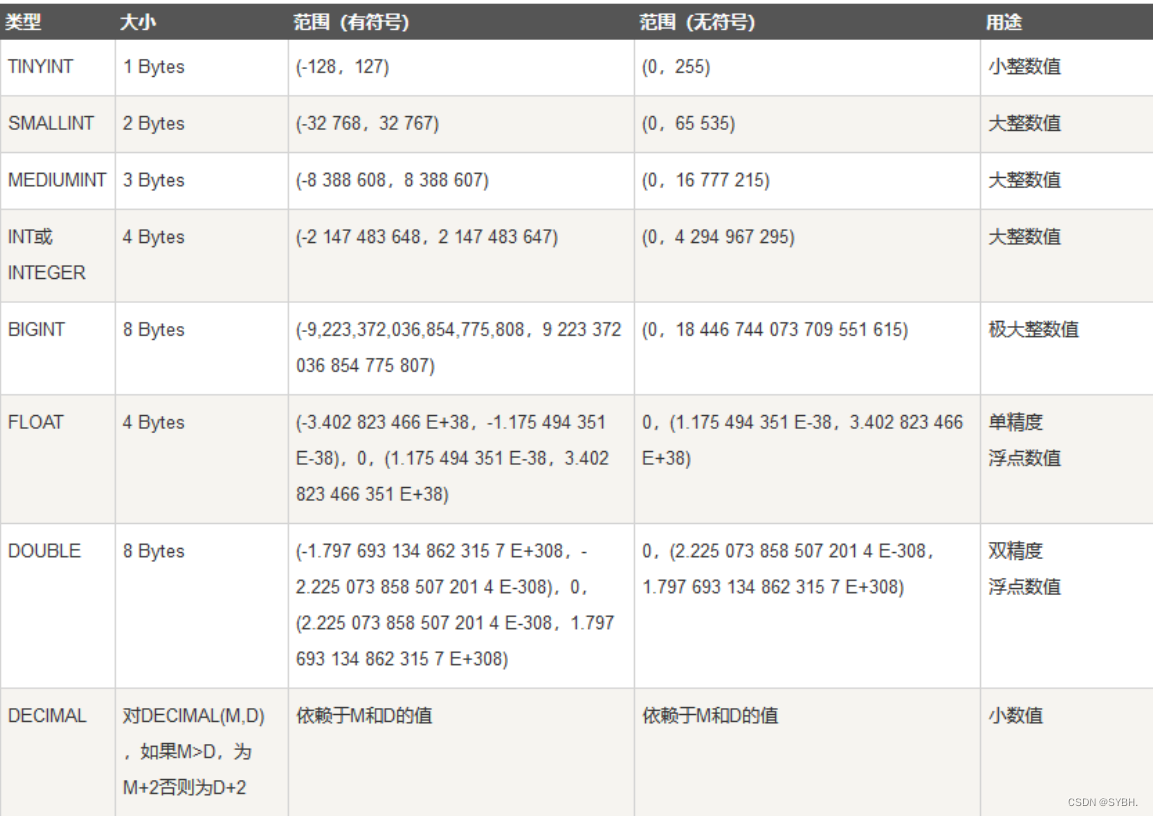
SQL Statement Basics
【C语言刷题】指针入门三题|字符串长度、字符串复制、两数交换
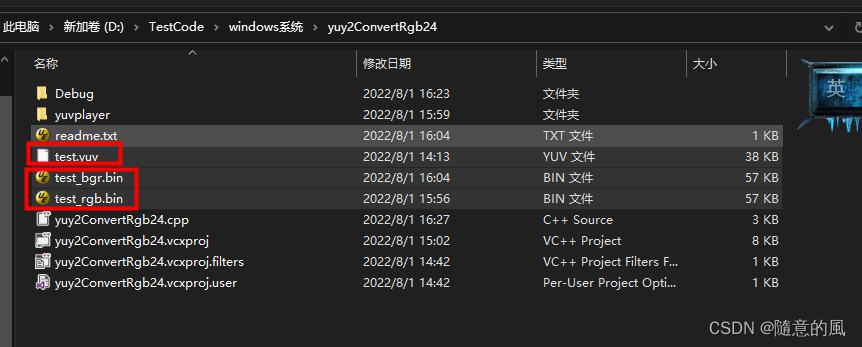
Five speakers: seventy genius_platform software platform development 】 【 turn YUY2 RGB24 implementation source code
随机推荐
【genius_platform软件平台开发】第七十五讲:YUY2转RGB24实现源码
锁定和并发控制(一)
【无标题】
Special Variables (SQL)
一些与开发者体验有关的话题
Coordinate knowledge in digital twin campus scenarios
Arduino hardware programming introduction to language learning
npm install报gyp info it worked if it ends with ok
MYSQL一站式学习,看完即学完
【二】TS基本类型
莱斯大学胡侠团队 ICML 2022 杰出论文: 新型图数据增强方法 G-Mixup|附作者对话
uniapp引入vantUI库
npm install 报错问题解决合集
小心 transmittable-thread-local 的这个坑
低光数据集
时间戳格式化「建议收藏」
红蓝对抗经验分享:CS免杀姿势
Alibaba最新神作——1015页分布式全栈手册太香了
Nacos配置中心工作原理(超简单)
Smart Contract Security - delegatecall (1)