当前位置:网站首页>使用flask框架写挡板
使用flask框架写挡板
2022-06-11 19:50:00 【找BUG的老爷】
flask框架功能也是比较多,那么今天就讲一下在挡板上的应用。首先说一下什么挡板呢,这个词一般在性能测试中比较常见,就是完整的测试环境没有搭完,或者测试的成本很高,比如发送短信等。那么就需要模拟一些没有搭或成本高的的功能,这就可以用挡板来做,直观的说就是模拟真实的环境。
咱们对挡板也是有了一定的了解,那么具体怎么搭建呢,接下来就跟着我,搭建一个简单的挡板
一、打开python编辑器,这里呢我使用的是pycharm,创建一个工程,叫什么都可以,在里面建一个run.py

二、编辑代码,这边需要有flask基础的同学, 如果没有的话可以看看我之前发的关于flask框架的基础知识
from flask import Flask, session, request, redirect, url_for,Response, jsonify
import json
import time
app = Flask(__name__)
# 定义接口路径
@app.route('/api/login', methods=['post', 'get'])
def do_login():
    # 判断请求的方式是post还是get
    if request.method == "GET":
        fail = {
            "timestamp": (time.asctime()),
            "error": 1
        }
        # get请求的话返回fail数据
        return jsonify(fail)
    # post请求的话返回success数据
    else:
        success = {
            "data": {
                "user_info": request.get_json()["user_info"],
                "password": request.get_json()["password"]
            },
            # 时间戳
            "timestamp": (time.asctime()),
            "success": 1
        }
        # 返回json形式的数据
        return jsonify(success)

if __name__ == '__main__':
    app.run(debug=True)
三、运行代码

好了,这样一个简单的挡板服务器就可以了,其实很简单,相比正式业务来说没有复杂的业务处理的过程,就是简单的模拟返回报文的过程,接下来咱们用requests来测试一下,看效果怎么样
新建test.py文件

里面写上代码
import json
import requests
# GET请求
# requests.get(url, params=None)
# POST请求
url = "http://127.0.0.1:5000/api/login"
data = {
    "user_info": "xiaoli",
    "password": "123456"
}
# 请求头,这里发送的是json数据,所以要选择以下形式
headers = {'Content-Type': 'application/json'}
# 将普通的字典类型转换成json类型
data_json = json.dumps(data)
# 其中data参数就是发送的数据,也就是咱们的json类型数据
res = requests.post(url, data=data_json, headers=headers, json=None)
print(res.text)
下面运行,一下爱,看一下返回结果

出现以上的返回内容就说明咱们的挡板配置成功了。这样咱们就可以根据需求返回指定的返回内容了,具体就是在这样的基础上修修改改就可以了
边栏推荐
- Google proposed the super pre training model coca, and the accuracy of fine-tuning top-1 on Imagenet reached 91%! SOTA! On multiple downstream tasks
- CMU 15-445 數據庫課程第五課文字版 - 緩沖池
- 巴比特 | 元宇宙每日必读:数字藏品二级市场乱象丛生,00后成新韭菜,监管迫在眉睫?...
- Anaconda installation, jupyter notebook default startup path modification and nbextensions plug-in installation
- Flutter doctor 顯示xcode沒有安裝的解决辦法
- Leetcode 1992. 找到所有的农场组(可以,一次过)
- Hanging memory recursive dynamic programming (with example explanation POJ 1163)
- YOLOv3 Pytorch代码及原理分析(二):网络结构和 Loss 计算
- 谷歌提出超强预训练模型CoCa,在ImageNet上微调Top-1准确率达91%!在多个下游任务上SOTA!...
- YOLOv3 Pytorch代码及原理分析(一):跑通代码
猜你喜欢

Qubicle notes: self set shortcut keys (attached with Lao Wang's self set shortcut key file)

WR | 西湖大学鞠峰组微纳塑料污染对人工湿地菌群与脱氮功能的影响

This article introduces you to the infrastructure of sofaregistry

基于 Vue + Codemirror 实现 SQL 在线编辑器
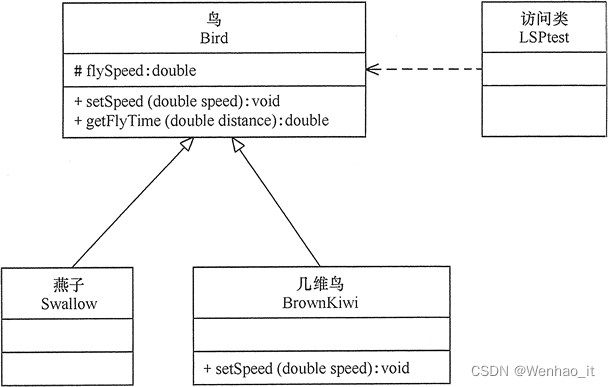
Richter's substitution principle

AHB_Bus_Matrix_3x3 设计
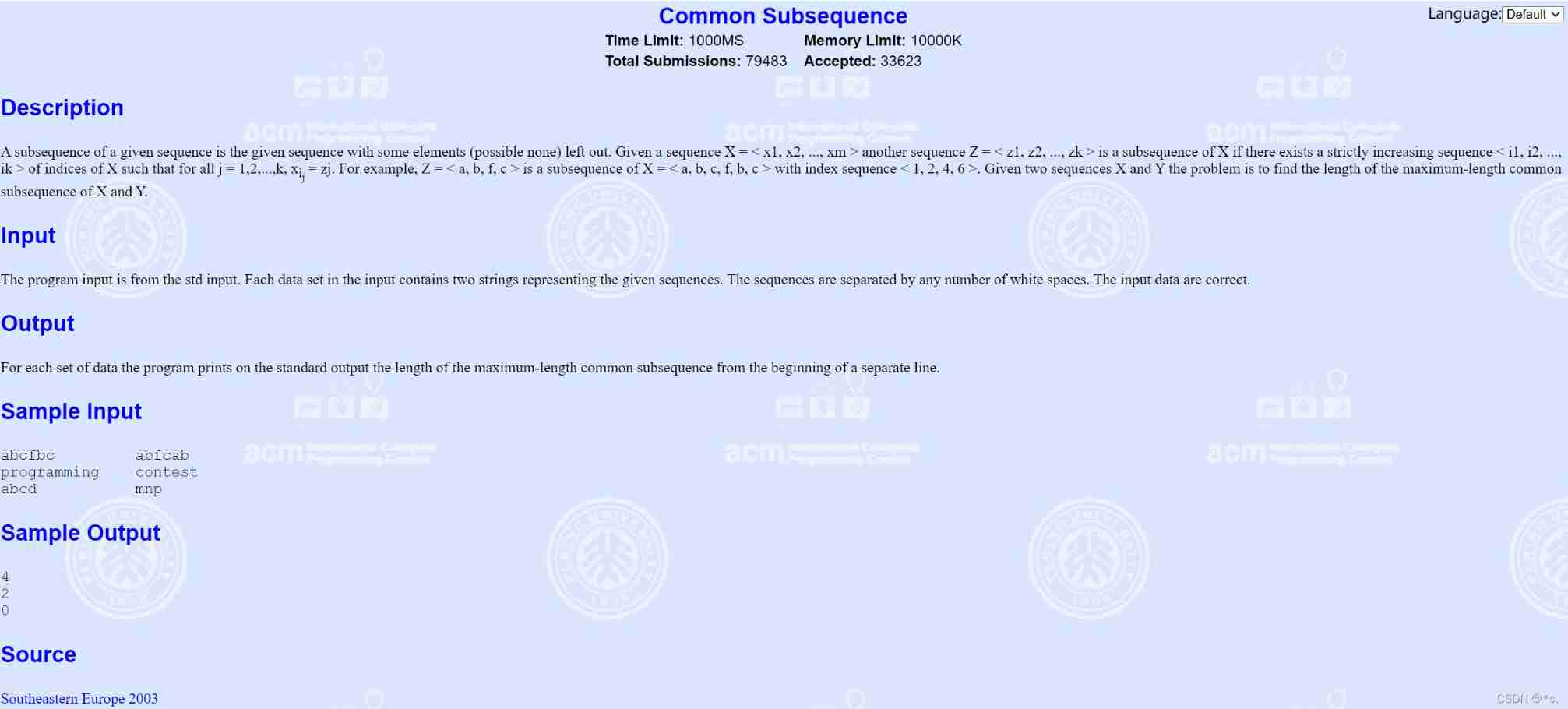
POJ 1458 longest common subsequence (dynamic planning exercise)

unity里面使用opencv,qt建立plugin(一)

CMU 15-445 database course lesson 5 text version - buffer pool

Linux环境安装mysql数据库详细教程(含卸载和密码重置过程)
随机推荐
Tensorflow---TFRecord文件的创建与读取
【Laravel系列7.5】事件系统
[help] how can wechat official account articles be opened in an external browser to display the selected messages below?
Leetcode 1992. 找到所有的农场组(可以,一次过)
【高精度】X进制整数加法
Detailed tutorial on installing MySQL database in Linux environment (including uninstallation and password reset process)
Proficient in xmake2
Anaconda安装、Jupyter Notebook默认启动路径修改及Nbextensions插件安装
STL application (unfinished
Detailed explanation on persistence of 2022redis7.0x
统一异常处理
Hdu3527 (Hangdian) spy problem
Leetcode 1992. Find all farm groups (yes, once)
构建Web应用程序
AHB2Standard_handshake_bridge 设计
Flutter doctor 顯示xcode沒有安裝的解决辦法
接口隔离原则
30讲 线性代数第二讲 矩阵
Multimodal learning toolkit paddlemm based on propeller
Yolov3 pytoch code and principle analysis (II): network structure and loss calculation