当前位置:网站首页>internship:编写excel表的上传方法(导入)
internship:编写excel表的上传方法(导入)
2022-08-03 23:13:00 【ahyo】
整个项目的框架搭建好之后,对于程序员只需要着手于业务的编写即可。比如一般的excel表的导入导出。比如人员的excel表的导入导出。
以下是导入(把excel数据上传实现与数据库的数据交互):
需要依据数据库表和excel表对应起来建类,类似于以下的编写形式
public class governmentsModel extends Model<governmentsModel> {


    private static long serialVersionUID=1L;


    @TableField(value = "id",type= IdType.AUTO)
    private Integer id;

    /** *...... */
    @Excel(name = "",width =25 )
    @TableField("name")
    @ApiModelProperty(value = "")
    private String name;

    /** *...... */
    @Excel(name = "",width =25 )
    @TableField("code")
    @ApiModelProperty(value = "")
    private String code;


    /** * */
    @TableField("type")
    private Integer type;

    /** *.... */
    @Excel(name = "",width =50 )
    @TableField("gb")
    @ApiModelProperty(value = "")
    private String gb;

    /** *..... */
    @Excel(name = "",width =50 )
    @TableField("category_code")
    @ApiModelProperty(value = "")
    private String category_code;


 ....................


}
@excel的注解就是在对应着excel表里的字段方便形成excel表。
类建好之后,进行编写上传方法,如下:
/** * 上传人员excel * * @param file * @return */
    @RequestMapping(value = "/uploadExcel", method = RequestMethod.POST)
    public ResponseData uploadExcel(HttpServletRequest request, MultipartFile file) {

        ImportParams importParams = new ImportParams();
        importParams.setTitleRows(1);
        List<governmentsModel> result;
        try {

            result = ExcelImportUtil.importExcel(file.getInputStream(), governmentsModel.class, importParams);
        } catch (Exception e) {

            e.printStackTrace();
            throw new BusinessException(500, "表格导入错误!");
        }
        //保存员工信息
        if (ToolUtil.isEmpty(result)) {

            throw new BusinessException(BizExceptionEnum.EXCEL_EMPTY);
        }
        List<governmentsModel> errorList = employerService.importExcel(result);
        request.getSession().setAttribute("employerList", errorList);
        return new ResponseData<>(errorList.size() == 0);
    }
逐行解读代码段:
1、method自然采取post 因为是导入需要上传excel表,ResponseData类是为了方便统一前后端的数据格式。
2、HttpServletRequest request, MultipartFile file 是上传excel表时 方法必要的传参 request意为请求——服务器请求对象 。MultipartFile——MultipartFile是SpringMVC提供简化上传操作的工具类。
在不使用框架之前,都是使用原生的HttpServletRequest来接收上传的数据,文件是以二进制流传递到后端的,然后需要我们自己转换为File类。使用了MultipartFile工具类之后,我们对文件上传的操作就简便许多了。
3、ImportParams 中文译为导入参数 配合 importParams.setTitleRows(1) 表头所占据的行数默认1,代表标题占据一行
4、用集合存储excel表数据,try catch异常捕获 通过ExcelImportUtil工具类 调用导入方法——importExcel 传入文件输入流参数、利用反射机制获取对应的依据数据库表和excel表对应起来建的类参数和标题占据行数
5、判断不为空之后便保存完数据 至于errorList的存在是用于在业务中判断其字段是否为null予以异常其中errorList.size() == 0返回的是布尔类型数据 为true则表明该上传的excel表完整无误。
导出:
    @RequestMapping(value = "/download", method = RequestMethod.GET)
    public void download(HttpServletResponse response) {

        try {

            ExportParams exportParams = new ExportParams("标题:指明用意");
            Workbook workbook = ExcelExportUtil.exportExcel(exportParams, governmentsModel.class, new ArrayList<>());

            String filename = "信息模板.xls";
            response.setContentType("application/force-download");
            response.setHeader("Content-disposition", "attachment;filename*=UTF-8''" + URLEncoder.encode(filename, "UTF-8"));
            OutputStream ouputStream = response.getOutputStream();
            workbook.write(ouputStream);
            ouputStream.flush();
            ouputStream.close();
        } catch (Exception e) {

            e.printStackTrace();
            throw new BusinessException(BizExceptionEnum.EXCEL_LOAD_WRONG);
        }
    }
}
边栏推荐
- Unity2021发布WebGL雾效消失问题
- 射频芯片(RFIC)的协议之5G及其调制
- 牛客2022 暑期多校3 H Hacker(SAM + 线段树查询区间内部最大子段和)
- 【LeetCode】最长公共子序列(动态规划)
- Boss: There are too many systems in the company, can you realize account interoperability?
- Analysys Analysis: The transaction scale of China's online retail B2C market in Q2 2022 will reach 2,344.47 billion yuan
- Walk the Maze BFS
- override learning (parent and child)
- 逆波兰表达式求值
- 响应式织梦模板除尘器类网站
猜你喜欢
Binary search tree to solve the fallen leaves problem
最小化安装debian11
override learning (parent and child)
生成器版和查看器版有什么区别?
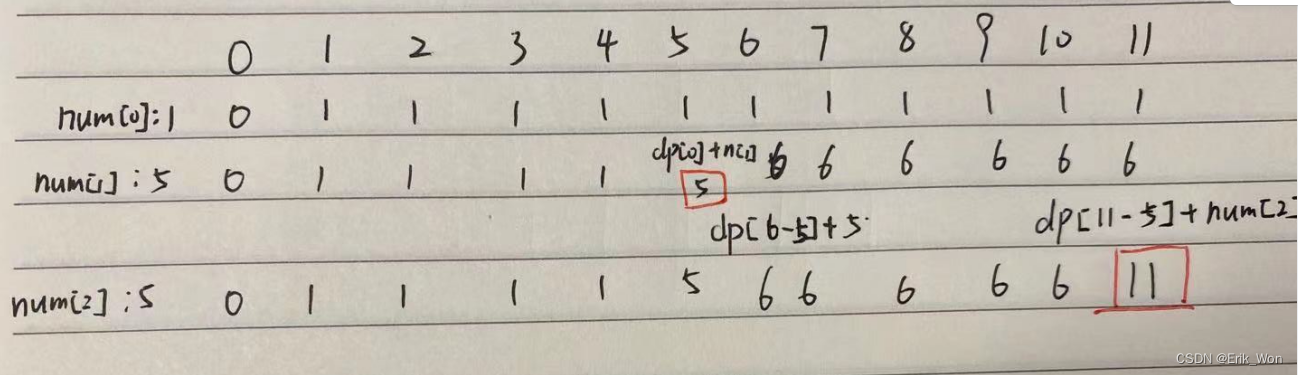
Code Casual Recording Notes_Dynamic Programming_416 Segmentation and Subsetting
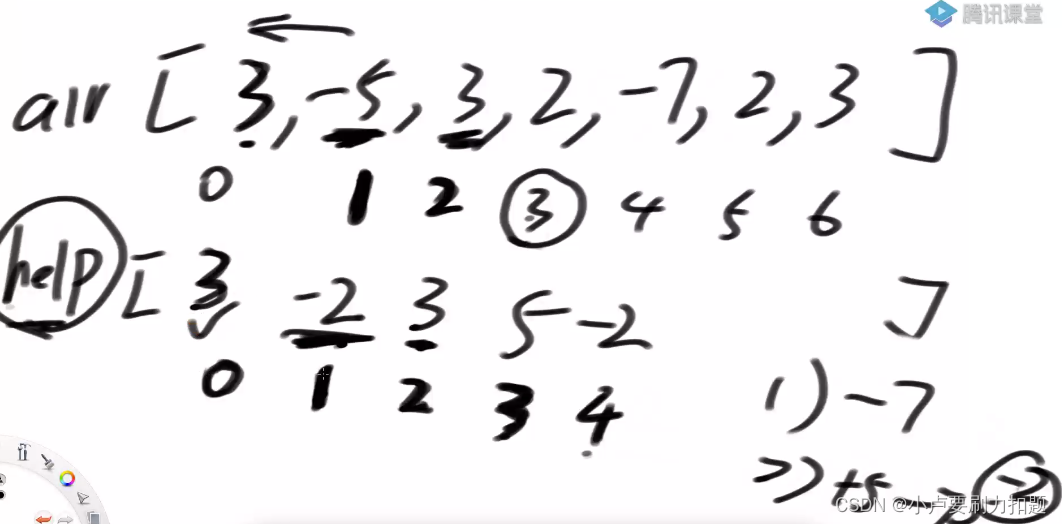
689. 三个无重叠子数组的最大和
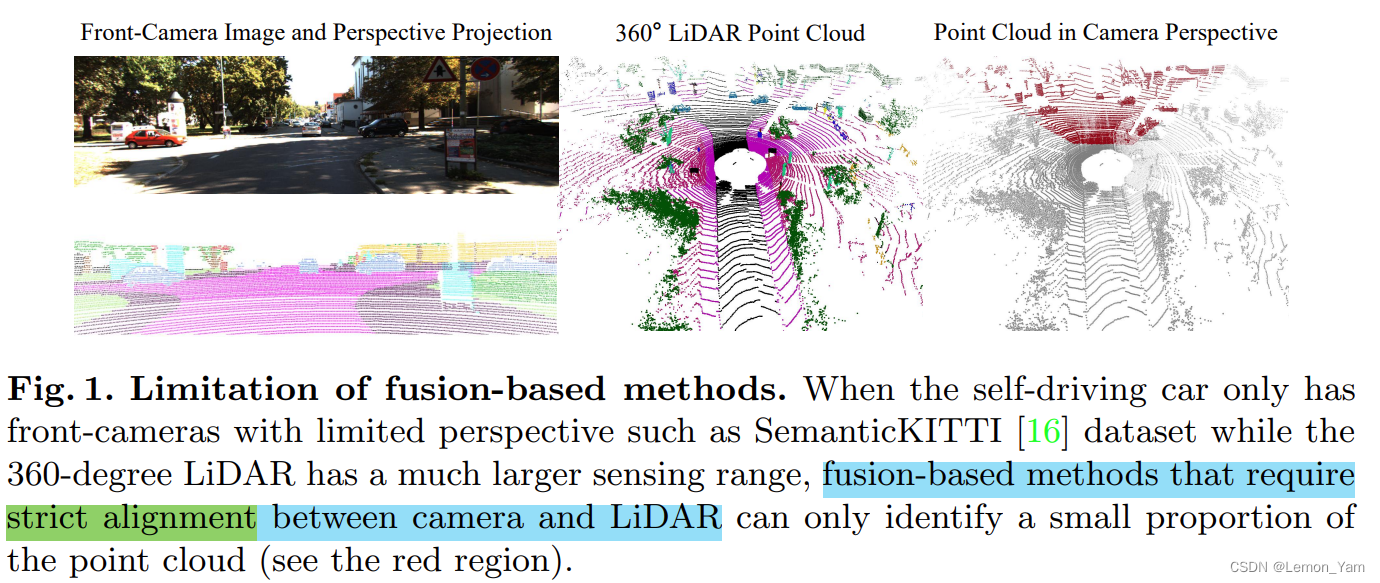
3D 语义分割——2DPASS
What is the difference between the generator version and the viewer version?
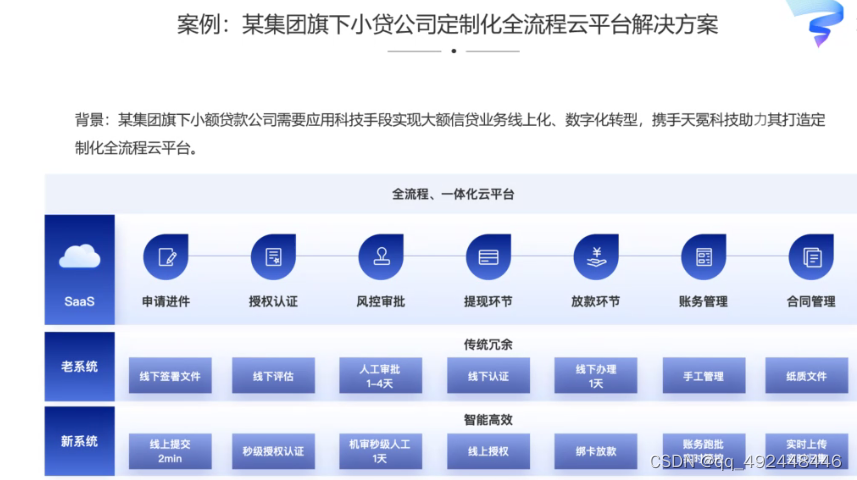
Cloud platform construction solutions
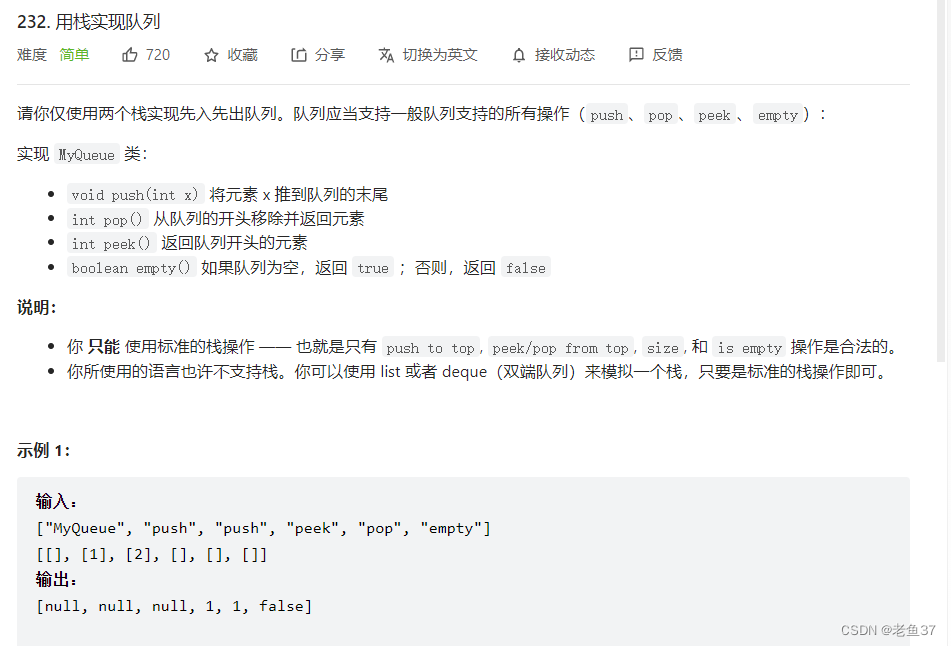
用栈实现队列
随机推荐
Creo 9.0在草图环境中创建坐标系
工作小计 QT打包
Fluorescein-PEG-CLS,胆固醇-聚乙二醇-荧光素科研试剂
override learning (parent and child)
二叉搜索树解决落叶问题
FinClip,助长智能电视更多想象空间
RPA power business automation super order!
utils 定时器
Shell编程之循环语句与函数
Canvas App中点击图标生成PDF并保存到Dataverse中
生成器版和查看器版有什么区别?
node连接mysql数据库报错:Client does not support authentication protocol requested by server
响应式织梦模板除尘器类网站
用两个栈模拟队列
藏宝计划TreasureProject(TPC)系统模式开发技术原理
win10系统下yolov5-V6.1版本的tensorrt部署细节教程及bug修改
Scala基础【正则表达式、框架式开发原则】
SolidEdge ST8安装教程
走迷宫 BFS
使用tf.image.resize() 和tf.image.resize_with_pad()调整图像大小