当前位置:网站首页>Crawler case 1: JS reversely obtains HD Wallpapers of minimalist Wallpapers
Crawler case 1: JS reversely obtains HD Wallpapers of minimalist Wallpapers
2022-06-26 08:03:00 【Live Firestone】
List of articles
Preface
The main technical points introduced in this paper :
- be based on requests Modular post request
- Learn some js reverse
One 、 Anti climbing means of minimalist wallpapers
- Can't use F12 Call up the packet capturing tool
- js Anti creeping
- Based on humanitarianism , Domestic conscience wallpaper , I hope you will be a kind reptile
Two 、 Climbing process
1. Call up the packet capturing tool


From the above, we can see that the size of the image URL obtained by capturing packets is different from the proportion shown in the web page , Simultaneously from a Labeled website We can see that the picture should be a thumbnail , Just to show .
2. Find the address of the picture
Since the image cannot be found in the web page source code , We keep loading pictures , It is found that it is actually dynamically loaded , Then we can start from the Network Search for
Generally, dynamically loaded files are placed in XHR In this option , With the sliding wheel , We found that getJson This file has been growing , It is concluded that the URL of the picture is here
But when we open the contents of the file , It was these things that I found
At that time, I was in a state of ignorance , What is this ( my fuck) And then gave up ……
Of course this is impossible , Since dynamic loading gets these things , It must have something to do with the address of the picture , So when I click on a picture
Found an extra URL in the packet capturing tool , Then get the URL and open it , It is the address of the picture , So we get the address of the picture


3. Image address resolution
Let's get more picture addresses , See what the difference is :
https://w.wallhaven.cc/full/5w/wallhaven-5wo3j8.jpg
https://w.wallhaven.cc/full/ym/wallhaven-ym3veg.jpg
https://w.wallhaven.cc/full/83/wallhaven-836rgy.jpg
We can find that each web site is generally different from the latter , At the same time, I suddenly remembered getJson The source code , Search its source code 5wo3j8
So we know that this is the part of the picture address , We just need to get getJson The source code in .


4. Download the pictures
When we look at getJson The request of , Found to be post request ( ah , I haven't used it for a long time post Request the , Then I opened my notes and looked at them post Process of request )
First write the request header
headers = {

        "accept-encoding": "gzip,deflate,br",
        "accept-language": "zh-CN, zh,q = 0.9, en - US,q = 0.8, en,q = 0.7, zh - TW,q = 0.6",
        "access": "918c3eb8f5d471ffdc7a34365152b220b07d8bdc5c991a47961564a62b84834",
        "content-length": "30",
        "content-type": "application/json",
        "location": "bz.zzzmh.cn",
        "origin": "https://bz.zzzmh.cn",
        "referer": "https://bz.zzzmh.cn/",
        "sign": "273a3b6b44a285e367af744c37eb30f6",
        "timestamp": "1614348146725",
        "User-Agent": "Mozilla/5.0 (Windows NT 10.0; Win64; x64) AppleWebKit/537.36 (KHTML, like Gecko) Chrome/88.0.4324.182 Safari/537.36",
    }
Here we analyze each getJson The request header of the page 

We will find that every getJson Of documents access and timestamp Dissimilarity
there access Encryption algorithm is used ( Secure hash algorithm )
As for how to encrypt here , We need to check access The formation of 


import time
import hashlib
timestamp = str(int(time.time()*1000))   #  The length of the timestamp should correspond to the timestamp of the request
# print(timestamp)
access = "application/json" + "bz.zzzmh.cn" + "273a3b6b44a285e367af744c37eb30f6"+ timestamp
access = hashlib.sha256(access.encode("utf-8")).hexdigest()

Here we get access and timestamp
At this point, we can write code
import json
import requests
import time
import hashlib

""" post The request needs to carry parameters  "content-type": "application/json"  When content-type The value of is json When the format ,post The request must be json Format   When content-type When the value of is in key value pair format ,post The request must be in the form of a key value pair   Every web address is different  timestamp:  Time stamp  access:  encryption algorithm :sha family ( Secure hash algorithm ) """

timestamp = str(int(time.time()*1000))   #  The length of the timestamp should correspond to the timestamp of the request
# print(timestamp)
access = "application/json" + "bz.zzzmh.cn" + "273a3b6b44a285e367af744c37eb30f6"+ timestamp
access = hashlib.sha256(access.encode("utf-8")).hexdigest()


def main():
    url = "https://api.zzzmh.cn/bz/getJson"
    headers = {

        "accept-encoding": "gzip,deflate,br",
        "accept-language": "zh-CN, zh,q = 0.9, en - US,q = 0.8, en,q = 0.7, zh - TW,q = 0.6",
        "access": access,
        "content-length": "30",
        "content-type": "application/json",
        "location": "bz.zzzmh.cn",
        "origin": "https://bz.zzzmh.cn",
        "referer": "https://bz.zzzmh.cn/",
        "sign": "273a3b6b44a285e367af744c37eb30f6",
        "timestamp": timestamp,
        "User-Agent": "Mozilla/5.0 (Windows NT 10.0; Win64; x64) AppleWebKit/537.36 (KHTML, like Gecko) Chrome/88.0.4324.182 Safari/537.36",
    }
    data = {

        "pageNum": "1",
        "target": "index"
    }
    response = requests.post(url, headers=headers, data=json.dumps(data)).json()
    imageList = response.get("result").get("records")
    for image in imageList:
        imageType = image.get("t")
        imageNum = image.get("i")
        newurl = "https://w.wallhaven.cc/full/{}/wallhaven-{}.{}"
        if imageType == "j":
            newurl = newurl.format(imageNum[:2],imageNum, "jpg")

        elif imageType == "p":
            newurl = newurl.format(imageNum[:2],imageNum, "png")

        print(" Downloading :"+newurl)
        image = requests.get(newurl).content
        path = "D:\Code\spider\douban\python Reptile advanced \ picture \\" + imageNum + ".jpg"
        with open(path, 'wb') as f:
            f.write(image)


if __name__ == '__main__':
    main()
summary
The next step is to get the high-definition Wallpaper of the minimalist wallpaper , The point is js reverse ,access Acquisition .
边栏推荐
- Multi interface switching in one UI of QT
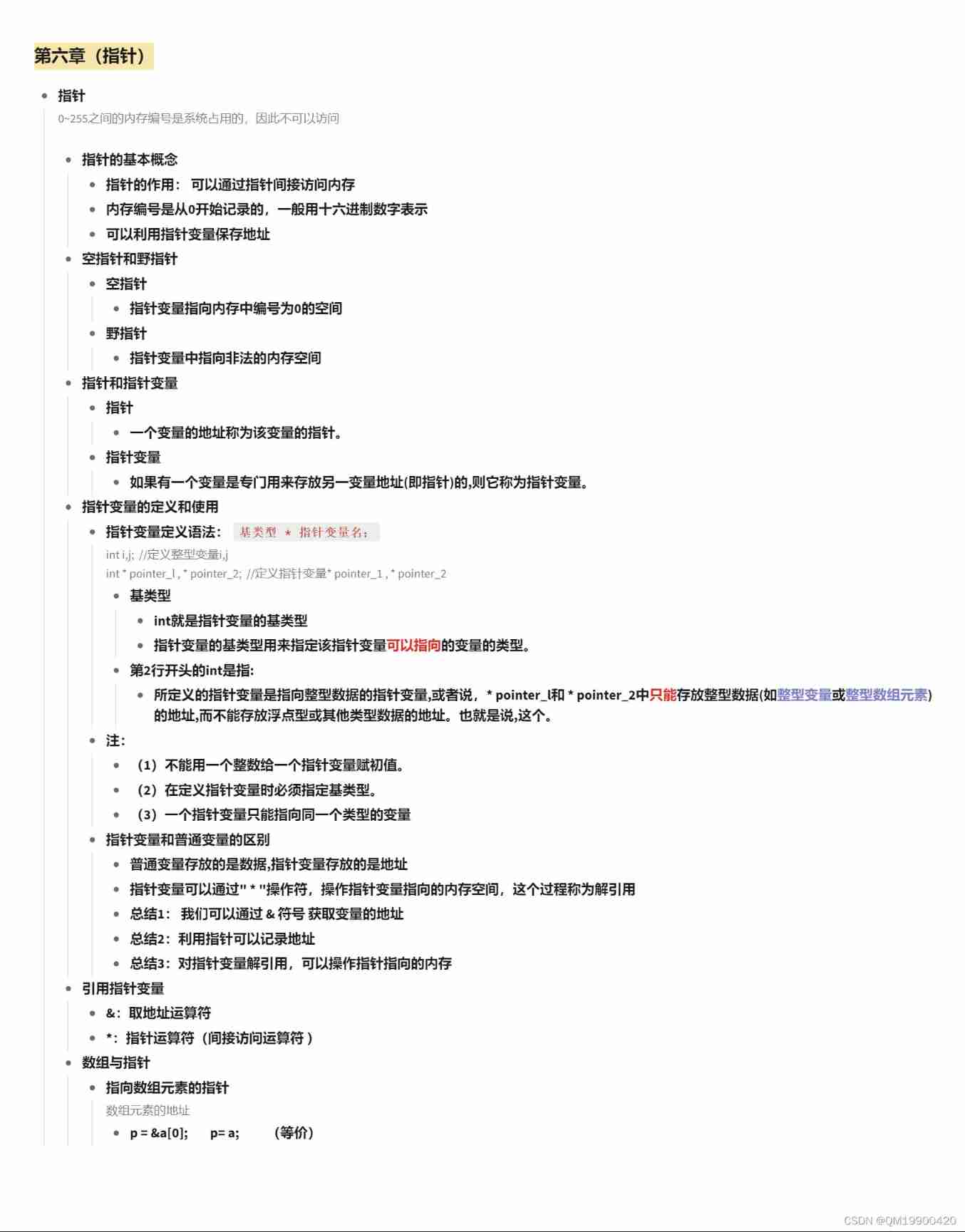
- Chapter VI (pointer)
- Livevideostackcon | evolution of streaming media distribution for online education business
- Double linked list -- tail interpolation construction (C language)
- How to define a digital factory and what is the relationship with smart factory and industry 4.0
- [UVM practice] Chapter 3: UVM Fundamentals (3) field automation mechanism
- Automatic backup of MySQL database in the early morning with Linux
- JS event loop mechanism
- Google Earth engine (GEE) 01- the prompt shortcut ctrl+space cannot be used
- PyTorch-12 GAN、WGAN
猜你喜欢
Chapter VI (pointer)

arduino——ATtiny85 SSD1306 + DHT

What is the five levels of cultivation of MES management system

ReW_ p
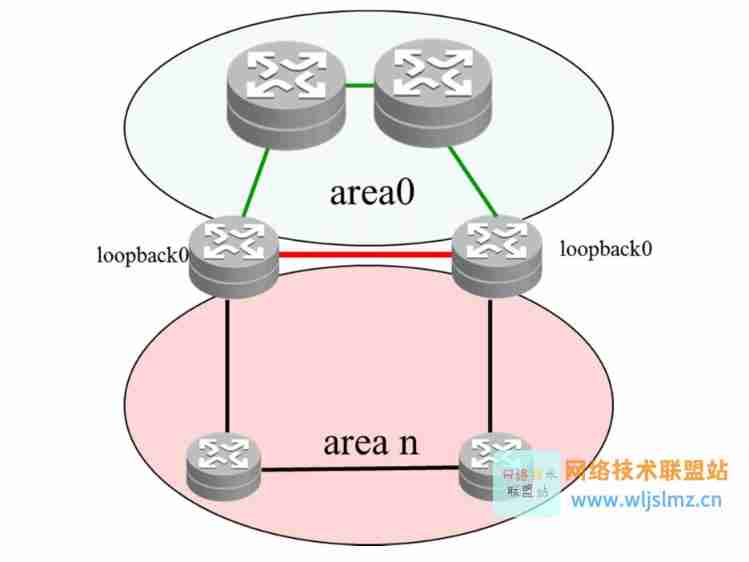
Two models of OSPF planning: double tower Raider and dog tooth crisscross
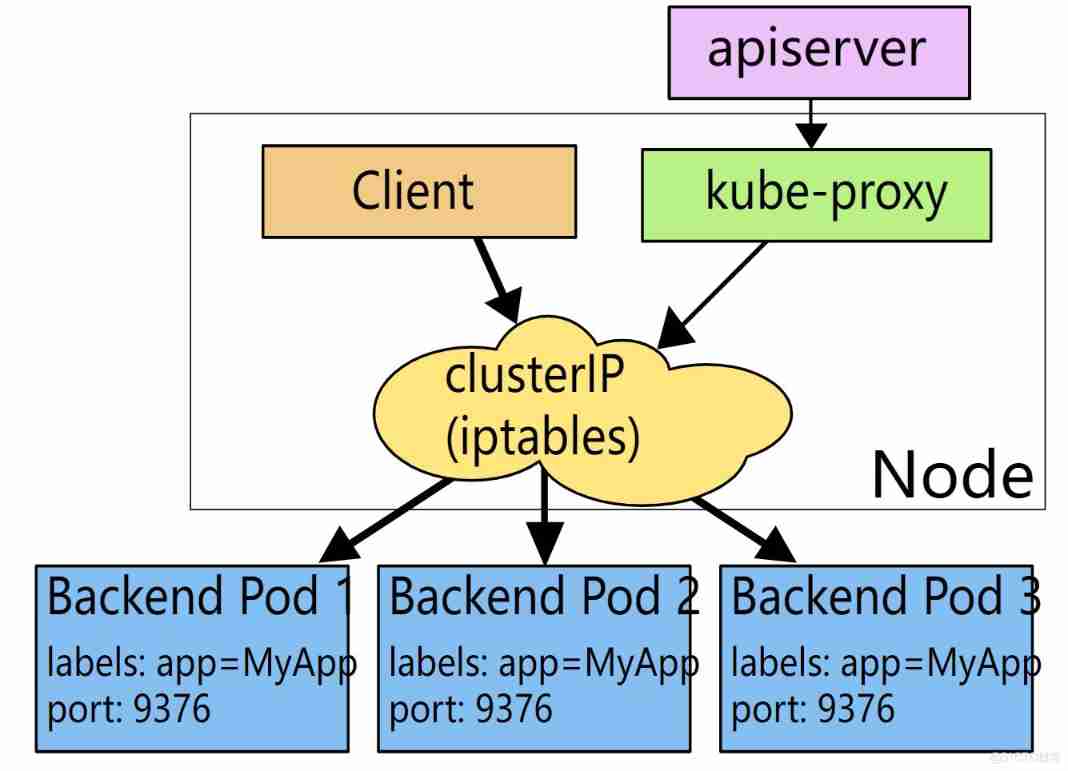
Yyds dry inventory kubernetes easy service discovery and load balancing (11)

Uniapp wechat withdrawal (packaged as app)

Chapter VIII (classes and objects)

Redis (4) -- Talking about integer set
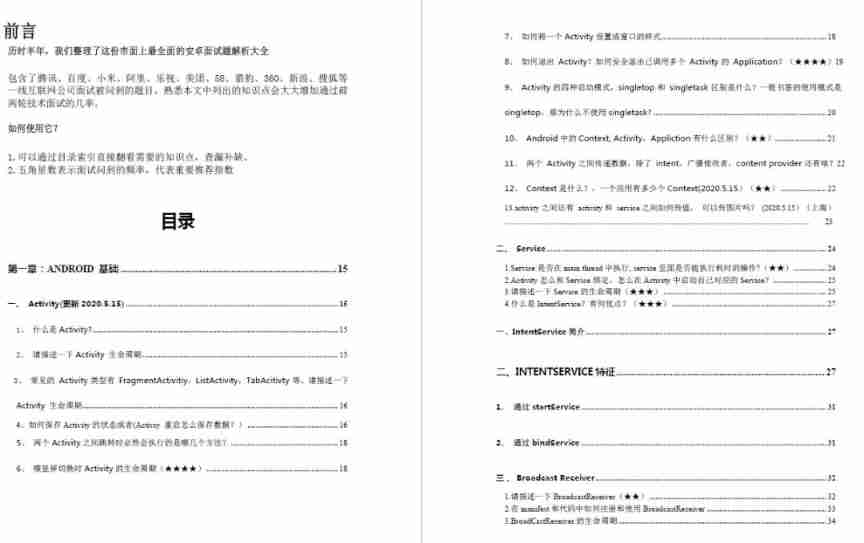
Okhttp3 source code explanation (IV) cache strategy, disadvantages of Android mixed development
随机推荐
Yyds dry inventory kubernetes easy service discovery and load balancing (11)
PyTorch-12 GAN、WGAN
I want to create SQL data (storage structure)
Power apps application practice | easily develop employee leave attendance management applet with power apps
Pycharm settings
Automatic backup of MySQL database in the early morning with Linux
Interview for postgraduate entrance examination of Baoyan University - machine learning
How to design API return codes (error codes)?
[UVM foundation] UVM_ Driver member variable req definition
Google Earth engine (GEE) 02 basic knowledge and learning resources
Class class of box selection four to and polygon box selection based on leaflet encapsulation
Introduction to uni app grammar
Tsinghua Yaoban chendanqi won Sloan award! He is a classmate with last year's winner Ma Tengyu. His doctoral thesis is one of the hottest in the past decade
What are the key points of turnover box management in warehouse management
MFC writes a suggested text editor
Use intent to shuttle between activities -- use implicit intent
Handwritten instanceof underlying principle
2022 ranking of bank financial products
[untitled]
Apache inlong graduated as a top-level project with a million billion level data stream processing capability!