当前位置:网站首页>[rust web rokcet Series 2] connect the database and add, delete, modify and check curd
[rust web rokcet Series 2] connect the database and add, delete, modify and check curd
2022-07-02 01:18:00 【Macaroni candy】
Rust Web Rokcet series 2 Connect to database and CURD Additions and deletions
original text : https://www.ftls.xyz/posts/rust-rocket2/
author : Macaroni candy
Series address : https://www.ftls.xyz/series/rust-web-rokcet
It uses SQLite database , In fact, all kinds of databases are similar . There are already many packages to help us deal with various details . at present diesel Support mysql,postgres and sqlite. Functions are generally used when the mouse moves over the function , In the displayed document . let me put it another way , stay Ctrl+ left-click Click in to display the source file between the lines .
The related documents :
https://rocket.rs/v0.5-rc/guide/state/#databases
Reference writing :
https://github.com/SergioBenitez/Rocket/tree/v0.5-rc/examples/databases
Installation tools SQLite and diesel_cli
Introduce to you Windows SQLite Lower installation method , open SQLite Official website Download page .
https://www.sqlite.org/download.html
choice Precompiled Binaries for Windows
64 Bit machine download sqlite-dll-win64-x64-3370200.zip and sqlite-tools-win32-x86-3370200.zip
32 Bit machine download sqlite-dll-win32-x86-3370200.zip and sqlite-tools-win32-x86-3370200.zip
Unzip all the files in these two packages to a directory , And use Microsoft Generation tool , Execute... In the directory
lib /def:sqlite3.def /machine:X64 /out:sqlite3.lib
Then add the directory to the environment variable , Then open the terminal to execute :
cargo install diesel_cli --no-default-features --features sqlite
To write SQL
open Project directory , perform
diesel setup
diesel migration generate article
Generated migrations\2022-02-14-114903_article\up.sql and migrations\2022-02-14-114903_article\down.sql
Then write up.sql and down.sql
migrations\2022-02-11-063903_product\up.sql
-- Your SQL goes here
CREATE TABLE article (
 id INTEGER NOT NULL PRIMARY KEY,
 title Text NOT NULL,
 author Text NOT NULL,
 content Text NOT NULL,
 created_at Text NOT NULL
)
migrations\2022-02-14-114903_article\down.sql
-- This file should undo anything in `up.sql`

DROP TABLE article;
Create project root , and Cargo.toml At the same level . establish .env file . write in
.env
DATABASE_URL=article.db
And then execute
diesel migration run
diesel It will automatically create one article.db, This is the database we will use later . besides , also src\schema.rs and diesel.toml file .
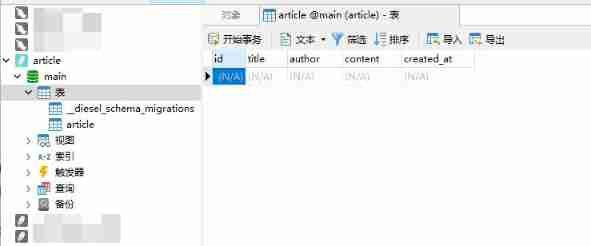
Use database tools , You can see that a table has been successfully created
Add dependency
stay Cargo.toml Add dependency to
Cargo.toml
[package]
name = "teach_used"
version = "0.1.0"
edition = "2021"
authors = ["Kkbt <[email protected]>"]

# See more keys and their definitions at https://doc.rust-lang.org/cargo/reference/manifest.html

[dependencies]
rocket = { version = "0.5.0-rc.1",features = ["json"]}
diesel = "1.4.8"

[dependencies.rocket_sync_db_pools]
version = "0.1.0-rc.1"
default-features = false
features = ["diesel_sqlite_pool"]
establish Rocket.toml
Rocket.toml
[global.databases]
sqlite_main = { url = "article.db" }
And then in main.rs Join the database connection , The connection pool is enabled by default .
#[macro_use]
extern crate diesel;

use rocket_sync_db_pools::database;

#[database("sqlite_main")]
pub struct MainDbConn(diesel::SqliteConnection);
Actually rocket_sync_db_pools::diesel It's also available . Be similar to
use rocket_sync_db_pools::{
    database,diesel};

#[database("sqlite_main")]
pub struct MainDbConn(diesel::SqliteConnection);
But I haven't figured out how to import #[macro_use] , The macro in src\schema.rs in table Yes . Let me know if anyone knows . Such should not be introduced diesel = “1.4.8” Rely on .
CURD
And then modify src\main.rs,src\module.rs,src\routes.rs .
src\main.rs :
#[macro_use]
extern crate rocket;

#[macro_use]
extern crate diesel;

mod module;
mod routes;
mod schema;

use rocket_sync_db_pools::database;
use routes::*;

#[database("sqlite_main")]
pub struct MainDbConn(diesel::SqliteConnection);

#[launch]
fn rocket() -> _ {

    rocket::build()
        // database
        .attach(MainDbConn::fairing())
        .mount("/", routes![index])
        // add api
        .mount("/", routes![get_all_articles, get_article_by_id])
        .mount("/", routes![post_article, put_article])
        .mount("/", routes![delete_all_articles, delete_article])
}
src\module.rs
use crate::schema::article;
use diesel::Insertable;
use rocket::serde::{
    Deserialize, Serialize};

#[derive(Serialize, Deserialize, Clone, Debug, Queryable, Insertable)]
#[serde(crate = "rocket::serde")]
#[table_name = "article"]
pub struct Article {

    pub id: i32,
    pub title: String,
    pub author: String,
    pub content: String,
    pub created_at: String,
}
#[derive(Debug, Serialize, Deserialize, Queryable, Clone, Insertable, AsChangeset)]
#[serde(crate = "rocket::serde")]
#[table_name = "article"]
pub struct PostArticle {

    pub title: String,
    pub author: String,
    pub content: String,
    pub created_at: String,
}
src\routes.rs It's simple CURD , See the documentation for details . Functions are generally used when the mouse moves over the function , In the displayed document . let me put it another way , stay Ctrl+ left-click Click in to display the source file between the lines .
use diesel::{
    prelude::*, QueryDsl, RunQueryDsl};
use rocket::serde::json::{
    serde_json::json, Json, Value};
use rocket::{
    delete, get, post, put, response::status::Created, response::Debug};

use crate::module::{
    Article, PostArticle};
use crate::schema::article;
use crate::MainDbConn;

type Result<T, E = Debug<diesel::result::Error>> = std::result::Result<T, E>;

#[get("/")]
pub fn index() -> Value {

    json!({
    "kkbt":"Hello, world!"})
}

//  check  all
#[get("/article")]
pub async fn get_all_articles(db: MainDbConn) -> Result<Json<Vec<Article>>> {

    let all = db
        .run(move |conn| article::table.load::<Article>(conn))
        .await?;

    Ok(Json(all))
}
//  check  by id
#[get("/article/<in_id>")]
pub async fn get_article_by_id(db: MainDbConn, in_id: i32) -> Option<Json<Article>> {

    db.run(move |conn| article::table.filter(article::id.eq(in_id)).first(conn))
        .await
        .map(Json)
        .ok()
}
//  increase
#[post("/article", format = "json", data = "<in_article>")]
pub async fn post_article(
    db: MainDbConn,
    in_article: Json<PostArticle>,
) -> Result<Created<Json<PostArticle>>> {

    let article_in = in_article.clone();
    db.run(move |conn| {

        diesel::insert_into(article::table)
            .values(&article_in)
            .execute(conn)
    })
    .await?;
    Ok(Created::new("/").body(in_article))
}

//  Change  by id
#[put("/article/<in_id>", format = "json", data = "<in_article>")]
pub async fn put_article(
    db: MainDbConn,
    in_id: i32,
    in_article: Json<PostArticle>,
) -> Result<Option<()>> {

    let affected = db
        .run(move |conn| {

            diesel::update(article::table.filter(article::id.eq(in_id)))
                .set(in_article.into_inner())
                .execute(conn)
        })
        .await?;
    Ok((affected == 1).then(|| ()))
}

//  Delete  by id
#[delete("/article/<in_id>")]
pub async fn delete_article(db: MainDbConn, in_id: i32) -> Result<Option<()>> {

    let affected = db
        .run(move |conn| {

            diesel::delete(article::table)
                .filter(article::id.eq(&in_id))
                .execute(conn)
        })
        .await?;
    Ok((affected == 1).then(|| ()))
}

//  Delete  all
#[delete("/article/all")]
pub async fn delete_all_articles(db: MainDbConn) -> Result<()> {

    db.run(move |conn| diesel::delete(article::table).execute(conn))
        .await?;

    Ok(())
}
test
Postman JSON Format shared links :
https://www.getpostman.com/collections/46d782fa07ef766822f6
If the link fails , Please contact me . Only one sound .
边栏推荐
- Viewing and modifying volume group attributes of Aix storage management (II)
- Sql--- related transactions
- Brief introduction to the development of mobile network
- Global and Chinese markets for context and location-based services 2022-2028: Research Report on technology, participants, trends, market size and share
- 技术大佬准备就绪,话题C位由你决定
- Part 29 supplement (XXIX) basis of ECMAScript
- 学习笔记24--多传感器后融合技术
- Deb file installation
- Finally got byte offer, 25-year-old inexperienced experience in software testing, to share with you
- Infiltration records of CFS shooting range in the fourth phase of the western regions' Dadu Mansion
猜你喜欢

The first "mobile cloud Cup" empty publicity meeting, looking forward to working with developers to create a new world of computing!
![[image enhancement] vascular image enhancement based on frangi filter with matlab code](/img/b3/b4164fb7db8645f470180e352b5717.png)
[image enhancement] vascular image enhancement based on frangi filter with matlab code
![[IVX junior engineer training course 10 papers] 04 canvas and a group photo of IVX and me](/img/b8/31a498c89cf96567640677e859df4e.jpg)
[IVX junior engineer training course 10 papers] 04 canvas and a group photo of IVX and me
【图像增强】基于Frangi滤波器实现血管图像增强附matlab代码

SAP ui5 beginner tutorial XXI - trial version of custom formatter of SAP ui5

How to reflect and solve the problem of bird flight? Why are planes afraid of birds?
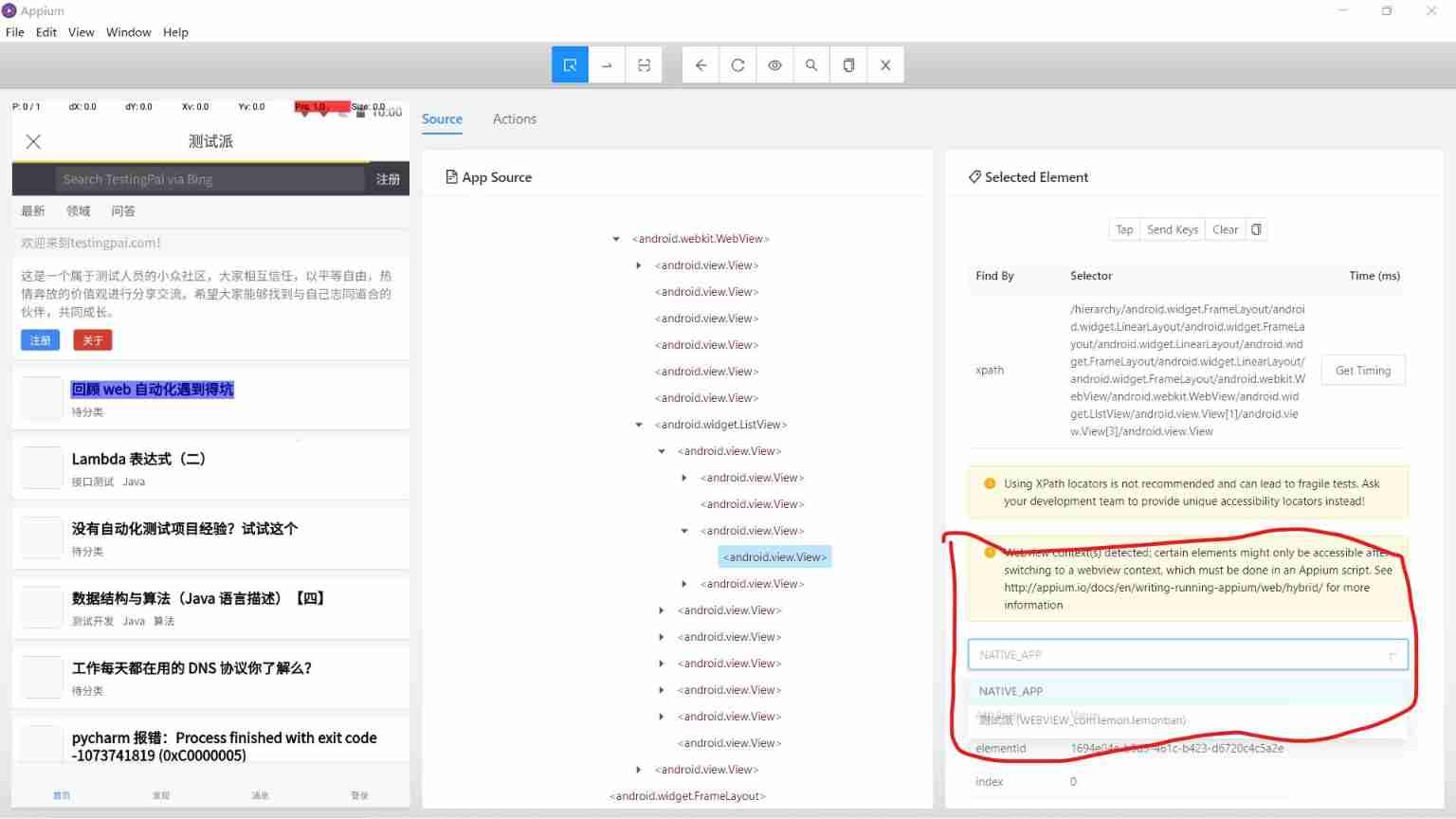
Appium inspector can directly locate the WebView page. Does anyone know the principle
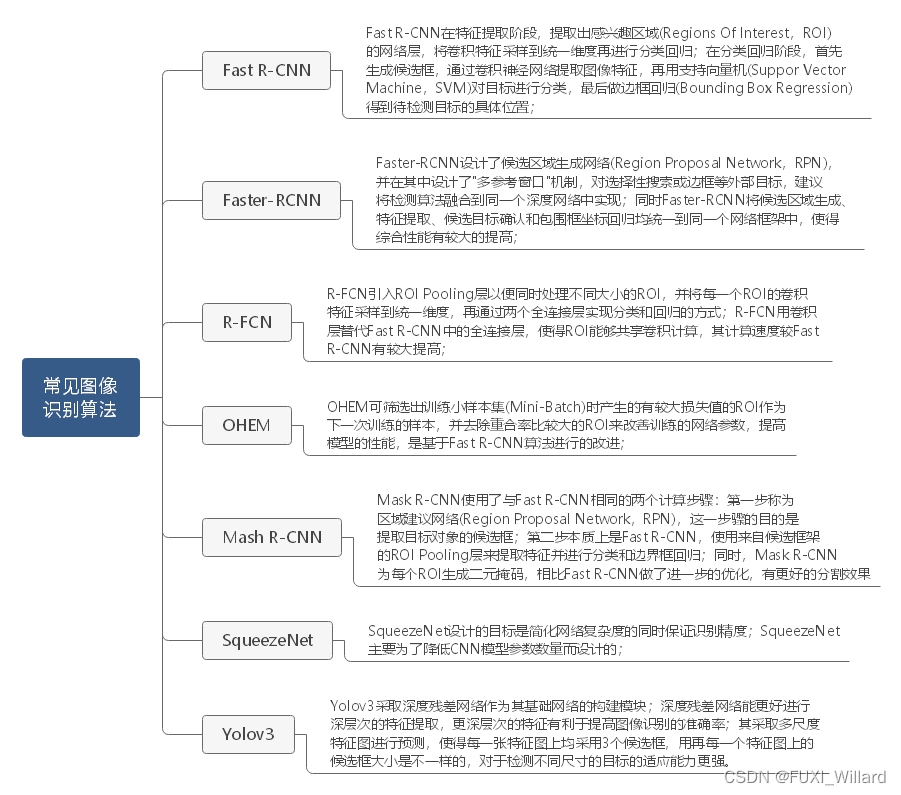
Learning note 3 -- Key Technologies of high-precision map (Part 1)

Excel search and reference function

Data visualization in medical and healthcare applications
随机推荐
Data visualization in medical and healthcare applications
Datawhale community blackboard newspaper (issue 1)
技术大佬准备就绪,话题C位由你决定
Evolution of Himalayan self-developed gateway architecture
Basic usage of shell script
Global and Chinese markets for distributed generation and energy storage in telecommunications networks 2022-2028: Research Report on technology, participants, trends, market size and share
Global and Chinese market of ancillary software 2022-2028: Research Report on technology, participants, trends, market size and share
NeRV: Neural Reflectance and Visibility Fields for Relighting and View Synthesis
Docker安装Oracle_11g
Entrepreneurship is a little risky. Read the data and do a business analysis
CEPH buffer yyds dry inventory
Daily work and study notes
Bilstm CRF code implementation
Iclr2022 | spherenet and g-spherenet: autoregressive flow model for 3D molecular graph representation and molecular geometry generation
什么是商业养老保险?商业养老保险安全靠谱吗?
How does schedulerx help users solve the problem of distributed task scheduling?
[JS download files through url]
浅浅了解Servlet
【疾病检测】基于BP神经网络实现肺癌检测系统含GUI界面
Brief introduction to the development of mobile network