当前位置:网站首页>Ffmpeg recording screen and screenshot
Ffmpeg recording screen and screenshot
2022-07-03 03:34:00 【Water W】
This article is about ffmpeg Under the premise of downloading and installing , Yes, then the last one ffmpeg Download the installation tutorial and introduction _ water w The blog of -CSDN Blog
Catalog
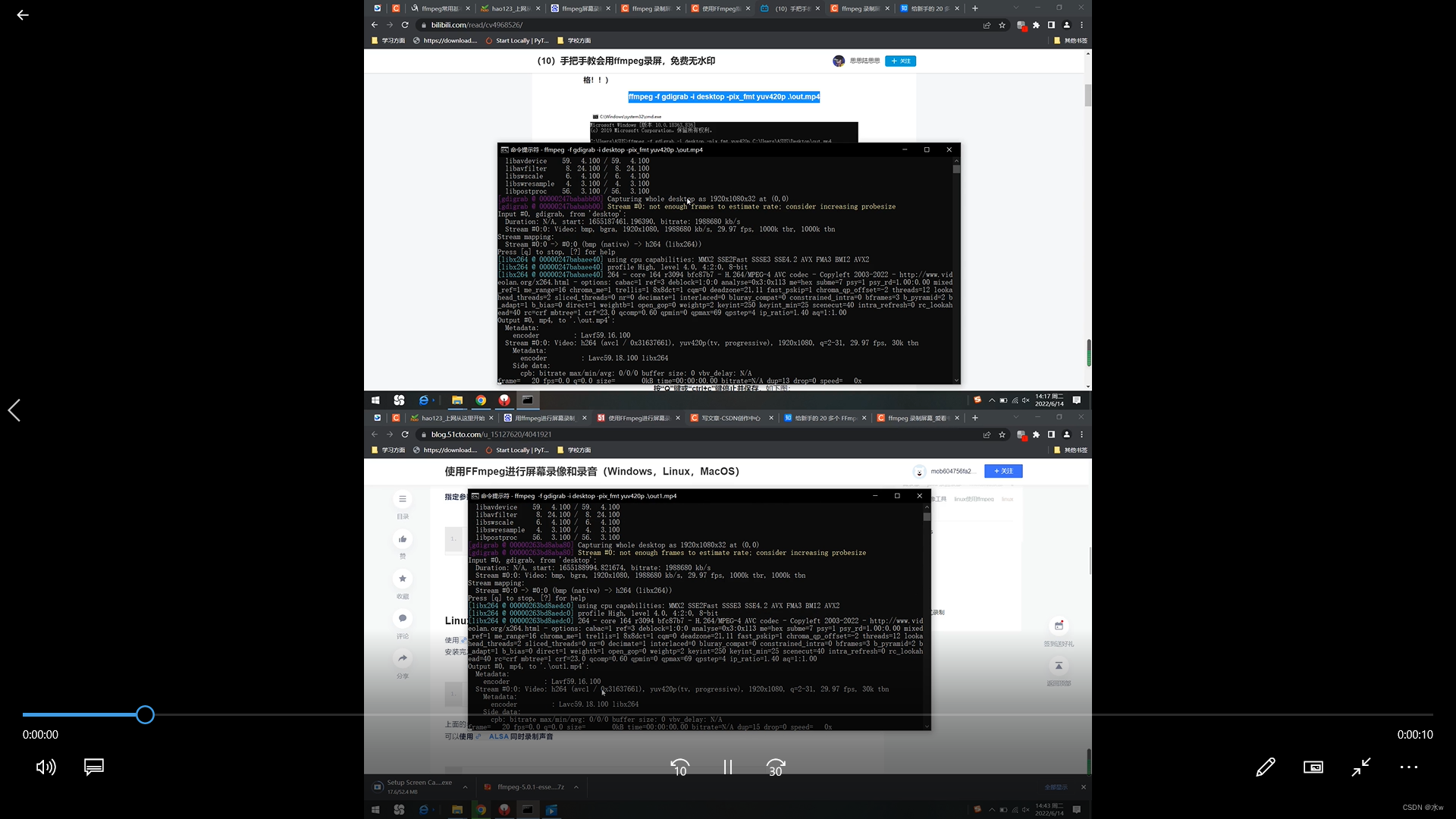
4、 Two videos play at the same time , Both up and down
6、 Recording screen Specify the desktop area
7、 Recording screen designated area Clip existing videos
1、 Record soundless video
(1) open cmd, Enter the command ,
ffmpeg -f gdigrab -i desktop -pix_fmt yuv420p .\out.mp4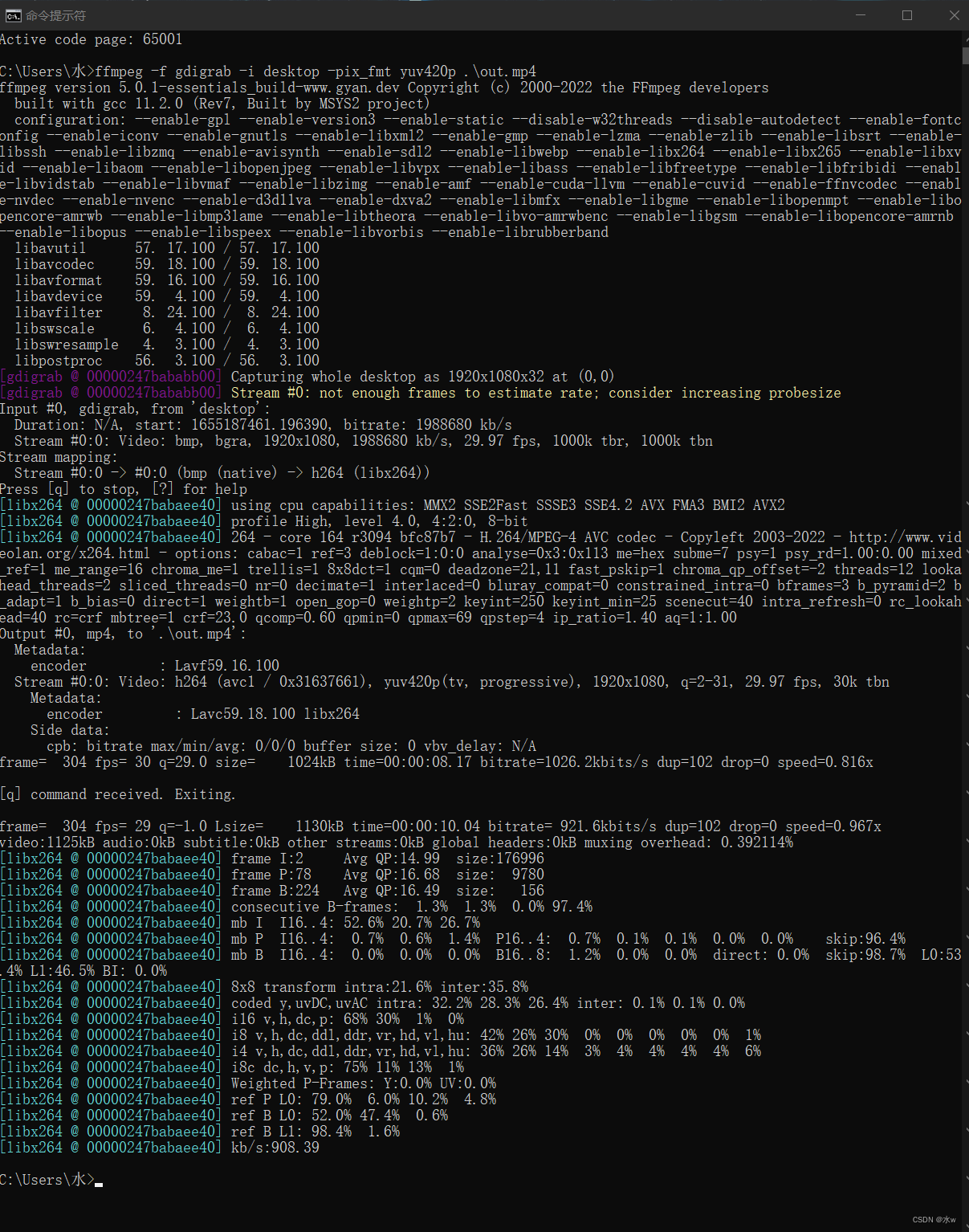
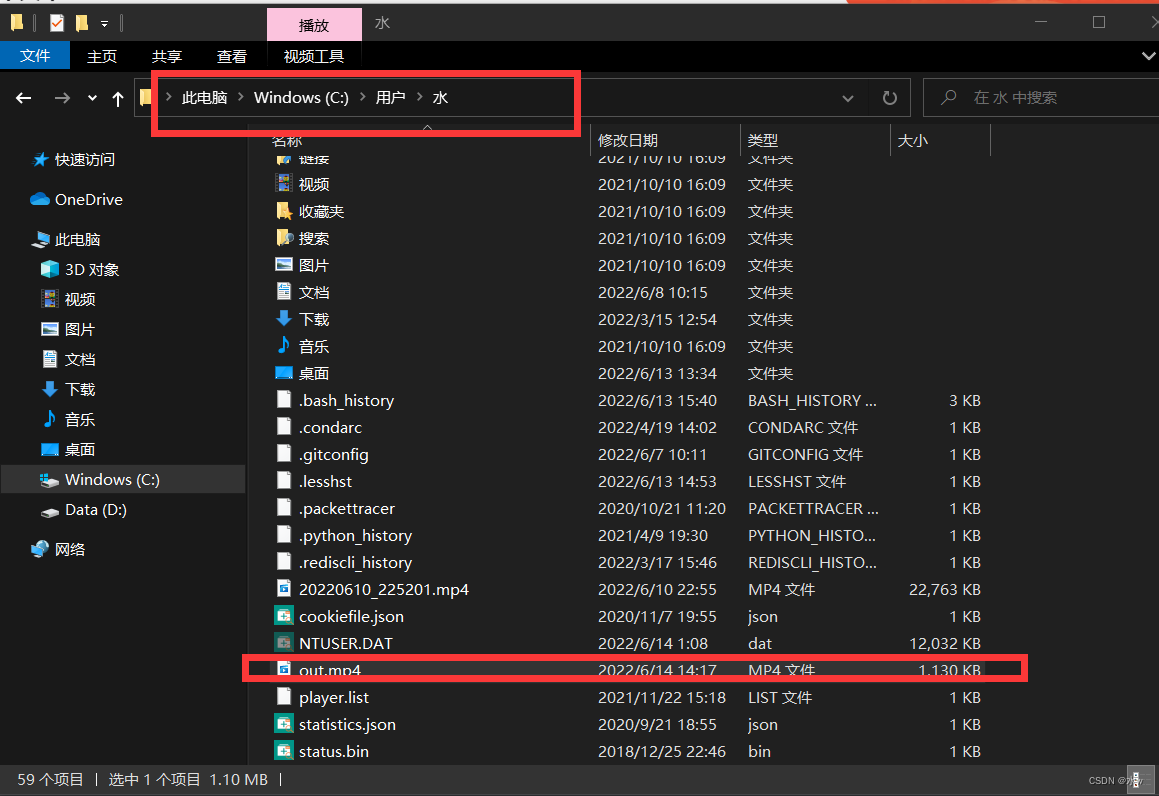
(2) After the command is run , We found the video by following the path , Open the generated video ,
Be careful : The default save path of the generated video is in the folder where the command is located ,
eg: I was in C:\user\ water \ Executed under cmd command , Therefore, after the video is generated, it will be saved in this path .

2、 Two videos are played successively : Splice the two video files back and forth into one video file
(1) Open Notepad , Create a new one “videolist.txt” file , The video to be spliced should be written inside ,
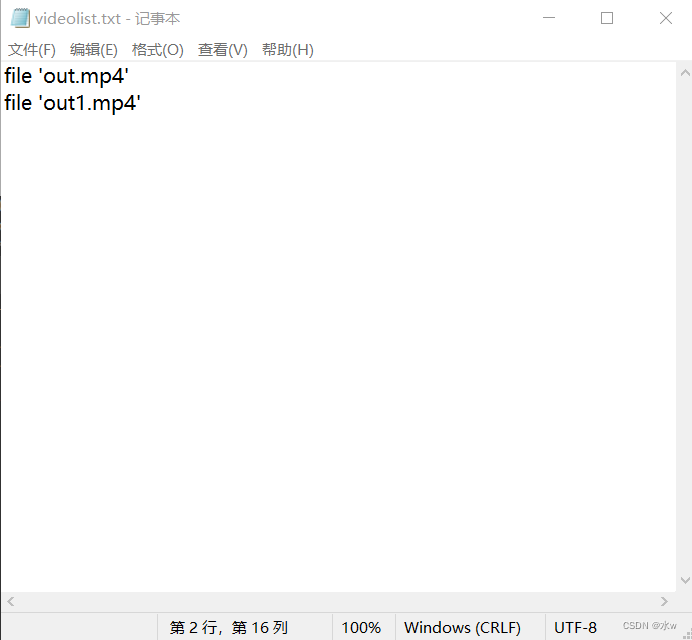
At this time, the structure of the folder is :

(2) Open under folder cmd, Enter the command ,
ffmpeg.exe -f concat -i video/videolist.txt joinoutput.mp4Be careful : I was in D:\ffmpeg-5.0.1-essentials_build Under the folder ( The video to be spliced is in this path video Folder ), open cmd, Enter the command ,
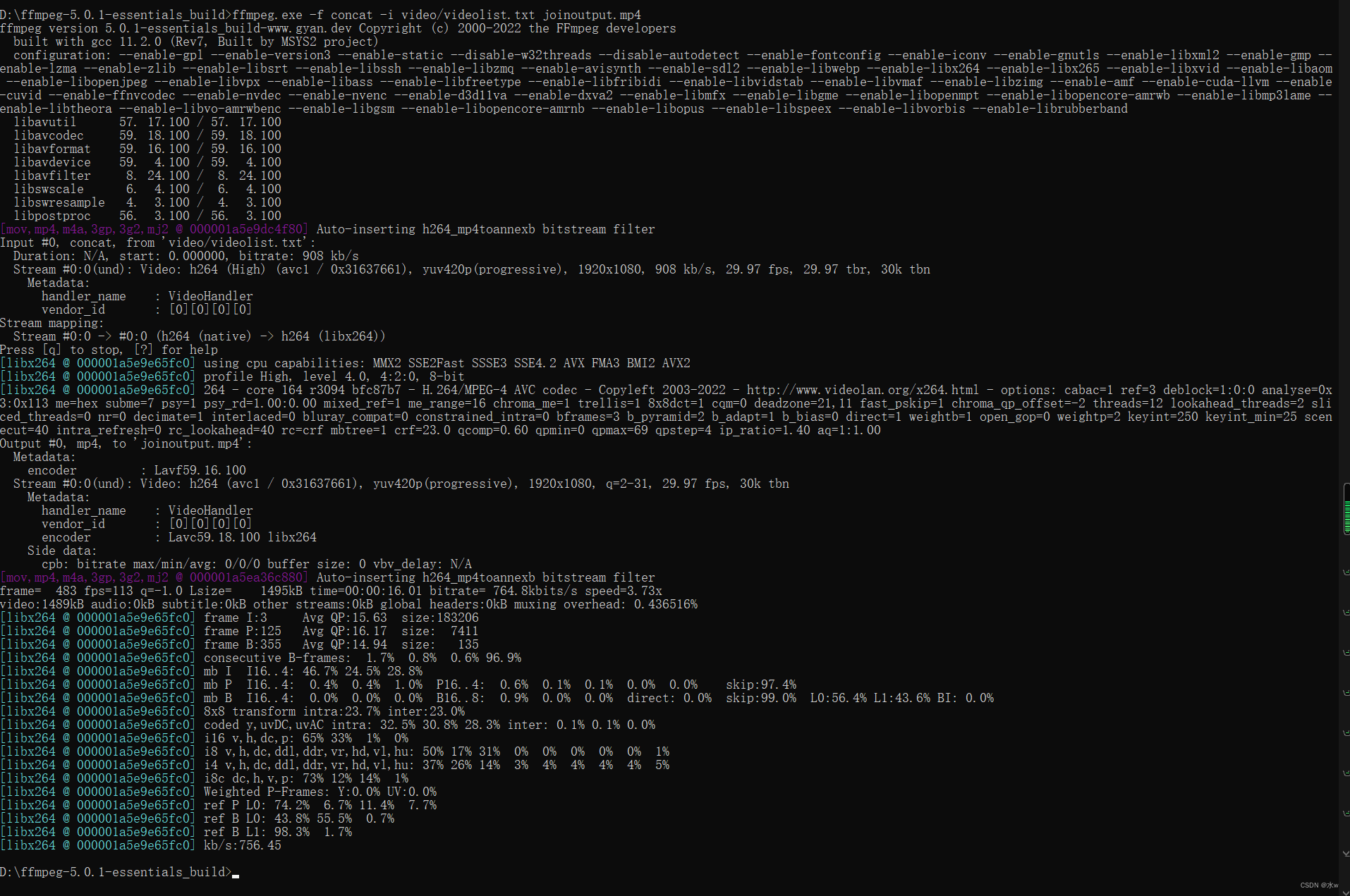
(3) After the command is run , We found the video by following the path , Open the generated video ,


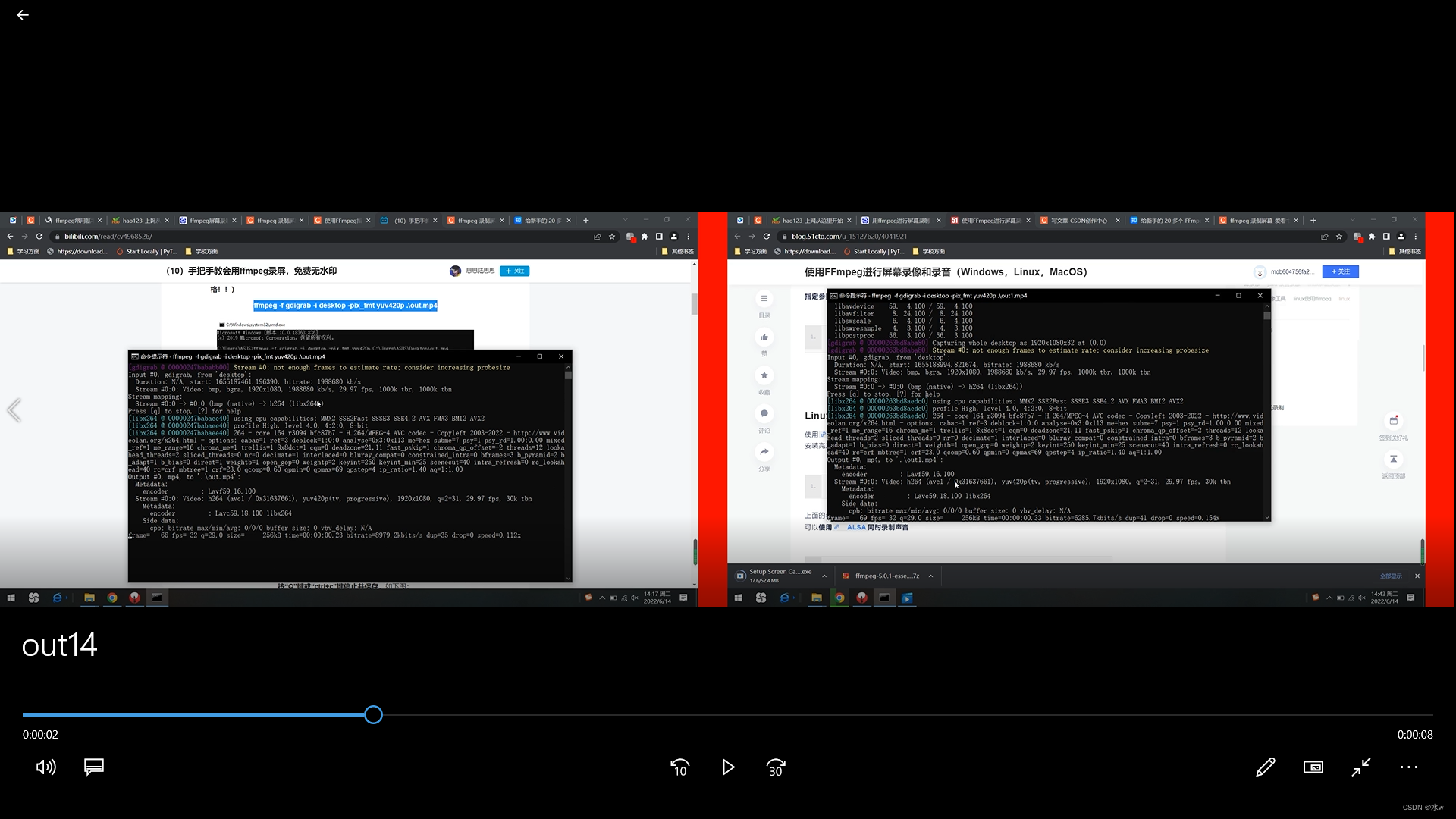
3、 Two videos play at the same time , Both left and right display , And the separation in the middle is a red background
(1) open cmd, Enter the command ,
ffmpeg -i video\out.mp4 -i video\out1.mp4 -filter_complex "pad=4000:1080:color=red[x0];[0:v]scale=w=1920:h=1080[inn0];[x0][inn0]overlay=0:0[x1];[1:v]scale=w=1920:h=1080[inn1];[x1][inn1]overlay=2000:0" out14.mp4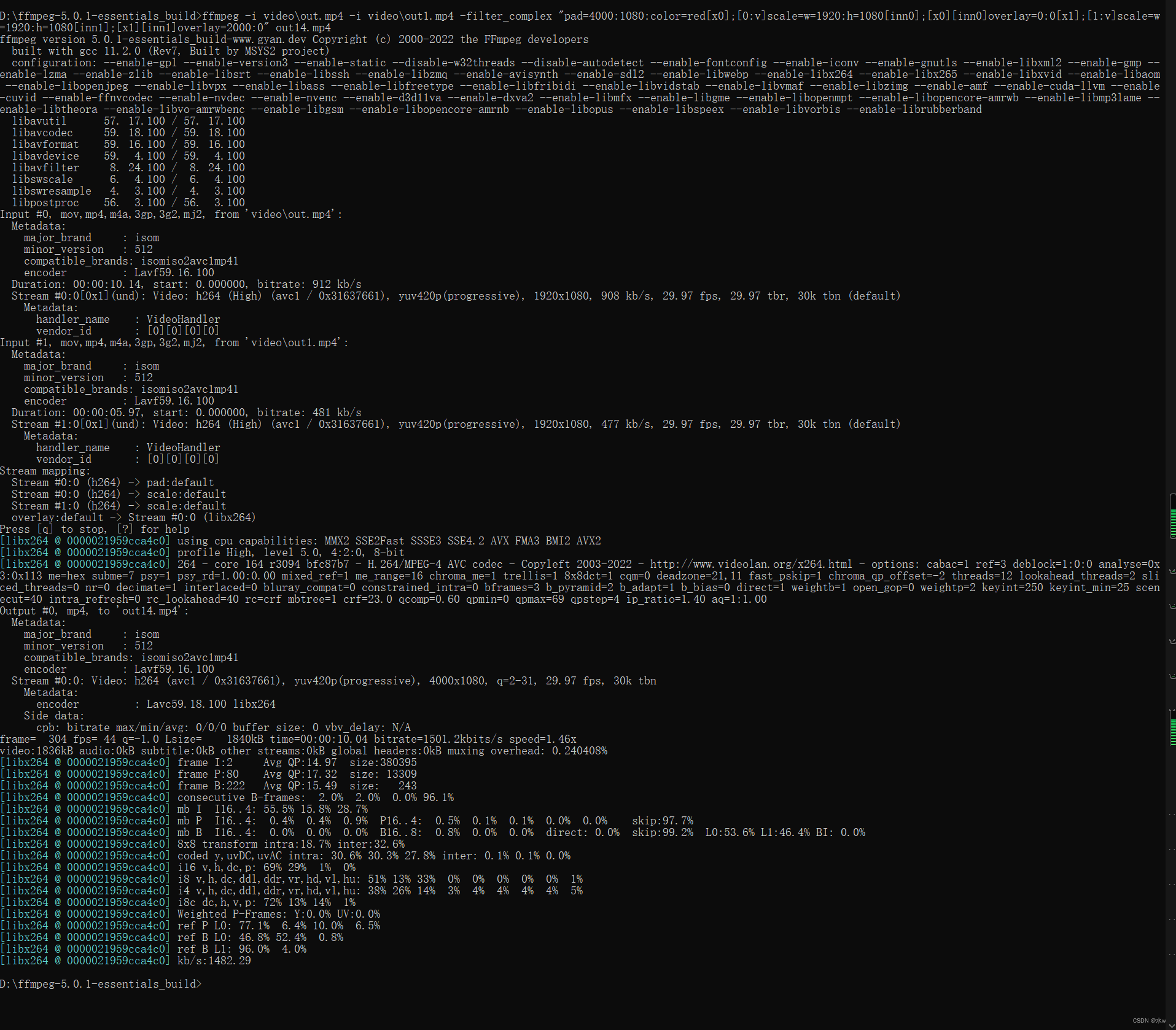
(2) After the command is run , We found the video by following the path , Open the generated video ,
4、 Two videos play at the same time , Both up and down
(1) open cmd, Enter the command ,
ffmpeg -i video\out.mp4 -i video\out1.mp4 -filter_complex "pad=1920:2160:color=green[x0];[0:v]scale=w=1920:h=1080[inn0];[x0][inn0]overlay=0:0[x1];[1:v]scale=w=1920:h=1080[inn1];[x1][inn1]overlay=0:1080" out15.mp4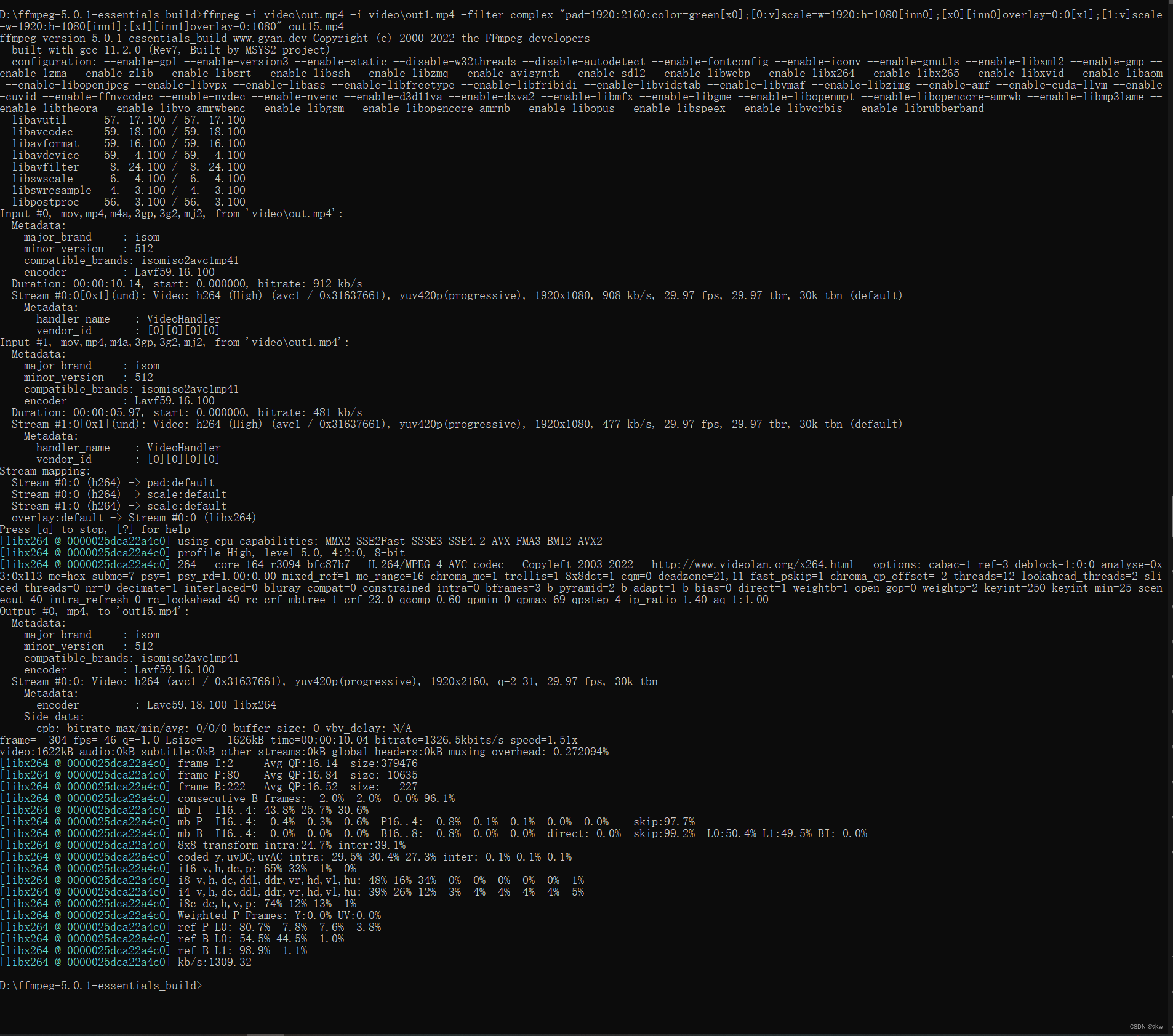
(2) After the command is run , We found the video by following the path , Open the generated video ,

5、 Screenshot designated area
(1) open cmd, Enter the command ,
ffmpeg -f gdigrab -s 500x500 -offset_x 100 -offset_y 100 -i desktop -frames:v 1 test.png 
(2) After the command is run , We found the screenshot according to the path , Open the generated screenshot ,


6、 Recording screen Specify the desktop area
(1) open cmd, Enter the command ,
ffmpeg.exe -r 1 -f gdigrab -s 500x500 -offset_x 100 -offset_y 100 -i desktop -vcodec libx264 a.mp4
(2) After the command is run , We can find the generated video by following the path ,

7、 Recording screen designated area Clip existing videos
Ideas : Capture the existing video file in the specified area
(1) open cmd, Enter the command ,
ffmpeg -i 0614.mp4 -vf crop=200:200:0:0 0614-1.mp4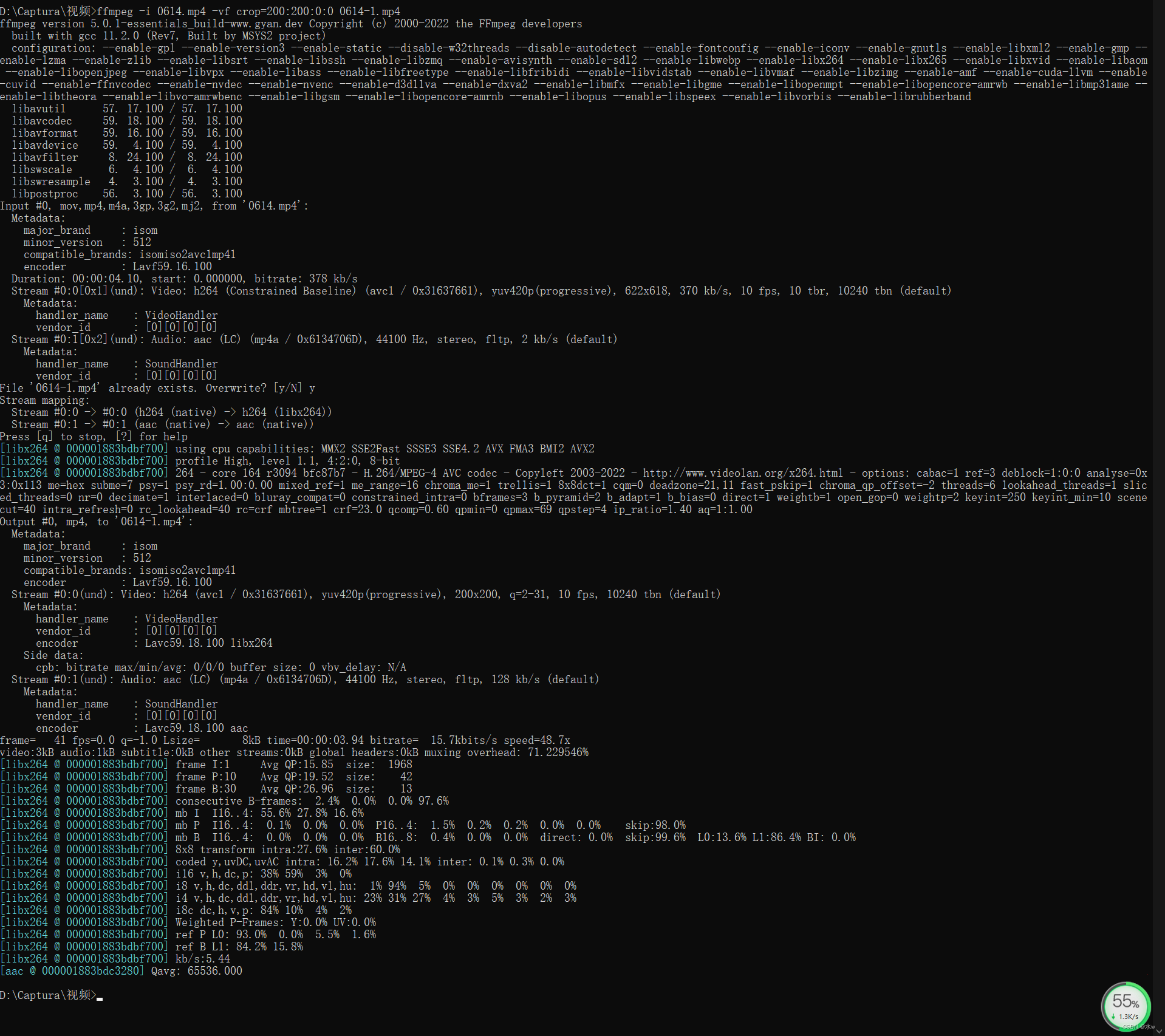
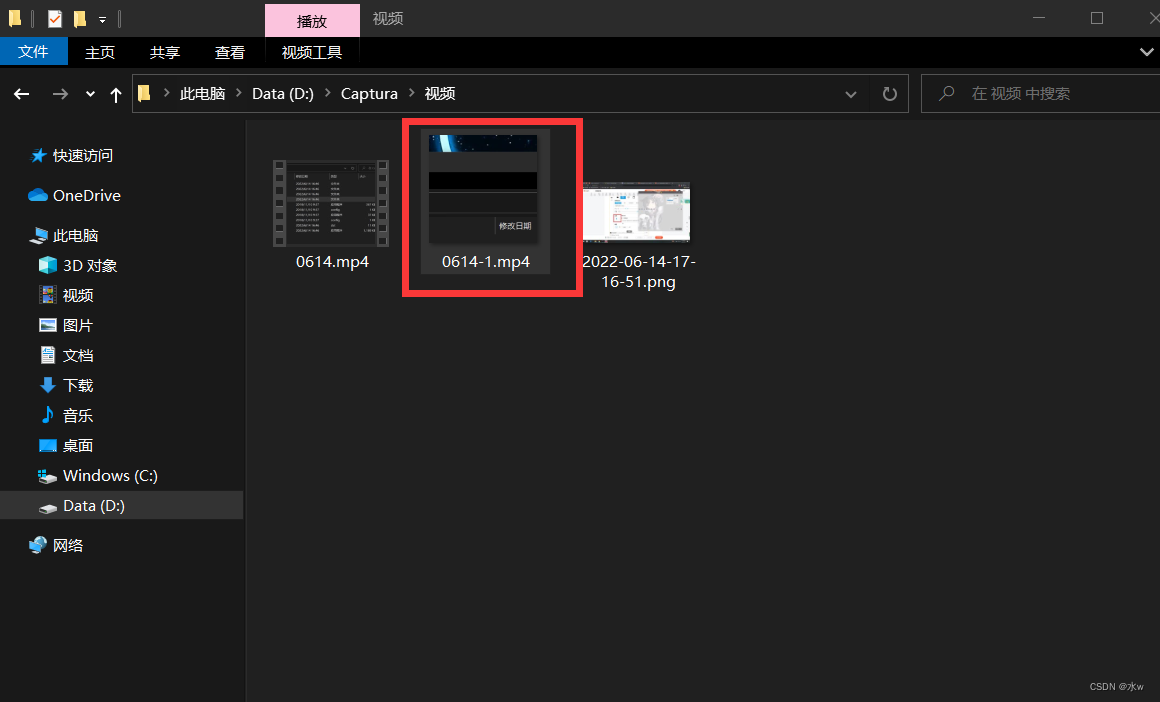
(2) After the command is run , We can find the generated video by following the path ,

边栏推荐
- Mysql Mac版下载安装教程
- numpy之 警告VisibleDeprecationWarning: Creating an ndarray from ragged nested sequences
- The calculation of stripe, kernel and padding in CNN
- npm : 无法将“npm”项识别为 cmdlet、函数、脚本文件或可运行程序的名称。请检查名称的拼写,如果包括路径,请确保路径正确,然后再试一次。
- [combinatorics] basic counting principle (addition principle | multiplication principle)
- PAT乙级常用函数用法总结
- [pyg] understand the messagepassing process, GCN demo details
- Introduction à mongodb
- MySQL MAC download and installation tutorial
- Stop using system Currenttimemillis() takes too long to count. It's too low. Stopwatch is easy to use!
猜你喜欢
![Learning notes of C programming [compiled by Mr. Tan Haoqiang] (Chapter III sequence programming) 04 C sentence](/img/60/bae0e8d92a53bcd2b2de3fb22b3b99.jpg)
Learning notes of C programming [compiled by Mr. Tan Haoqiang] (Chapter III sequence programming) 04 C sentence
FileZilla Client下載安裝

MongoDB简介

Summary of matrix knowledge points in Chapter 2 of Linear Algebra (Jeff's self perception)

Limit of one question per day
释放数据力量的Ceph-尚文网络xUP楠哥

Pytoch configuration

Section 26 detailed explanation and demonstration of IPSec virtual private network configuration experiment - simulation experiment based on packettracer8.0

Limit of one question per day

Summary of determinant knowledge points in Chapter 1 of Linear Algebra (Jeff's self perception)
随机推荐
Lvgl usage experience
QQ小程序开发之 一些前期准备:预约开发账号、下载安装开发者工具、创建qq小程序
Vs 2019 installation and configuration opencv
leetcode:动态规划模板
没有sXid,suid&sgid将进入险境!-尚文网络xUP楠哥
Mongodb master profile
Use three JS make a simple 3D scene
[mathematical logic] predicate logic (individual word | individual domain | predicate | full name quantifier | existence quantifier | predicate formula | exercise)
Ansible简介【暂未完成(半成品)】
MongoDB简介
[mathematical logic] normal form (conjunctive normal form | disjunctive normal form | major item | minor item | maximal item | minor item | principal conjunctive normal form | principal disjunctive no
Introduction to mongodb
Node start server
Recursion: depth first search
[mathematical logic] propositional logic (propositional and connective review | propositional formula | connective priority | truth table satisfiable contradiction tautology)
[mathematical logic] propositions and connectives (propositions | propositional symbolization | truth connectives | no | conjunction | disjunction | non truth connectives | implication | equivalence)
Vs 2019 configure tensorrt to generate engine
Pytorch配置
Table structure of Navicat export database
UMI route interception (simple and rough)