当前位置:网站首页>Standard dialog qmessagebox
Standard dialog qmessagebox
2022-07-27 05:02:00 【PHP code】
The so-called standard dialog box , yes Qt A set of built-in dialog boxes , Used to simplify development . in fact , There are a lot of dialog boxes that are generic , Like opening a file 、 Set the color 、 Print settings, etc . These dialog boxes are almost the same in all programs , Therefore, there is no need to implement such a dialog box in every program .
Qt The built-in dialog boxes of are roughly divided into the following categories :
QColorDialog: Choose a color ;QFileDialog: Choose a file or directory ;QFontDialog: Select the font ;QInputDialog: Allow the user to enter a value , And return its value to ;QMessageBox: Modal dialog , Used to display information 、 Asking questions, etc ;QPageSetupDialog: Provide paper related options for the printer ;QPrintDialog: Printer configuration ;QPrintPreviewDialog: Print preview ;QProgressDialog: Display operation process .
Here we briefly introduce the standard dialog QMessageBox Use . Based on the previous dialog , It should be easy to learn how to use it in combination with documents Qt Standard dialog box for . Other kinds of standard dialog boxes , We will introduce them one by one in the following chapters .
QMessageBox Used to display message prompts . We usually use the several static function :
void about(QWidget * parent, const QString & title, const QString & text): Show about dialog . This is the simplest dialog , Its title is title, The content is text, The parent window is parent. There is only one dialog OK Button .void aboutQt(QWidget * parent, const QString & title = QString()): Show about Qt Dialog box . This dialog box is used to display information about Qt Information about .StandardButton critical(QWidget * parent, const QString & title, const QString & text, StandardButtons buttons = Ok, StandardButton defaultButton = NoButton): The serious error dialog box is displayed . This dialog will display a red error symbol . We can go through buttons Parameter indicates the button it displays . By default, there is only one Ok Button , We can useStandardButtonsType specifies multiple buttons .StandardButton information(QWidget * parent, const QString & title, const QString & text, StandardButtons buttons = Ok, StandardButton defaultButton = NoButton):QMessageBox::information()Function andQMessageBox::critical()similar , The difference is that this dialog provides a general information icon .StandardButton question(QWidget * parent, const QString & title, const QString & text, StandardButtons buttons = StandardButtons( Yes | No ), StandardButton defaultButton = NoButton):QMessageBox::question()Function andQMessageBox::critical()similar , The difference is that this dialog box provides a question mark icon , And the button it shows is “ yes ” and “ no ” Two .StandardButton warning(QWidget * parent, const QString & title, const QString & text, StandardButtons buttons = Ok, StandardButton defaultButton = NoButton):QMessageBox::warning()Function andQMessageBox::critical()similar , The difference is that this dialog provides a yellow exclamation mark icon .
We can use the following code to demonstrate how to use QMessageBox.
if (QMessageBox::Yes == QMessageBox::question(this,
                                              tr("Question"),
                                              tr("Are you OK?"),
                                              QMessageBox::Yes | QMessageBox::No,
                                              QMessageBox::Yes)) {
    QMessageBox::information(this, tr("Hmmm..."), tr("I'm glad to hear that!"));
} else {
    QMessageBox::information(this, tr("Hmmm..."), tr("I'm sorry!"));
}
We use QMessageBox::question() To ask a question . The parent window of this dialog is this, That's our MainWindow( Or other QWidget The pointer ).QMessageBox yes QDialog Subclasses of , This means that its initial display position will be in parent In the middle of the window ( We mentioned this in the previous chapter ). The second parameter is the title of the dialog . The third parameter is what we want to display . Here is the text we need to ask . below , We use the or operator (|) Specify the buttons that should appear in the dialog . Here we hope to be a Yes And a No. The last parameter specifies the button selected by default . This function has a return value , Used to determine which button the user clicks . According to our way of writing , It should be easy to see , This is a modal dialog , So we can get the return value directly . If the return value is Yes, That is, the user clicked Yes Button , We display a general message dialog , Show “I’m glad to hear that!”, Otherwise... Is displayed “I’m sorry!”. Run our program fragment , You can see the difference :

QMessageBox Class static The advantage of functions is that they are easy to use , The disadvantages are obvious : Very inflexible . We can only use a few simple forms . In order to be able to customize QMessageBox details , We have to use QMessageBox Property settings for API. If we want to make a dialog asking if we want to save , We can use the following code :
QMessageBox msgBox;
msgBox.setText(tr("The document has been modified."));
msgBox.setInformativeText(tr("Do you want to save your changes?"));
msgBox.setDetailedText(tr("Differences here..."));
msgBox.setStandardButtons(QMessageBox::Save
                          | QMessageBox::Discard
                          | QMessageBox::Cancel);
msgBox.setDefaultButton(QMessageBox::Save);
int ret = msgBox.exec();
switch (ret) {
case QMessageBox::Save:
    qDebug() << "Save document!";
    break;
case QMessageBox::Discard:
    qDebug() << "Discard changes!";
    break;
case QMessageBox::Cancel:
    qDebug() << "Close document!";
    break;
}
msgBox It's a stack based QMessageBox example . We set the main text information as “The document has been modified.”,informativeText Is a simple description text that will be displayed in the dialog box . Now we use a detailedText, That's the details , When we click the details button , Dialog box can automatically display more information . There are three buttons in our own dialog box : preservation 、 Discard and cancel . And then we used exec() It becomes a modal dialog , According to the return value of the corresponding operation .
At the same time KDE and Windows 7 Compile and run the above code , We can see some differences :


Remove dialog style , What we should pay attention to is QMessageBox The order of the buttons below .KDE On is Show Details…、Save、Discard and Cancel; and Windows 7 On the other hand, it's Save、Discard、Show Details… and Cancel. We didn't specify the order of the buttons ,Qt It has helped us adjust it according to the usage habits of different platforms . This is in Mac OS There will be corresponding reflection on . For an ordinary QDialog for ,Qt It uses QDialogButtonBox This class is used to realize the sequential display of dialog buttons on different platforms . Please refer to the documentation of this class for more details .
边栏推荐
- ps太卡怎么办?几步帮您解决问题
- Idea 如何新建一个groovy的项目(图文详细解释)
- C中文件I/O的使用
- Review of various historical versions of Photoshop and system requirements
- Sunset red warm tone tinting filter LUTS preset sunset LUTS 1
- How to do smooth data migration: Double write scheme
- Solution to the third game of 2022 Hangzhou Electric Multi school league
- Comprehensive experiment of static routing
- Solution: read the files with different names in the two folders and deal with the files with different mappings
- Plato Farm有望通过Elephant Swap,进一步向外拓展生态
猜你喜欢

How to create an applet project

Photoshop提示暂存盘已满怎么办?ps暂存盘已满如何解决?
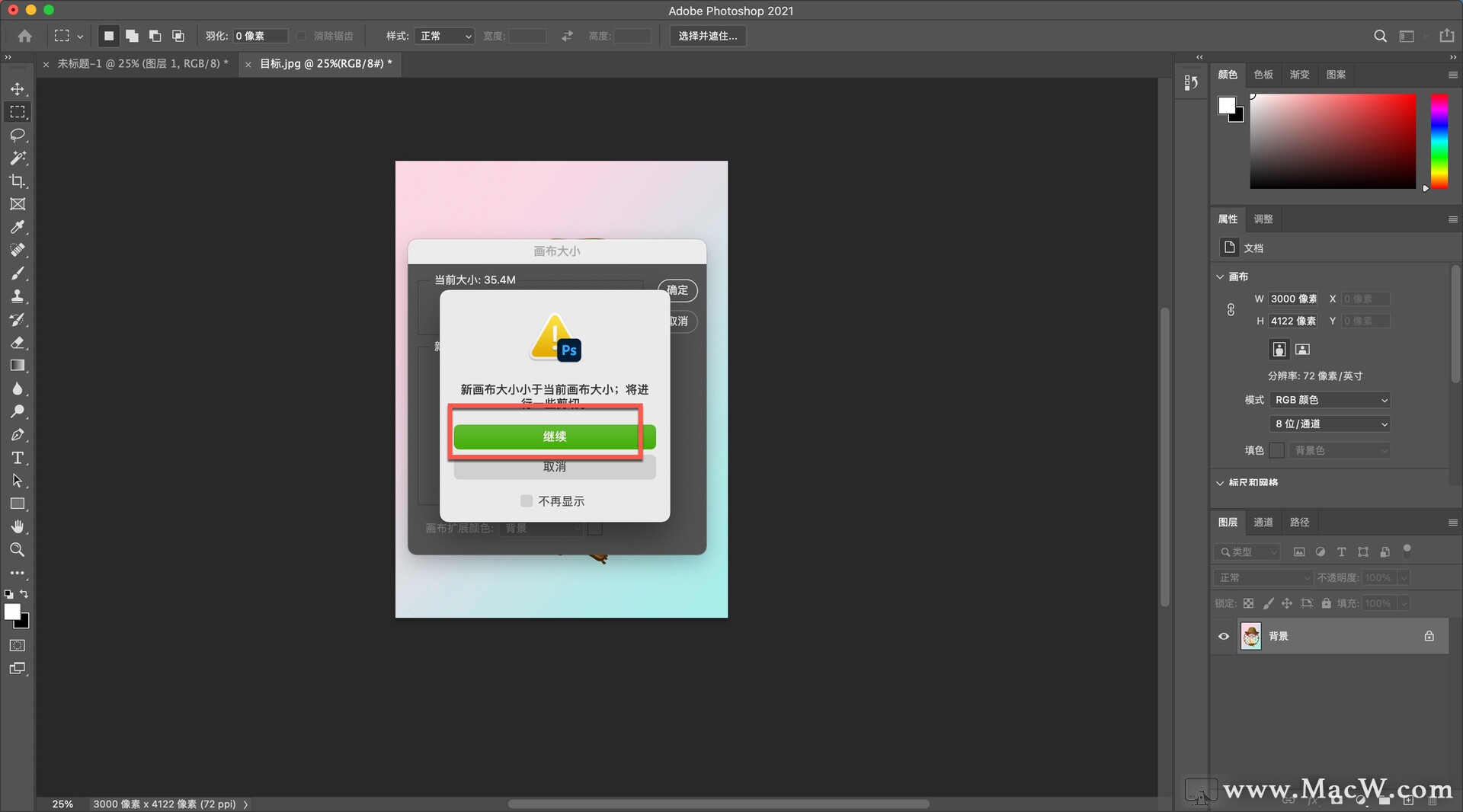
"Photoshop2021 tutorial" adjust the picture to different aspect ratio

单元测试chapter6

Explanation of index failure principle and its common situations
小程序项目如何创建
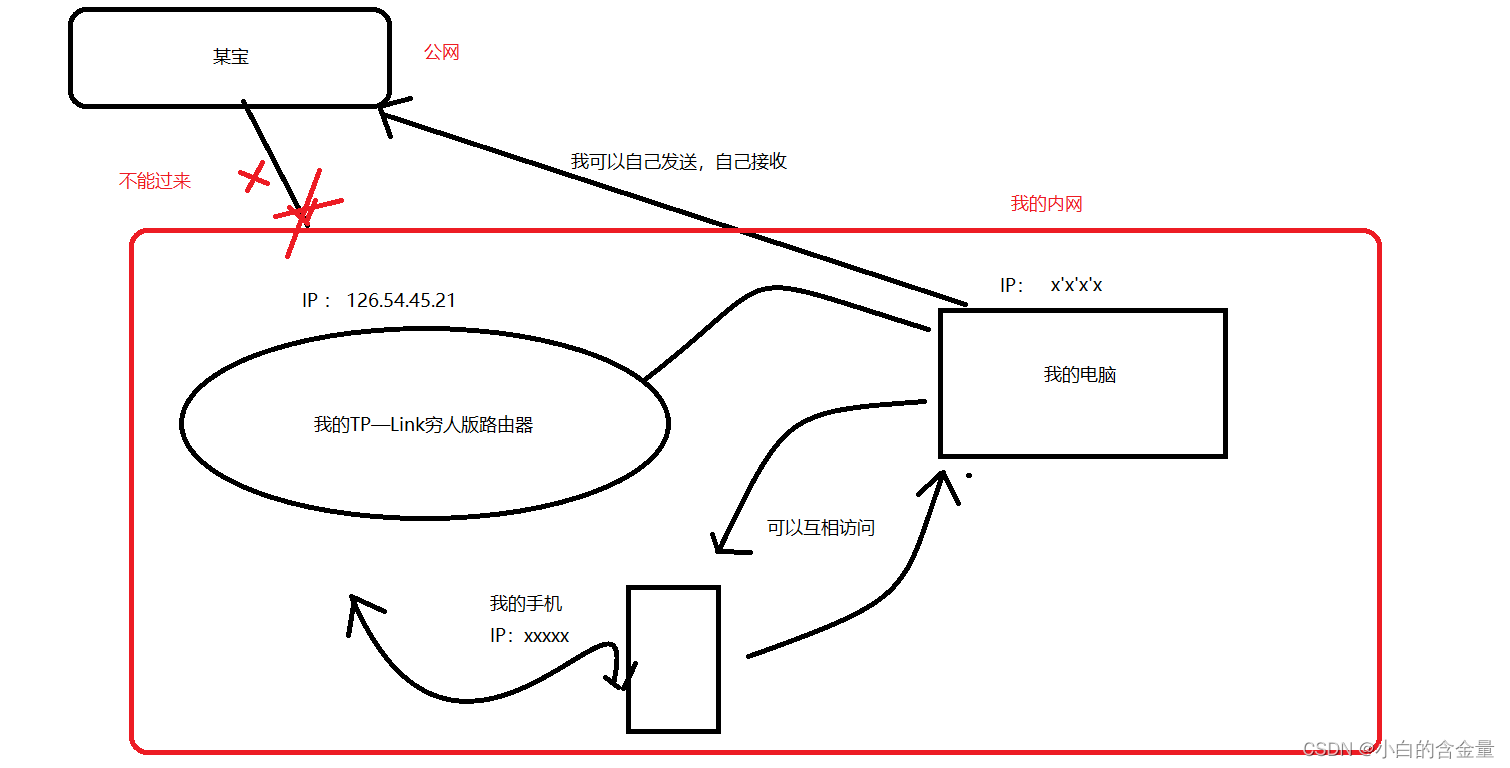
Network protocol details: IP

Transaction database and its four characteristics, principle, isolation level, dirty read, unreal read, non repeatable read?

CEPH operation

.htaccess学习
随机推荐
HCIA dynamic routing rip basic experiment
一道数学题,让芯片巨头亏了5亿美金
深入 Qt5 信号槽新语法
Sunset red warm tone tinting filter LUTS preset sunset LUTS 1
OFDM 十六讲 2- OFDM and the DFT
[search] two way search + A*
How to do smooth data migration: Double write scheme
js小技巧
Hiding skills of Photoshop clipping tool
【Acwing】第61场周赛 题解
Summary of fire safety training materials
报错:cannot read poperties of undefined(reading ‘then‘)
Safety fourth after class exercise
TCP's three handshakes and four waves
Network protocol details: IP
Two way republication experiment
缓存读写策略:CacheAside、Read/WriteThrough及WriteBack策略
【无标题】按照一定的条件,对 i 进行循环累加。条件通常为循环数组的长度,当超过长度就停止循环。因为对象无法判断长度,所以通常搭配 Object.keys() 使用。\nforEach 一般认为是 普
Row, table, page, share, exclusive, pessimistic, optimistic, deadlock
.htaccess学习