当前位置:网站首页>vue3 访问数据库中的数据
vue3 访问数据库中的数据
2022-08-02 03:23:00 【HardworkLiao】
提示:文章写完后,目录可以自动生成,如何生成可参考右边的帮助文档
一、需要的工具
- Node.js
- VsCode
- Express
- Mysql2
- MYSQL Workbench
二、使用步骤
(1)项目结构

(2)创建项目
在VsCode新建名为code的文件夹
(3)初始化项目
npm init -y
- package.json
//新增type节点值为module
{

  "type":"module",
  "name": "database-assess",
  "version": "1.0.0",
  "description": "",
  "main": "app.js",
  "scripts": {

    "test": "echo \"Error: no test specified\" && exit 1"
  },
  "author": "",
  "license": "ISC",
  "dependencies": {

    "express": "^4.18.1",
    "mysql2": "^2.3.3"
  }
}
(4)编写模块
- 路由模块
- 引入express
npm install express
- use_router.js
import express from 'express'
import {
     getAllUser } from '../controller/user_ctrl.js'
// 定义express的router方法
const router = new express.Router()
router.get('/user', getAllUser)
export default router
- 数据库模块
- 引入mysql
npm install mysql2
- index.js
import mysql from 'mysql2'
const pool = mysql.createPool({

  host: '127.0.0.1',
  port: '3306',
  database: 'mysql_db01',
  user: 'root',
  password: ''//数据库密码
})
export default pool.promise()
- 数据控制模块
- user_ctrl.js
import db from '../db/index.js'
export async function getAllUser(req, res) {

  try {

    const [row] = await db.query('select id,username,nickname from ev_users')
    res.send({

      status: 0,
      message: '获取用户数据成功!',
      data: row
    })
  } catch (err) {

    res.send({

      status: 1,
      message: '获取用户列表错误',
      desc: err.message
    })
  }
}
- app.js
// ES6语法引入express模块
import express from 'express'
import userRouter from './router/user_router.js'
const app = express()
// 定义路由
app.use('/api', userRouter)
// 监听8080端口
app.listen(80, () => {

  console.log('serve running in http://127.0.0.1')
})
5.数据库表
(5)测试
- 项目目录下运行
node app.js - 访问127.0.0.1/api/user
- 数据获取成功

(6)项目地址
边栏推荐
猜你喜欢

【手把手带你学nRF52832/nRF52840 · (1)开发环境搭建】

Error in render: “TypeError: Cannot read properties of null (reading ‘0‘)“ 报错解决方案

Circular linked list---------Joseph problem
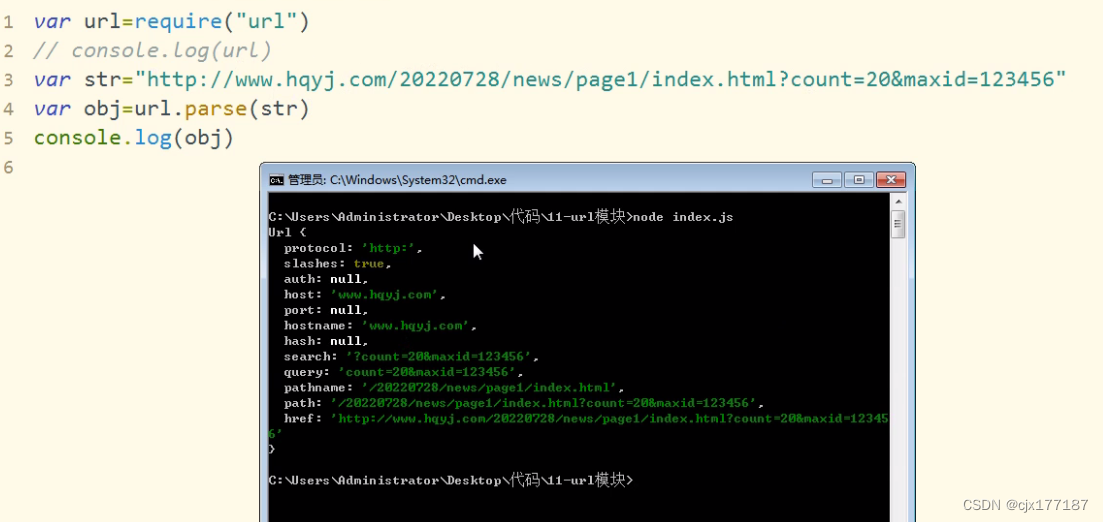
URL module
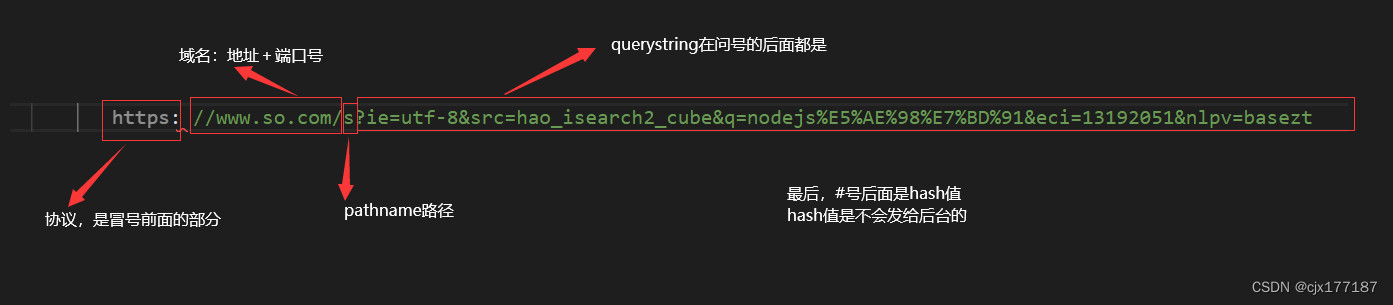
网址URL
![[Basic Tutorial of Remote Control Development 1] Crazy Shell Open Source Formation Drone-GPIO (Remote Control Indicator Light Control)](/img/da/5f6b1ed89cb3fed3cbe6aea840f473.png)
[Basic Tutorial of Remote Control Development 1] Crazy Shell Open Source Formation Drone-GPIO (Remote Control Indicator Light Control)

微信小程序九宫格抽奖和转盘抽奖的实现
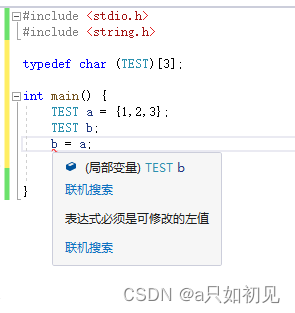
一个结构体 = 另一个结构体(同类型结构体之间可直接赋值操作)

ModuleNotFoundError No module named 'xxx' possible solutions

DSPE-PEG-PDP, DSPE-PEG-OPSS, phospholipid-polyethylene glycol-mercaptopyridine supply, MW: 5000
随机推荐
A senior test engineer asked me these questions as soon as the interview came
Knowledge Engineering Assignment 2: Introduction to Knowledge Engineering Related Fields
我的小笔记 =》原生微信小程序
Basic usage of Monaco Editor
C语言的变长数组
js 数组去重的常用方法
npm--package.json---require
远程调试、无cuDnn、自定义模块无法导入问题记录
debian 10 nat 与路由转发
The usage of json type field in mysql
Redis simple study notes
__dirname
Source Insight 使用教程(2)——常用功能
STM32 map文件解析
Guangzhou Huawei Interview Summary
枚举法方法:(leetcode1300)转变数组后最接近目标值的数组和
由中序遍历和前序遍历得到后序遍历(树的遍历)
Debian 10 NTP 服务配置
JJWT tool class
微信小程序云开发-证件照的实现