当前位置:网站首页>01-Node-Express系统框架搭建(express-generator)
01-Node-Express系统框架搭建(express-generator)
2022-07-28 04:24:00 【@魏大大】

文章目录
一、使用express-generator创建项目
构建Express项目最快捷方式,莫过于使用express-generator模块自动生成,这也是本文推荐的方式。
1.1 安装express-generator模块
npm i express-generator -g
1.2 生成express项目结构
使用express指令在express-server文件夹创建一个使用pug模板引擎的项目。
> express --view=pug express-server

   create : express-server\
   create : express-server\public\
   create : express-server\public\javascripts\
   create : express-server\public\images\
   create : express-server\public\stylesheets\
   create : express-server\public\stylesheets\style.css
   create : express-server\routes\
   create : express-server\routes\index.js
   create : express-server\routes\users.js
   create : express-server\views\
   create : express-server\views\error.pug
   create : express-server\views\index.pug
   create : express-server\views\layout.pug
   create : express-server\app.js
   create : express-server\package.json
   create : express-server\bin\
   create : express-server\bin\www

   change directory:
     > cd express-server

   install dependencies:
     > npm install

   run the app:
     > SET DEBUG=express-server:* & npm start
项目创建完成后,目录结构如下所示:
express-server
    |- bin/
    |		|- www
    |- public/
    |		|- images/
    |		|- javascripts/
    |		|- stylesheets/
    |- routes/
    |		|- index.js
    |		|- users.js
    |- views/
    |		|- error.pug
    |		|- index.pug
    |		|- layout.pug
    |- app.js
    |- package-lock.json
    |- package.json
其中:
app.js是项目主文件;views目录用于存放页面文件;routes目录用于存放路由文件;public用于存放静态文件;bin中的www是项目的启动文件;
1.3 启动项目
正常情况下,只需要进入项目文件夹,安装项目依赖的包,然后执行启动命令即可。
> cd .\express-server\          # 进入项目文件夹
> npm i													# 安装依赖包

added 124 packages in 3s
> npm start                     # 启动项目

> [email protected] start
> node ./bin/www
此时,访问localhost:3000即可访问系统: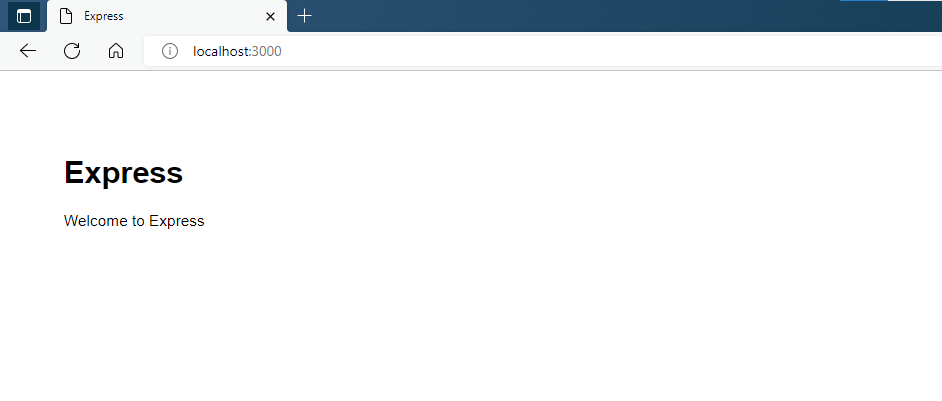
1.4 设置nodemon自启项目
我们启动项目使用的npm start指令是在package.json中配置的,同样的,我们可以配置我们自己的指令。
在开发过程中,一旦修改了项目代码就需要重新启动项目才能看到执行结果,为了提高开发效率,我们通常会使用nodemon模块在项目修改后自动重启项目。
- 安装
nodemon模块
npm i nodemon -g
- 创建一个
nodemon启动项目的指令(以下代码的第7行)
{

  "name": "express-server",
  "version": "0.0.0",
  "private": true,
  "scripts": {

    "start": "node ./bin/www",
    "serve": "nodemon ./bin/www"
  },
  "dependencies": {

    "cookie-parser": "~1.4.4",
    "debug": "~2.6.9",
    "express": "~4.16.1",
    "http-errors": "~1.6.3",
    "morgan": "~1.9.1",
    "pug": "2.0.0-beta11"
  }
}
- 启动项目
使用npm run serve指令在终端启动express项目。
> npm run serve

> [email protected] serve
> nodemon ./bin/www

[nodemon] 2.0.16
[nodemon] to restart at any time, enter `rs`
[nodemon] watching path(s): *.*
[nodemon] watching extensions: js,mjs,json
[nodemon] starting `node ./bin/www`
此时,若项目代码发生了改动,项目向自动重启。
二、手动创建一个Express项目
2.1 创建项目文件夹并初始化
创建一个名为express-server的项目文件夹,并使用npm init -y初始化项目文件夹。
> mkdir express-server
> cd express-server
> npm init -y
Wrote to .\express-server\package.json:

{

  "name": "express-server",
  "version": "1.0.0",
  "description": "",
  "main": "index.js",
  "scripts": {

    "test": "echo \"Error: no test specified\" && exit 1"
  },
  "keywords": [],
  "author": "",
  "license": "ISC"
}
此时项目文件夹中就创建了一个名为package.json的文件。
2.2 安装express模块
> npm i express
2.3 创建项目主文件
> touch app.js
2.4 编辑app.js文件
创建一个hello world程序,编辑app.js文件内容如下:
const express = require('express')
const app = express()
const port = 3000

app.get('/', (req, res) => {

  res.send('Hello World!')
})

app.listen(port, () => {

  console.log(`Example app listening on port ${
      port}`)
})
2.5 启动项目
使用node指令启动项目,执行效果如下:
> node .\app.js
Example app listening on port 3000
此时,访问localhost:3000可见下图所示的界面: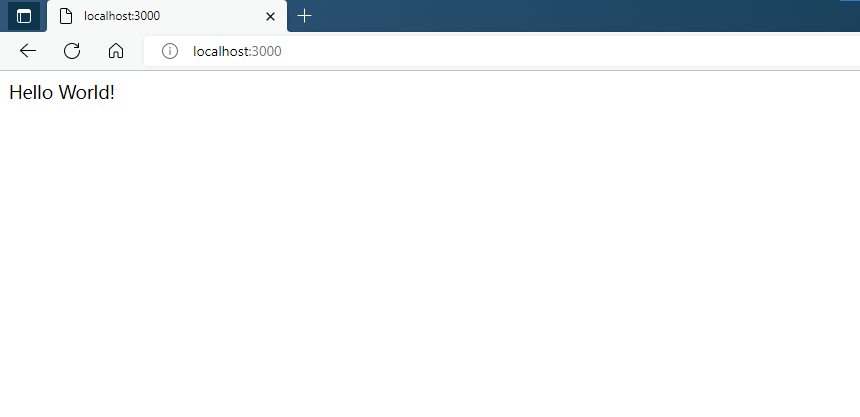
2.6 使用nodemon启动项目
使用nodemon使项目在修改后自启动。
- 安装nodemon模块
npm i nodemon -g
- 启动项目
> nodemon .\app.js
[nodemon] 2.0.16
[nodemon] to restart at any time, enter `rs`
[nodemon] watching path(s): *.*
[nodemon] watching extensions: js,mjs,json
[nodemon] starting `node .\app.js`
Example app listening on port 3000
三、项目代码
边栏推荐
- 22 openwrt uses external kernel and kernel_ config
- Combination of Oracle and Premier League statistics and presentation
- 【实战】使用 Web Animations API 实现一个精确计时的时钟
- Domestic high hidden free agent crawler code
- 功耗:Leakage Power
- Ffmpeg common instructions
- Information system project manager (2022) - key content: Project Contract Management (13)
- H265/HEVC名词解释-- CTU,CTB,CU,CB,TU,PU,TB,PB,LCU,Slice,Tile,Chroma,Luma,I帧,B帧,P帧
- Construction and use of FTP server and NFS server
- Information system project manager (2022) - key content: Information System Security Management (20)
猜你喜欢
![[mathematical modeling] Based on MATLAB seismic exploration Marmousi model [including Matlab source code, 1977]](/img/fd/6b261670c12e4d89c27364bcdf2a02.jpg)
[mathematical modeling] Based on MATLAB seismic exploration Marmousi model [including Matlab source code, 1977]

Study of the Intel aria 10 Avalon mm DMA interface for PCI Express solutions User Guide

Cloud native Devops status survey questionnaire solicitation: kodelurover launched jointly with oschina

Important SQL server functions - date functions

@Requiredargsconstructor annotation

将数据库拿到的数据渲染到elementUI 中的table中去

MySQL: data types and operators

Construction and use of FTP server and NFS server

RT thread changes the print serial port (add other functions on the basis of BSP)

Information system project manager (2022) - key content: intellectual property rights and standards and specifications (22)
随机推荐
Study notes of Gu Yujia on July 27, 2022
高数_第4章__曲线积分
ftp服务器、nfs服务器的搭建和使用
Information system project manager (2022) - key content: information system integrated testing and management, project management maturity model, quantitative project management (21)
Cookies and session
Applet form-2
Null security and exception
null安全与异常
【day03】流程控制语句
When import is introduced, sometimes there are braces, sometimes there are no braces. How should we understand this?
Power consumption: leakage power
Combination of Oracle and Premier League statistics and presentation
Kingbasees Security Guide for Jincang database -- 4 data access protection
[untitled]
《Intel Arria 10 Avalon-MM DMA Interface for PCI Express Solutions User Guide》文档学习
Information system project manager (2022) - key content: Knowledge Management (15)
High number_ Chapter 4__ Curvilinear integral_ Exercise solution
"Three no's and five requirements" principle of enterprise Digitalization Construction
Render the data obtained from the database to the table in elementui
H. 265 web player easyplayer realizes webrtc video real-time recording function