当前位置:网站首页>A brief introduction to the CheckBox component of the basic components of Flutter
A brief introduction to the CheckBox component of the basic components of Flutter
2022-07-31 03:18:00 【A soybean】
浅识Flutter 基本组件之CheckBox组件
常用属性如下表所示
| 属性名 | 类型 | 功能说明 |
|---|---|---|
| value | bool | 设置复选框是否选中,取值包括true(选中) 、 false (没选中) |
| onChanged | Set up to monitor the value of the checkbox changes back | |
| tristate | bool | Set the check box if three states,取值包括true、false和 null |
| activeColor | Color | Set the check box selected color |
| checkColor | Color | Set the check box selected selected icon()的颜色 |
| materialTapTargetSize | double | The size of the set click target,Values implied including padded、shrink Wrap两种 |
Checkbox(value: flag,onChanged: (value){

       //setState更新值
       setState(() {

        flag=value!;
       });
     },) ,

选中后
Implement the horizontally multiple options
      body: Row(
        children: <Widget>[
          Text('选择你的阵营: '),

          Text(select[0]),
          Checkbox(
            value: flag[0],
            onChanged: (value) {

              //setState更新值
              setState(() {

                flag[0] = value!;
              });
            },
          ),


          Text(select[1]),
          Checkbox(
            value: flag[1],
            onChanged: (value) {

              //setState更新值
              setState(() {

                flag[1] = value!;
              });
            },
          ),


          Text(select[2]),
          Checkbox(
            value: flag[2],
            onChanged: (value) {

              //setState更新值
              setState(() {

                flag[2] = value!;
              });
            },
          ),
        ],
      ),

选择选项后,Will choose print
     floatingActionButton: FloatingActionButton(

        onPressed: () {

          String info="你选择的阵营是:";
          for(int i=0;i<flag.length;i++){

            if(flag[i]) {
    /*如果选项被选中*/
              info = info + select[i]+' ';

            }
          }print(info);
        },
        tooltip: 'Increment',
        child: Icon(Icons.save),
        ),
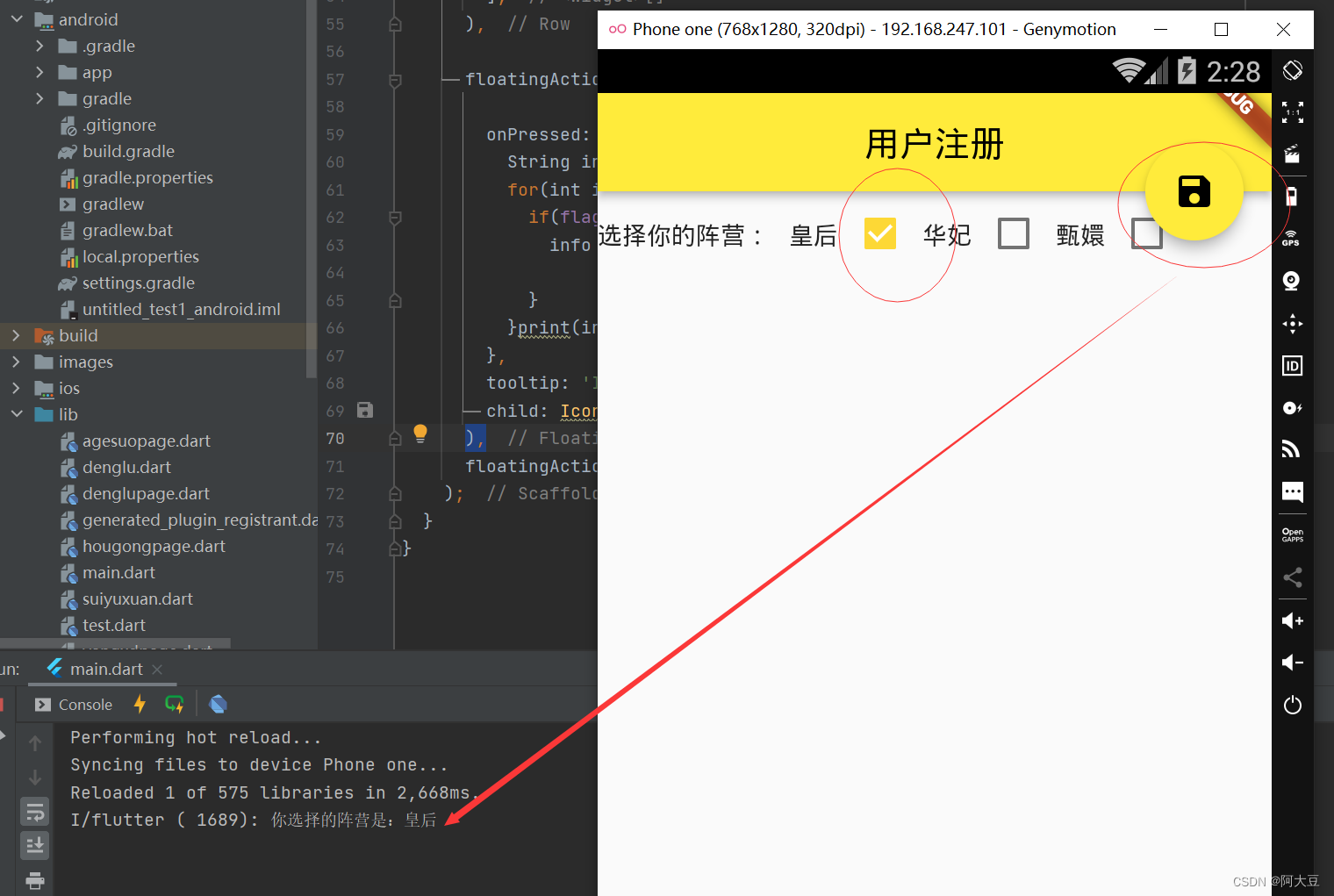
完整代码:
import 'package:flutter/cupertino.dart';
import 'package:flutter/material.dart';

class zhucepage extends StatefulWidget {

  @override
  State<StatefulWidget> createState() {

    return MyState();
  }
}

class MyState extends State {

  List flag =[false,false,false] ;
  List select=['皇后','华妃','甄嬛'];
  @override
  Widget build(BuildContext context) {

    return Scaffold(
      appBar: AppBar(
        title: Text('用户注册'),
        centerTitle: true,
      ),
      body: Row(
        children: <Widget>[
          Text('选择你的阵营: '),
          Text(select[0]),
          Checkbox(
            value: flag[0],
            onChanged: (value) {

              //setState更新值
              setState(() {

                flag[0] = value!;
              });
            },
          ),
          Text(select[1]),
          Checkbox(
            value: flag[1],
            onChanged: (value) {

              //setState更新值
              setState(() {

                flag[1] = value!;
              });
            },
          ),
          Text(select[2]),
          Checkbox(
            value: flag[2],
            onChanged: (value) {

              //setState更新值
              setState(() {

                flag[2] = value!;
              });
            },
          ),
        ],
      ),

      floatingActionButton: FloatingActionButton(

        onPressed: () {

          String info="你选择的阵营是:";
          for(int i=0;i<flag.length;i++){

            if(flag[i]) {
    /*如果选项被选中*/
              info = info + select[i]+' ';

            }
          }print(info);
        },
        tooltip: 'Increment',
        child: Icon(Icons.save),
      ),
      floatingActionButtonLocation: FloatingActionButtonLocation.endTop, //浮标的位置
    );
  }
}
边栏推荐
猜你喜欢
Moxa NPort device flaw could expose critical infrastructure to devastating attack

LeetCode simple problem to find the subsequence of length K with the largest sum

【C语言】三子棋(经典解法+一览图)
【C语言】预处理操作
MultipartFile file upload

The distance value between two arrays of LeetCode simple questions
[C language] Preprocessing operation

Database implements distributed locks
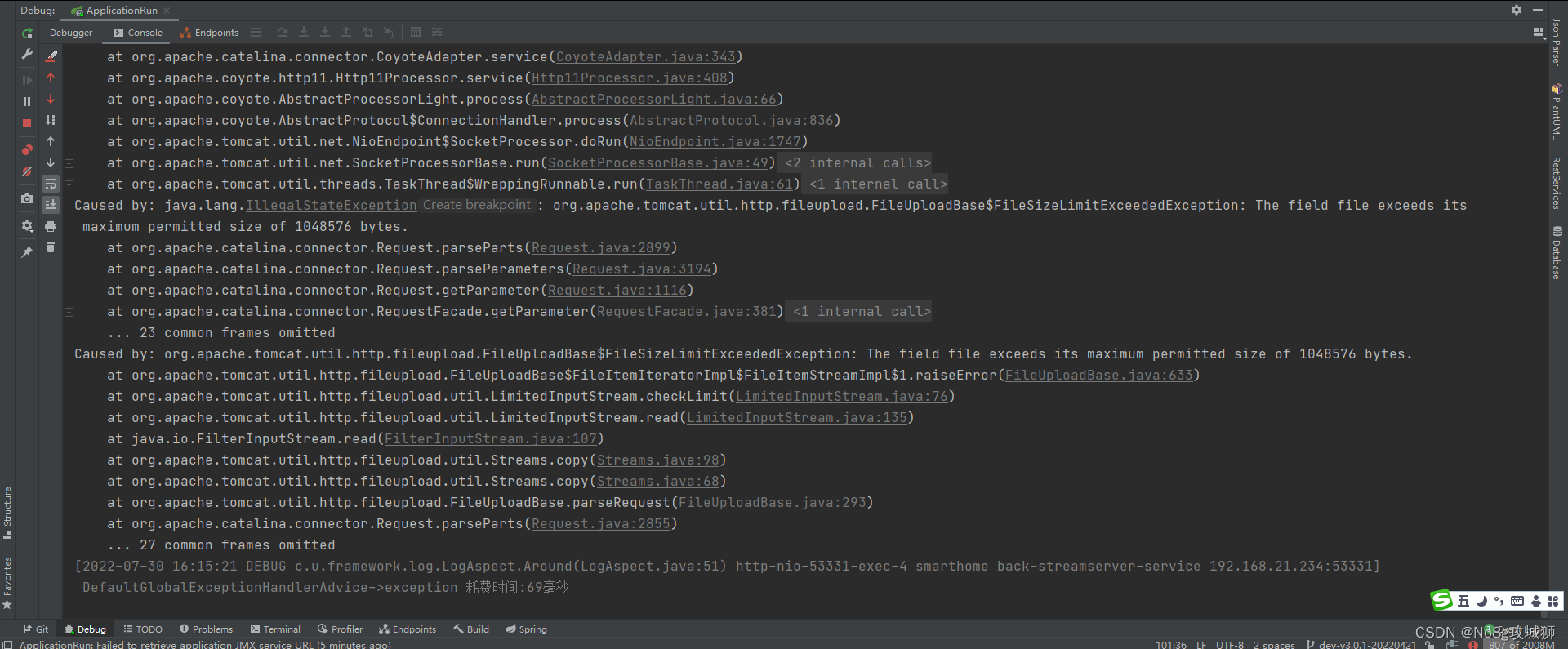
【异常】The field file exceeds its maximum permitted size of 1048576 bytes.
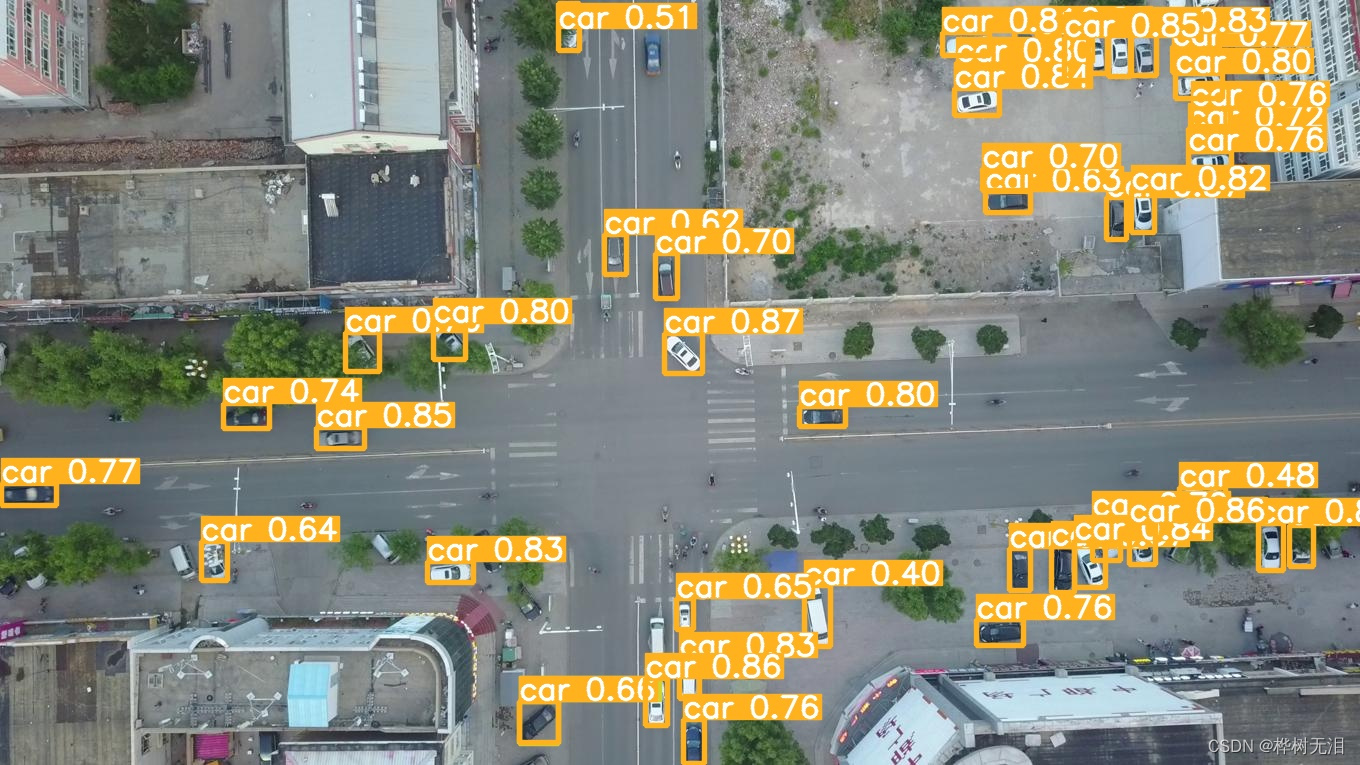
Project (5) - Small target detection tph-yolov5
随机推荐
Ambiguous method call.both
Detailed explanation of TCP and UDP
Key Technologies of Interface Testing
Thesis framework of the opening report
[Godot][GDScript] 二维洞穴地图随机生成
【动态规划】连续子数组的最大和
How to develop a high-quality test case?
IDEA comment report red solution
测试中的误报和漏报同样的值得反复修正
【C语言】求两个整数m和n的最大公因数和最小公倍数之和一般方法,经典解法
10 Permission introduction
IIR滤波器和FIR滤波器
BUG definition of SonarQube
2022牛客多校联赛第四场 题解
QML的使用
MultipartFile file upload
C primer plus学习笔记 —— 8、结构体
[Compilation principle] Lexical analysis program design principle and implementation
C primer plus study notes - 8, structure
Getting Started with CefSharp - winform