当前位置:网站首页>DVWA installation tutorial (understand what you don't understand · in detail)
DVWA installation tutorial (understand what you don't understand · in detail)
2022-07-31 04:52:00 【geejkse_seff】
There was a little problem when I installed it myself. Now let's share the steps that have been successful. Follow the rookie and never lose contact~~~~
First of all, the environment is matched, and the win10 system is used here.
https://www.xp.cn/###Official website download

I am using the latest version here.
After downloading, install it without any brains (of course, choosing a disk is no problem), and then test whether it is successful or not.

After startup, log in to the website 127.0.0.1 or the local address to view.(successful)
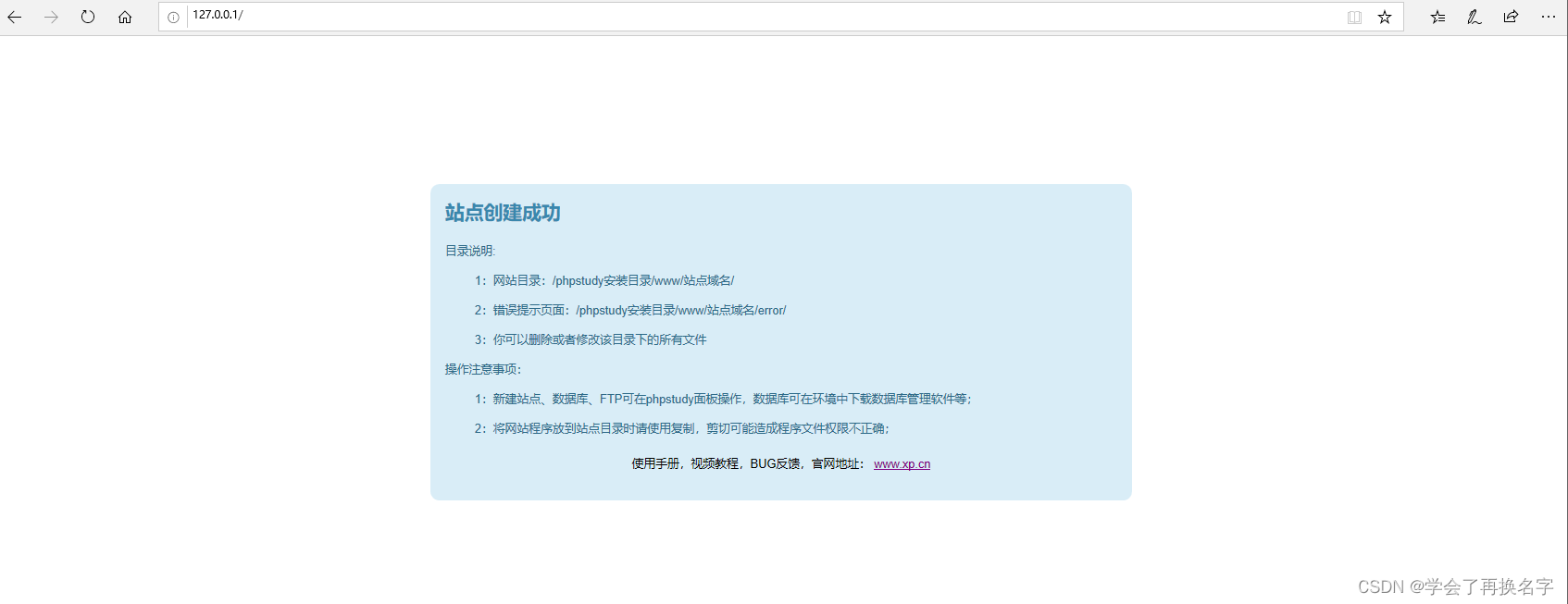
The environment is successfully set up, and the next step is DVWA
You can search online directly, the link is provided here
DVWA - Damn Vulnerable Web Application direct download
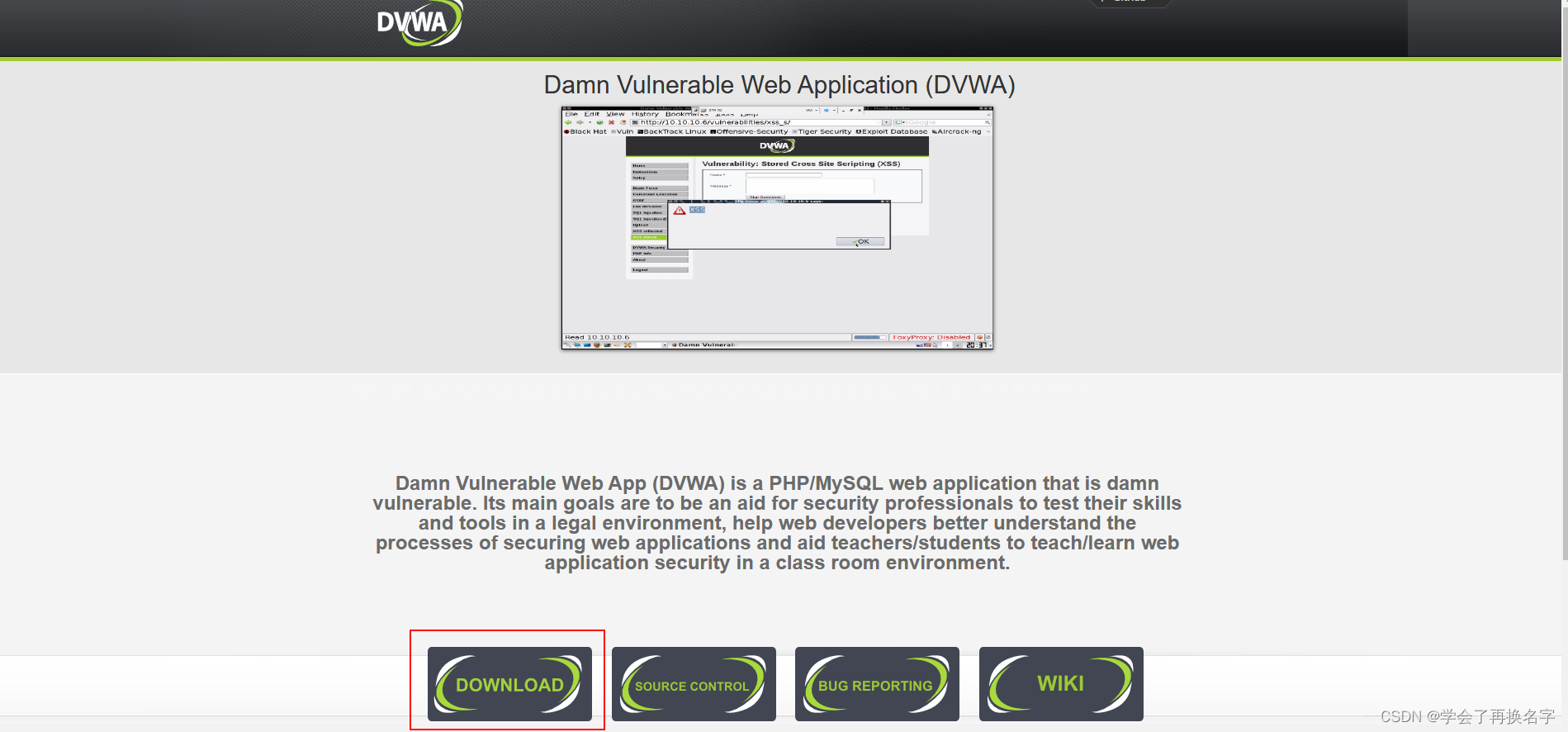
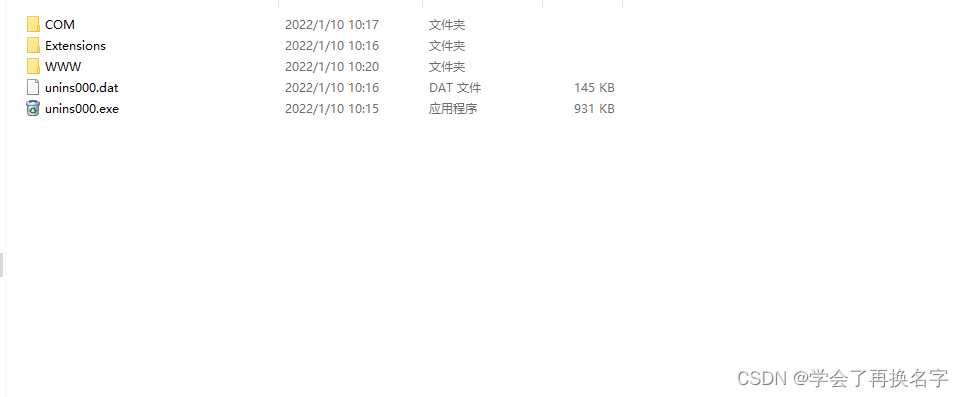
When decompressing, pay attention to put the files in the phpstudy WWW directory (that is, the root directory)
Enter the directory and open the config folder, there will be a config.inc.php.dist file, copy this file and paste it in this directory and delete .dist

Edit this file

User and password must be changed to root. Here we can see that our key is gone. It may be used in subsequent experiments. We need to complete it, otherwise there will be a missing error later, and some relatedThe experiment cannot be started, save it after modification
DVWA reCAPTCHAkey: Missing solution_?RBPi' Blog-CSDN blog_dvwa key### can refer to here
I will also list the key of the big guy here
Site key:
6LdJJlUUAAAAAH1Q6cTpZRQ2Ah8VpyzhnffD0mBb
Secret key:
6LdJJlUUAAAAAM2a3HrgzLczqdYp4g05EqDs-W4K
Then try to log in, the address of your own directory is like this:
127.0.0.1/DVWA-master will be a bit slow, and it will enter the login interface by itself later.Default user/password admin /password

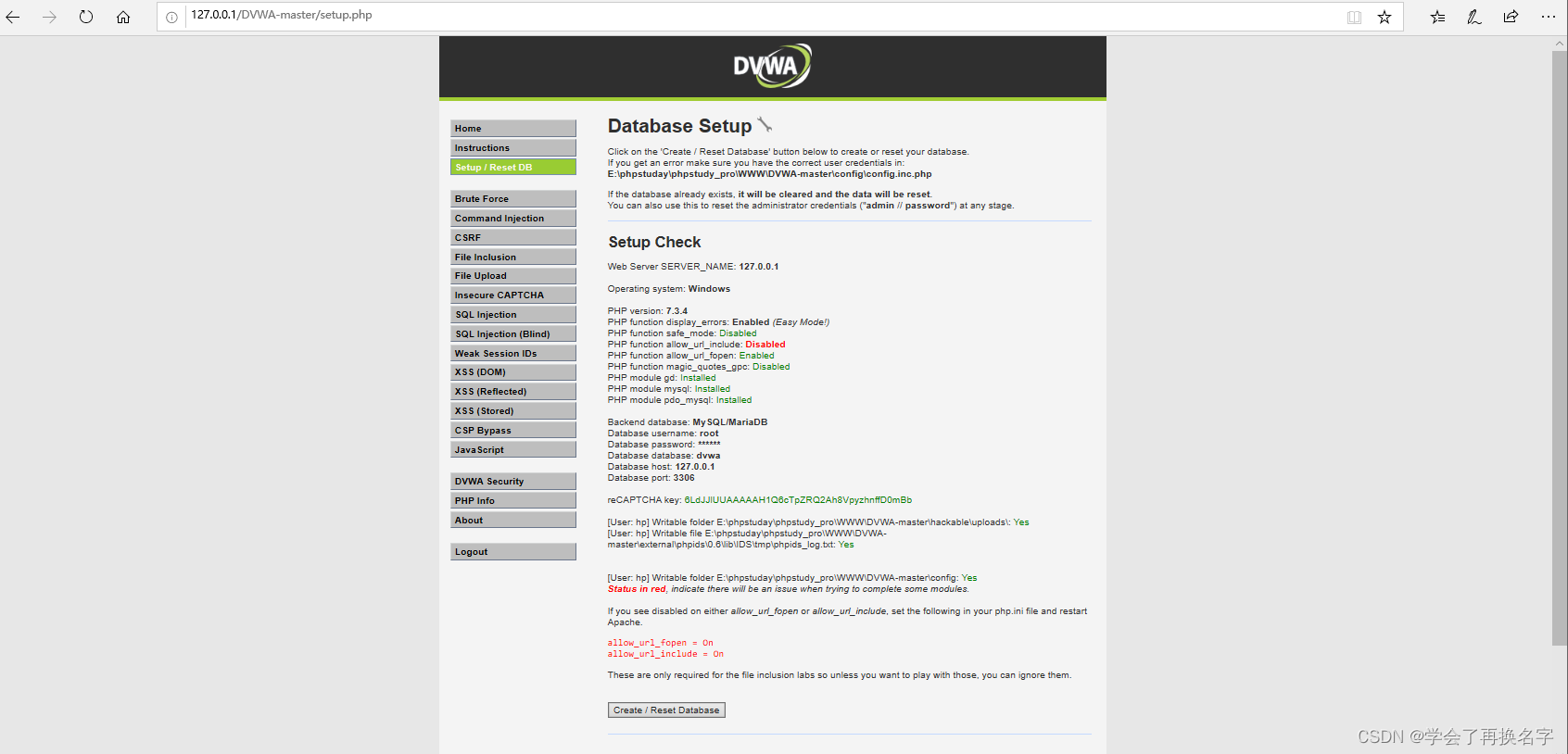
Login was successful and there were no missing errors.But we also found that there is a PHP function allow_url_include: Disabled error.
The following prompts that we need to turn on, but there is a problem here. Most people are looking for the php.ini file in the DWVA-master directory.This is not right, it's already On here, just search the upper level of the root.
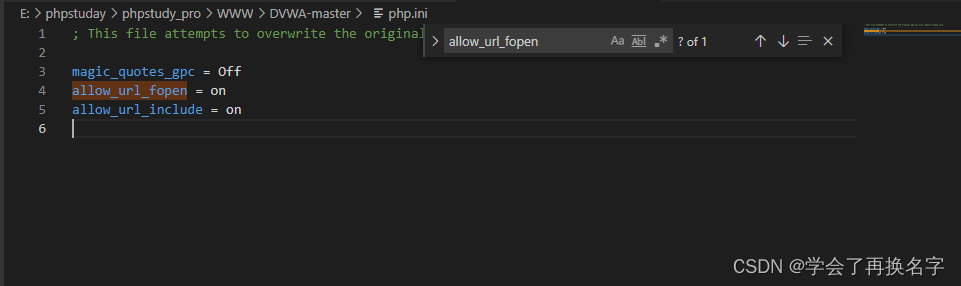 Pay attention to the path, it is the folder of the php version number.

Open, find the two codes that are prompted
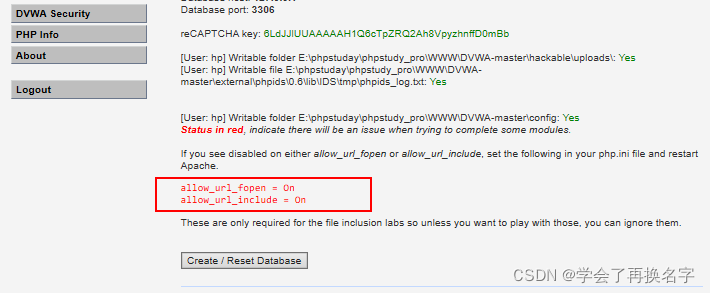
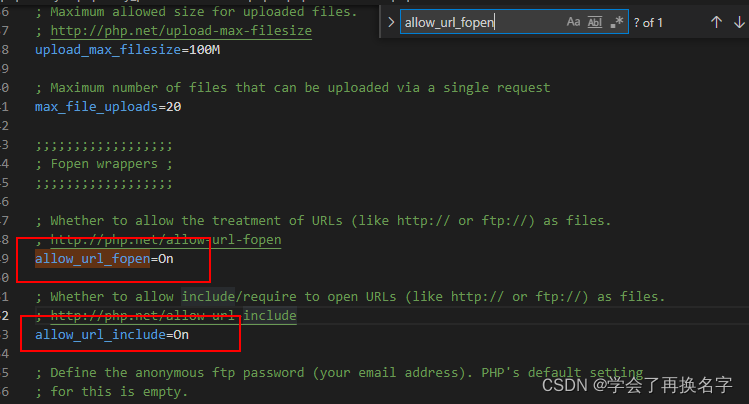
Modify and save and log in again to see.

Resolve the settlement....
If you find it helpful, please click your thumbs up.Xiaobai leads Xiaobai on the road, never get lost!!!
Let me introduce myself first. The editor graduated from Shanghai Jiaotong University in 2013. I worked in a small company and went to big factories such as Huawei and OPPO. I joined Alibaba in 2018, until now.I know that most junior and intermediate java engineers want to upgrade their skills, they often need to explore their own growth or sign up to study, but for training institutions, the tuition fee is nearly 10,000 yuan, which is really stressful.Self-learning that is not systematic is very inefficient and lengthy, and it is easy to hit the ceiling and the technology stops.Therefore, I collected a "full set of learning materials for java development" for everyone. The original intention is also very simple. I hope to help friends who want to learn by themselves but don't know where to start, and at the same time reduce everyone's burden.Add the business card below to get a full set of learning materials
边栏推荐
- Unity打灵狐者
- Unity资源管理系列:Unity 框架如何做好资源管理
- 扫雷小游戏——C语言
- Fusion Cloud Native, Empowering New Milestones | 2022 Open Atom Global Open Source Summit Cloud Native Sub-Forum Successfully Held
- STM32HAL库修改Hal_Delay为us级延时
- MySQL database installation (detailed)
- Blockbuster | foundation for platinum, gold, silver gave nameboards donors
- DVWA安装教程(懂你的不懂·详细)
- Duplicate entry ‘XXX‘ for key ‘XXX.PRIMARY‘解决方案。
- 开放原子开源基金会秘书长孙文龙 | 凝心聚力,共拓开源
猜你喜欢

Puzzle Game Level Design: Reverse Method--Explaining Puzzle Game Level Design

MySQL数据库备份
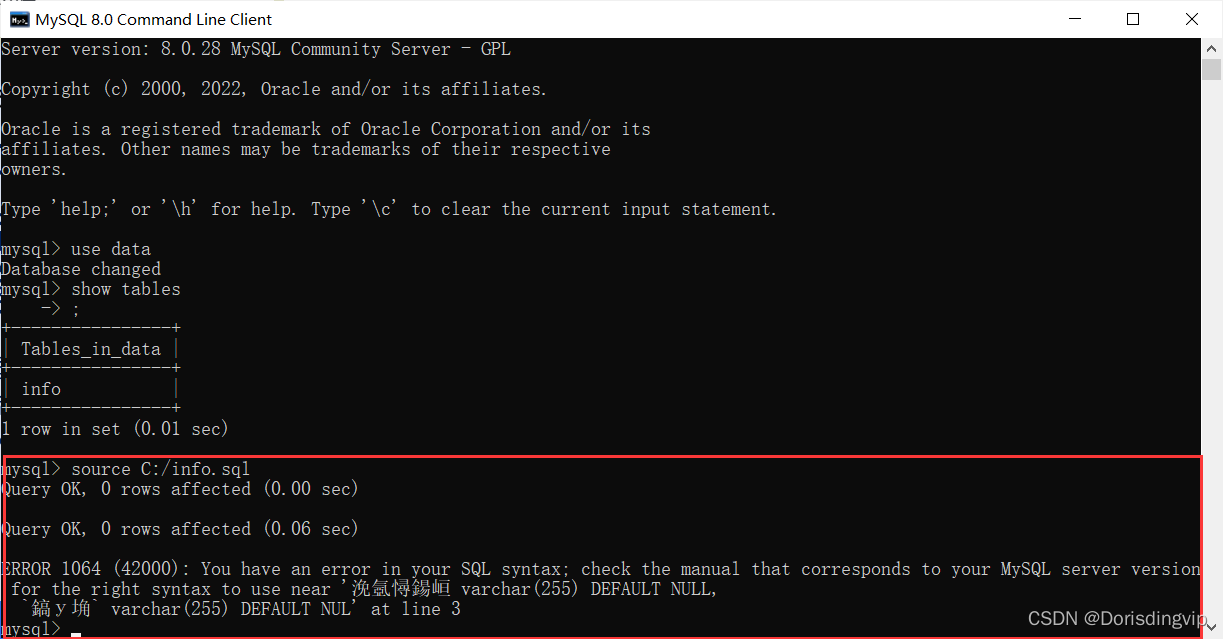
ERROR 1064 (42000) You have an error in your SQL syntax; check the manual that corresponds to your
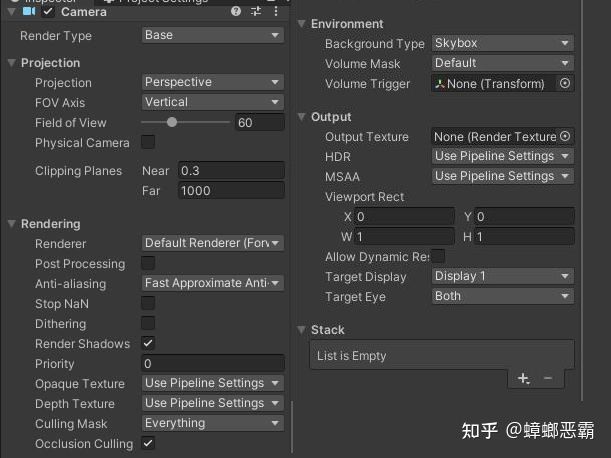
Unity URP渲染管线摄像机核心机制剖析
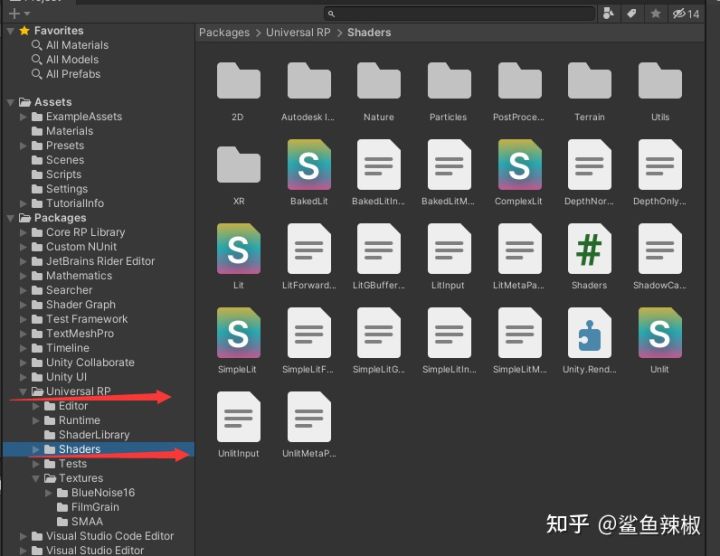
Unity教程:URP渲染管线实战教程系列【1】

WeChat applet uses cloud functions to update and add cloud database nested array elements

Industry-university-research application to build an open source talent ecosystem | 2022 Open Atom Global Open Source Summit Education Sub-Forum was successfully held
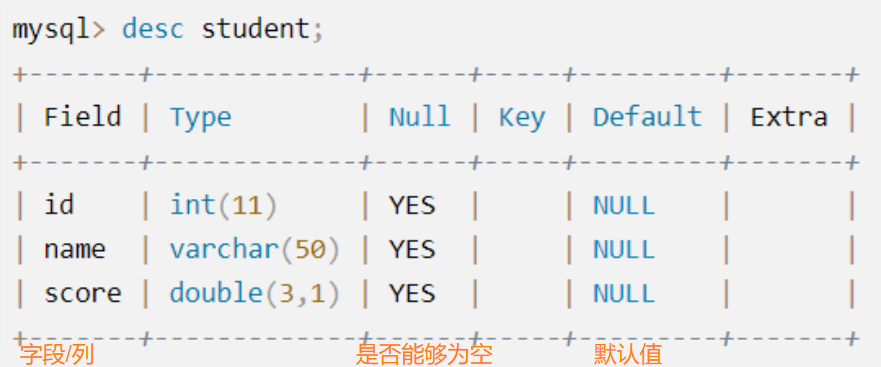
MySQL database must add, delete, search and modify operations (CRUD)

Create componentized development based on ILRuntime hot update
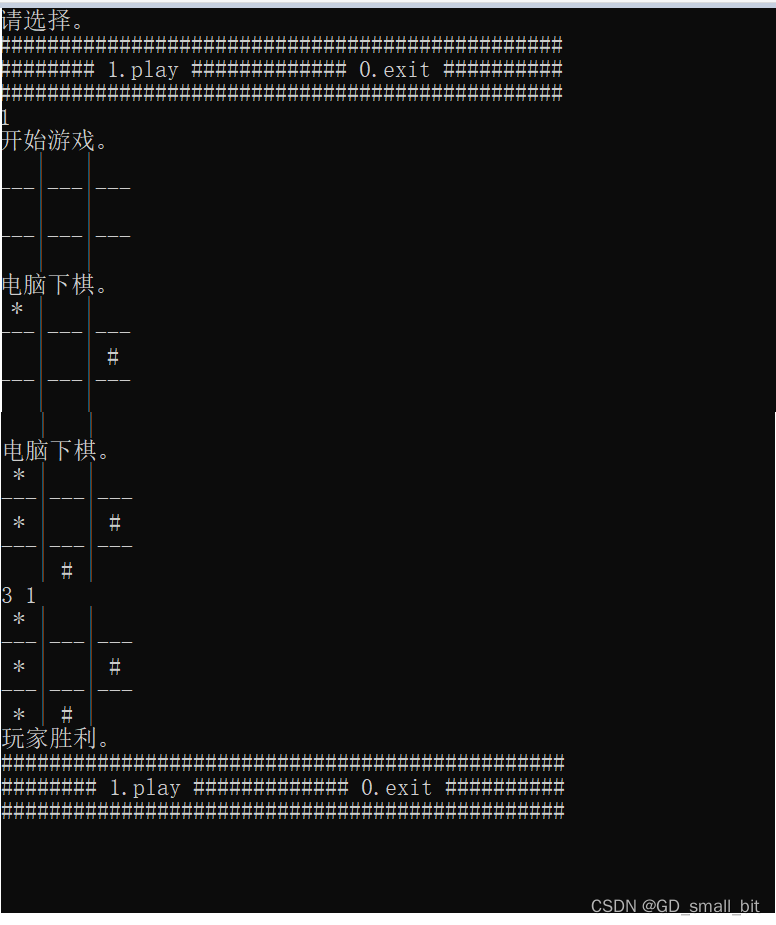
The third is the code to achieve
随机推荐
ENSP, VLAN division, static routing, comprehensive configuration of Layer 3 switches
SQL row-column conversion
剑指offer专项突击版第15天
专访 | 阿里巴巴首席技术官程立:云+开源共同形成数字世界的可信基础
Vue项目通过node连接MySQL数据库并实现增删改查操作
Interview | Cheng Li, CTO of Alibaba: Cloud + open source together form a credible foundation for the digital world
高斯分布及其极大似然估计
MATLAB/Simulink&&STM32CubeMX工具链完成基于模型的设计开发(MBD)(三)
PCL 计算点云坐标最值及其索引
From scratch, a mirror to the end, a pure system builds a grasscutter (Grasscutter)
Unity教程:URP渲染管线实战教程系列【1】
【py脚本】批量二值化处理图像
ERROR 1064 (42000) You have an error in your SQL syntax; check the manual that corresponds to your
npm、nrm两种方式查看源和切换镜像
Unity Tutorial: URP Rendering Pipeline Practical Tutorial Series [1]
马斯克对话“虚拟版”马斯克,脑机交互技术离我们有多远
重磅 | 基金会为白金、黄金、白银捐赠人授牌
EasyExcel的简单读取操作
数字经济时代的开源数据库创新 | 2022开放原子全球开源峰会数据库分论坛圆满召开
从零开始,一镜到底,纯净系统搭建除草机(Grasscutter)