当前位置:网站首页>Three level linkage demo of uniapp uview u-picker components
Three level linkage demo of uniapp uview u-picker components
2022-07-05 03:59:00 【Summer is already slightly cool】
One 、 Write it at the front
- 【 I have something to say 】
It took hours , cough >_<, Wrote a Demo, Just give you an idea , Please forgive me for any deficiencies ~ - 【 Import the project 】 Choose in turn
fileImport the project - 【 Project content 】 This Demo In order to
grade class StudentTake these three levels as an example . - 【 Project components 】 It's using uView Components
- 【 Project operation 】 Choose in turn :
functionRun to browser (B)Chrome( Use whatever browser you have , I use this ~)
Two 、 Effect screenshots
0、 Project creation : I was in uniapp Modified on the default template
- 【 Project creation 】Hbuilder establish , Choose in turn :
filenewly buildprojectchoice Default template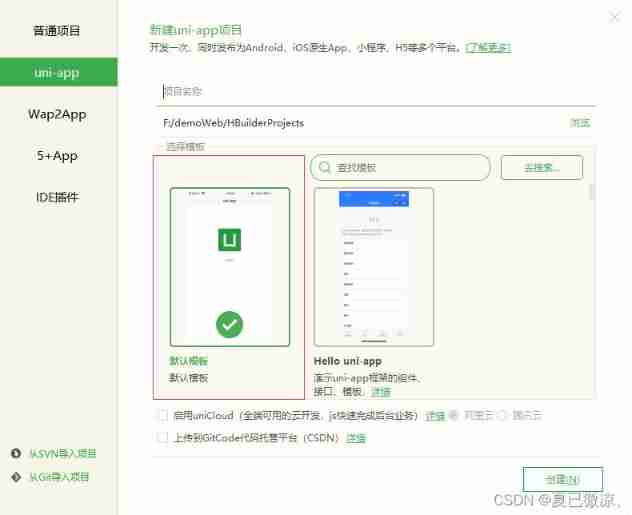
1、 home page

2、 Add a page
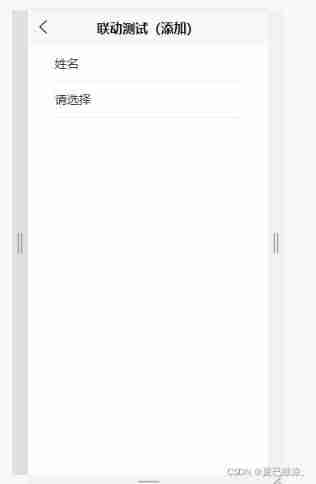
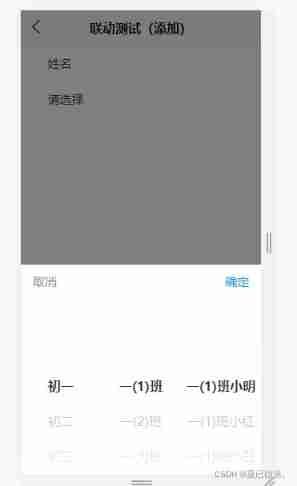
3、 Add a page - Click on Please select
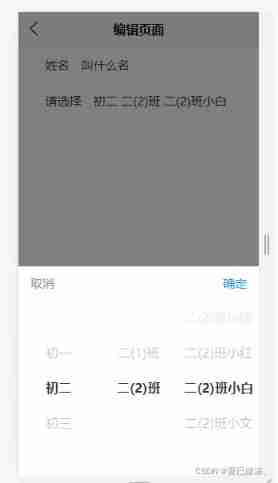
4、 Edit page

5、 Edit page - Click on Please select
3、 ... and 、uView Component Introduction
- In the project
\uPickerDemoroute\uni_modules\uview-ui\MediumREADME.mdThere are detailed explanations in the document - I am in the project.
\uPickerDemoHas also been configured ~
Four 、 A general process
- 1、 branch 2 An entrance : An addition , An editor ( Editing involves data echo )
- 2、 When adding , The displayed data is default , Is the details of the first row of data in the previous column ( All grades ( First column ), The corresponding class of grade one ( Second column ), The corresponding students in class one ( The third column ))
- 3、 When editing , The first column of data remains unchanged ( Highlight the corresponding line ); The data in the second column is the details of the highlighted row in the first column ( You also need to highlight the corresponding line ); The data in the third column is the details of the highlighted row in the second column ( You also need to highlight the corresponding line )
- 4、 Click on
Please selectThat's ok , Pop up the selection box - 5、change When the first column : The data in the second column is the details of the highlighted options in the first column ; And change the data in the third column to the data details in the first row of the second column
- 6、change When the second column : The data in the third column is the details of the highlighted options in the second column
- 7、 After selecting the data, assign the data to
inputThe box shows And close the box
5、 ... and 、method Methods to introduce
1、backStudent
- Operation of the content displayed in the option box : Default value when adding , Echo value when editing
2、clickStudent
- Click on
Please selectThat's ok , open Selection box
3、changeHandler
- Triggered when the selection value changes : When the first column changes , Synchronize the second column , Data in the third column ; When the second column changes , Synchronize the data in the first column
4、confirmStudent
- After selection , Click ok , to input assignment , And shut down Selection box
6、 ... and 、 Project Download
边栏推荐
- [数组]566. 重塑矩阵-简单
- KVM virtualization
- Rust区块琏开发——签名加密与私钥公钥
- 汇编-入门
- error Couldn‘t find a package. JSON file in "your path“
- Is there a sudden failure on the line? How to make emergency diagnosis, troubleshooting and recovery
- [charging station]_ Secular wisdom_ Philosophical wisdom _
- [wp]bmzclub几道题的writeup
- It took two nights to get Wu Enda's machine learning course certificate from Stanford University
- An elegant program for Euclid‘s algorithm
猜你喜欢
![[wp][入门]刷弱类型题目](/img/d0/9eb3ade701057837d98e4a20082a10.png)
[wp][入门]刷弱类型题目
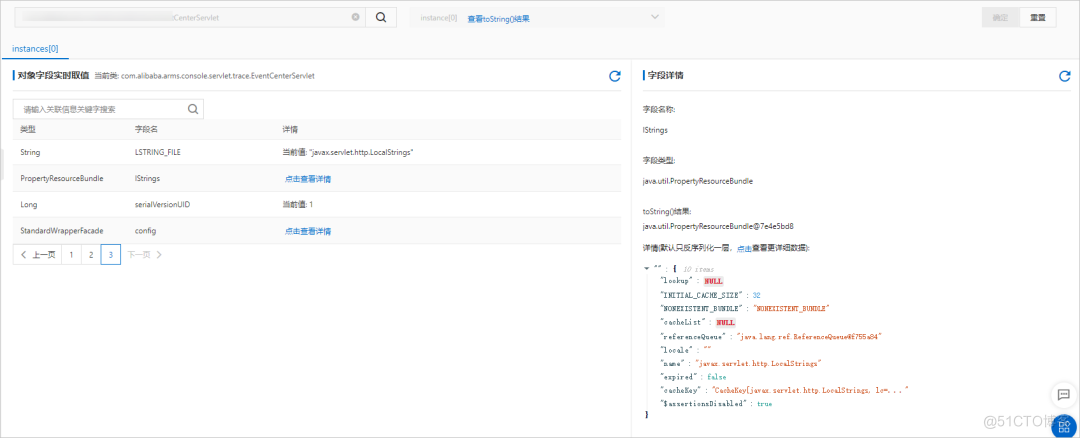
线上故障突突突?如何紧急诊断、排查与恢复
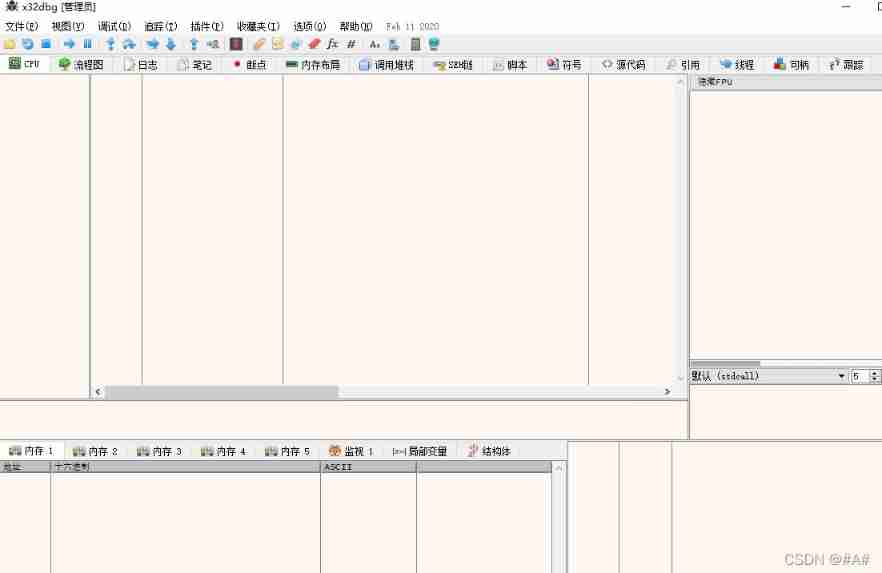
De debugging (set the main thread as hidden debugging to destroy the debugging Channel & debugger detection)
![[web Audit - source code disclosure] obtain source code methods and use tools](/img/ea/84e67a1fca0e12cc4452c744c242b4.png)
[web Audit - source code disclosure] obtain source code methods and use tools

Web components series (VII) -- life cycle of custom components

深度学习——LSTM基础
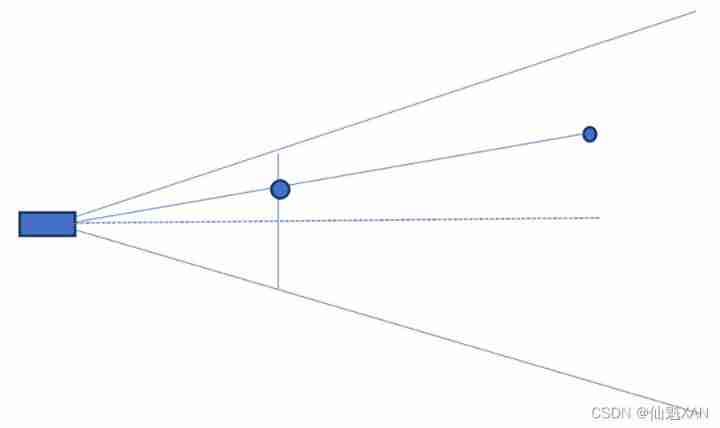
Some enterprise interview questions of unity interview
![[brush questions] BFS topic selection](/img/24/7ec68ef60f94f7b366054824223709.png)
[brush questions] BFS topic selection
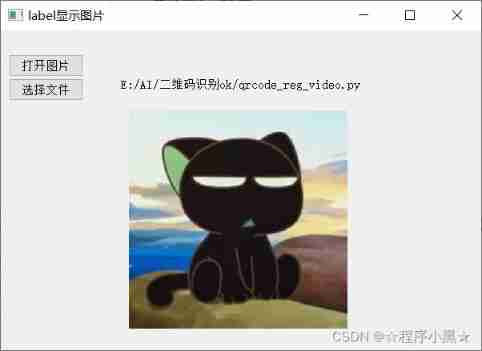
Pyqt5 displays file names and pictures

UI自動化測試從此告別手動下載瀏覽器驅動
随机推荐
How is the entered query SQL statement executed?
在线SQL转Excel(xls/xlsx)工具
Resolved (sqlalchemy+pandas.read_sql) attributeerror: 'engine' object has no attribute 'execution_ options‘
IronXL for .NET 2022.6
How to use jedis of redis
【web审计-源码泄露】获取源码方法,利用工具
MindFusion. Virtual Keyboard for WPF
Laravel8 export excel file
NEW:Devart dotConnect ADO. NET
The architect started to write a HelloWorld
Excuse me, my request is a condition update, but it is blocked in the buffer. In this case, can I only flush the cache every time?
Installation of postman and postman interceptor
面试字节,过关斩将直接干到 3 面,结果找了个架构师来吊打我?
面试汇总:这是一份全面&详细的Android面试指南
Official announcement! The third cloud native programming challenge is officially launched!
10种寻址方式之间的区别
IronXL for . NET 2022.6
EasyCVR更改录像存储路径,不生成录像文件如何解决?
已解决(sqlalchemy+pandas.read_sql)AttributeError: ‘Engine‘ object has no attribute ‘execution_options‘
一文带你了解BI的前世今身与企业数字化转型的关系