当前位置:网站首页>OpenGL shader use
OpenGL shader use
2022-07-03 12:00:00 【wb175208】
The shader is OpenGL Important concepts in , Is running on the GPU The applet on
1. Vertex shader
#version 330 core
layout (location=0) in vec3 aPos;
out vec4 vertextColor;
void main(){

	gl_Position = vec4(aPos.x, aPos.y, aPos.z, 1.0);
	vertextColor = vec4(1.0, 1.0, 0.0, 1.0);
}
#version 330 core
Current version and openGL The version number of corresponds to
layout (location=0) in vec3 aPos;
location Set the attribute position value of the position variable of external input data , The external data is shown above aPos The location variable attribute value of is 0.in Indicates input , out Indicative output
aPos Define a variable input position coordinates
gl_Position yes GLSL Internal keywords , be used for GPU Position display of
gl_Position = vec4(aPos.x, aPos.y, aPos.z, 1.0); Receive coordinates from external input
out vec4 vertextColor; Define colors in vertex shaders , You can wear it all the way to the clip shader . Just define the same variable reception in the fragment shader
2. Fragment Shader
#version 330 core
out vec4 fragColor;
in vec4 vertextColor;// Color passed from vertex shader
void main(){

	//fragColor = vec4(1.0f, 0.5f, 0.2f, 1.0f);

	fragColor = vertextColor;
}
Be careful : Each vertex shader can only have one output variable !!!
3. from CPU towards GPU Transmit data
Use keywords in shaders uniform
Defined in shaders
uniform vec4 randColor;
GLuint randColor = _shaderProgram.uniformLocation("randColor");
	_shaderProgram.setUniformValue(randColor, QVector4D(0.4, qAbs(qSin((float)time.elapsed()/1000.0)),0.3 ,1.0));
4. Code example
#pragma once

#include <QOpenGLWindow>
#include <QOpenGLShader>
#include <QOpenGLShaderProgram>
#include <QTime>
class QOpenGLFunctions_3_3_Core;


class HelloShader : public QOpenGLWindow {

	Q_OBJECT

public:
	HelloShader();
	~HelloShader();

private:
	void initializeGL();
	void resizeGL(int w, int h);
	void paintGL();

private:
	QOpenGLFunctions_3_3_Core* _openGLCore;
	GLuint _VBO;
	GLuint _VAO;
	QOpenGLShaderProgram _shaderProgram;// Shader program , All shaders in the system
	QTime time = QTime::currentTime();
};
#include "HelloShader.h"
#include <QOpenGLFunctions_3_3_Core>
#include <QVector4D>
#include <QMath.h>

HelloShader::HelloShader() {

}

HelloShader::~HelloShader() {

}

void HelloShader::initializeGL() {

	_openGLCore = QOpenGLContext::currentContext()->versionFunctions<QOpenGLFunctions_3_3_Core>();

	GLfloat ver[] = {

		// If there are two triangles , Conventional drawing method , Define the position points of two triangles
		// The first triangle
		0.0f,  0.5f, 0.0f,
	   -0.5f, -0.5f, 0.0f,
		0.5f, -0.5f, 0.0f,
	};

	_openGLCore->glGenBuffers(1, &_VAO);
	_openGLCore->glBindVertexArray(_VAO);

	_openGLCore->glGenBuffers(1, &_VBO);
	_openGLCore->glBindBuffer(GL_ARRAY_BUFFER, _VBO);
	_openGLCore->glBufferData(GL_ARRAY_BUFFER, sizeof(ver), ver, GL_STATIC_DRAW);
	_openGLCore->glVertexAttribPointer(0, 3, GL_FLOAT, GL_FALSE, 3 * sizeof(GLfloat), (void*)0);

	_openGLCore->glEnableVertexAttribArray(0);

	_openGLCore->glBindVertexArray(0);


	QOpenGLShader vertexShager(QOpenGLShader::Vertex);// Vertex shader
	vertexShager.compileSourceFile("E:/Projects/QtGuiTest/OPenGLApp/shader/HelloShader.vert");
	QOpenGLShader fragmentShager(QOpenGLShader::Fragment);// Fragment Shader
	fragmentShager.compileSourceFile("E:/Projects/QtGuiTest/OPenGLApp/shader/HelloShader.frag");
	_shaderProgram.addShader(&vertexShager);
	_shaderProgram.addShader(&fragmentShager);

	_shaderProgram.link();
}

void HelloShader::resizeGL(int w, int h) {


}

void HelloShader::paintGL() {

	_openGLCore->glClearColor(0.6f, 0.6f, 0.6f, 1.0);
	_openGLCore->glClear(GL_COLOR_BUFFER_BIT);

	_shaderProgram.bind();

	GLuint randColor = _shaderProgram.uniformLocation("randColor");
	_shaderProgram.setUniformValue(randColor, QVector4D(0.4, qAbs(qSin((float)time.elapsed()/1000.0)),0.3 ,1.0));

	_openGLCore->glBindVertexArray(_VAO);


	_openGLCore->glDrawArrays(GL_TRIANGLES, 0, 3);

	update();
}
Vertex shader :
#version 330 core
layout (location=0) in vec3 aPos;
out vec4 vertextColor;
void main(){

	gl_Position = vec4(aPos.x, aPos.y, aPos.z, 1.0);
	vertextColor = vec4(1.0, 1.0, 0.0, 1.0);
}
Fragment Shader
#version 330 core
out vec4 fragColor;
in vec4 vertextColor;// Color passed from vertex shader

uniform vec4 randColor;
void main(){

	//fragColor = vec4(1.0f, 0.5f, 0.2f, 1.0f);

	//fragColor = vertextColor;
	fragColor = randColor;
}
Running results :
above !
aaa
边栏推荐
猜你喜欢
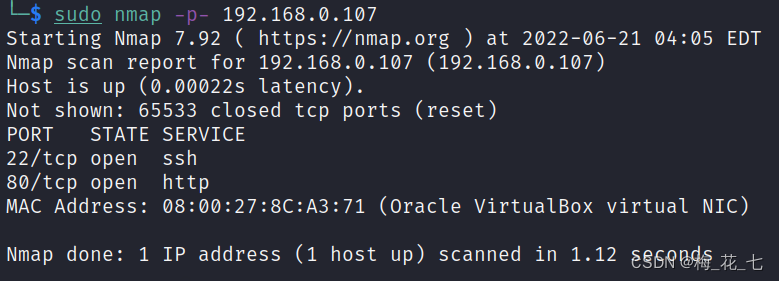
vulnhub之Nagini
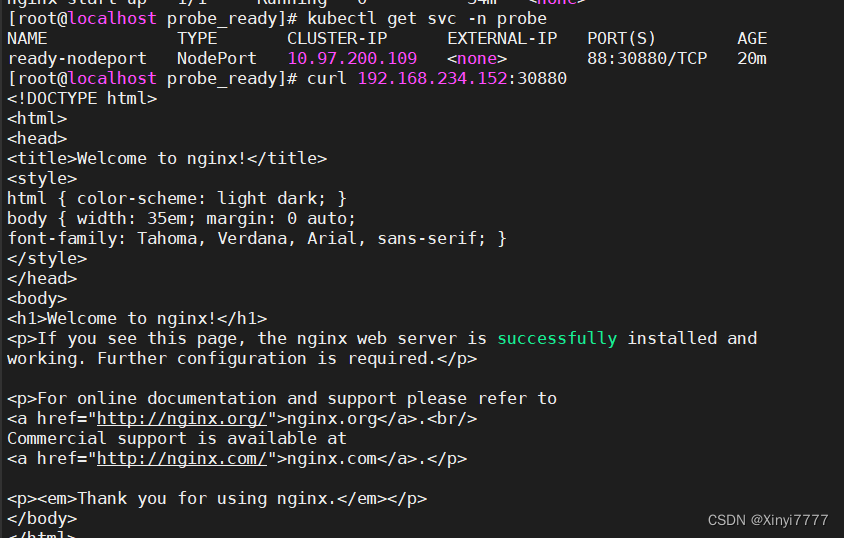
Kubernetes 三打探针及探针方式
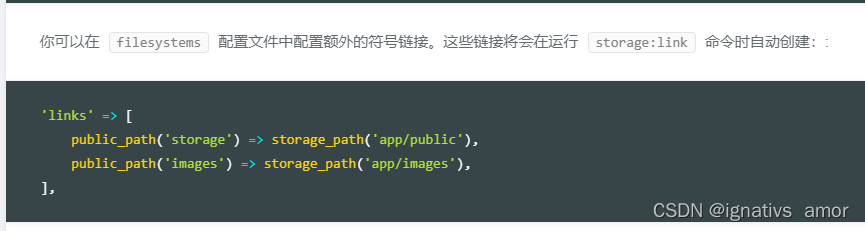
Symlink(): solution to protocol error in PHP artisan storage:link on win10
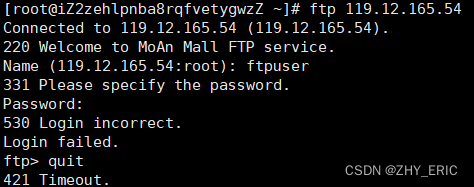
During FTP login, the error "530 login incorrect.login failed" is reported
(数据库提权——Redis)Redis未授权访问漏洞总结
![[MySQL special] read lock and write lock](/img/ac/e01c26882cc664ea2e5e731c5a8bab.png)
[MySQL special] read lock and write lock

shardingSphere分库分表<3>
Ripper of vulnhub

laravel 时区问题timezone
Qt OpenGL 纹理贴图
随机推荐
Vulnhub geminiinc V2
Cacti监控Redis实现过程
网络通讯之Socket-Tcp(一)
Quantitative calculation research
typeScript
STL教程9-容器元素深拷贝和浅拷贝问题
在CoreOS下部署WordPress实例教程
Duplicate numbers in the array of sword finger offer 03
【mysql专项】读锁和写锁
The R language uses the hist function in the native package (basic import package, graphics) to visualize the histogram plot
Vulnhub's Tomato (tomato)
Web security summary
2022年中南大学夏令营面试经验
libvirt 中体验容器
Raven2 of vulnhub
优化接口性能
The tutor put forward 20 pieces of advice to help graduate students successfully complete their studies: first, don't plan to take a vacation
《剑指offer 03》数组中重复的数字
Keepalived中Master和Backup角色选举策略
Systemverilog-- OOP--对象的拷贝