当前位置:网站首页>MySQL8 download, start, configure, verify
MySQL8 download, start, configure, verify
2022-08-02 02:05:00 【dreambyday】
一、下载MySQL 8.0
cd /usr/local
mkdir mysql
cd mysql
wget https://repo.mysql.com//mysql80-community-release-el7-1.noarch.rpm
二、 安装
rpm -ivh mysql80-community-release-el7-1.noarch.rpm
yum clean all
yum makecache
sudo yum install mysql-server --nogpgcheck
三、启动、配置
3.1. 启动
systemctl start mysqld.service
3.2. 配置
3.2.1. 设置开机启动
systemctl enable mysqld.service
3.2.2 查看初始密码
cat /var/log/mysqld.log | grep password
可以看到密码是 tgji-Za4l2ON

3.2.3. 连接数据库、输入密码
回车后输入密码
mysql -u root -p
3.2.4. 修改密码
Mysql Do not operate without changing the password.The set password requires uppercase and lowercase numbers and special characters,达到8位以上.Set this first and then change the password rules.
alter user 'root'@'localhost' IDENTIFIED BY '[email protected]';
3.2.5. 设置密码的规则
Change the password level to low,And the minimum length is 6.Then you can reset it to the desired password
set global validate_password.policy=LOW;
set global validate_password.length=6;
View password setting rules
SHOW VARIABLES LIKE 'validate_password%;
±-------------------------------------±-------+
| Variable_name | Value |
±-------------------------------------±-------+
| validate_password.check_user_name | ON |
| validate_password.dictionary_file | |
| validate_password.length | 8 |
| validate_password.mixed_case_count | 1 |
| validate_password.number_count | 1 |
| validate_password.policy | MEDIUM |
| validate_password.special_char_count | 1 |
±-------------------------------------±-------+
————————————————
关于 mysql 密码策略相关参数;
1)validate_password_length 固定密码的总长度;
2)validate_password_dictionary_file 指定密码验证的文件路径;
3)validate_password_mixed_case_count 整个密码中至少要包含大/小写字母的总个数;
4)validate_password_number_count 整个密码中至少要包含阿拉伯数字的个数;
5)validate_password_special_char_count 整个密码中至少要包含特殊字符的个数;
6)validate_password_policy 指定密码的强度验证等级,默认为 MEDIUM;
- LOW:只验证长度;
- MEDIUM:验证长度、数字、大小写、特殊字符;
- STRONG:验证长度、数字、大小写、特殊字符、字典文件;
3.2.5 remove accessIP限制
use mysql;
update user set host='%' where user = 'root';
flush privileges;
3.2.6 关闭防火墙
service firewalld stop
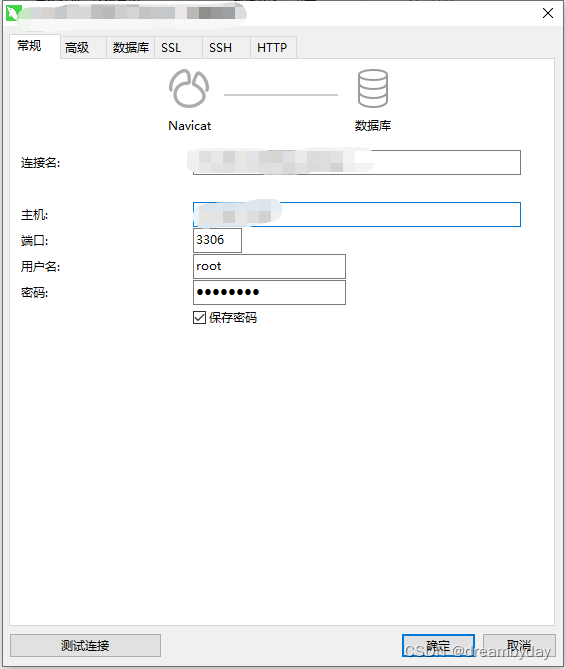
四、navicat连接测试
边栏推荐
- typeof in typescript32-ts
- Navicat data shows incomplete resolution
- pcie inbound和outbound关系
- From 2023 onwards, these regions will be able to obtain a certificate with a score lower than 45 in the soft examination.
- LeetCode 213. Robbery II (2022.08.01)
- 力扣、752-打开转盘锁
- 力扣 1161. 最大层内元素和
- Constructor instance method inheritance of typescript38-class (implement)
- 【Brush the title】Family robbery
- Day116. Shangyitong: Details of appointment registration ※
猜你喜欢
LeetCode刷题日记:74. 搜索二维矩阵

Win Go开发包安装配置、GoLand配置
【LeetCode每日一题】——704.二分查找
密码学的基础:X.690和对应的BER CER DER编码

个人博客系统项目测试

typescript30 - any type
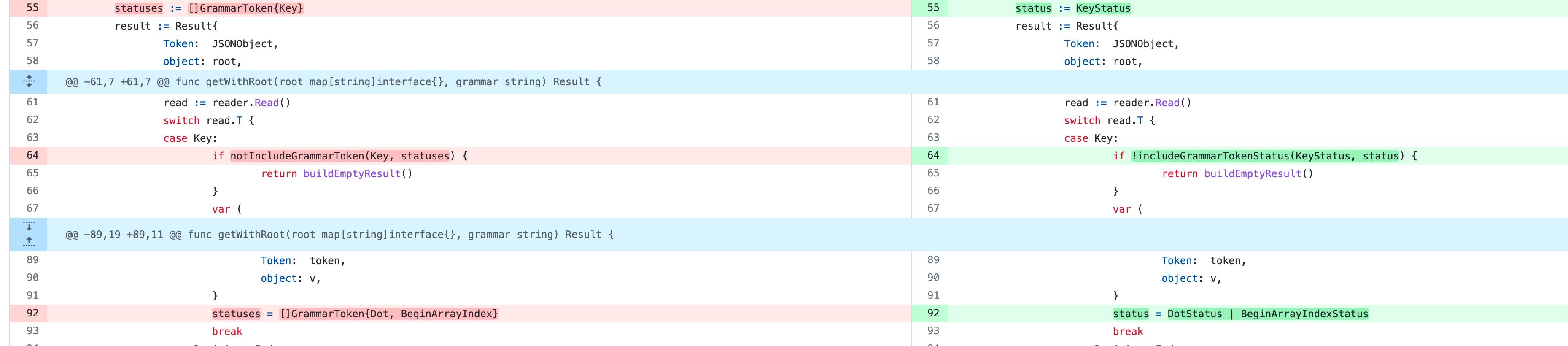
Speed up your programs with bitwise operations

"NetEase Internship" Weekly Diary (2)
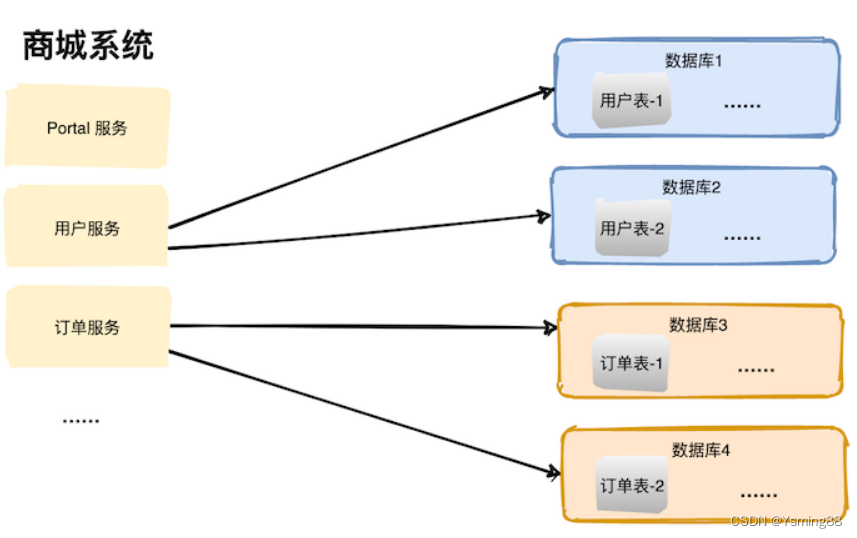
MySQL optimization strategy
![[LeetCode Daily Question] - 103. Zigzag Level Order Traversal of Binary Tree](/img/b9/35813ae2972375fa728e3c11fab5d3.png)
[LeetCode Daily Question] - 103. Zigzag Level Order Traversal of Binary Tree
随机推荐
牛顿定理和相关推论
typescript32-ts中的typeof
用位运算为你的程序加速
typescript36-class的构造函数实例方法
Centos7 安装postgresql并开启远程访问
"Introduction to Natural Language Processing Practice" Question Answering Robot Based on Knowledge Graph
【轮式里程计】
手写一个博客平台~第一天
Navicat data shows incomplete resolution
Understand the big model in seconds | 3 steps to get AI to write a summary
Win Go开发包安装配置、GoLand配置
数据链路层的数据传输
MySQL——增删查改操作
Yunhe Enmo: Let the value of the commercial database era continue to prosper in the openGauss ecosystem
飞桨助力航天宏图PIE-Engine地球科学引擎构建
检查IP或端口是否被封
记录一次数组转集合出现错误的坑点,尽量使用包装类型数组进行转换
力扣 1374. 生成每种字符都是奇数个的字符串
个人博客系统项目测试
typescript30-any类型