当前位置:网站首页>The amazing open source animation library is not only awesome, but also small
The amazing open source animation library is not only awesome, but also small
2022-07-01 16:53:00 【Old fish's locker】
Hello everyone , I am a Front end lab My elder martial brother ! A veteran Internet player , Focus on sharing large front-end technology 、 Interview treasure 、 Learning materials, etc ~
The first project assigned to me by the company in the new year is a small game , Some animations are involved in the game , Today, senior brother will recommend a small and powerful animation library :anime.js

Introduce
anime.js It's a powerful javascript Animation library plug in ,anime.js You can talk to CSS3 attribute ,SVG,DOM Elements and JS Objects work together , Make all kinds of high-performance , Animation effect of smooth transition .
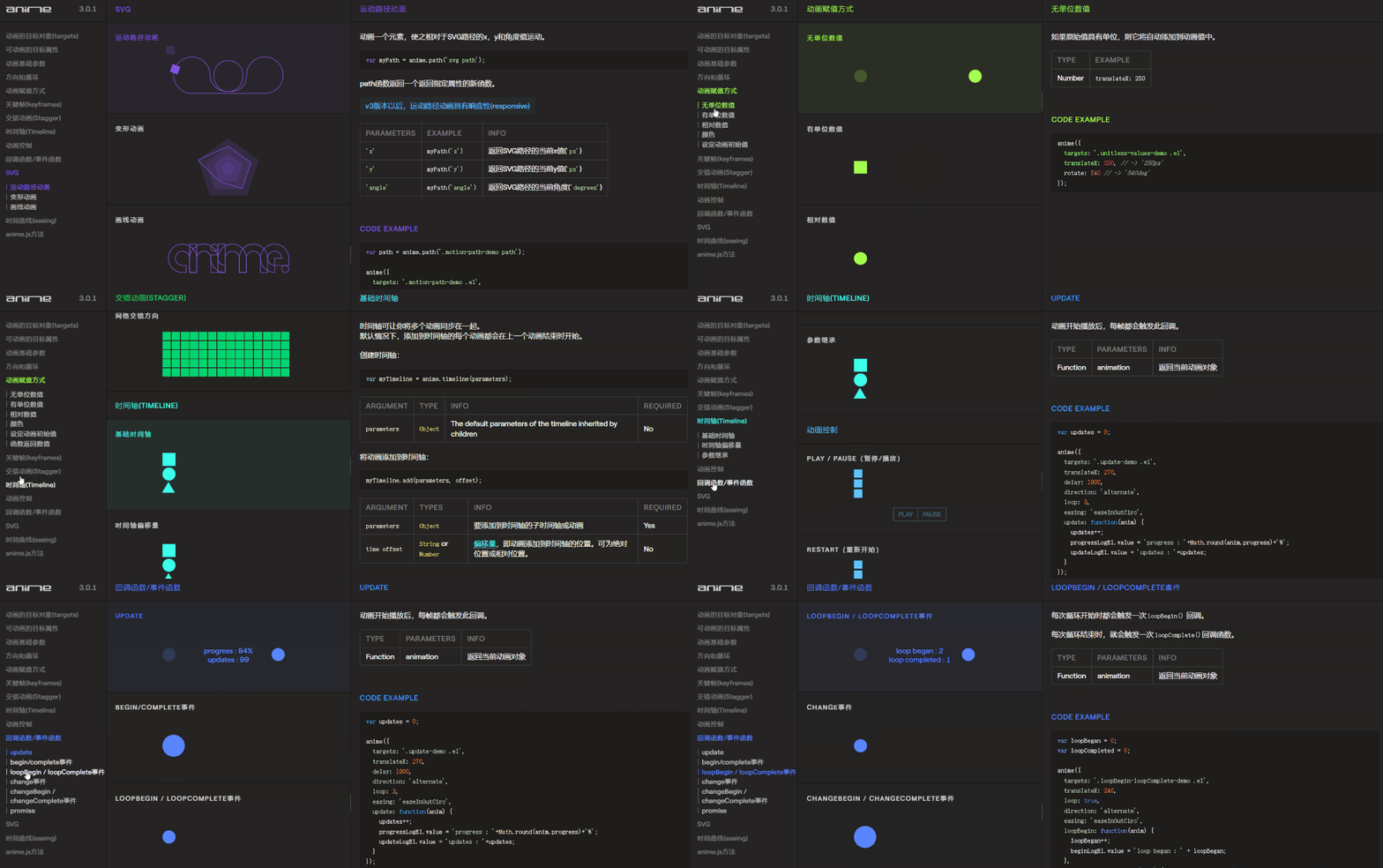
After compression, only 9kb about , Though sparrows are small , But all five internal organs .
github There are also 41.5k Of star, The latest update was also ten days ago

Installation mode
Mode one : Use npm Installation
npm install animejs
- 1.
Mode two : download anime.js Package for , Introduce... Into the page anime.min.js file .
<script type="text/javascript" src="js/anime.min.js"></script>
- 1.
Use
introduce anime.js after , You can start to write animation effects .
First, write an animation effect of pinball ,HTML Code :
       <div class="wrapper">


 <div class="ball"></div>


</div>
- 1.
- 2.
- 3.
CSS Code :
       body {


 margin: 0;


 padding: 0;


 overflow: hidden;


 background-color: black;


}


.wrapper {


 height: 80vh;


 width: 100%;


 margin: 0;


 padding: 0;


 position: relative;


 overflow: hidden;


 border: 1px solid blue;


 background-color: lightblue;


 color: #444;


}


.ball {


 height: 200px;


 width: 200px;


 position: absolute;


 top: 20px;


 bottom: 0;


 left: calc(50% - 100px);


 background-color: darkblue;


 border-radius: 50%;


}
- 1.
- 2.
- 3.
- 4.
- 5.
- 6.
- 7.
- 8.
- 9.
- 10.
- 11.
- 12.
- 13.
- 14.
- 15.
- 16.
- 17.
- 18.
- 19.
- 20.
- 21.
- 22.
- 23.
- 24.
- 25.
- 26.
- 27.
- 28.

Use anime.js Provide methods to write basic structures :
       var bouncingBall = anime({


  //code here


});
- 1.
- 2.
- 3.
- 4.
- 5.
And then use it inside anime.js Provide corresponding methods to achieve animation effects , For example, to be manipulated dom Elements , Animation time and slow curve, etc .
       var bouncingBall = anime({


  targets: '.ball',


  translateY: '50vh',


  duration: 300,


  loop: true,


  direction: 'alternate',


  easing: 'easeInCubic'


});
- 1.
- 2.
- 3.
- 4.
- 5.
- 6.
- 7.
- 8.
targets Attributes are used to specify the element to move , Similar to CSS Selector to select elements , Or the following methods to select elements :
DOM Selection method document.querySelector('.ball') Or is it document.querySelectorAll('.ball') Method ;
js Array way ['.ball']
js How objects work {elementName: 'ball'}
If the element you want to operate on has multiple values or you want to operate on multiple elements , You can do this :
       var bouncingBall = anime({


  targets: ['.ball', '.kick'],


  //rest of the code


});
- 1.
- 2.
- 3.
- 4.
translateY That is, to manipulate the attributes of elements to make changes , and CSS The method of manipulating elements in is very similar . As a front-end developer who often deals with animation , For the use of transform Attribute to improve the performance of animation must be very clear , Also in use animejs When writing animation effects , It is also recommended to use transform And other attributes to improve animation performance .
duration That is, the running time of the animation . If you want to delay the execution of the animation , have access to delay This parameter specifies the animation delay time .
loop Attribute is used to define whether the animation runs circularly . The default value is false, That is, the animation only runs once . Of course, you can also specify a specific number to define the number of animation runs or define it as true An infinite loop runs next time .
direction Property defines whether the animation should play backwards in turn . There are three values default、alternate and reverse.alternate Indicates that the animation should be played backwards in turn .reverse It means running in the opposite direction .
easing It is used to define the animation speed curve , And CSS3 The same as the animation curve in .
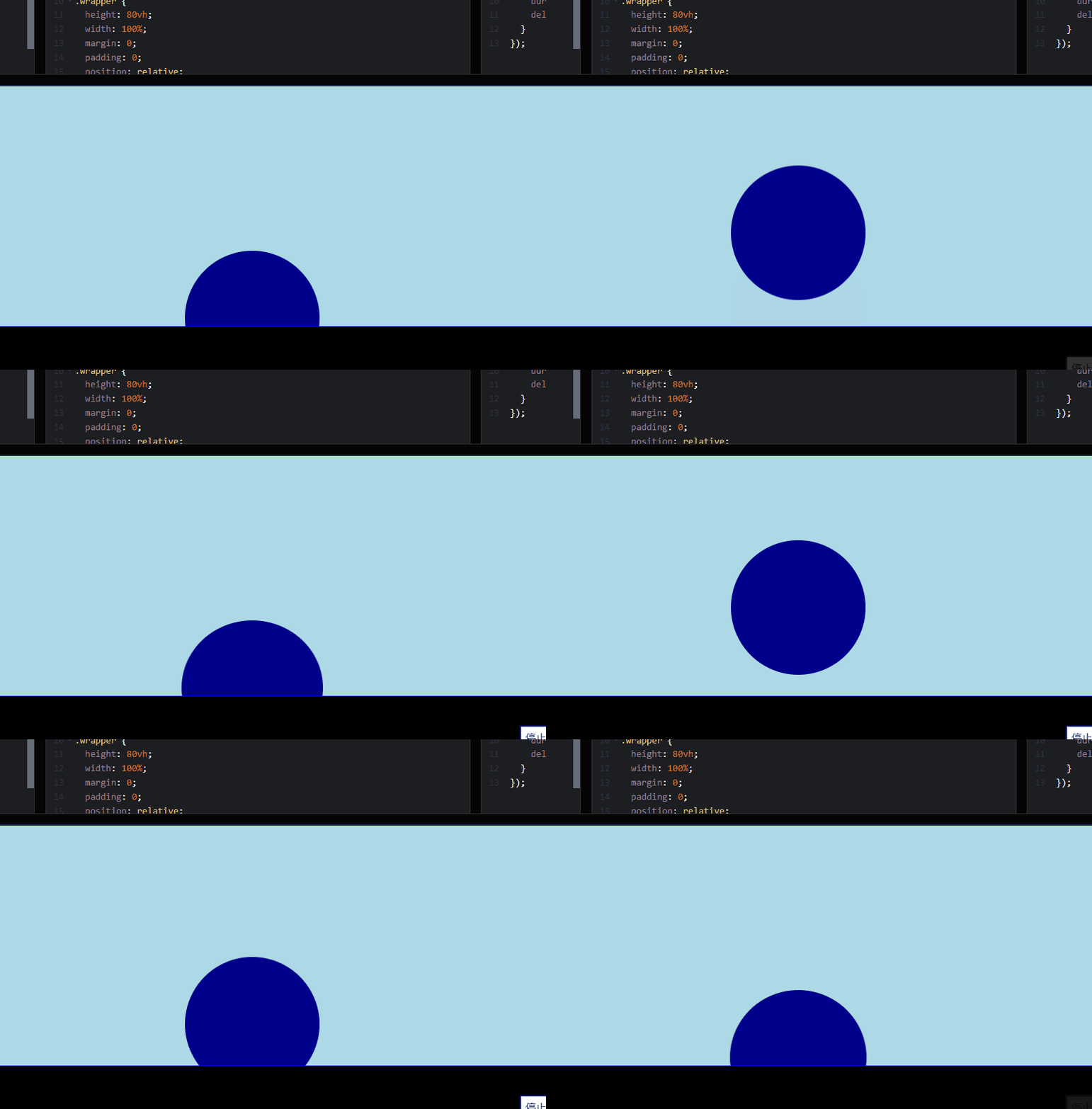
In the code above , The effect achieved is just the effect of the ball bouncing up and down . In the real world , When a ball falls to the ground , The ball will be under its own pressure to produce a deformation effect , have access to transform Medium scaleX To achieve this animation effect .
Here is the specific code :
       var bouncingBall = anime({


  targets: '.ball',


  translateY: '50vh',


  duration: 300,


  loop: true,


  direction: 'alternate',


  easing: 'easeInCubic',


  //new code


  scaleX: {


    value: 1.05,  // Represents the value of scaling


    duration: 150,  //  The elapsed time


    delay: 268   // How long to delay the execution of


  }


});
- 1.
- 2.
- 3.
- 4.
- 5.
- 6.
- 7.
- 8.
- 9.
- 10.
- 11.
- 12.
- 13.
- 14.
Animation control
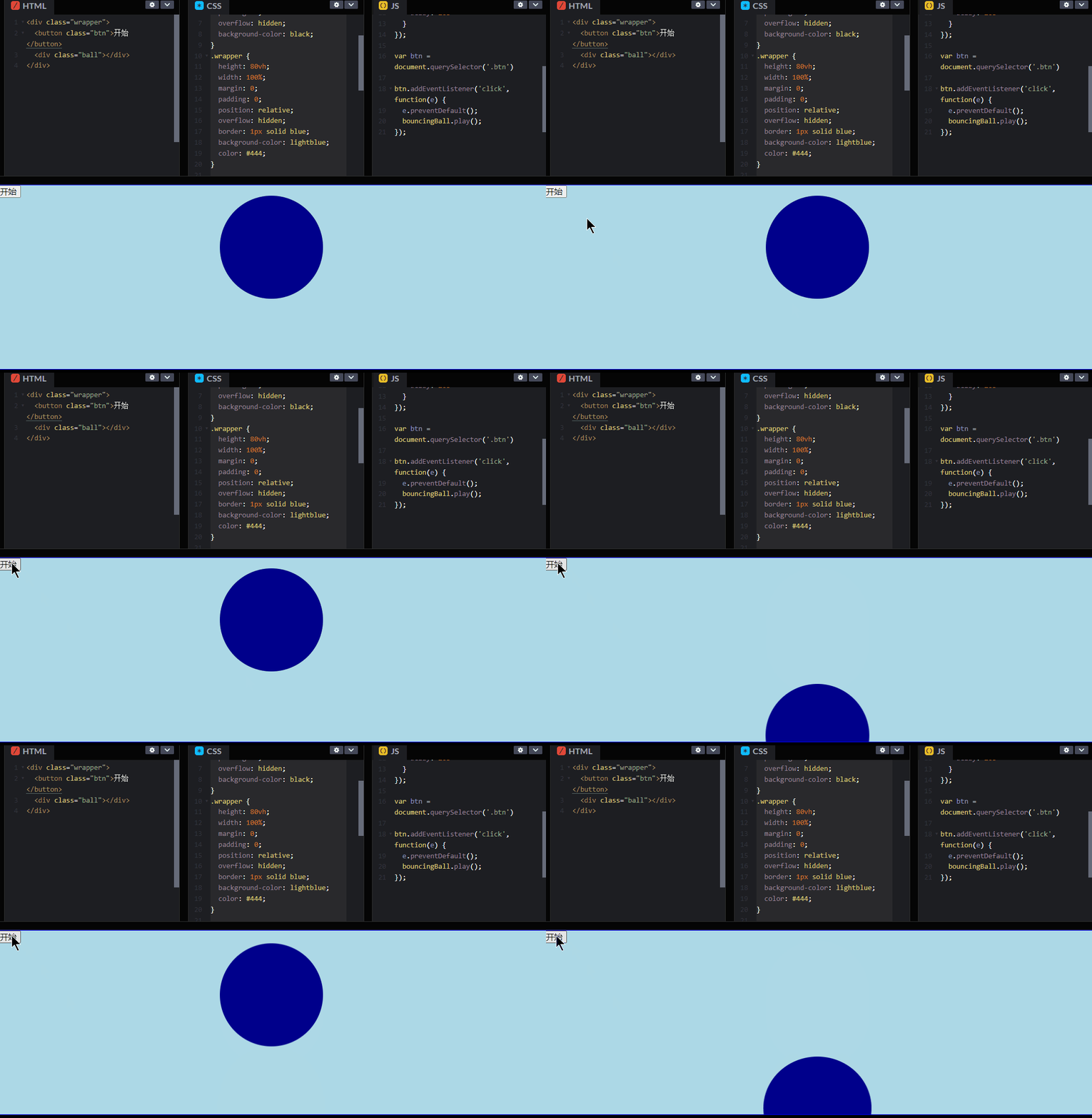
anime.js There are also offers such as play、pause and restart Method to control the execution of animation 、 Pause and rerun animation . You can also use seek() Method to jump frames and run animation .
Pass below Button Respectively to control the animation start effect :
       // Add a new one button


<div class="wrapper">


 <button class="btn"> Start </button>


 <div class="ball"></div>


</div>


//js Code acquisition button , And add click event


var btn = document.querySelector('.btn')


btn.addEventListener('click', function(e) {


  e.preventDefault();


  bouncingBall.play();


});
- 1.
- 2.
- 3.
- 4.
- 5.
- 6.
- 7.
- 8.
- 9.
- 10.
- 11.
- 12.
The effect is as follows :
The above introduces anime.js A way to use , More ways to use it depend on your imagination .
At the end
Welcome to the front-end laboratory reader exchange group , There are many technical gods in the group , I will share some technical points from time to time , Some resource collectors will share some high-quality learning materials . Eat the melon 、 loaf on a job 、 White whoring technology is waiting for you ~
Group approach : Behind the official account. , reply 111 , Press the prompt to enter the group .

边栏推荐
- 【C语言基础】12 字符串
- Défaillance lors du démarrage de la machine virtuelle VMware: le poste de travail VMware n'est pas compatible avec hyper - V...
- Tutorial on the principle and application of database system (002) -- MySQL installation and configuration: MySQL software uninstallation (Windows Environment)
- Free lottery | explore the future series of blind box digital copyright works of "abadou" will be launched on the whole network!
- 模板引擎Velocity 基礎
- 数据库系统原理与应用教程(005)—— yum 离线安装 MySQL5.7(Linux 环境)
- How to solve the keyboard key failure of notebook computer
- 数据库系统原理与应用教程(006)—— 编译安装 MySQL5.7(Linux 环境)
- Leetcode 77 combination -- backtracking method
- 剑指 Offer II 015. 字符串中的所有变位词
猜你喜欢

String类

毕业季 | 华为专家亲授面试秘诀:如何拿到大厂高薪offer?

Germany if was crowned with many awards. How strong is this pair of headphones? In depth evaluation of yinpo GTW 270 hybrid

Dataframe gets the number of words in the string

sql刷题627. 变更性别
String class
Redis Distributed Lock
Redis 分布式鎖

Installation and use of sqoop

数据库系统原理与应用教程(006)—— 编译安装 MySQL5.7(Linux 环境)
随机推荐
Judge whether a binary tree is a balanced binary tree
China nylon 11 industry research and future forecast report (2022 Edition)
AI college entrance examination volunteer filling: the gods of Dachang fight, and candidates pay to watch
Babbitt | yuan universe daily must read: Naixue coin, Yuan universe paradise, virtual stock game Do you understand Naixue's tea's marketing campaign of "operation pull full"
Sword finger offer II 015 All modifiers in the string
数据库系统原理与应用教程(004)—— MySQL 安装与配置:重置 MySQL 登录密码(windows 环境)
软件工程导论——第六章——详细设计
FPN network details
美国国家安全局(NSA)“酸狐狸”漏洞攻击武器平台技术分析报告
[JetsonNano] [教程] [入门系列] [三] 搭建TensorFlow环境
What are the differences between PHP and DW
China BMS battery management system Market Research Report (2022 Edition)
Why is the pkg/errors tripartite library more recommended for go language error handling?
巴比特 | 元宇宙每日必读:奈雪币、元宇宙乐园、虚拟股票游戏...奈雪的茶这波“操作拉满”的营销活动你看懂了吗?...
Flux d'entrées / sorties et opérations de fichiers en langage C
Jojogan practice
Origin2018安装与使用(整理中)
Tutorial on the principle and application of database system (001) -- MySQL installation and configuration: installation of MySQL software (Windows Environment)
EndeavourOS移动硬盘安装
數據庫系統原理與應用教程(006)—— 編譯安裝 MySQL5.7(Linux 環境)