当前位置:网站首页>Linux Installation and deployment lamp (apache+mysql+php)
Linux Installation and deployment lamp (apache+mysql+php)
2022-07-05 11:55:00 【Sanmao who likes to knock code】
List of articles
What is? LAMP?
LAMP:Linux + Apache + MySQL + PHP LAMP framework ( Combine )
- Apache:Apache It's the world's number one user Web Server software
- PHP: One is used exclusively for Web Developed programming language
- MySQL:MySQL Is a relational database management system , It is mainly used to store project data permanently
Preparing the deployment environment
1. install Apache
Use yum Command to install httpd software package
command :
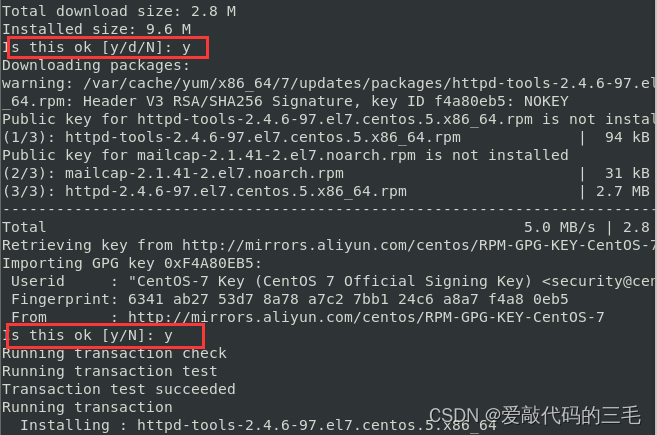
yum install httpd -y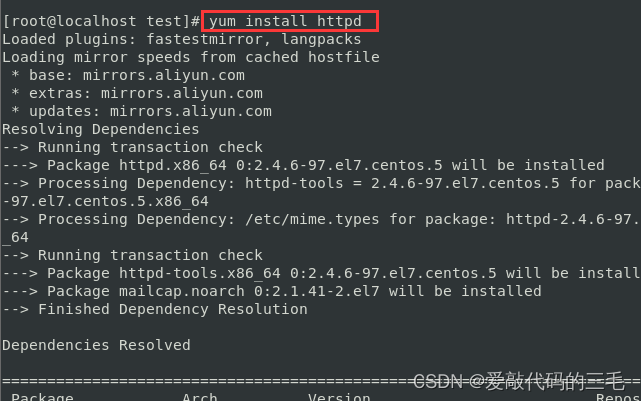
To configure httpd.conf file
Open the configuration file with the command :vim /etc/httpd/conf/httpd.confstay vim in
/+ keywordEnter search keywordSearch for ServerName, Add a line below :
ServerName Localhost:80
Save and exit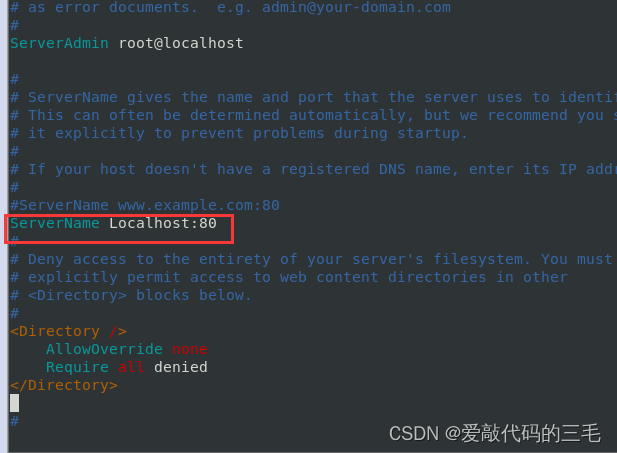
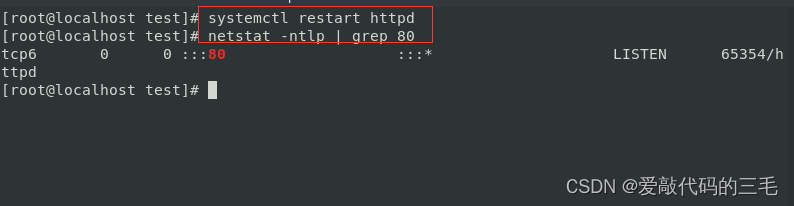
Use systemctl Command restart httpd service , Use
netstat -ntlpcommand , Check to see if there is 80 Port listening
4. Set up httpd Service startup
grammar :systemctl enable httpd
Check whether the startup is set successfully
command :systemctl enable httpd

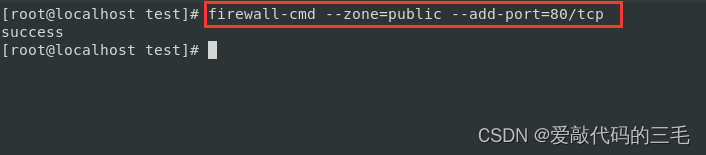
5. to open up 80 port
command :firewall-cmd --zone=public --add-port=80/tcp
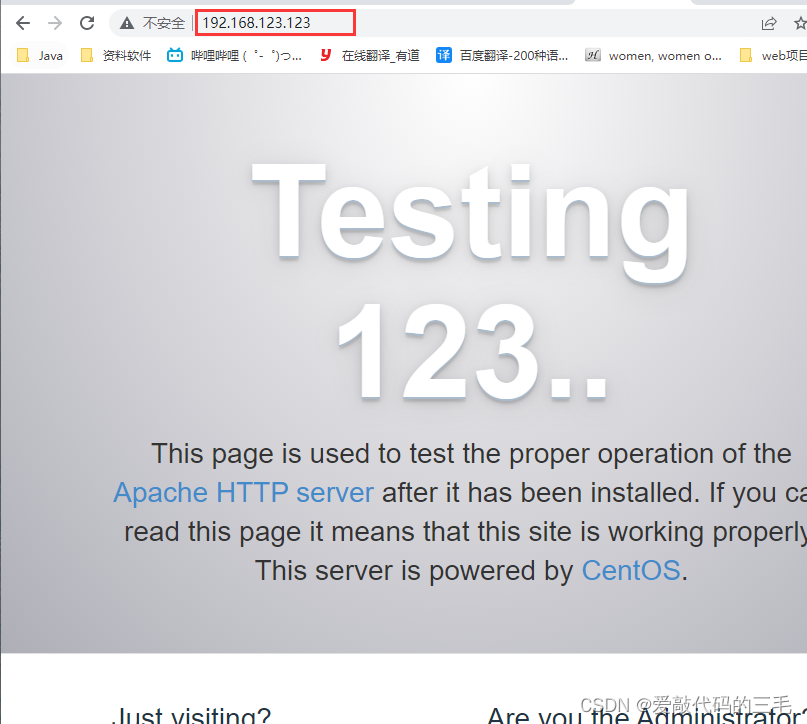
- verification
adoptifconfigCommand view ip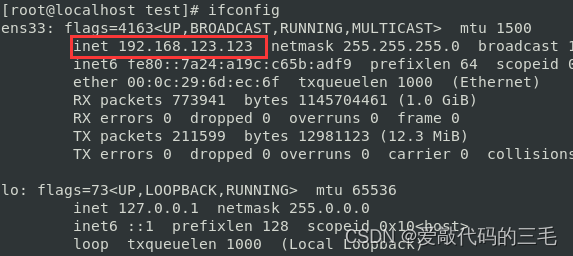
2. install MySQL
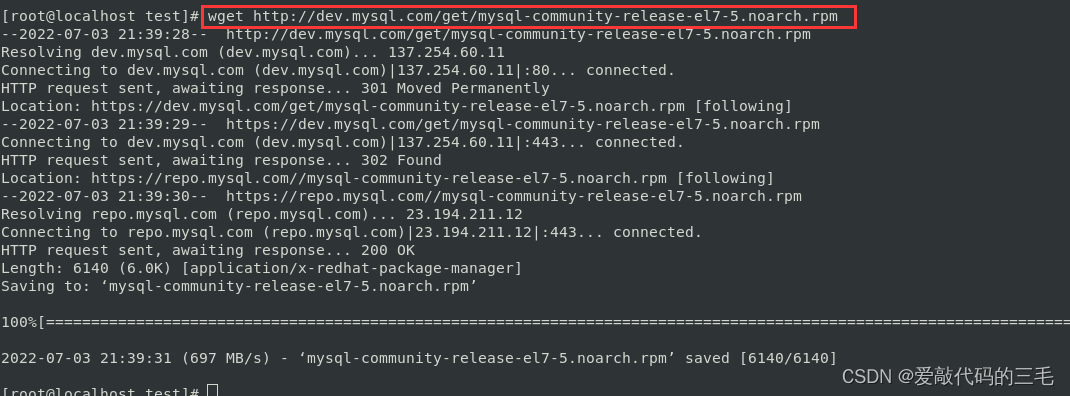
1. download MySQL Of yum Source
because yum Not on source mysql-server, Therefore, you must go to the official website to download and install
command :wget http://dev.mysql.com/get/mysql-community-release-el7-5.noarch.rpm
2. add to MySQL Of yum Source repository
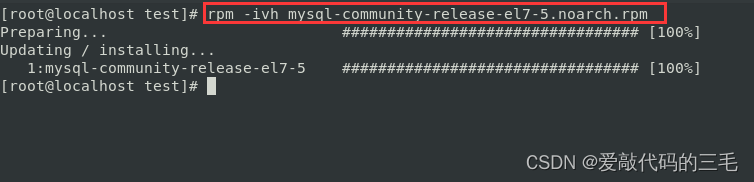
command :rpm -ivh mysql-community-release-el7-5.noarch.rpm
3. install MySQL
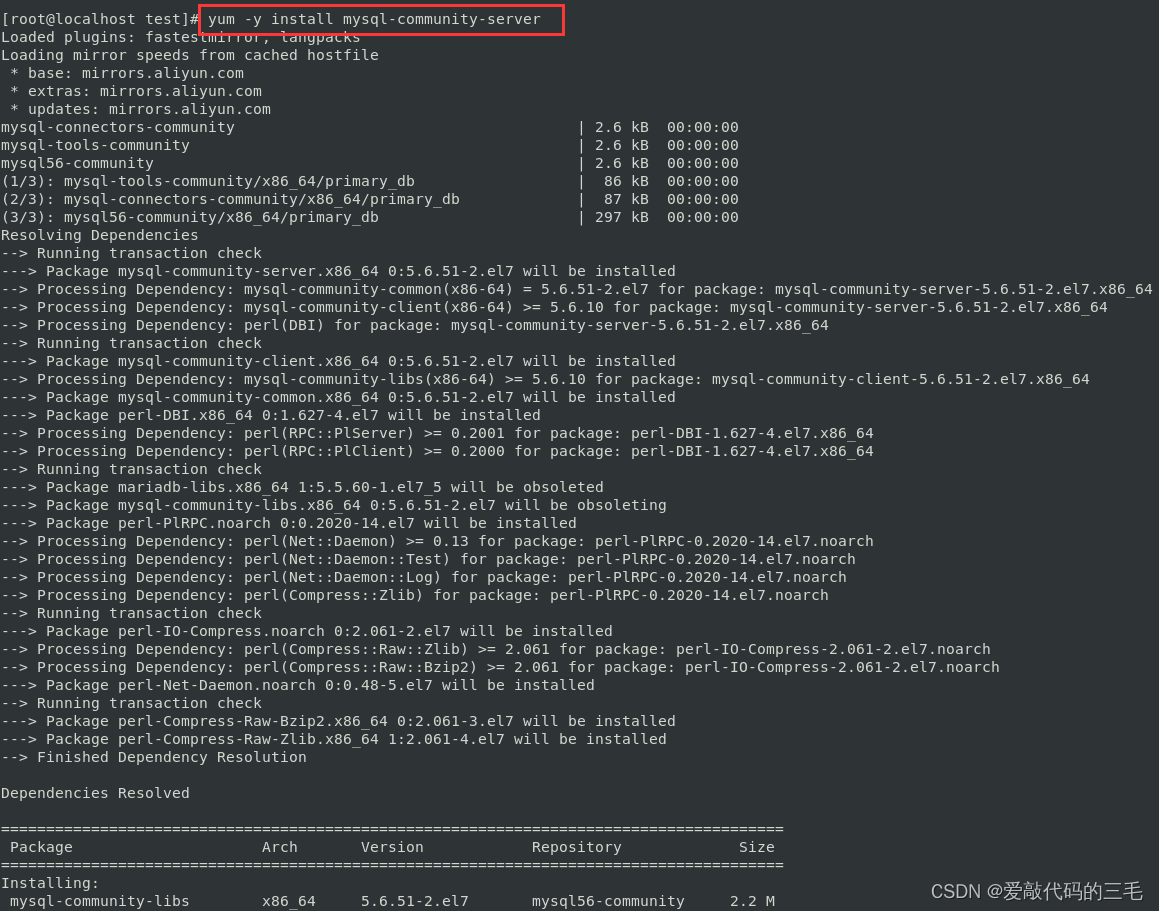
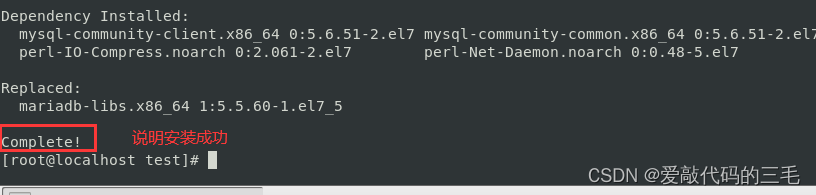
command :yum -y install mysql-community-server
4. start-up MySQL
restart mysql service
command :systemctl restart mysqld.service
Check to see if there is MySQL Port number 3306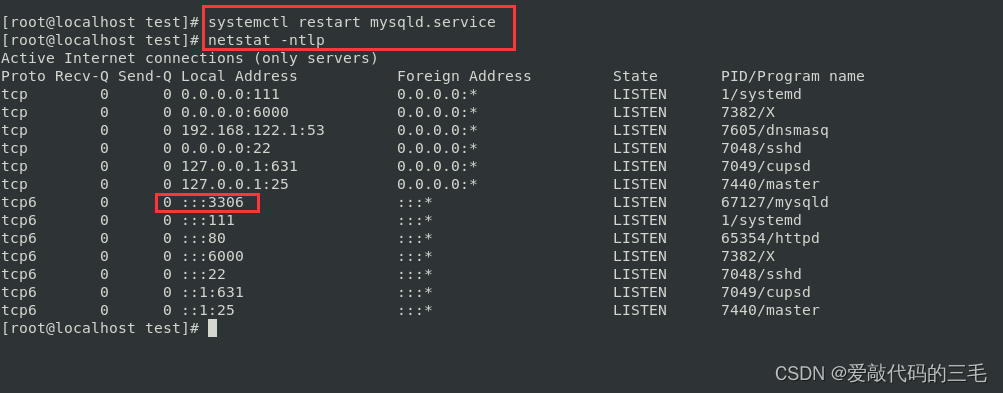
5. Initialize database
command :mysql_secure_installation
Set up super administrator root password , notes : The default is empty. , Just go back
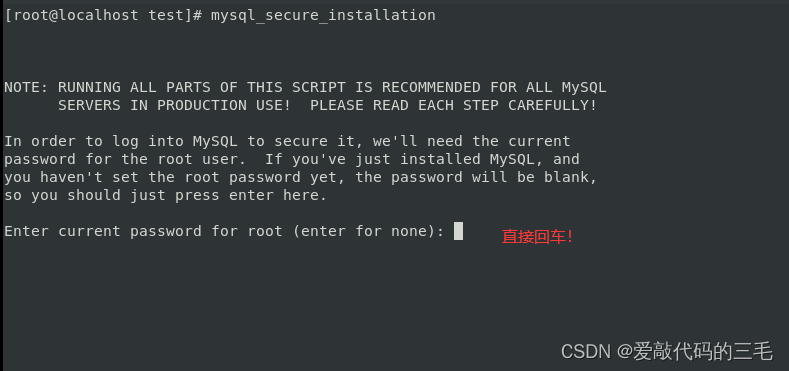
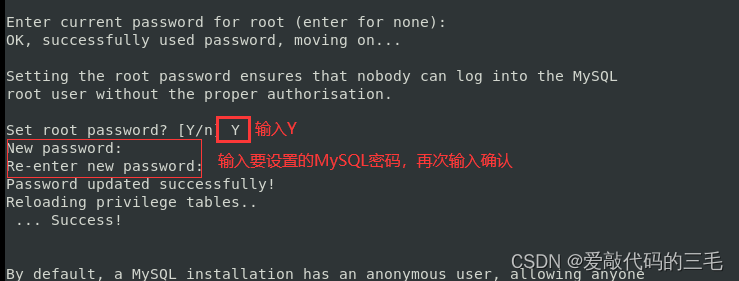
Remove anonymous users
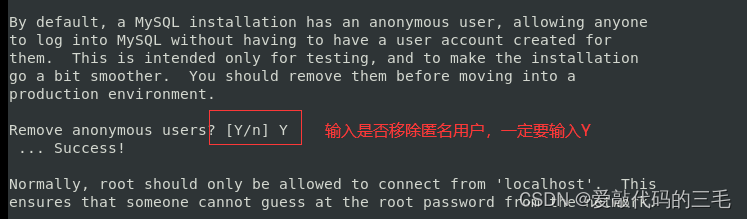
Do not disable root Remote connection

Do not remove the default database ( The test case )

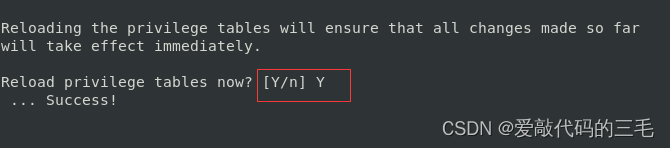
Reload permissions
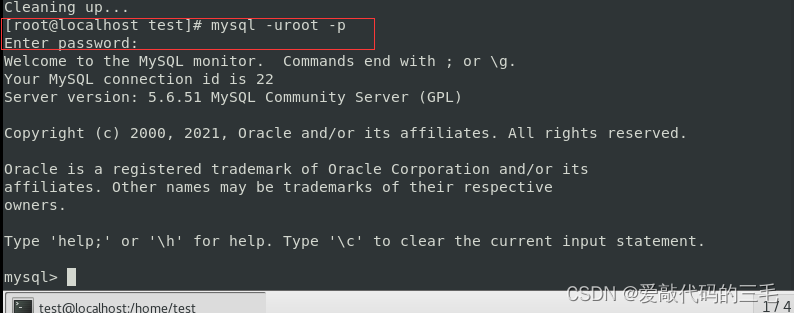
Test connection MySQL
command :mysql -uroot -p
Input password
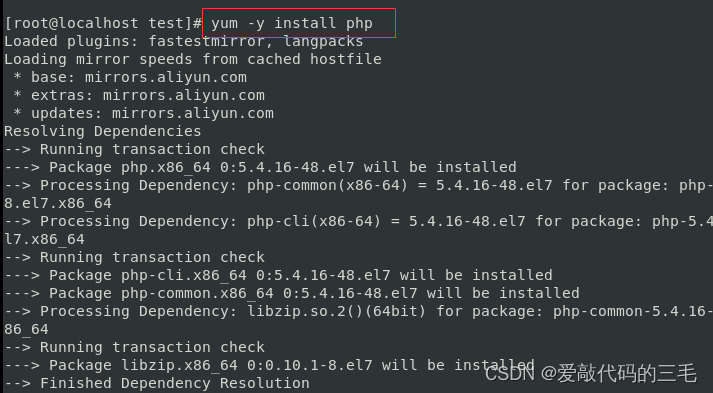
3. PHP install
Installation command :yum -y install php
because php It depends on Apache So restart after installation Apache service
command :systemctl restart httpd
restart httpd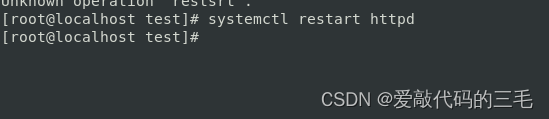
test
First step : Use cd Order to enter /var/www/html Catalog
The second step : Use vim Command to create index.php file
The third step : To write php Code
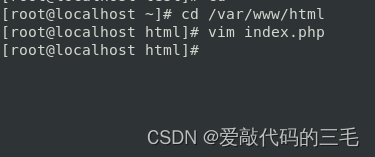
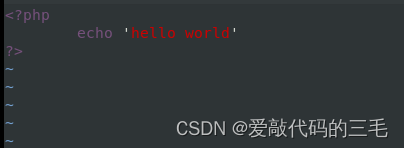
Access... Through a browser 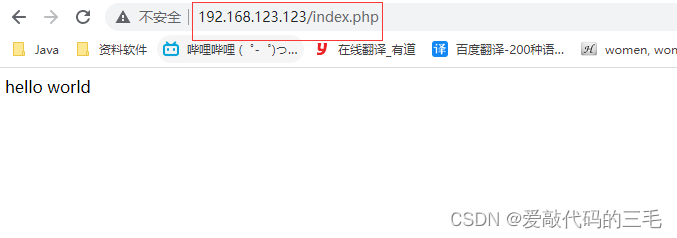
边栏推荐
猜你喜欢
Riddle 1
![[untitled]](/img/56/6a9a4bcab6503872942fff7a365def.jpg)
[untitled]
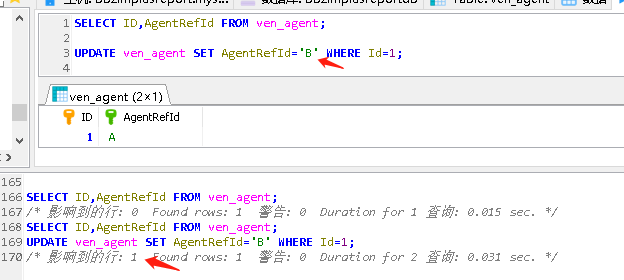
MySQL giant pit: update updates should be judged with caution by affecting the number of rows!!!
网络五连鞭
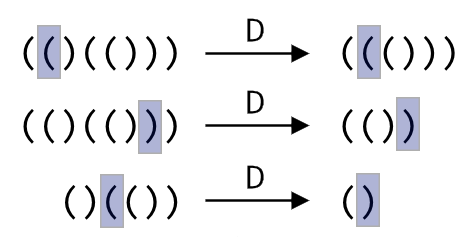
codeforces每日5题(均1700)-第五天
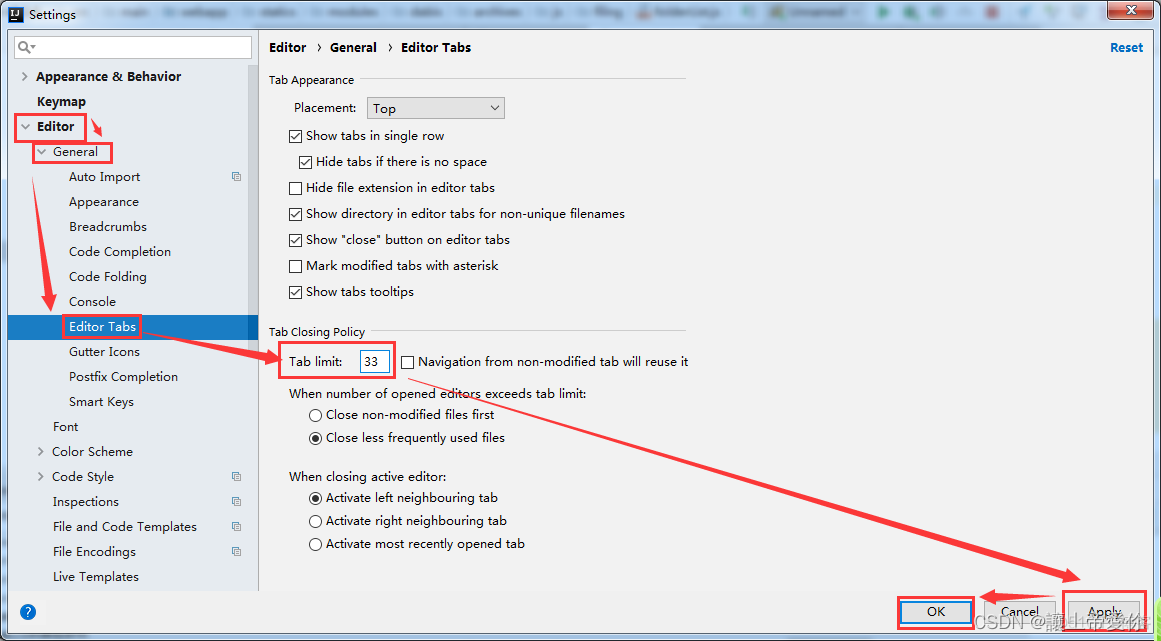
Idea set the number of open file windows
Multi table operation - Auto Association query

报错ModuleNotFoundError: No module named ‘cv2.aruco‘
XML parsing
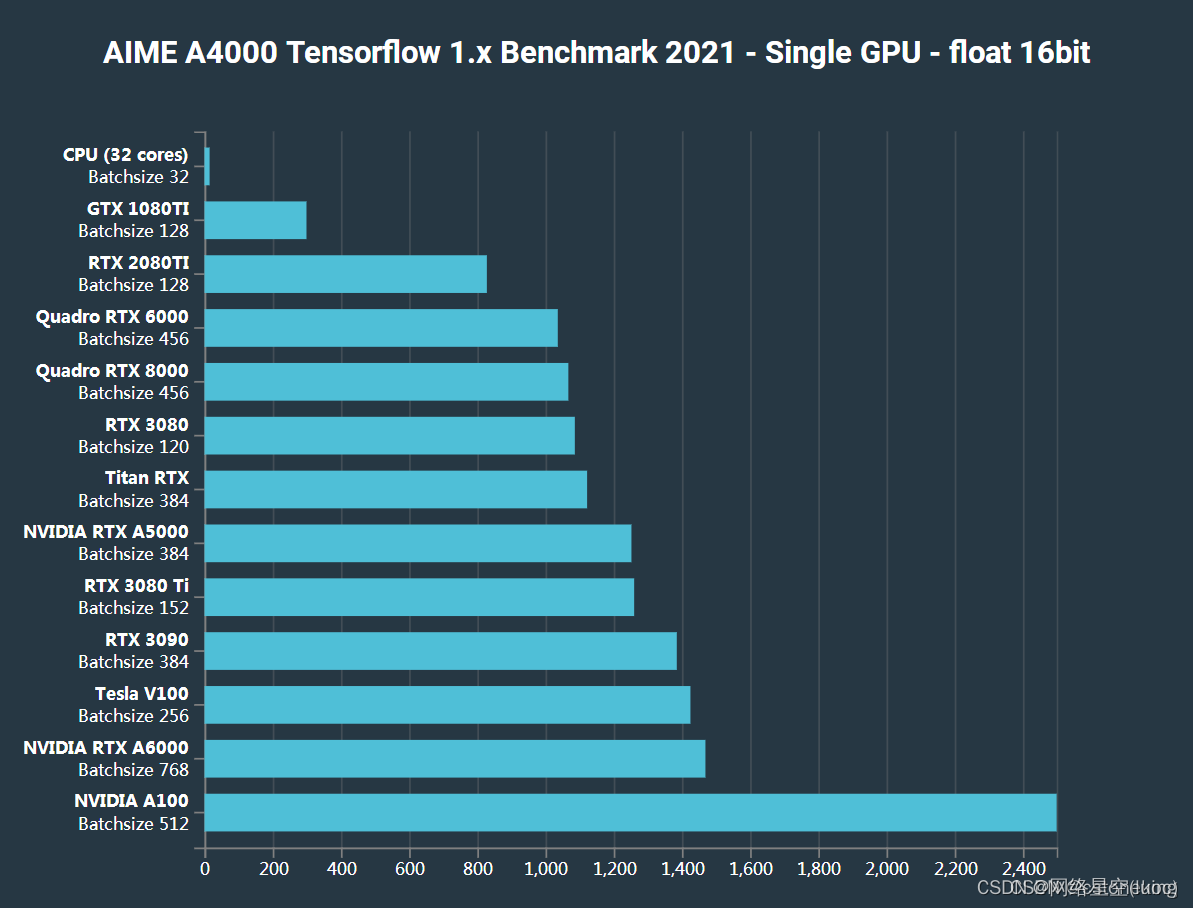
【主流Nivida显卡深度学习/强化学习/AI算力汇总】
随机推荐
POJ 3176-Cow Bowling(DP||记忆化搜索)
The most comprehensive new database in the whole network, multidimensional table platform inventory note, flowus, airtable, seatable, Vig table Vika, flying Book Multidimensional table, heipayun, Zhix
Redis集群(主从)脑裂及解决方案
How can China Africa diamond accessory stones be inlaid to be safe and beautiful?
Sentinel sentinel mechanism of master automatic election in redis master-slave
1. Laravel creation project of PHP
程序员内卷和保持行业竞争力
【TFLite, ONNX, CoreML, TensorRT Export】
【load dataset】
11. (map data section) how to download and use OSM data
Open3D 欧式聚类
splunk配置163邮箱告警
Dynamic SQL of ibatis
【TFLite, ONNX, CoreML, TensorRT Export】
mmclassification 训练自定义数据
谜语1
Shell script file traversal STR to array string splicing
Splunk configuration 163 mailbox alarm
Open3d mesh (surface) coloring
redis的持久化机制原理