当前位置:网站首页>【推荐10个 让你轻松的 IDEA 插件,少些繁琐又重复的代码】
【推荐10个 让你轻松的 IDEA 插件,少些繁琐又重复的代码】
2022-06-26 06:57:00 【Java爱好狂.】
正经干活用的
分享一点自己工作中得心应手的IDEA插件,可不是在插件商店随随便便搜的,都经过实战检验,用过的都说好。可能有一些大家用过的就快速划过就行了。
1、GenerateAllSetter
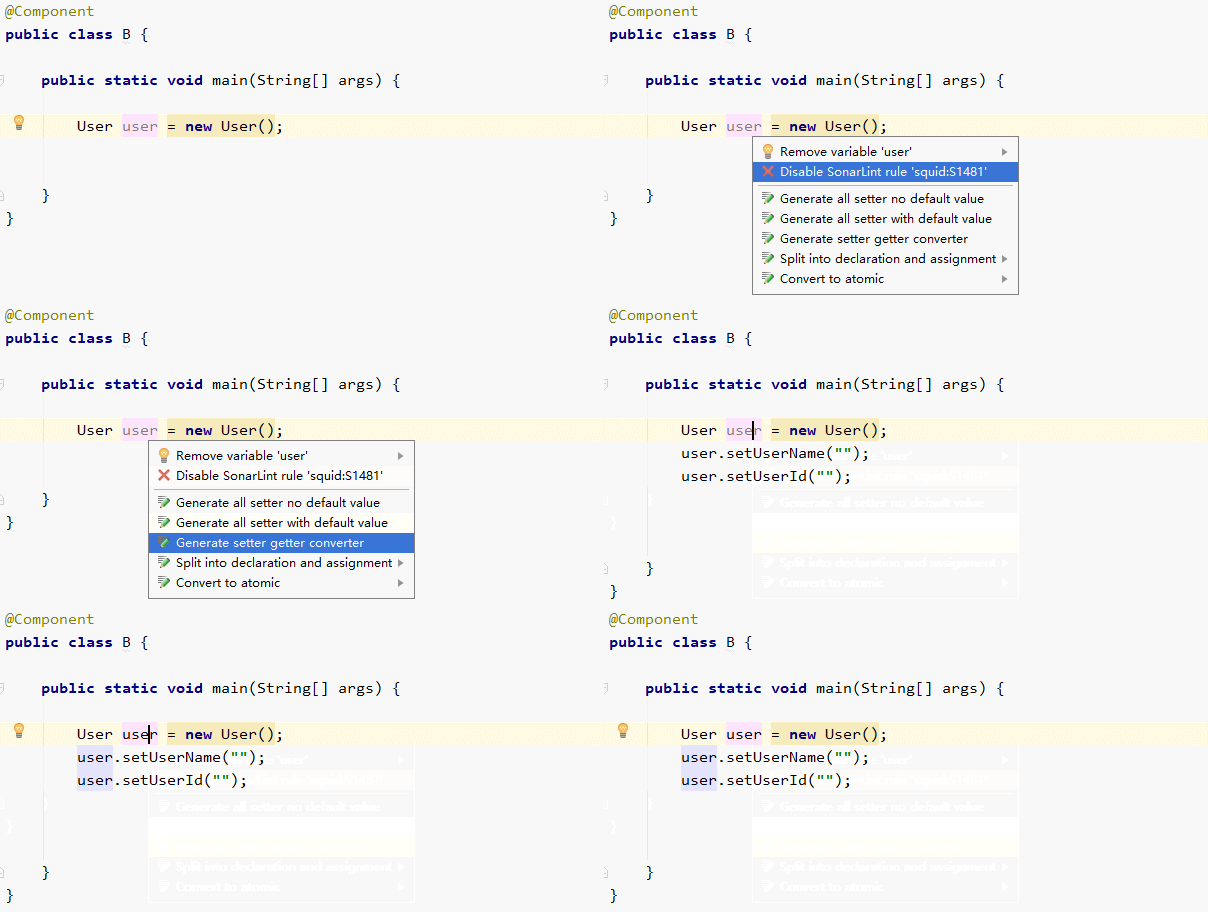
实际的开发中,可能会经常为某个对象中多个属性进行 set 赋值,尽管可以用BeanUtil.copyProperties()方式批量赋值,但这种方式有一些弊端,存在属性值覆盖的问题,所以不少场景还是需要手动 set。如果一个对象属性太多 set 起来也很痛苦,GenerateAllSetter可以一键将对象属性都 set 出来。
快捷键:Alt+Enter
2、Alibaba Java Coding Guidelines
阿里出品的《Java 开发手册》时下已经成为了很多公司新员工入职必读的手册,前一段阿里发布了《Java 开发手册(泰山版)》, 又一次对Java开发规范做了完善。不过,又臭又长的手册背下来是不可能的,但集成到IDEA开发工具中就方便很多。
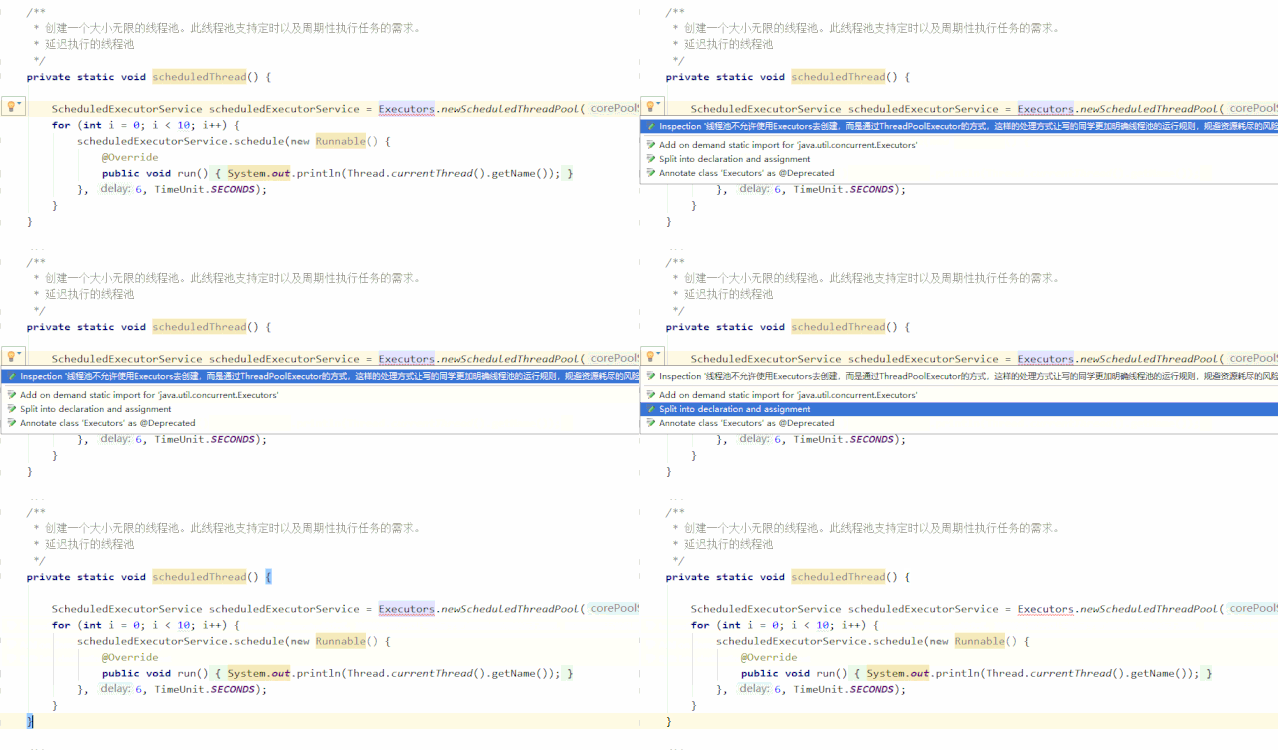
举个栗子:开发手册上不允许用Executors去创建线程池,而是通过ThreadPoolExecutor的方式。

集成插件后会再去使用Executors去创建线程池会有如下的提示。
3、GsonFormat
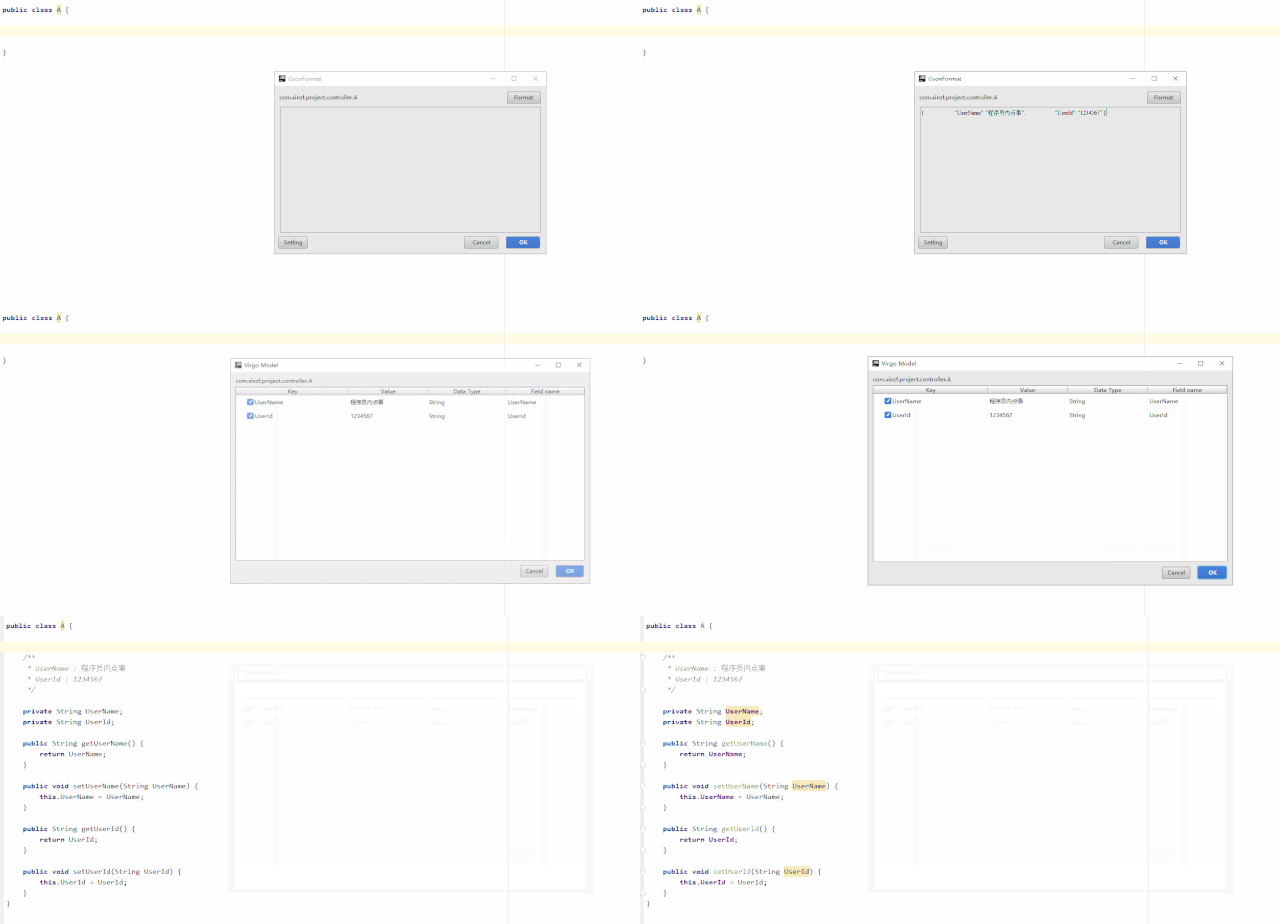
GsonFormat 个人觉得是一个非常非常实用的插件,它可以将JSON字符串自动转换成Java实体类。特别是在和其他系统对接时,往往以JSON格式传输数据,而我们需要用Java实体接收数据入库或者包装转发,如果字段太多一个一个编写那就太麻烦了。
快捷键:Alt+ S
在这里插入图片描述
4、Maven Helper
Maven Helper 是解决Maven依赖冲突的利器,可以快速查找项目中的依赖冲突。安装后打开pom文件,底部有 Dependency Analyzer 视图。显示红色表示存在依赖冲突,点进去直接在包上右键Exclude排除,pom文件中会做出相应排除包的操作。
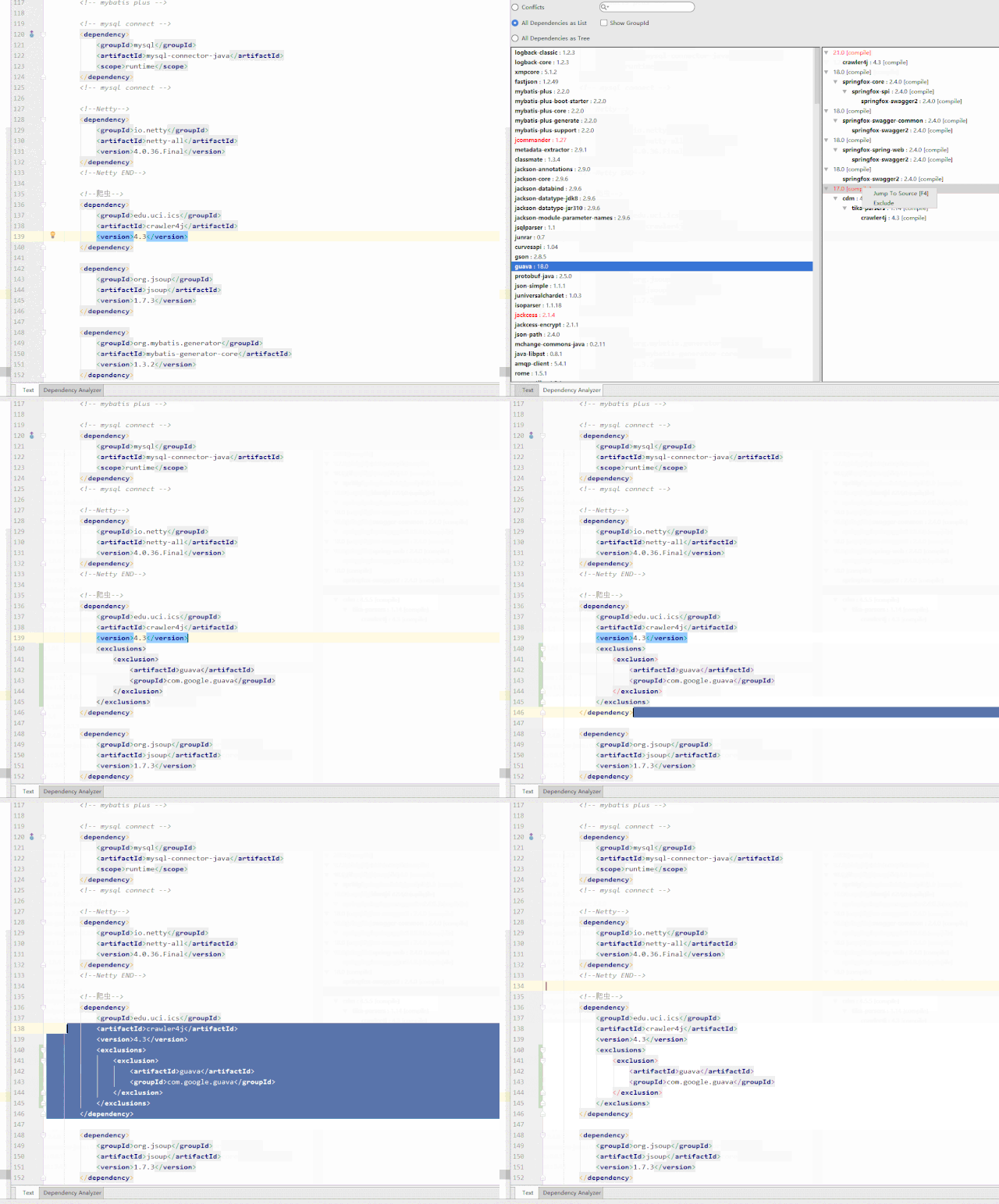
- Conflicts(冲突)
- All Dependencies as List(列表形式查看所有依赖)
- All Dependencies as Tree(树结构查看所有依赖),并且这个页面还支持搜索。
5、Codota
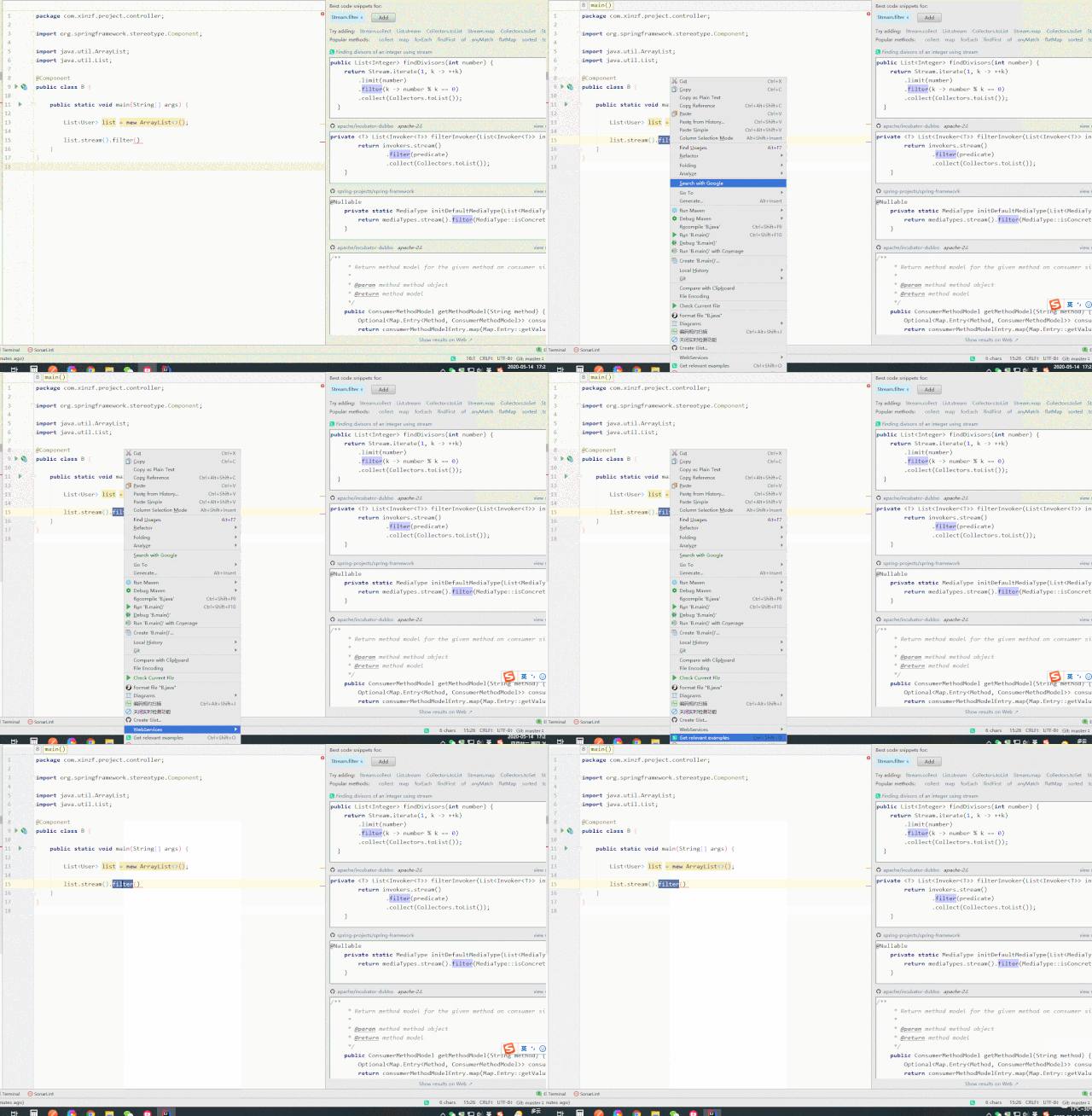
用了Codota 后不再怕对API不会用,举个栗子:当我们用stream().filter()对List操作,可是对filter()用法不熟,按常理我们会百度一下,而用Codota 会提示很多filter()用法,节省不少查阅资料的时间。
6、Free MyBatis Plugin
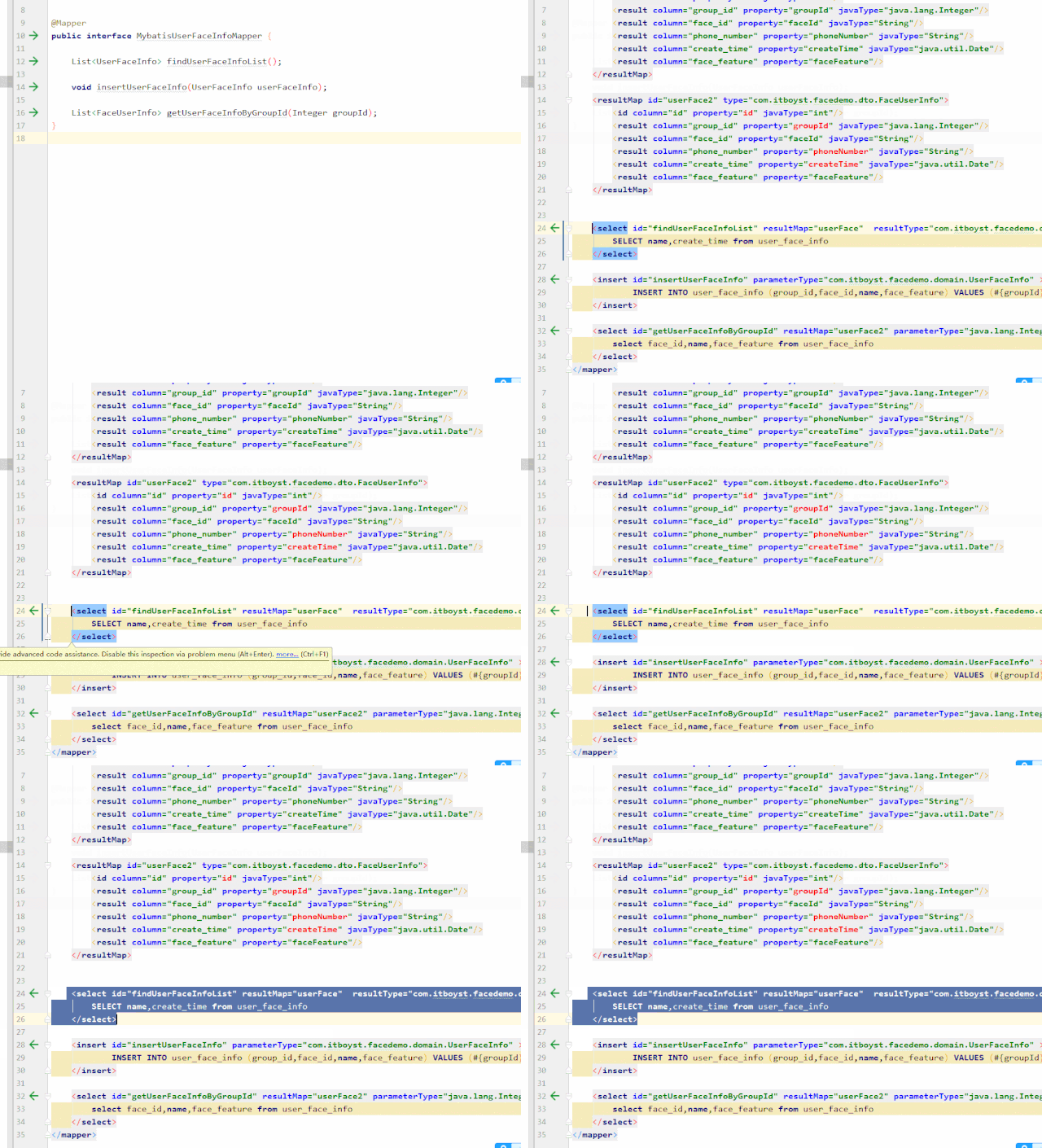
在使用MyBatis 作为持久框架时有一个尴尬的问题:SQL xml文件和定义的Java接口无法相互跳转,不能像Java接口间调用那样,只能全局搜索稍显麻烦。Free MyBatis Plugin将两者之间进行关联。
7、IntelliJad
IntelliJad是一个Java class文件的反编译工具,需要在 setting 中设置本地Java jad.exe工具的地址。随便找个Jar架包选择class文件右键Decompile,会出现反编译的结果。
8、Properties to YAML Converter
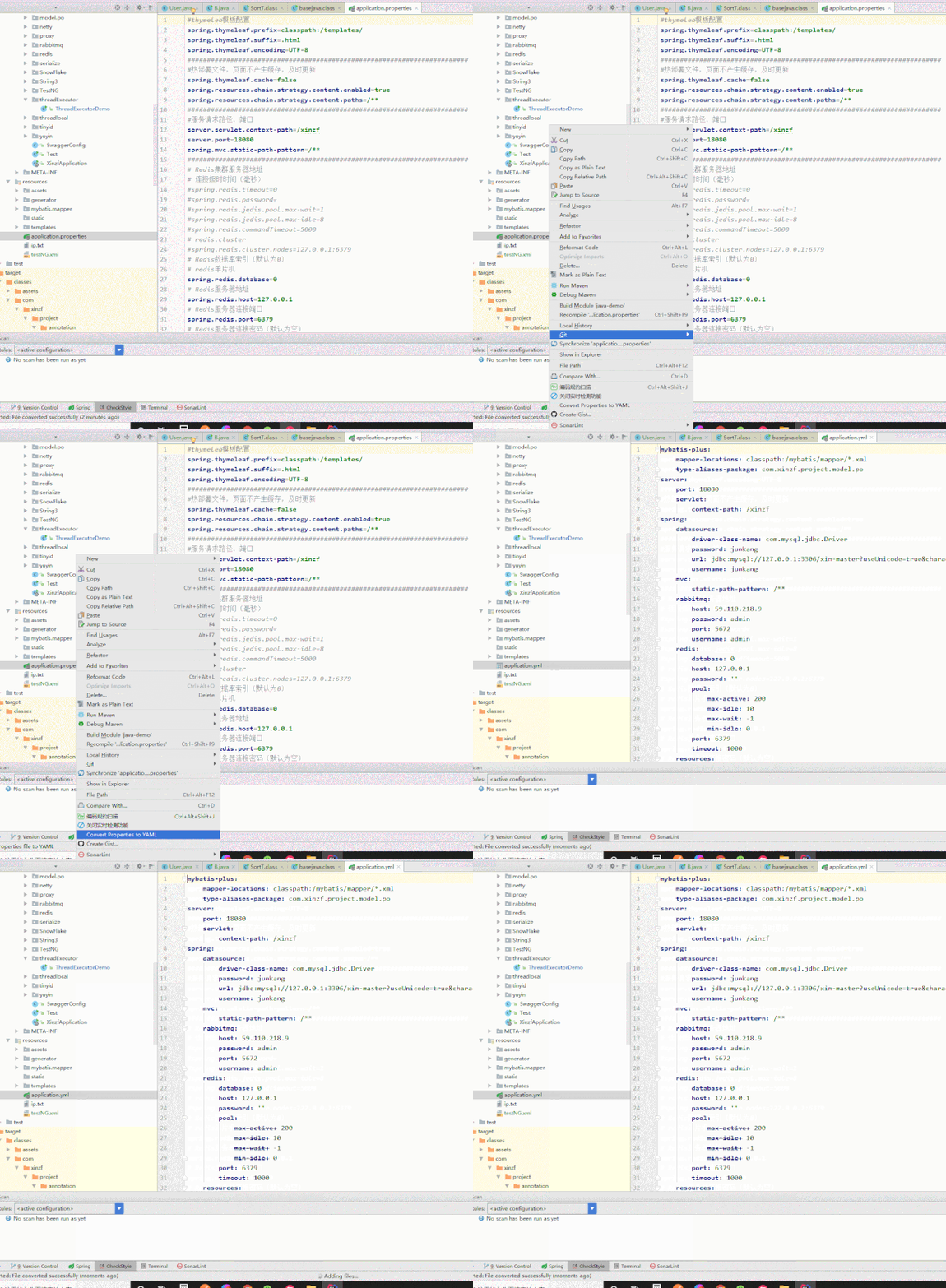
将Properties 配置文件一键转换成YAML 文件,很实用的一个插件。「注意:要提前备份原Properties 文件」
9、Lombok
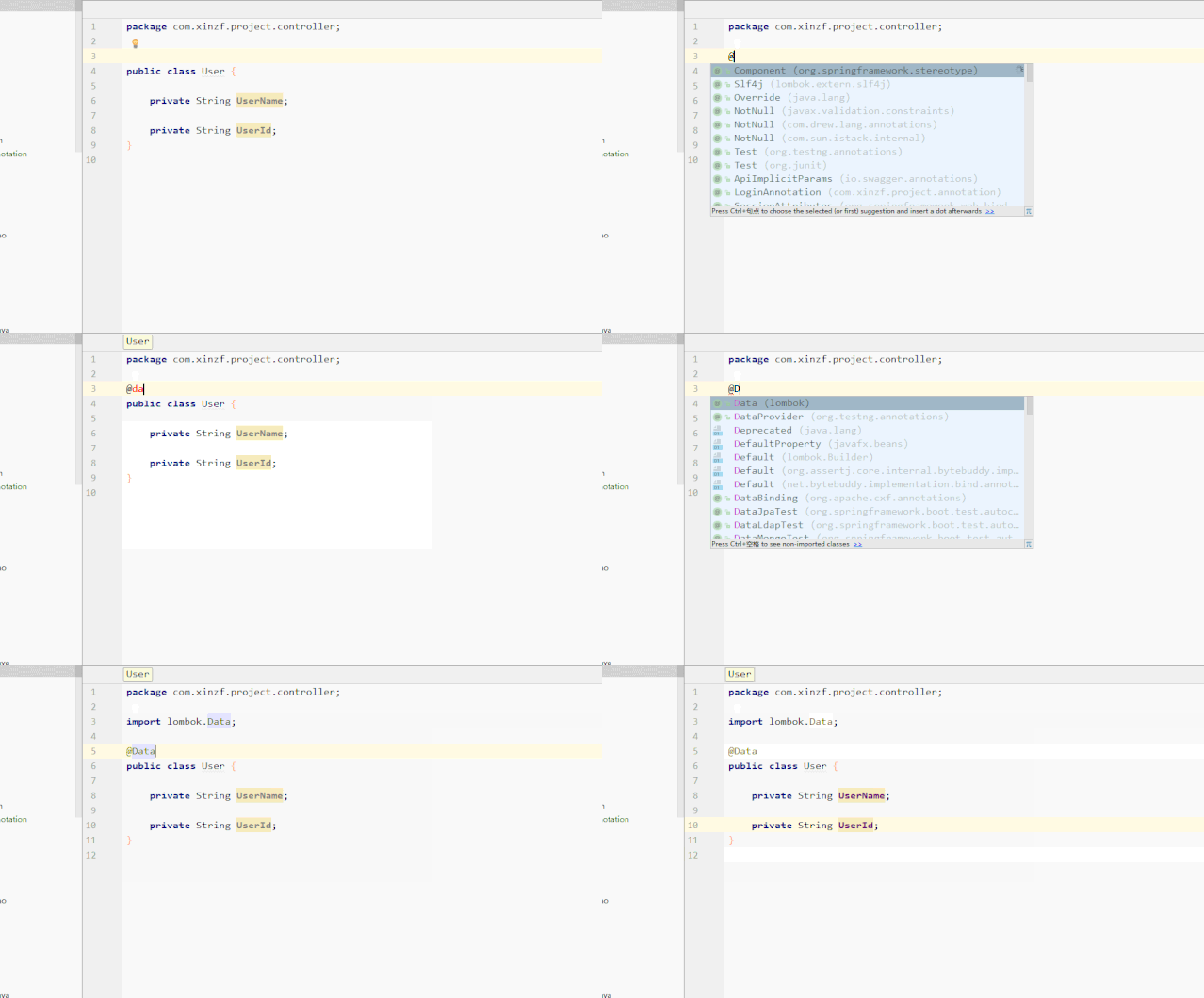
Lombok 插件应该比较熟,它替我们解决了那些繁琐又重复的代码,比如Setter、Getter、toString、equals等方法。
10、CodeGlance
CodeGlance 是一款代码编辑区迷你缩放图插件,可以很方便地知道我们方法大致在什么位置。
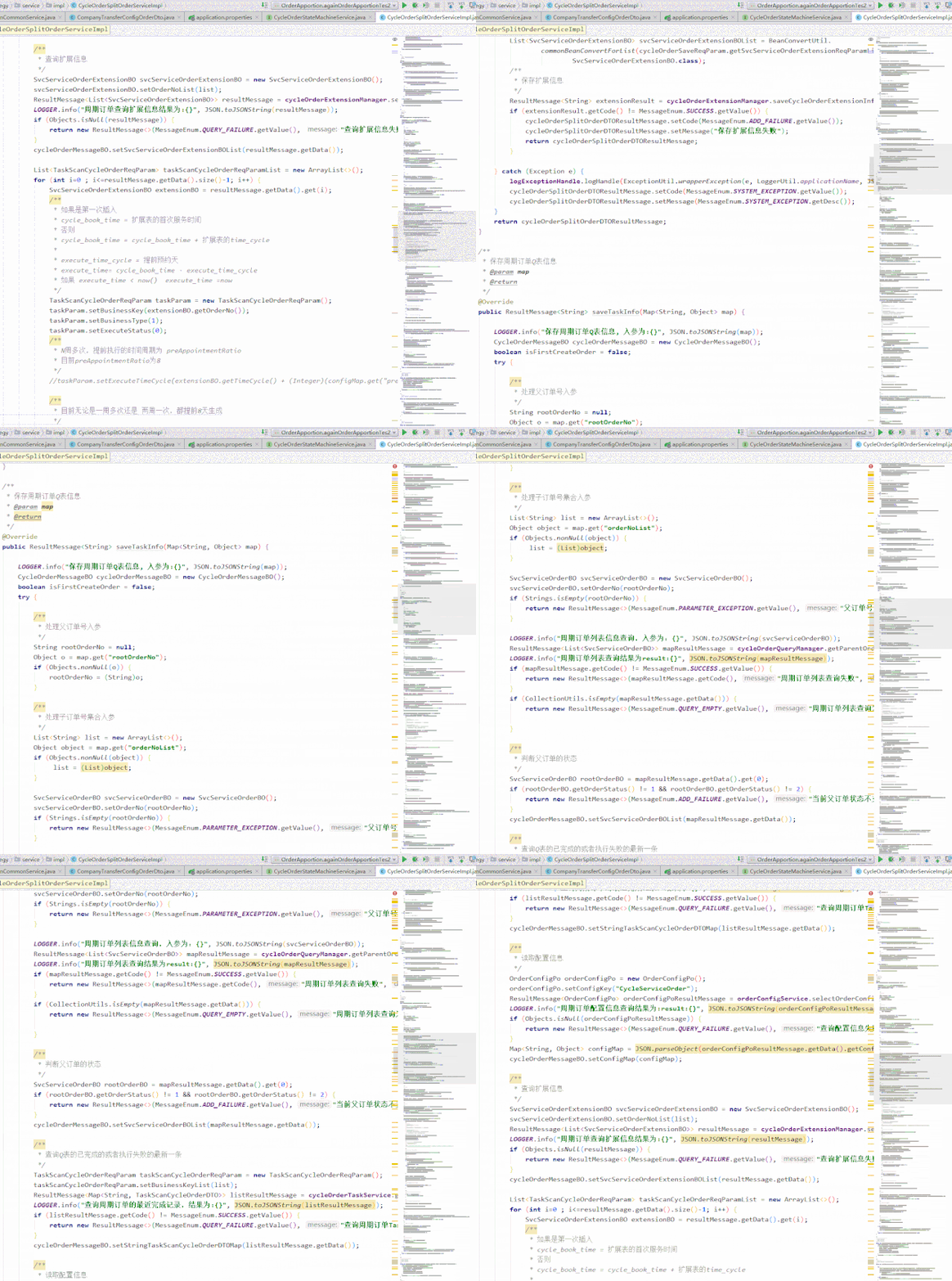
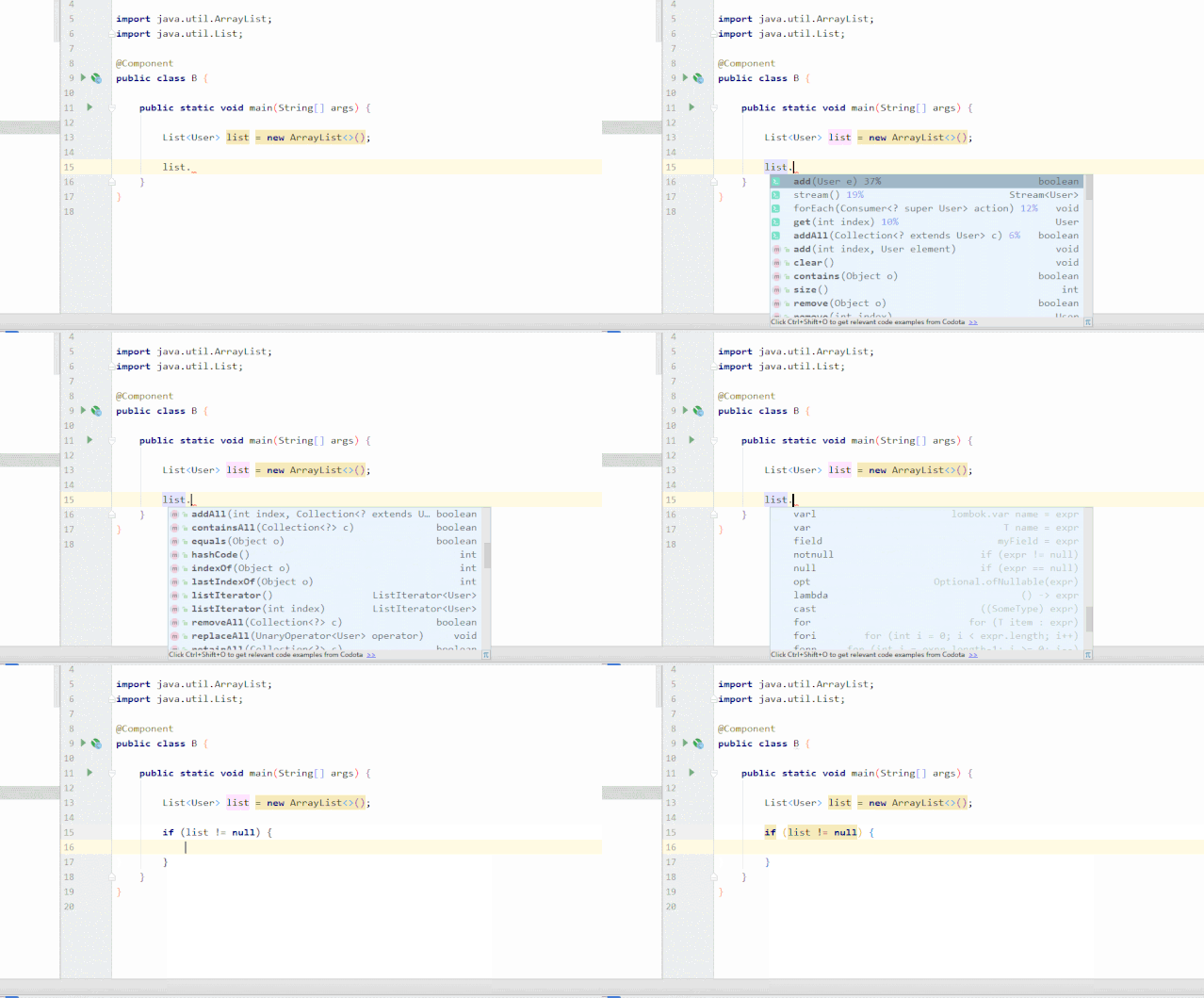
IDEA还有不少的开发小技巧,有助于我们少些代码,不知道大家有没有发现?变量后.可以联想提示,而在联想列表的最后边有很多简洁的命令。
例如:
list.sout = System.out.println(list);
list.var = List<User> list1 = list
list.nn = list.if (list != null)
......
装X用的
下边这些就属于装X神器了,可以根据个人的喜好来耍一下。
1、Material Theme UI
使用插件后界面图标样式都会变得很漂亮。

2、activate-power-mode
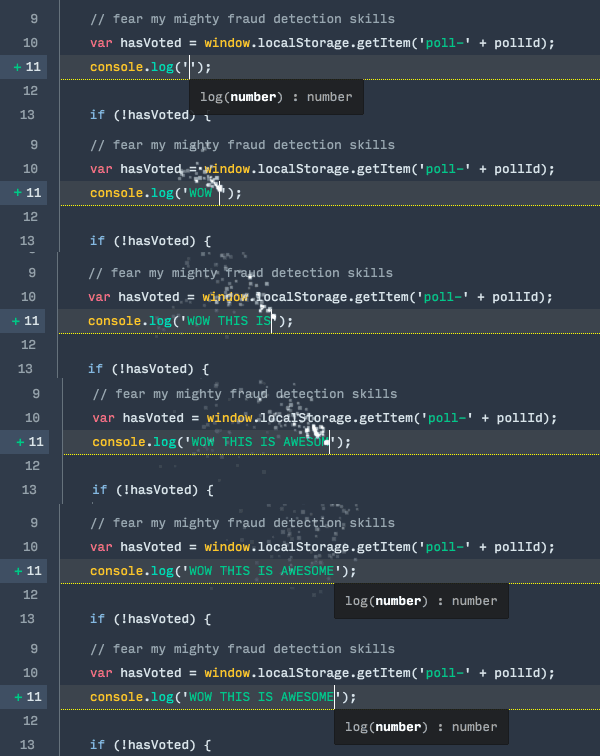
这个震动的效果看似很是酷炫,可写了十分钟代码我就快被它晃悠吐了。
3、Nyan progress bar
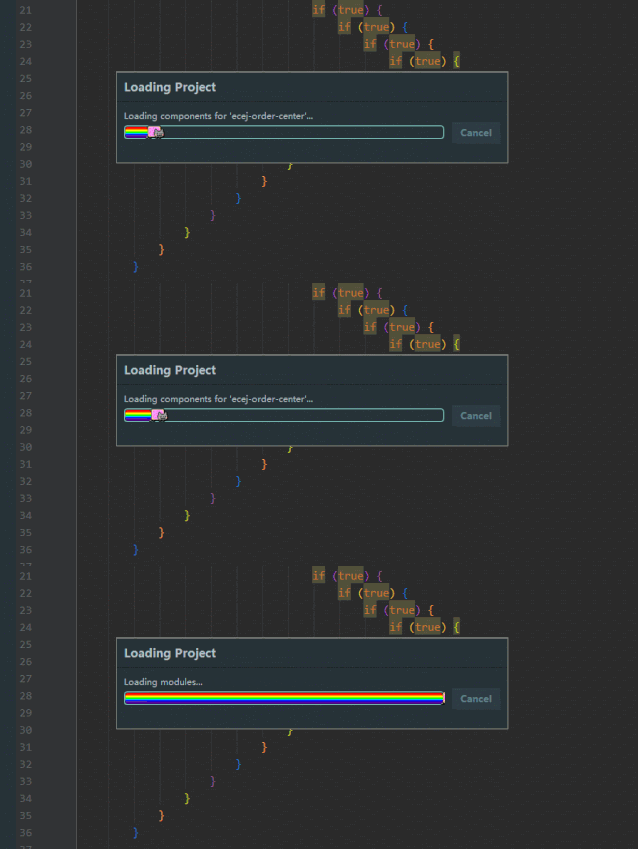
会让IDEA所有进度条都变得萌萌的,但我并不建议你安装因为会很卡,不知道是不是只有我这样。
4、Rainbow Brackets
彩虹颜色的括号,看着很舒服,有点赏心悦目的感觉。

边栏推荐
- [path planning] robot path planning based on improved artificial potential field with matlab code
- Analysis report on market demand and investment competitiveness of China's cyclohexanone industry (2022 Edition)
- Research Report on market supply and demand and strategy of natural organic beauty industry in China
- 面试官:测试计划和测试方案有什么区别?
- Hudi compilation of data Lake architecture
- NumPy学习挑战第一关-NumPy的下载与安装
- 【yolov4】基于yolov4深度学习网络目标检测MATLAB仿真
- 数据挖掘是什么?
- 专业课-代码题记录
- My SQL (II)
猜你喜欢

Marketing skills: compared with the advantages of the product, it is more effective to show the use effect to customers

Decision tree learning notes

Decompile Android applications, interview Android

【图像分割】基于最大主曲率实现视网膜眼底图像中的血管提取附matlab代码
Analyze 5 indicators of NFT project
![[image fusion] MRI-CT image fusion based on gradient energy, local energy and PCA fusion rules with matlab code](/img/fc/fd81dedaa6b7c7542f9d74b04f247c.png)
[image fusion] MRI-CT image fusion based on gradient energy, local energy and PCA fusion rules with matlab code

二叉树中和为某一值的路径(一)(二)(三)(剑指offer)

MYSQL触发器要如何设置,简单教程新手一看就会
Differences, advantages and disadvantages between synchronous communication and asynchronous communication

Massive log collection tool flume
随机推荐
China polyphenylene oxide Market Development Prospect and Investment Strategy Research Report 2022-2027
Interviewer: what is the difference between a test plan and a test plan?
SQL基础
Market scale forecast and investment risk forecast report of China's securities operating institutions 2022-2027
NumPy学习挑战第一关-NumPy的下载与安装
Mysql操作数据库
Analysis report on market demand and investment competitiveness of China's cyclohexanone industry (2022 Edition)
MySQL 数据库的小白安装与登录
【图像检测】基于形态学实现图像目标尺寸测量系统附matlab代码
Numpy learning challenge level 1 - Download and installation of numpy
网络io,磁盘io
Shell input validation alphanumeric only
解决dialog 底部透明的问题
海量日志采集工具——Flume
I caught a 10-year-old Alibaba test developer in the company. After chatting with him, I realized everything
MySQL delete in without index
SecureCRT运行SparkShell 删除键出现乱码的解法
MySQL
Professional course - Code question record
LabVIEW arduino TCP / IP Remote Intelligent Home System (Project section - 5)