当前位置:网站首页>跨域解决方案
跨域解决方案
2022-08-05 00:49:00 【shewlong】
使用proxy解决跨域问题
问题引入
前端如果不通过proxy设置代理,则请求接口会报跨域问题
Access to XMLHttpRequest at 'https://www.baidu.com/s?ie=utf+-+8&mod=1&isbd=1&isid=28B087E526051712&f=8&rsv_bp=1&rsv_idx=1&tn=baidu&wd=this.$axios&fenlei=256&oq=this.%2524axios&rsv_pq=af3009be00003a79&rsv_t=1c5fWtMk%2B6xwWKQqibPt6DyyGzLEaQSdASvH93Q6UDEXyZdfGTnRxojuNms&rqlang=cn&rsv_enter=0&rsv_dl=tb&rsv_btype=t&bs=this.$axios&_ss=1&clist=&hsug=&f4s=1&csor=' from origin 'http://172.16.20.231:8080' has been blocked by CORS policy: No 'Access-Control-Allow-Origin' header is present on the requested resource.
解决方案
1.在vue.config.ts中进行配置
//vue-cli3.0 里面的 vue.config.js做配置
devServer: {

  proxy: {

      '/cdn': {

          target: 'https://position.csdnimg.cn',  // 后台接口域名
          ws: true,        //如果要代理 websockets,配置这个参数
          secure: false,  // 如果是https接口,需要配置这个参数
          changeOrigin: true,  //是否跨域
          pathRewrite:{

              '^/cdn': '/'
          }
      }
  }
}
2.在具体页面发送请求
假设要请求的后端地址为’https://position.csdnimg.cn/oapi/get’
//使用axios进行请求,首先在main.ts中将axios挂载到vue原型中
import axios from 'axios'
Vue.prototype.$service = axios

//在具体页面中使用this.$axios进行请求,原生未进行封装

      this.$axios({

        method: "get",
        //上面的proxy会将url地址解析为https://position.csdnimg.cn/oapi/get
        url: "/cdn/oapi/get",
        params: {

          // 这里是发送给后台的数据
        },
      }).then((response) => {

        // 这里使用了ES6的语法
        console.log(response); // 请求成功返回的数据
      });
3.某些条件下可能需要对地址进行替换
var  url = "https://position.csdnimg.cn/oapi/get"
var reg = /^http(s)?:\/\/(.*?)\//
// 必须是http开头或者https开头,结尾为'/'
// 把host替换成指定数值
var ToReplace = 'cdn/'
url.replace(reg, ToReplace)
// Host/cench
//*******************************************
如果只需要取出例如:position.csdnimg.cn,则通过以下方式
reg.exec(url)[2]
// www.cnblogs.com
边栏推荐
- 软件测试面试题:手工测试与自动测试有哪些区别?
- 软件测试面试题:网络七层协仪具体?
- Matlab uses plotting method for data simulation and simulation
- EL定时刷新页面中的皕杰报表实例
- 4. PCIe interface timing
- Software Testing Interview Questions: Qualifying Criteria for Software Acceptance Testing?
- 2022 Hangzhou Electric Multi-School 1004 Ball
- 3. pcie.v file
- GCC: paths to header and library files
- 2022杭电多校第三场 K题 Taxi
猜你喜欢
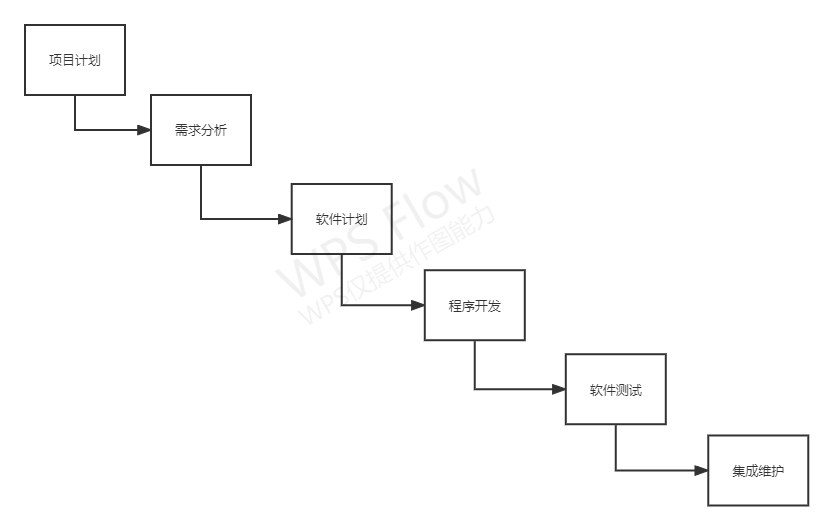
软件基础的理论
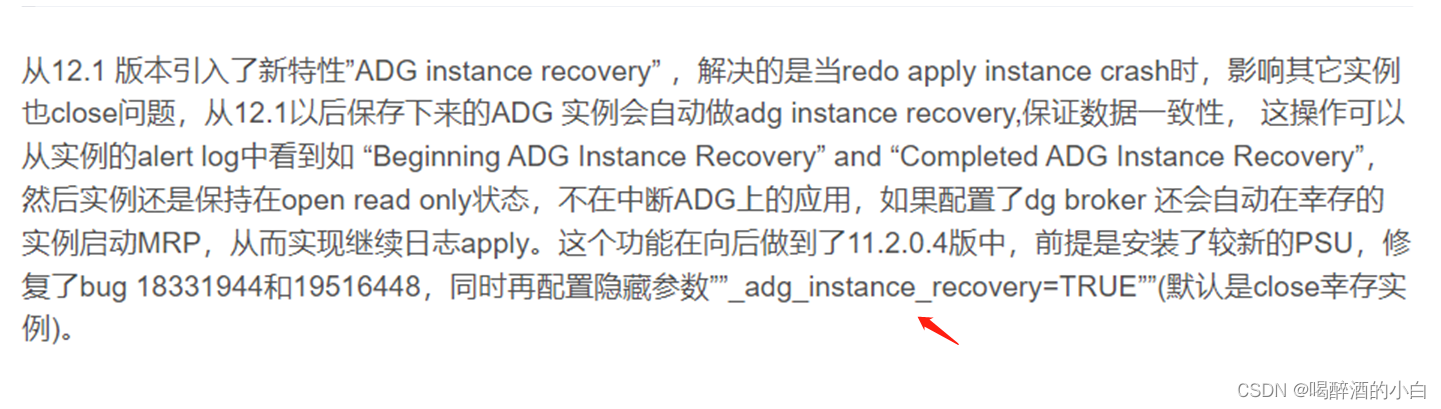
ORA-01105 ORA-03175
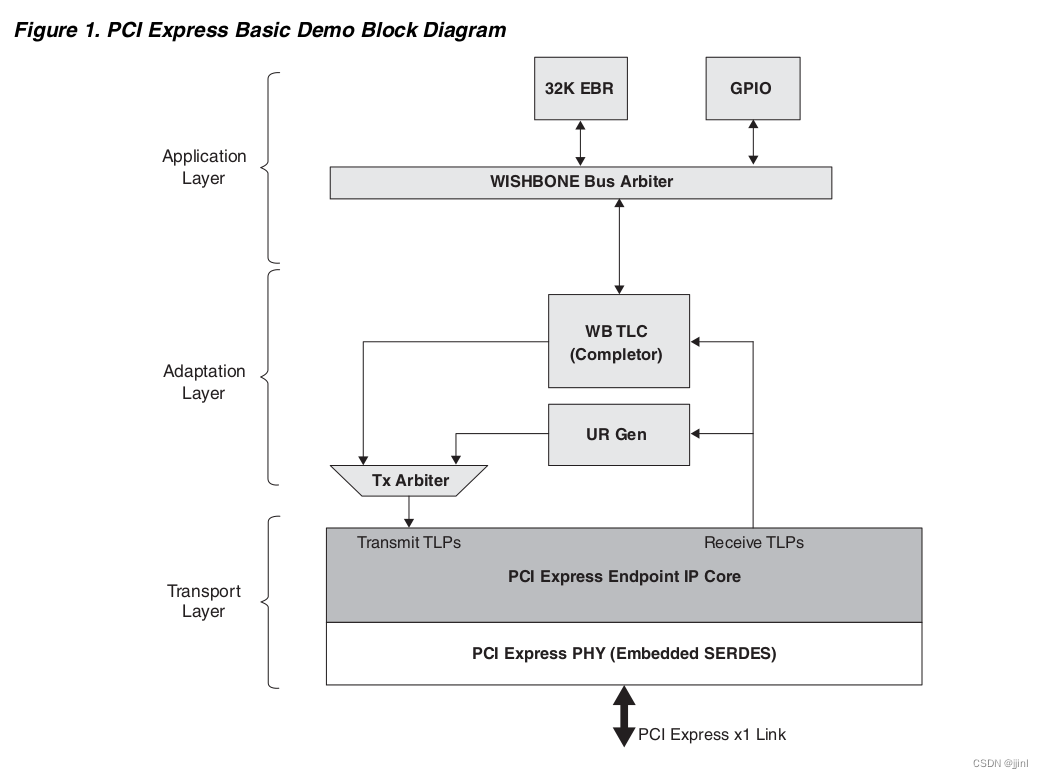
5.PCIe官方示例
Lattice PCIe 学习 1
gorm joint table query - actual combat

Activity Recommendation | Kuaishou StreamLake Brand Launch Conference, witness together on August 10!
创意代码表白
SV class virtual method of polymorphism
![[FreeRTOS] FreeRTOS and stm32 built-in stack occupancy](/img/33/3177b4c3de34d4920d741fed7526ee.png)
[FreeRTOS] FreeRTOS and stm32 built-in stack occupancy
【FreeRTOS】FreeRTOS与stm32内置堆栈的占用情况
随机推荐
2022 Nioke Multi-School Training Session 2 J Question Link with Arithmetic Progression
C# const readonly static 关键字区别
配置类总结
5.PCIe官方示例
Software testing interview questions: What stages should a complete set of tests consist of?
MBps与Mbps区别
2021年11月网络规划设计师上午题知识点(上)
GCC:编译时库路径和运行时库路径
Dynamic Programming/Knapsack Problem Summary/Summary - 01 Knapsack, Complete Knapsack
LiveVideoStackCon 2022 上海站明日开幕!
JUC线程池(一): FutureTask使用
tiup status
Software testing interview questions: How many types of software are there?
Software testing interview questions: What are the three modules of LoadRunner?
leetcode: 267. Palindromic permutations II
Theory of Software Fundamentals
快速批量修改VOC格式数据集标签的文件名,即快速批量修改.xml文件名
DHCP的工作过程
二叉树[全解](C语言)
torch.autograd.grad finds the second derivative