当前位置:网站首页>Are you still using charged document management tools? I have a better choice! Completely free
Are you still using charged document management tools? I have a better choice! Completely free
2022-07-01 16:39:00 【Migrant worker brother】
spot  Focus on official account , reply “1024” obtain 2TB Learning resources !
Today, I'd like to share a Free and open source Online document management tools for MinDoc , promote IT Document management efficiency of the Department .
summary
MinDoc It's about IT Team developed Simple and easy-to-use document management system .MinDoc The predecessor was SmartWiki Documentation system .SmartWiki Is based on PHP frame laravel Developed a document management system .MinDoc be based on Golang Development support Markdown and HTML Two kinds of editors .
Can be used to store daily Interface document , Database dictionary , The manual says Other documents . Built in project management , User management , Authority management and other functions , Most small and medium-sized document management teams can meet the needs of small and medium-sized document management teams .
The main function
project management , You can make editorial changes to the project , Member addition, etc .
Document management , Add and delete documents , Document history recovery, etc .
User management , Add and disable users , Personal data changes, etc .
User authority management , Implement user role changes .
Project encryption , You can set the project public status , Private projects need to go through Token visit .
Site configuration , Customization configuration items can be added during secondary development .
Attachment Management , Manage all files uploaded in the project .
Project export , Currently, export is supported PDF、Word、EPUB、MOBI、Markdown Equal format item .
Label management , Label of the existing item of the relationship .
Import the project , Support import Markdown The compressed package becomes a project .
Secondary directory deployment , Support will MinDoc Deploy to the second level subdirectory .
Installation and deployment
If you don't have... Installed on your server golang Please manually set an environment variable as follows : The key name is ZONEINFO, The value is MinDoc In the root directory /lib/time/zoneinfo.zip Absolute path .
Download executable
Please from https://github.com/lifei6671/mindoc/releases Download the latest version of the executable , The general file name is mindoc_linux_amd.tar.gz or mindoc_linux_amd64.zip .
Decompress the package
Please unzip the file you just downloaded , Please execute the following command to decompress :
tar -xzvf mindoc_linux_amd64.tar.gz
 or
unzip mindoc_linux_amd64.zip
Create database
If you use mysql If the database is used as storage , You need to create a code as utf8mb4 Format database , without GUI Management tools , It is recommended to use the following script to create :
CREATE DATABASE mindoc_db DEFAULT CHARSET utf8mb4 COLLATE utf8mb4_general_ci;If you're using sqlite database , Please put conf/app.conf The database in is configured as follows , Automatically created sqlite Database files :
db_adapter=sqlite3
db_database=mindoc_db
Configuration database
Please unzip it into the directory conf/app.conf.example It's renamed app.conf:
cp conf/app.conf.example conf/app.confAt the same time, configure the following nodes :
# Database configuration
db_adapter=mysql
#mysql Database IP
db_host=127.0.0.1
#mysql The port number of the database is generally 3306
db_port=3306
# The name of the database just created
db_database=mindoc_db
# The account and password for accessing the database
db_username=root
db_password=123456
stay MinDoc Use the command line under the root directory to execute the following commands , Used to initialize the database :
./mindoc_linux_amd64 installJust a minute , The program will automatically initialize the database , And create a super administrator account :admin password :123456
Start the program
Execute the following command to start the program :
# Modify executable permissions
chmod +x mindoc_linux_amd64

# Start the program
./mindoc_linux_amd64
 Visit at this time  http://localhost:8181  You can access  MinDoc  了 .
Configure agent
This step is optional , If you don't want to use the port number to access MinDoc You need to configure an agent .
Nginx The agent configuration file is as follows :
server {
 listen 80;
 # Your domain name should be configured here :
 server_name webhook.iminho.me;

 charset utf-8;

 # Configure your access log here , Please create the directory manually :
 access_log /var/log/nginx/webhook.iminho.me/access.log;

 location / {
 try_files /_not_exists_ @backend;
 }

 #  Here is the specific service agent configuration
 location @backend {
 proxy_set_header X-Forwarded-For $remote_addr;
 proxy_set_header Host $http_host;
 proxy_set_header X-Forwarded-Proto $scheme;

 # Configure here  MinDoc  Program address and port number
3、 ... and 、 Use display
home page

Article management

project management



Recommended reading Click on the title to jump to
Our company uses 7 This universal solution in , A steady group of !
Overtime schedule of Internet company , There is no suspense about the first place
In a matter of 1 Years has passed RHEL!Rocky Linux frigging awesome
domestic IDE Release , Developed by Ali , Fully open source !
CentOS Stop taking ! What domestic top stream operating systems do we have
On the east side of Beijing : How to use Nginx It's forbidden to go abroad IP visit , I'm just cool
forward Focus on
Light up the bottom “ Looking at ” Icon
More people see
边栏推荐
- The picgo shortcut is amazing. This person thinks exactly the same as me
- Problèmes rencontrés dans le développement de la GI pour maintenir le rythme cardiaque en vie
- Guide for high-end programmers to fish at work
- Basic use of MySQL
- [observation] where is the consulting going in the digital age? Thoughts and actions of softcom consulting
- China's intelligent transportation construction from the perspective of "one hour life circle" in Dawan District
- 模板引擎Velocity 基礎
- 【Hot100】17. 电话号码的字母组合
- 【观察】数字化时代的咨询往何处走?软通咨询的思与行
- How to restore the system with one click on Lenovo laptop
猜你喜欢

游戏行业安全选择游戏盾,效果怎么样?

Principes et applications du système de base de données (006) - - compilation et installation de MySQL 5.7 (environnement Linux)

Do280 management application deployment - pod scheduling control

Installation and use of sqoop
Tutorial on principles and applications of database system (006) -- compiling and installing MySQL 5.7 (Linux Environment)
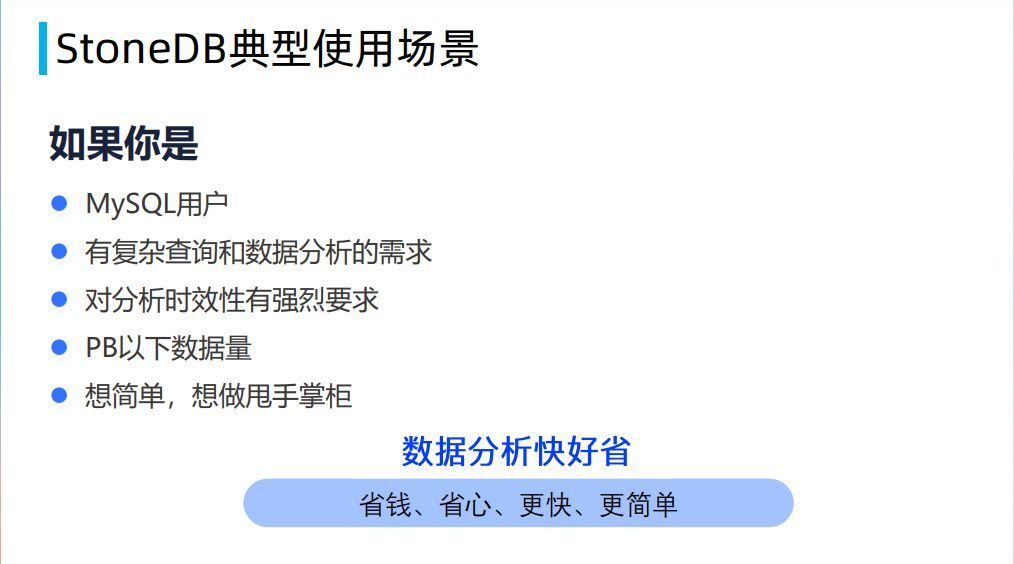
Stonedb is building blocks for domestic databases, and the integrated real-time HTAP database based on MySQL is officially open source!
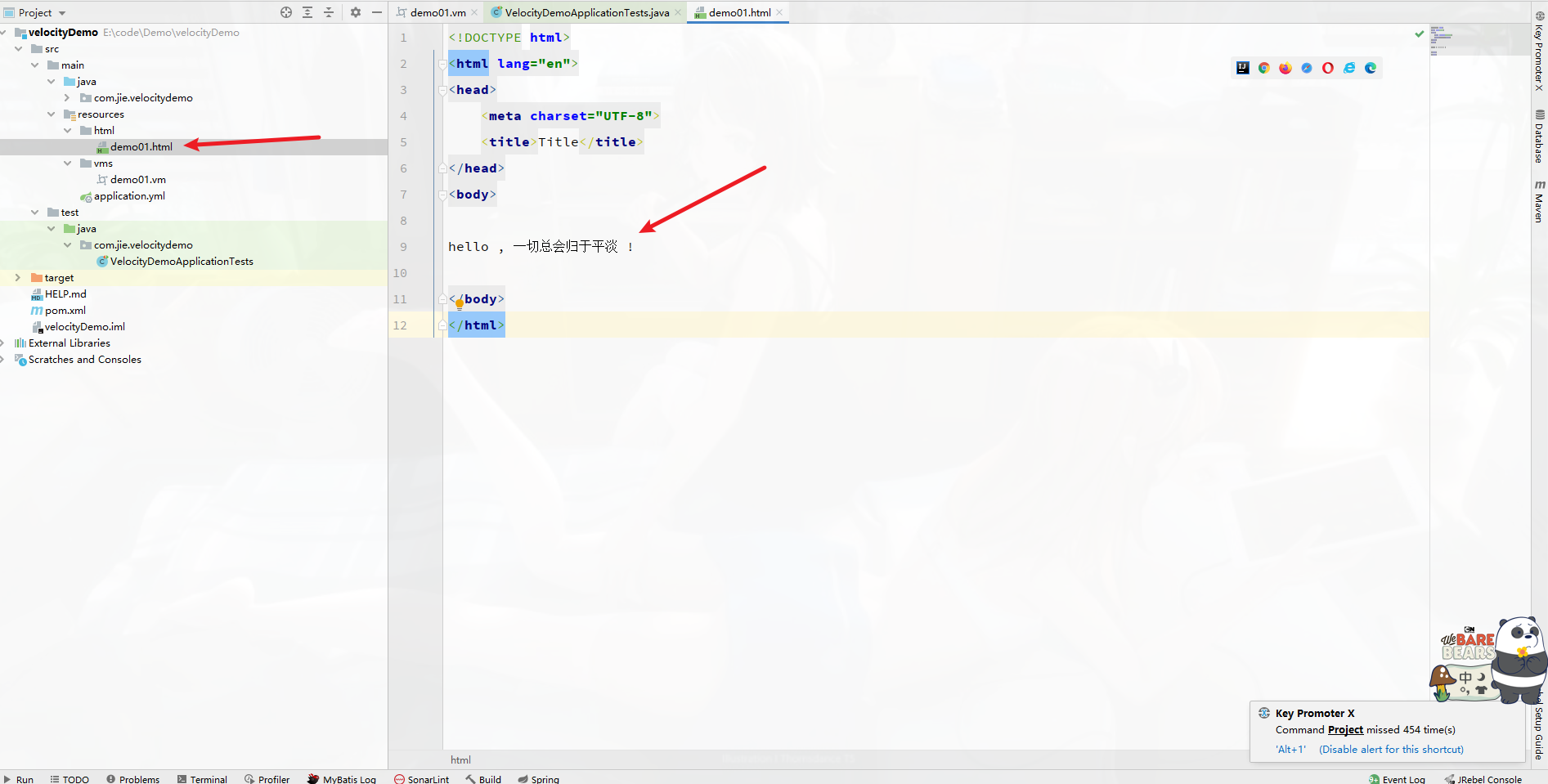
模板引擎Velocity 基础
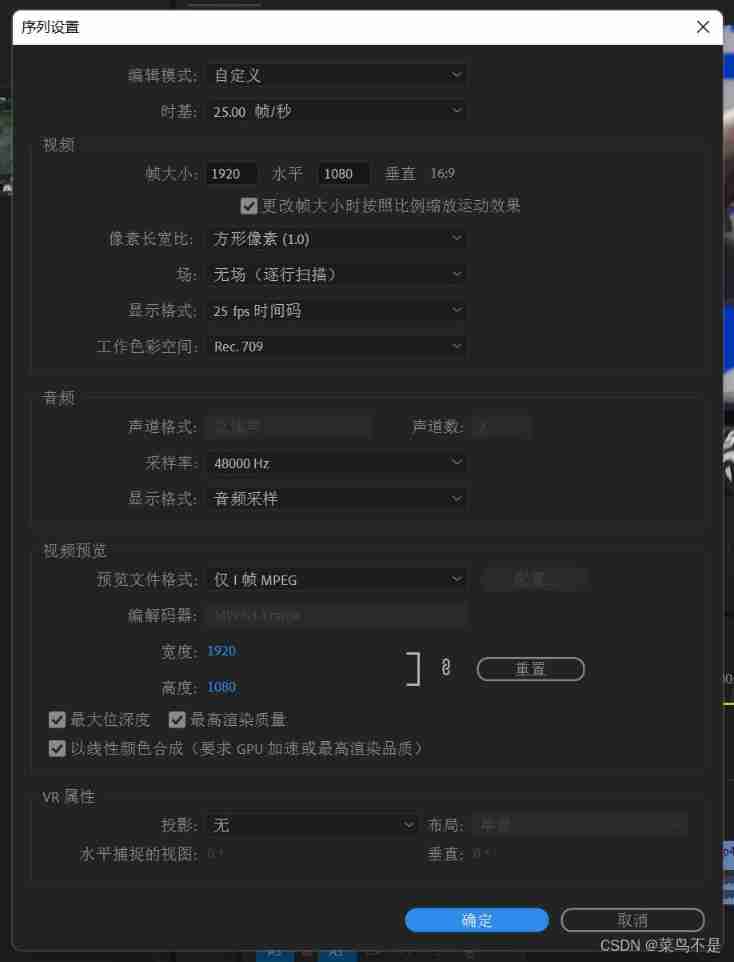
PR basic clip operation / video export operation

Graduation season | Huawei experts teach the interview secret: how to get a high paying offer from a large factory?
How to restore the system with one click on Lenovo laptop
随机推荐
Zhou Shaojian, rare
投稿开奖丨轻量应用服务器征文活动(5月)奖励公布
【SQL语句】请问这边为什么select出了两个上海,查询出了不同的count我想让他变成一个上海,count只显示一个总和
PostgreSQL 存储结构浅析
Activity的生命周期和启动模式详解
【Kotlin】高阶函数介绍
模板引擎Velocity 基礎
Leetcode 216 combined summation III -- backtracking method
数据库系统原理与应用教程(001)—— MySQL 安装与配置:MySQL 软件的安装(windows 环境)
[nodemon] app crashed - waiting for file changes before starting...解决方法
How to maintain the laptop battery
sql刷题627. 变更性别
红队第8篇:盲猜包体对上传漏洞的艰难利用过程
Rhcsa Road
免费抽奖 | 《阿巴豆》探索未来系列盲盒数字版权作品全网首发!
Tutorial on the principle and application of database system (002) -- MySQL installation and configuration: MySQL software uninstallation (Windows Environment)
Apple's self-developed baseband chip failed again, which shows Huawei Hisilicon's technological leadership
为国产数据库添砖加瓦,StoneDB 一体化实时 HTAP 数据库正式开源!
Action after deleting laravel's model
独家消息:阿里云悄然推出RPA云电脑,已与多家RPA厂商开放合作