当前位置:网站首页>Use of addeventlistener in JS
Use of addeventlistener in JS
2022-06-13 08:32:00 【SwJieJie】
Use addEventListener The binding event :MDN in addEventListener() explain
Use removeEventListener You can unbind Events : MDN in removeEventListener() explain
1, We use addEventListener When , It is mainly used to realize the binding and listening of events
There are three parameters target.addEventListener(type, listener, useCapture);
type: A string representing the type of listening event . Be similar to click,mouseover...
listener: Functions and methods used for listening and processing
useCapture: The default is false, Event Bubbling , It can be set to true by Event capture
Here you need to understand the basic event flow ( Event capture -> The objective of the event -> Event Bubbling )
Event capture : Events are passed from the topmost element to the target element ( It's from the outside to the inside )
The objective of the event : The event reaches the target element . If the event specifies no bubbling . Then it will stop here
Event Bubbling : Events are passed from the parent element of the target element up to the topmost element ( From the inside out )
As shown in the figure below, the prototype diagram of event capture and event bubbling :

2, Show the binding of events through the actual case list
HTML Elements p yes div Child elements
<div class="div">
  <p class="p">addEventListener</p>
</div>
(1), Default form (false) Is triggered by event bubbling
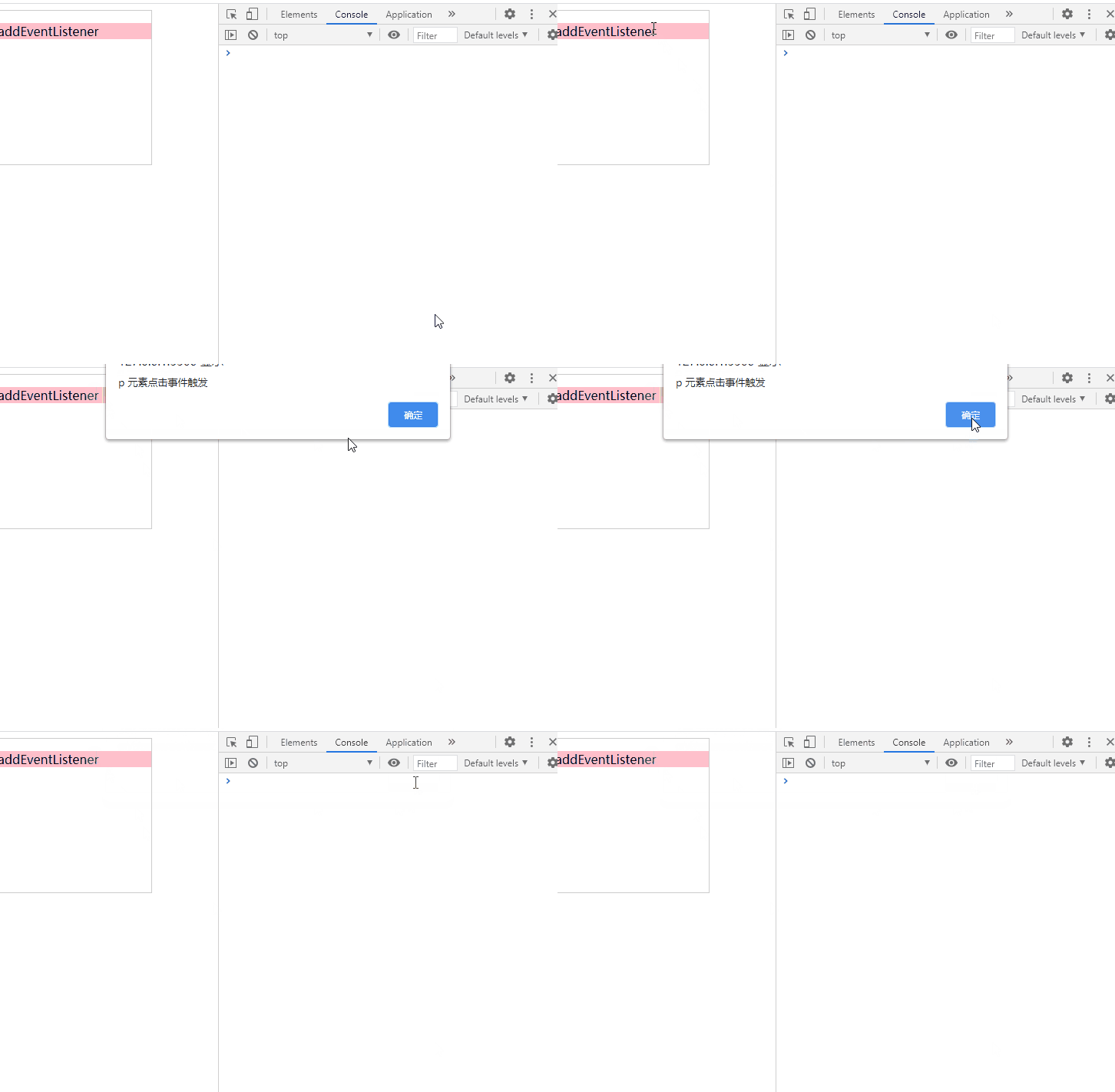
If the child element and the parent element are used at the same time addEventListener Triggering event , When a child element event is triggered , The event of the parent element will be triggered after the event of the child element is triggered , This is the bubble of events , From the inside out Trigger the inner layer first p Bound events , Then trigger the... Of the outer layer div Bound events
const div = document.querySelector(".div")
const p = document.querySelector(".p")
p.addEventListener("click", pClickEvent, false)
div.addEventListener("click", divClickEvent, false)
function pClickEvent() {
  alert("p  Element click event triggers ")
}
function divClickEvent() {
  alert("div  Element click event triggers ")
}
result :
(2), Event capture (true)
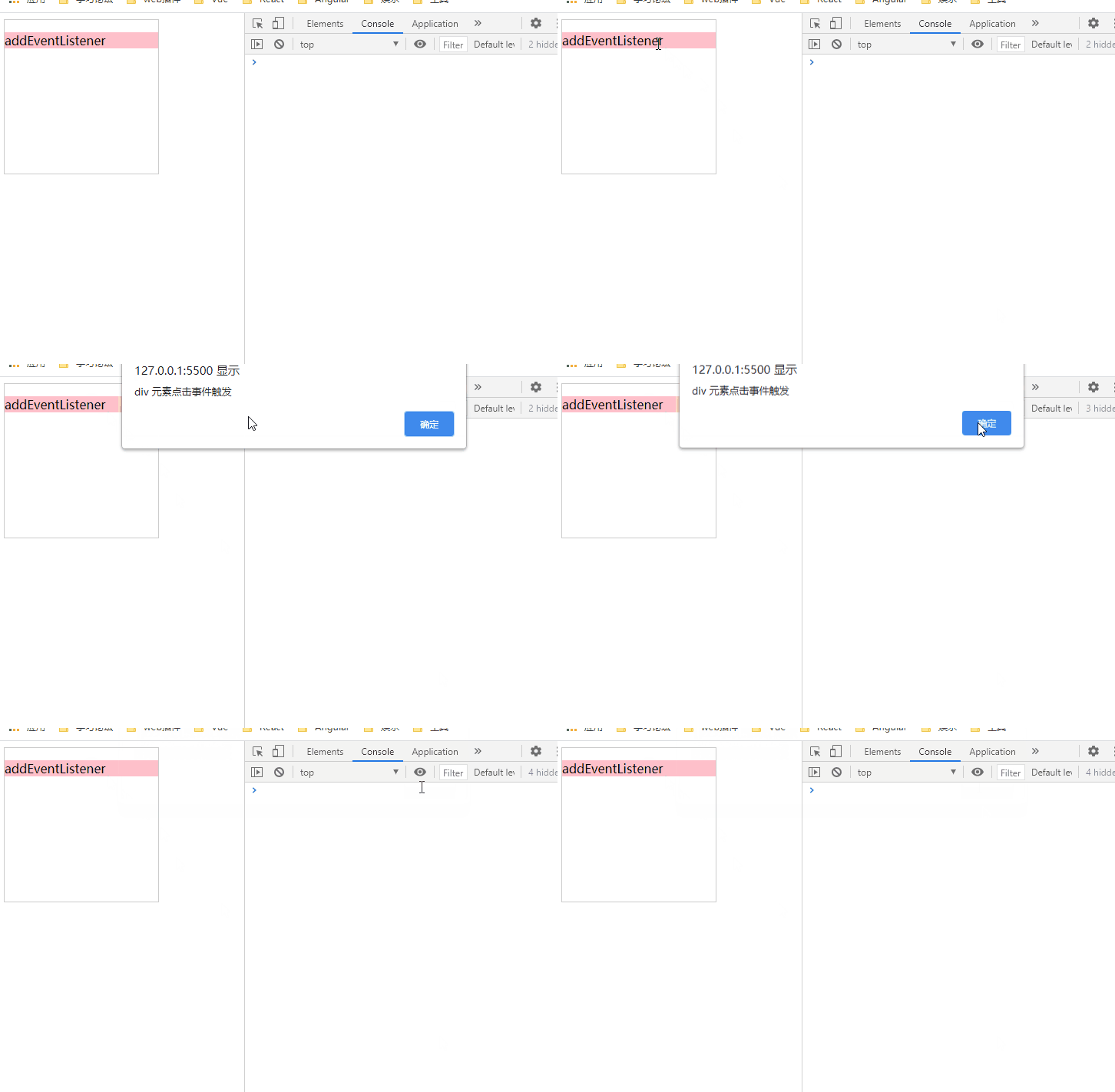
If the child element and the parent element are used at the same time addEventListener Triggering event , The third parameter set at the same time is true, It indicates that the event is triggered in the form of capture , From the outside to the inside Trigger the outer layer first div Bound events , Then trigger the inner p Bound events
const div = document.querySelector(".div")
const p = document.querySelector(".p")
p.addEventListener("click", pClickEvent, true)
div.addEventListener("click", divClickEvent, true)
function divClickEvent() {
  alert("div  Element click event triggers ")
}
function pClickEvent() {
  alert("p  Element click event triggers ")
}
result :
(3). Unbind (removeEventListener)
const div = document.querySelector(".div")
const p = document.querySelector(".p")
const btn = document.querySelector(".btn")
div.addEventListener("click", divClickEvent)
p.addEventListener("click", pClickEvent)
function divClickEvent() {
  alert("div  Element click event triggers ")
}
function pClickEvent() {
  alert("p  Element click event triggers ")
}
btn.onclick = () => {
  div.removeEventListener("click", divClickEvent)
  p.removeEventListener("click", pClickEvent)
}
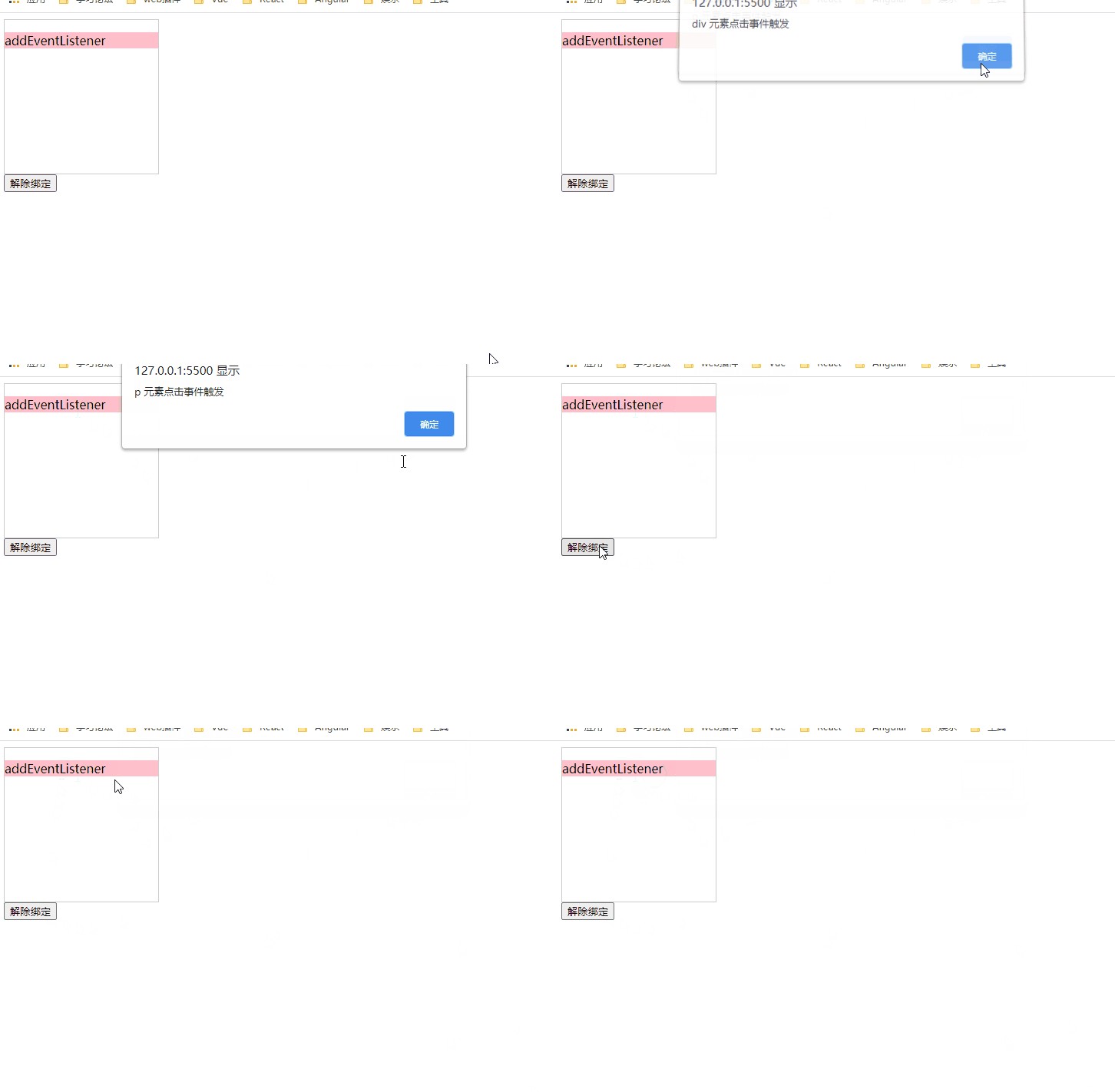
result :
(4), You need to pay attention to !
(1) If the event is bound to addEventListener The third parameter passed is true, Then, when you unbind, you also need to give removeEventListener Pass the third parameter as true, Otherwise, unbinding will fail
div.addEventListener("click", divClickEvent, true)
p.addEventListener("click", pClickEvent, true)
If the binding form is the above type , Unbinding must be given as true
div.removeEventListener("click", divClickEvent,true)
p.removeEventListener("click", pClickEvent,true)
(2) Use addEventListener When binding events Arrow functions or anonymous functions are not recommended , This will happen removeEventListener Unable to unbind
The following will happen removeEventListener Will invalidate
div.addEventListener("click", () => {console.log(123, '123')})
div.removeEventListener("click", () => {console.log(123, '123')})
边栏推荐
- array_ Pop error: only variables should be passed by reference
- Reverse order and comparison of strings
- How to install the bdtab (BD) new tab plug-in in edge browser (Graphic tutorial)
- Homestead environment setup
- Wrap dynamically created child elements in dynamically created structures
- How can the small and medium-sized lighting industry make use of the digital transformation to stand out from the encirclement?
- 学习记录4: einops // cudnn.benchamark=true // hook
- When submitting the laravel admin form and using the required verification, an error is reported when the value is 0
- How does the BD new tab plug-in log in?
- Data accuracy problems caused by inconsistent data types during sum in MySQL
猜你喜欢

Founder of Starbucks: no longer open "public toilets" to non store consumers for safety reasons

array_ Pop error: only variables should be passed by reference

学习记录4: einops // cudnn.benchamark=true // hook

从零开始-实现JpetStore网站-1-建立项目框架以及项目介绍
![WARNING:tornado. access:404 GET /favicon. ICO (172.16.8.1) 1.84ms [with static file settings]](/img/6d/6eef1f0ebcab45e9a209a3b6c62b03.png)
WARNING:tornado. access:404 GET /favicon. ICO (172.16.8.1) 1.84ms [with static file settings]

Phpexcel 10008 error resolution

CCNP_ Bt- Reissue

Shellshock Attack Lab
WARNING:tornado.access:404 GET /favicon.ico (172.16.8.1) 1.84ms [附静态文件设置]

AcWing 1977. Information relay (base ring tree, parallel search set)
随机推荐
Which is the stronger fresh food distribution and sorting management system?
微服务项目搭建三:自动生成代码
Do not update the sub component page of parameter object passed from parent to child of nailing applet?
CCNP_ Bt- Reissue
Plane merging (matlab)
Filebeat collects logs to elk
Three methods to make the scroll bar of div automatically scroll to the bottom
Notes on development experience: TP5 exp query, SQL analysis, JQ, applet, right-click menu, Linux skills, shell skills, mysql, etc
Gtk+ programming example on page 115 - simplest progress bar 2 with steps to write GTK program using anjuta
Mysql_ Preliminary summary of database data (Continued)
微服务项目搭建二:数据库设计
JD commodity detail interface, JD detail page interface, baby detail page interface, commodity attribute interface, commodity information query, commodity detail interface, H5 details, JD app details,
Maternal and infant supplies wholesale industry uses management software to improve efficiency and realize cost reduction and efficiency increase
Microservice Project Construction II: database design
set实现名单查找与排除
Data accuracy problems caused by inconsistent data types during sum in MySQL
Motiko basic syntax in dfinity (ICP) -8
Deploy Yum warehouse and NFS shared services
d3.js&nvd3. JS - how to set the y-axis range - d3 js & nvd3. js — How to set y-axis range
How to download and install stm32cubemx