当前位置:网站首页>idea查看字节码配置
idea查看字节码配置
2022-07-02 06:34:00 【niceyz】
File-Settings-Tool-External Tools

show byte code
$JDKPath$\bin\javap.exe
-c $FileClass$
$OutputPath$

/********************** kafka **********************/
Kafka cluster集群
点对点模式,需要线程监控
发布/订阅,推送速度与客户端速度不一致
对消息保存根据topic进行归类。
发送者 producer
接受者 consumer
多实例,每个实例(server)称为broker
kafka依赖zookeeper集群保存meta信息,保证系统可用性。客户端请求只能Leader处理
partition:分区
Kafka Cluster集群:
Broker1 :
TopcicA(partition0) Leader
TopcicA(partition1) Follower
Broker2 :
TopcicA(partition0) Follower
TopcicA(partition1) Leader
Broker3 :
Partition0(message0、message1) topic分一个区
Follower不做任何操作
消费者组不能同时消费同一分区
ConsumerA
Consumer group
ConsumerB
一个消费者可以消费多个topic
mkdir logs
cd config
搭建集群,修改: server.properties
broker.id=0
delete.topic.enable=true
log.dirs=/opt/module
zookeeper.connect=hadoop102:2181,hadoop103:2181,hadoop104:2181
cd ..
xsync kafka/
vi server.properties
broker.id=1
broker.id=2
启动kafka之前先启动Zookeeper:
zkstart.sh
查看启动是否成功:
/opt/module/zookeeper-3.4.10/bin/zkServer.sh status
Mode:follower 说明启动成功。
启动kafka:
机器1:bin/kafka-server-start.sh config/server/properties
机器2:bin/kafka-server-start.sh config/server/properties
机器3:bin/kafka-server-start.sh config/server/properties
每台机器需单独启动
util.sh 查看三台机器启动进程
创建 分区数2个 副本数2个 topic名称
bin/kafka-topics.sh --create --zookeeper hadoop102:2181 --partitions 2 -- replication-factor 2 --topic first
查看
bin/kafka-topics.sh --list --zookeeper hadoop102:2181
查看日志
cd logs
三台机器,副本数设置5,会报错,提示最多副本3。
创建 分区2 副本5 topic名称
bin/kafka-topics.sh --create --zookeeper hadoop102:2181 --partitions 2 -- replication-factor 5 --topic second
启动生产者: 往哪个topic发送
bin/kafka-console-producer.sh --broker -list hadoop102:9092 --topic first
>hello
>yz
启动消费者(集群) 在103机器启动
消费哪个topic,获取最新的数据 从一开始进行消费
bin/kafka-console-consumer.sh --zookeeper hadoop102:2181 --topic first --from-beginning
使用bootstrap-server代替zookeeper以消除警告
消费哪个topic,获取最新的数据 从一开始进行消费
bin/kafka-console-consumer.sh --bootstrap-server hadoop102:2181 --topic first --from-beginning
数据存在topic,使用机器104查看有多少个topic
bin/kafka-topics.sh --list --zookeeper hadoop102:2181
__consumer_offsets 解释:系统自动创建,这是应为使用bootstrap后,保存到本地的topic
first
查看topic详情 描述指定topic
bin/kafka-topics.sh --zookeeper hadoop102:2181 --describeopic first
分区 Leader机器 副本 选举用
Topic:first Partition: 0 Leader: 0 Replicas: 0,2 Isr: 0,2
Topic:first Partition: 1 Leader: 1 Replicas: 1,0 Isr: 1,0
Isr: 0,2(这两副本和leader最相近,往前排,leader挂掉后,采用下一个代替Leader)
机器 是否Leader,Leader只负责生产者写数据,Follower主动从Leader拉取数据。
0 Leader
1 Follower
2 Follower
删除topic,会提示设置为true
bin/kafka-topics.sh --delete --zookeeper hadoop102:2181 -topic first
从新创建topic
分区1个 副本3个 指定topic名称
bin/kafka-topics.sh --create --zookeeper hadoop102:2181 --partitions 1 --replication-factro 3 --topic first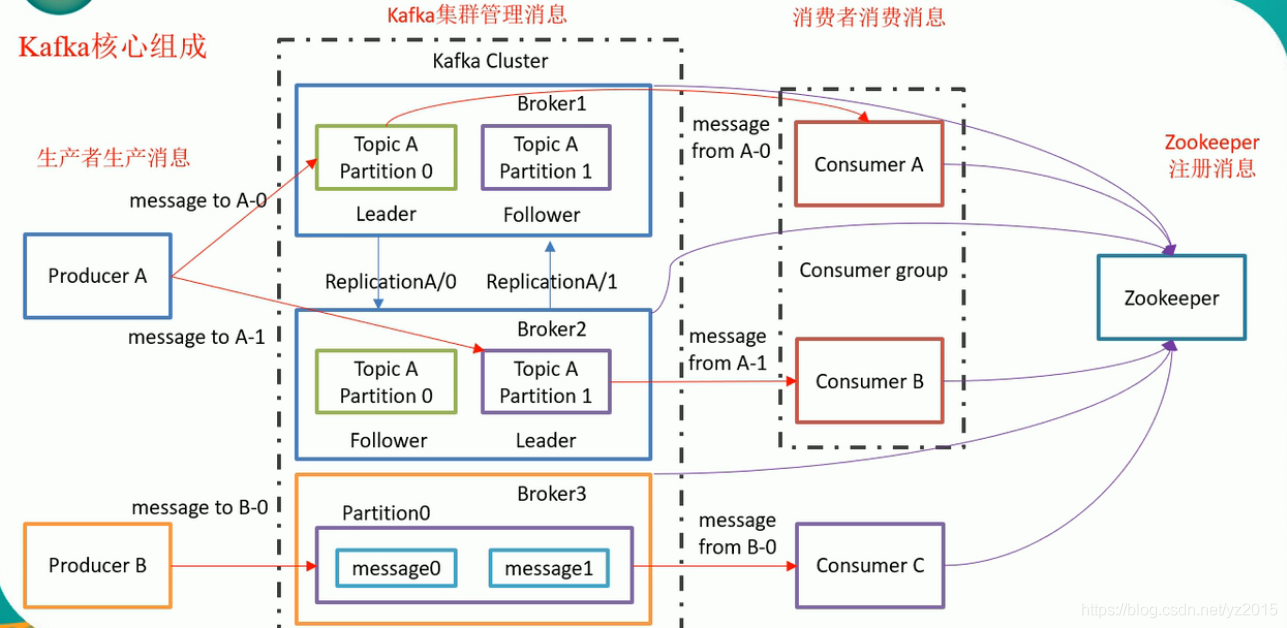
边栏推荐
- [go practical basis] how to install and use gin
- Knowledge points are very detailed (code is annotated) number structure (C language) -- Chapter 3, stack and queue
- Watermelon book -- Chapter 5 neural network
- Oracle delete tablespace and user
- 2022/2/13 summary
- 以字节跳动内部 Data Catalog 架构升级为例聊业务系统的性能优化
- 微服务实战|Eureka注册中心及集群搭建
- Oracle modifies tablespace names and data files
- 京东面试官问:LEFT JOIN关联表中用ON还是WHERE跟条件有什么区别
- 【Go实战基础】gin 如何绑定与使用 url 参数
猜你喜欢
Watermelon book -- Chapter 5 neural network
Don't spend money, spend an hour to build your own blog website
Microservice practice | declarative service invocation openfeign practice
![[go practical basis] how to install and use gin](/img/0d/3e899bf69abf4e8cb7e6a0afa075a9.png)
[go practical basis] how to install and use gin
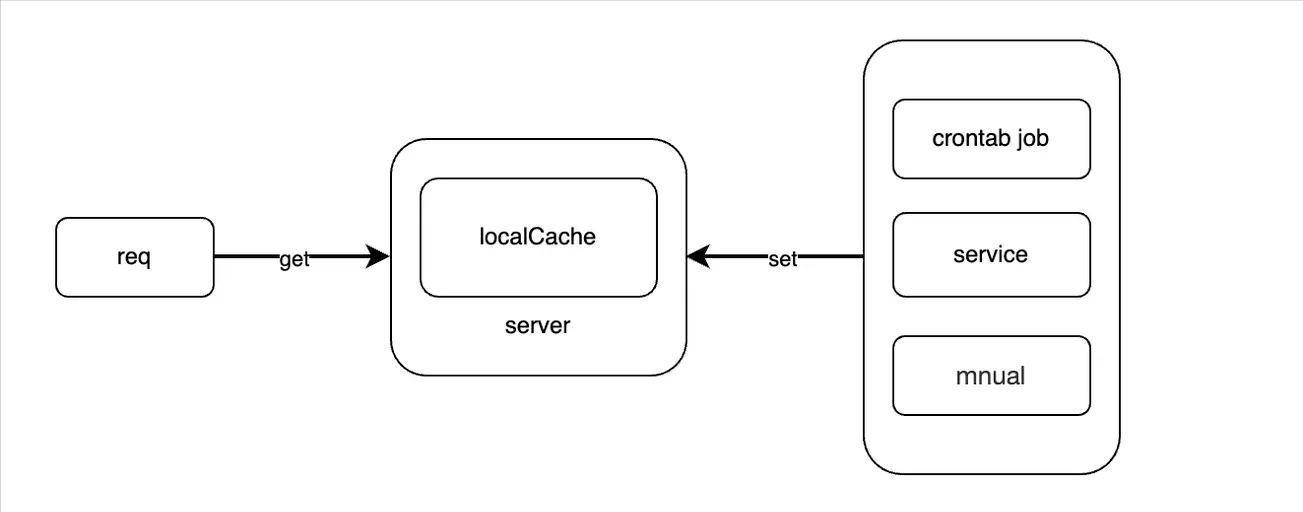
"Redis source code series" learning and thinking about source code reading
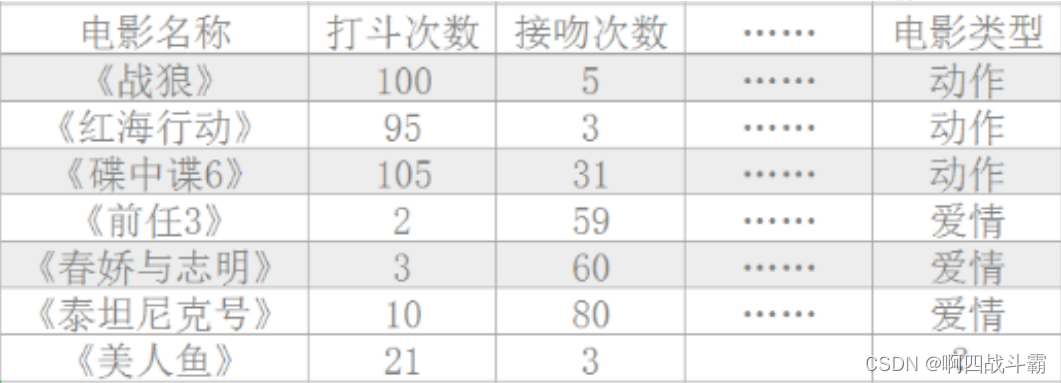
Machine learning practice: is Mermaid a love movie or an action movie? KNN announces the answer

【Go实战基础】gin 如何验证请求参数

Solution to amq4036 error in remote connection to IBM MQ
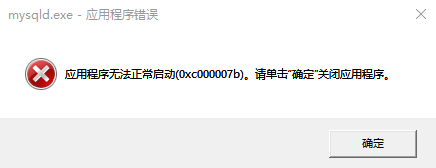
During MySQL installation, mysqld Exe reports that the application cannot start normally (0xc000007b)`
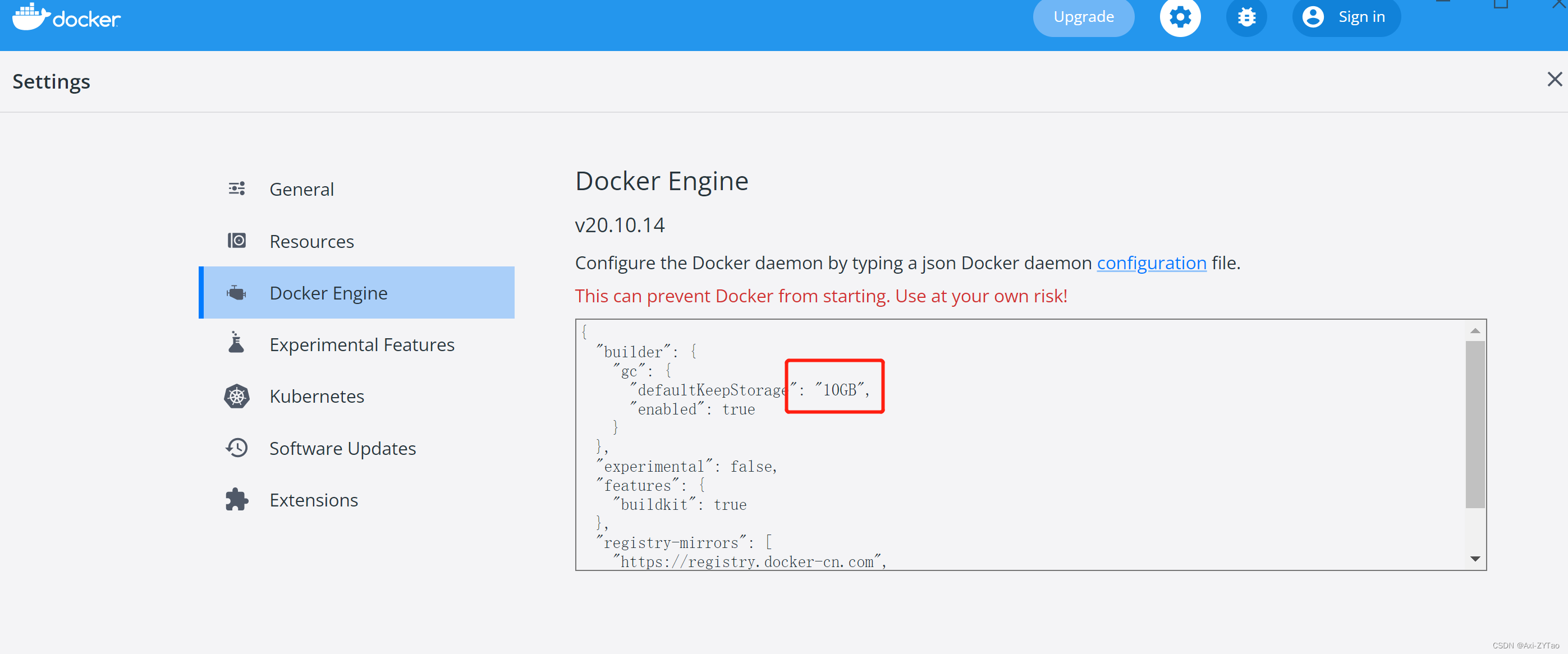
win10使用docker拉取redis镜像报错read-only file system: unknown
随机推荐
【Go实战基础】gin 高效神器,如何将参数绑定到结构体
知识点很细(代码有注释)数构(C语言)——第三章、栈和队列
查看was发布的应用程序的端口
机器学习实战:《美人鱼》属于爱情片还是动作片?KNN揭晓答案
微服务实战|微服务网关Zuul入门与实战
C language - Blue Bridge Cup - 7 segment code
聊聊消息队列高性能的秘密——零拷贝技术
洞见云原生|微服务及微服务架构浅析
别找了,Chrome浏览器必装插件都在这了
Microservice practice | teach you to develop load balancing components hand in hand
微服务实战|手把手教你开发负载均衡组件
盘点典型错误之TypeError: X() got multiple values for argument ‘Y‘
告别996,IDEA中必装插件有哪些?
oracle修改数据库字符集
微服务实战|负载均衡组件及源码分析
Double non undergraduate students enter the factory, while I am still quietly climbing trees at the bottom (Part 1)
Watermelon book -- Chapter 5 neural network
Using recursive functions to solve the inverse problem of strings
Oracle修改表空间名称以及数据文件
JVM指令助记符