当前位置:网站首页>Win11系统explorer频繁卡死无响应的三种解决方法
Win11系统explorer频繁卡死无响应的三种解决方法
2022-07-02 22:10:00 【小白一键重装系统】
explorer.exe是Windows程序管理器或者文件资源管理器,它用于管理Windows图形壳,包括桌面和文件管理,删除该程序会导致Windows图形界面无法使用。近期有部分Win11用户反映电脑老是出现explorer频繁卡死无响应的情况,十分令人头疼,这该怎么解决呢?
还有详细的系统重装教程可参考
方法一:
1、按【 Ctrl + Alt + Del 】组合键,调出锁定界面,点击【任务管理器】;

2、任务管理器窗口,点击左下角的【详细信息】,可以切换到详细信息界面,默认显示【进程】选项卡,往下找到【Windows 资源管理器】进程;


3、任务管理器窗口,选择Windows 资源管理器进程,点击右下角的【重新启动】,即可重启Windows 资源管理器,这其实是Windows 资源管理器进程explorer.exe结束后,又重新启动的过程;

4、如果不小心结束了Windows 资源管理器进程,也可以在任务管理器窗口,点击左上角的【文件】,在打开的下拉项中,选择【运行新任务】;

5、新建任务窗口,输入【explorer】命令,按【确定或回车】,即可重新启动Windows 资源管理器。

方法二:
1、首先,按键盘上的【 Win + X 】组合键,或右键点击任务栏上的【Windows开始徽标】,打开的隐藏菜单项中,选择【Windows 终端 (管理员)】;

2、管理员: Windows powershell窗口,输入【wusa /?】命令,并按回车;

3、这时候,会弹出【Windows 更新独立安装程序】,可以查看本次使用命令【wusa】的帮助信息;

4、知道【wusa】命令的用法后,输入【wusa /uninstall /kb:[补丁号]】,这样就可以卸载系统补丁了;
举例:wusa /uninstall /kb:5006363,卸载补丁号为 5006363 的系统更新

方法三:
命令提示符中,输入并按回车执行【sfc /scannow】 命令,该命令主要是用来修复系统文件的,不管是系统文件缺失,或损坏都可以修复。

边栏推荐
- 剑指 Offer II 099. 最小路径之和-双百代码
- Redis 过期策略+conf 记录
- Lambda表达式:一篇文章带你通透
- PotPlayer设置最小化的快捷键
- 2016. 增量元素之间的最大差值
- Numerical solution of partial differential equations with MATLAB
- Brief introduction of emotional dialogue recognition and generation
- Explain promise usage in detail
- Niuke network: maximum submatrix
- Value sequence < detailed explanation of daily question >
猜你喜欢
归并排序详解及应用
Qt QScrollArea
![[Yangcheng cup 2020] easyphp](/img/12/da28f738e50e625b0a66a94af3703d.png)
[Yangcheng cup 2020] easyphp

阿里云有奖体验:如何使用 PolarDB-X
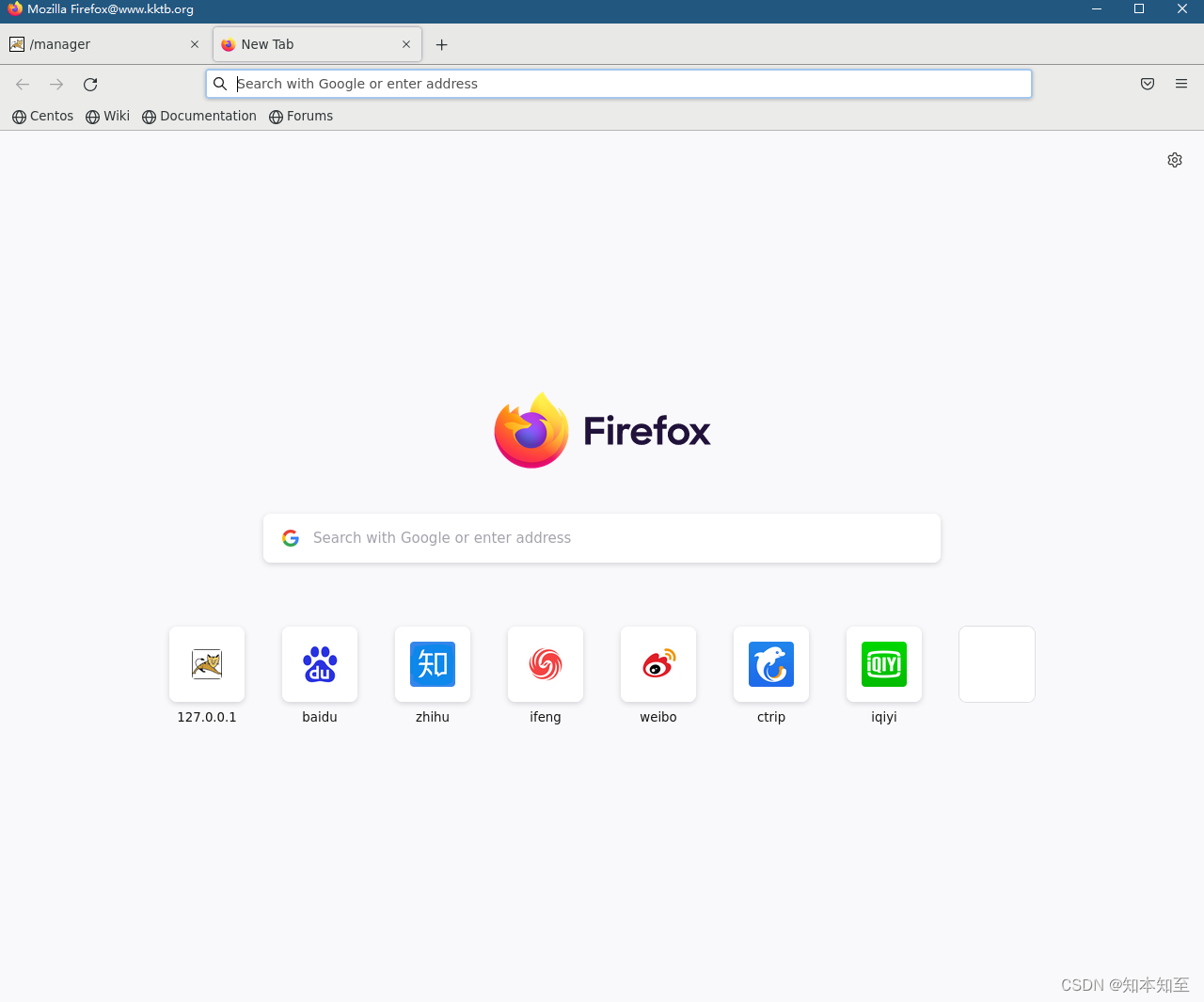
Xshell configuration xforward forwarding Firefox browser

Prometheus deployment
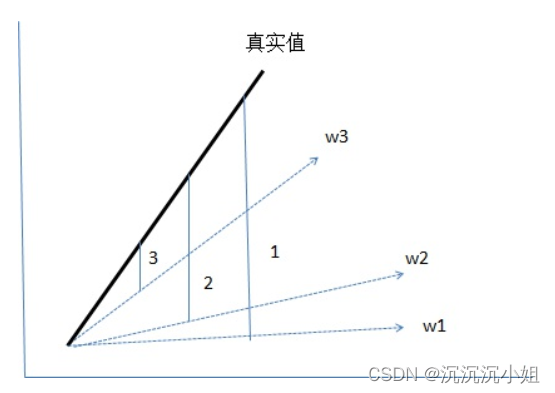
Loss function~

Typical case of data annotation: how does jinglianwen technology help enterprises build data solutions
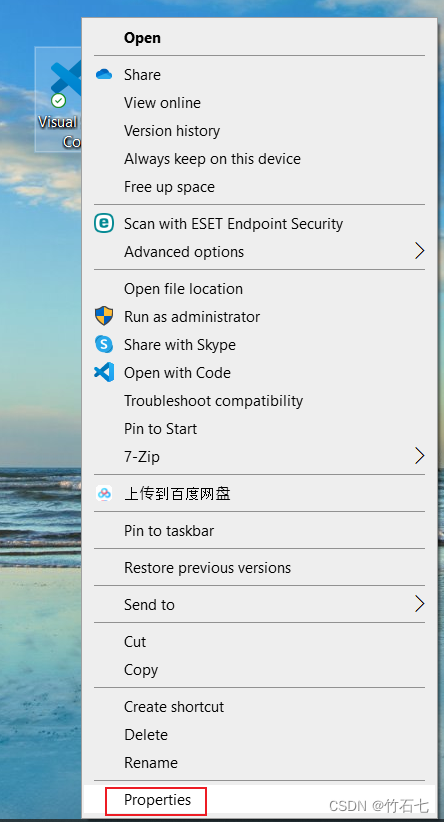
設置單擊右鍵可以選擇用VS Code打開文件
Detailed explanation and application of merging and sorting
随机推荐
LeetCode 968. 监控二叉树
psnr,ssim,rmse三个指标的定量分析
mysql重置密码,忘记密码,重置root密码,重置mysql密码
Methods to solve the tampering of Chrome browser and edeg browser homepage
Redis expiration policy +conf record
Prometheus deployment
Mask R-CNN
Detailed explanation and application of merging and sorting
設置單擊右鍵可以選擇用VS Code打開文件
抖音实战~点赞数量弹框
[Solved] Splunk: Cannot get username when all users are selected“
Temperature measurement and display of 51 single chip microcomputer [simulation]
数据标注典型案例,景联文科技如何助力企业搭建数据方案
Generics and reflection, this is enough
中国信通院、清华大学、腾讯安全,云原生安全产学研用强强联合!
STM32之ADC
Tronapi wave field interface - source code without encryption - can be opened twice - interface document attached - packaging based on thinkphp5 - detailed guidance of the author - July 1, 2022 08:43:
AES高级加密协议的动机阐述
力扣刷题(2022-6-28)
Mask R-CNN