当前位置:网站首页>使用 EMQX Cloud 实现物联网设备一机一密验证
使用 EMQX Cloud 实现物联网设备一机一密验证
2022-07-02 21:34:00 【51CTO】
数据安全是物联网应用的重中之重。各厂商常使用对称加密、非对称加密、数字签名、数字证书等方法来对设备进行认证,以防止非法设备的接入。在证书的使用方式上,有一型一密、一机一密等不同的方案,其中一机一密方案预先为每一个设备端设置唯一的设备证书,设备端与服务端通信时能够进行双向验证,验证通过后,设备端与服务端才进行正常的数据传输。相比于其他方案,一机一密能够做到针对每个设备的单独验证与授权,具有更高的安全性。
作为安全可靠的全托管 MQTT 消息云服务, EMQX Cloud 支持多种认证方式,包括基础认证(用户名/密码,客户端 ID/密码)及 JWT、PSK 和 X.509 证书认证,同时可配置外部数据库作为数据源验证认证信息。
本文将采用 Redis 作为认证数据源存储数据库,讲解如何通过设备端证书中包含的 Common Name 为验证信息,连接到 EMQX Cloud,实现客户端一机一密验证。若客户端证书中不带有指定唯一的 Common Name,则无法通过认证。
通过本文,读者可以为其物联网设备实现一机一密、设备与服务器双向身份认证和建立安全通道的能力,有效防止伪造设备、设备密钥被、伪造服务器指令、监听或篡改关键信息、通过设备产线安全漏洞窃取密钥等手段。
操作流程
一、配置 TLS/SSL 双向认证
1、准备工作
购买服务器证书,并将其域名解析到部署连接地址。
购买服务器证书
生成客户端 root ca 自签名证书,使用自签名 root ca 证书签发客户端证书需确保 Common Name 唯一。
# CA 证书生成 client-ca.crt,subj 依据实际使用情况调整。
openssl req \
-new \
-newkey rsa:2048 \
-days 365 \
-nodes \
-x509 \
-subj "/C=Common Name/O=EMQ Technologies Co., Ltd/Common Name=EMQ CA" \
-keyout client-ca.key \
-out client-ca.crt
# 客户端秘钥生成 client.key
openssl genrsa -out client.key 2048
# 生成客户端证书请求文件 client.csr,Common Name 为客户端携带认证信息
openssl req -new -key client.key -out client.csr -subj "/Common Name=346a004d-1dab-4016-bb38-03cca7094415"
# 用 CA 证书给客户端证书签名,生成 client.crt
openssl x509 -req -days 365 -sha256 -in client.csr -CA client-ca.crt -CAkey client-ca.key -CAcreateserial -out client.crt
# 查看客户端端证书信息
openssl x509 -noout -text -in client.crt
# 验证证书
openssl verify -CAfile client-ca.crt client.crt
2、配置流程
登录 EMQX Cloud 控制台 。进入部署详情,点击 +TLS/SSL 配置按钮,配置证书内容,您可以上传文件或者直接填写证书内容 TLS/SSL 认证类型:
① 单向认证:仅客户端验证服务端证书。
② 双向认证:客户端和服务端相互验证证书。
在本示例文档中我们以双向认证为例,在部署控制台填入以下内容:
① 公钥证书:服务端证书
② 证书链:证书链,通常第三方机构签发证书时会提供
③ 私钥:私有秘钥
④ 客户端 CA 证书:选择双向认证时,需要提供客户端的 CA 证书
MQTT Cloud TLS SSL 双向认证
填写完成后,点击确定,直至状态为运行中,即 TLS/SSL 双向认证配置完成。
二、配置 Redis 认证/访问控制
本文以 Redis 认证/访问控制为例,当然您也可以使用其他外部认证数据源,在本文所述场景中,比较推荐使用 Redis 认证/访问控制。
1、创建 VPC 对等连接
在 EMQX Cloud 部署详情页面,创建 VPC 对等连接,便于专业版部署内网访问到您方 Redis 认证数据库。
EMQX Cloud 创建 VPC 对等连接
2、配置 Redis 认证/访问控制
redis 配置
在你的云服务器中,创建一个 Redis 服务。为了方便演示,这里使用 Docker 快速搭建。
docker run -itd --name redis -p 6379:6379 redis:latest
本示例配置数据有如下两种方式(二选一):
HMSET tls_domain:346a004d-1dab-4016-bb38-03cca7094415 password pubic
HMSET tls_subject:346a004d-1dab-4016-bb38-03cca7094415 password pubic
redis 配置
Redis 认证/访问控制配置
进行身份认证时,EMQX Cloud 将使用当前客户端信息填充并执行用户配置的认证查询命令,查询出该客户端在 Redis 中的认证数据。
可以在认证 SQL 中使用以下占位符,执行时 EMQX Cloud 将自动填充为客户端信息::
%u:用户名
%c:客户端 ID
%C:TLS 证书公用名(证书的域名或子域名),仅当 TLS 连接时有效
%d:TLS 证书 subject,仅当 TLS 连接时有效
你可以根据业务需要调整认证查询命令,使用任意 Redis 支持的命令 (opens new window),但是任何情况下认证查询命令需要满足以下条件:
① 查询结果中第一个数据必须为 password,EMQX 使用该字段与客户端密码比对
② 如果启用了加盐配置,查询结果中第二个数据必须是 salt 字段,EMQX 使用该字段作为 salt(盐)值
在部署中点击认证鉴权 - 外部认证授权 - Redis 认证/访问控制,点击配置认证,即可新建认证。
认证查询命令有如下两种方式:
HMGET tls_domain:%C password
HMGET tls_subject:%d password
即设备需携带客户端证书、客户端秘钥和其 Common Name 、password 的方式进行身份验证。
Redis 认证
测试验证
我们使用 MQTT X 模拟客户端携带以下信息连接到 EMQX Cloud。
① 服务端 CA
② Common Name 为 346a004d-1dab-4016-bb38-03cca7094415 的客户端证书、客户端秘钥
③ password:public
MQTT X
点击 右上角 connect,出现 connected 表示已连接成功。至此,带有指定 common name 的设备已成功连接至 EMQX Cloud,即一机一密设备通过验证并连接至 EMQX Cloud 已成功。
MQTT X1
结语
至此我们完成了 EMQX Cloud 的客户端一机一证书验证流程,成功连接到部署。相比于其他方案,一机一密能够做到针对每个设备的单独验证与授权,具有更高的安全性,若您也为您的每一个物联网设备设置了唯一的访问凭证,可以参考本文进行配置。
边栏推荐
- 暑期第一周总结
- 【剑指 Offer 】56 - II. 数组中数字出现的次数 II
- #include<>和#include“”的区别
- Basic IO interface technology - microcomputer Chapter 7 Notes
- Destroy in beforedestroy invalid value in localstorage
- 情感计算与理解研究发展概述
- B.Odd Swap Sort(Codeforces Round #771 (Div. 2))
- MySQL learning record (7)
- MySQL learning record (2)
- Browser - clean up the cache of JS in the page
猜你喜欢

LandingSite eBand B1冒烟测试用例

Gee: (II) resampling the image
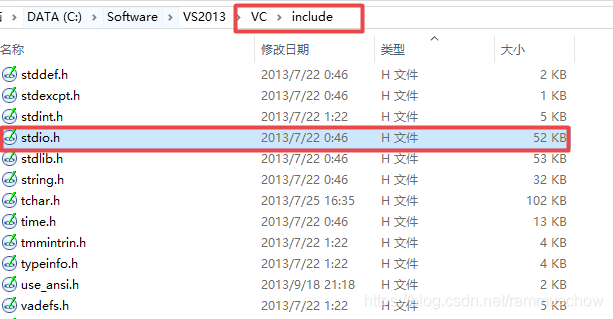
The difference between include < > and include ""
![[CV] Wu Enda machine learning course notes | Chapter 12](/img/c8/9127683b6c101db963edf752ffda86.jpg)
[CV] Wu Enda machine learning course notes | Chapter 12
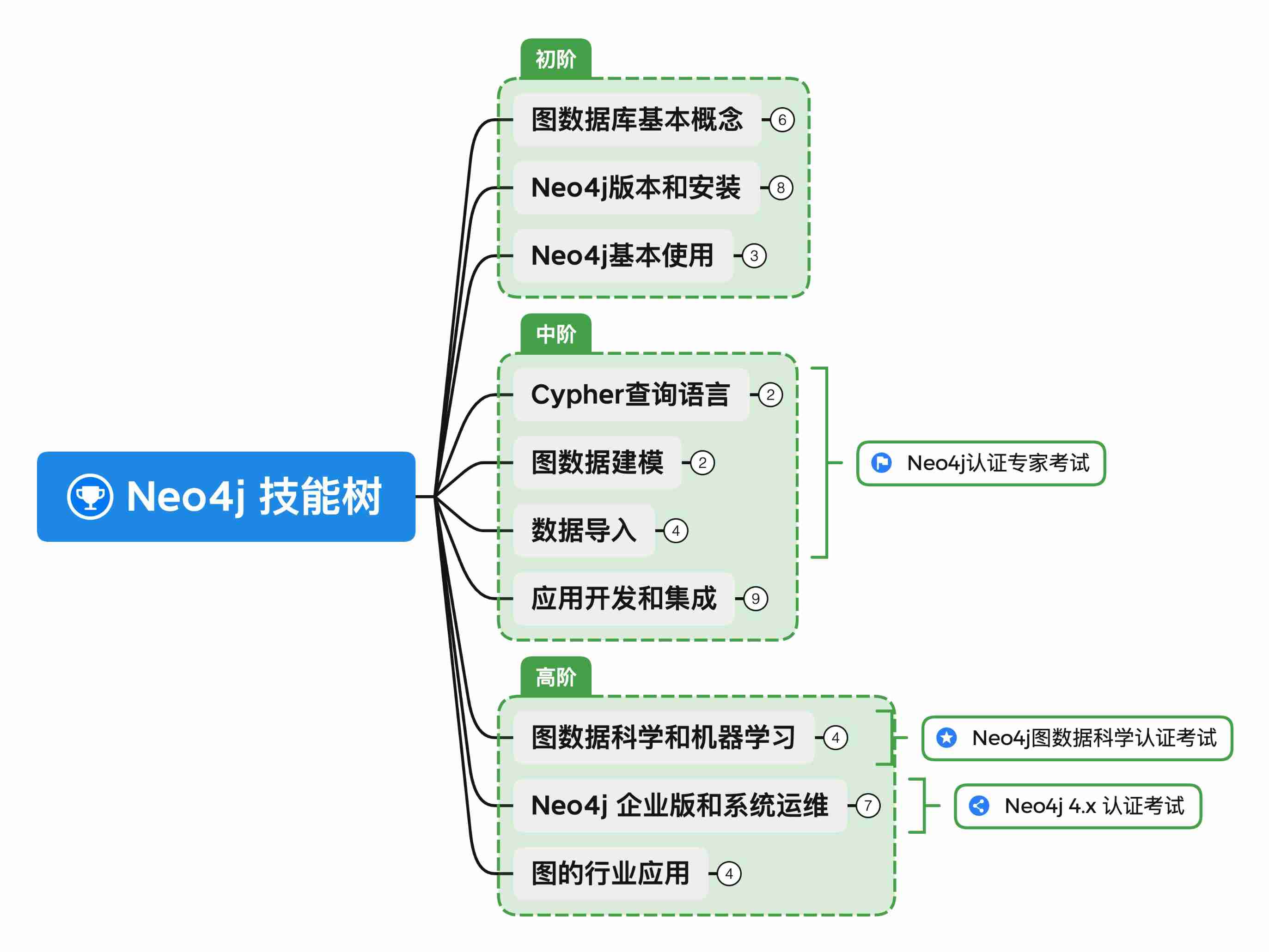
The neo4j skill tree was officially released to help you easily master the neo4j map database
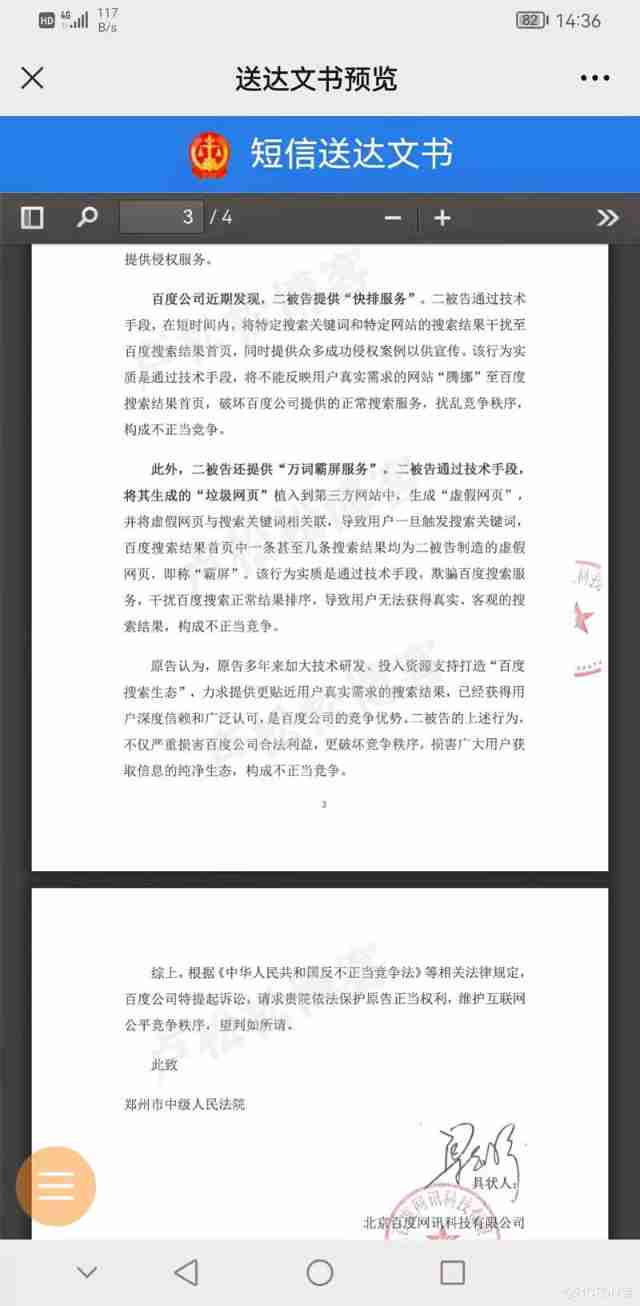
Baidu sued a company called "Ciba screen"

The failure rate is as high as 80%. What should we do about digital transformation?

Etcd Raft 协议
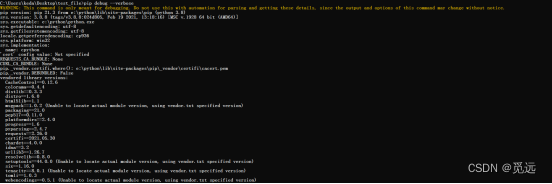
Error in PIP installation WHL file: error: is not a supported wheel on this platform

MySQL learning record (8)
随机推荐
Analysis of enterprise financial statements [4]
Pyqt picture decodes and encodes and loads pictures
Cloud computing technology [1]
Off chip ADC commissioning record
暑期第一周总结
Construction and maintenance of business websites [8]
beginning
pip安装whl文件报错:ERROR: ... is not a supported wheel on this platform
The neo4j skill tree was officially released to help you easily master the neo4j map database
Oriental Aesthetics and software design
MySQL learning record (5)
【剑指 Offer】57. 和为s的两个数字
The web version of xshell supports FTP connection and SFTP connection [detailed tutorial] continued from the previous article
Browser - clean up the cache of JS in the page
A specially designed loss is used to deal with data sets with unbalanced categories
Construction and maintenance of business website [3]
ArrayList分析2 :Itr、ListIterator以及SubList中的坑
Construction and maintenance of business websites [9]
Construction and maintenance of business websites [4]
100 important knowledge points that SQL must master: management transaction processing