当前位置:网站首页>Dell PowerEdge Server R450 RAID Configuration Steps
Dell PowerEdge Server R450 RAID Configuration Steps
2022-08-01 05:35:00 【And hear the wind whisper of TMJ】
1. Press F2 to enter the settings (the boot map is found online, the interface is basically the same as the R450)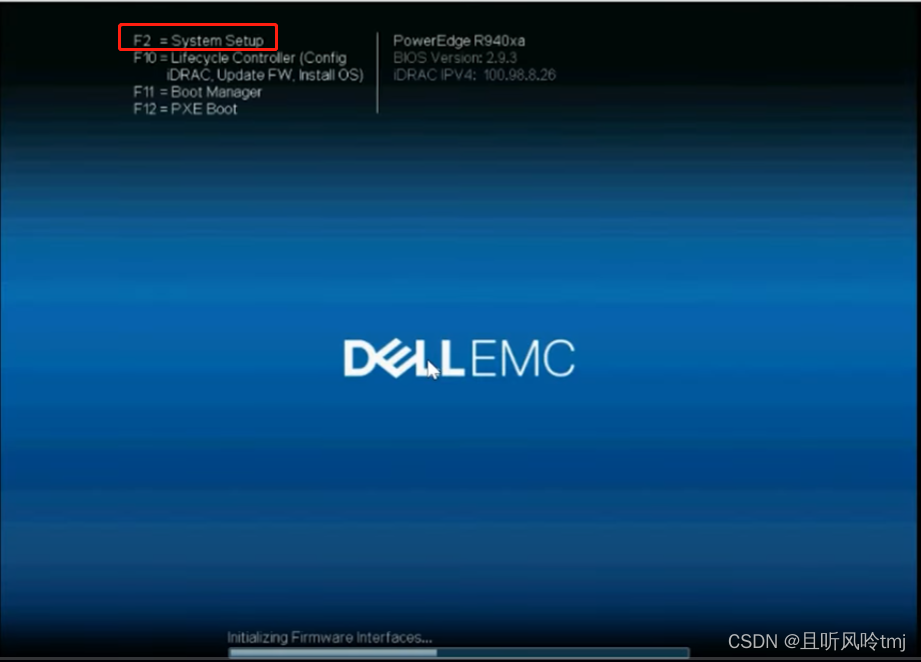
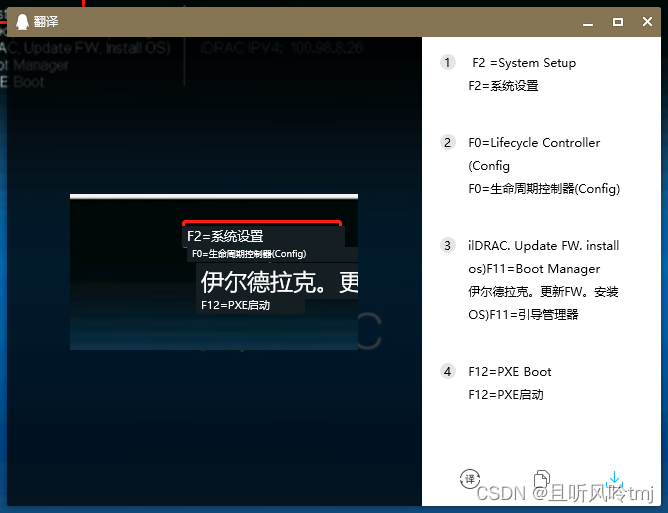
2. Enter device settings
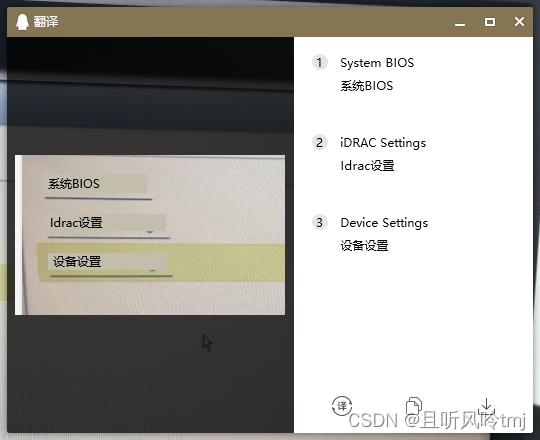
3. Select the first one to enter the RAID controller

4. Enter the main menu
5. Here I will first take a look at my current RAID situation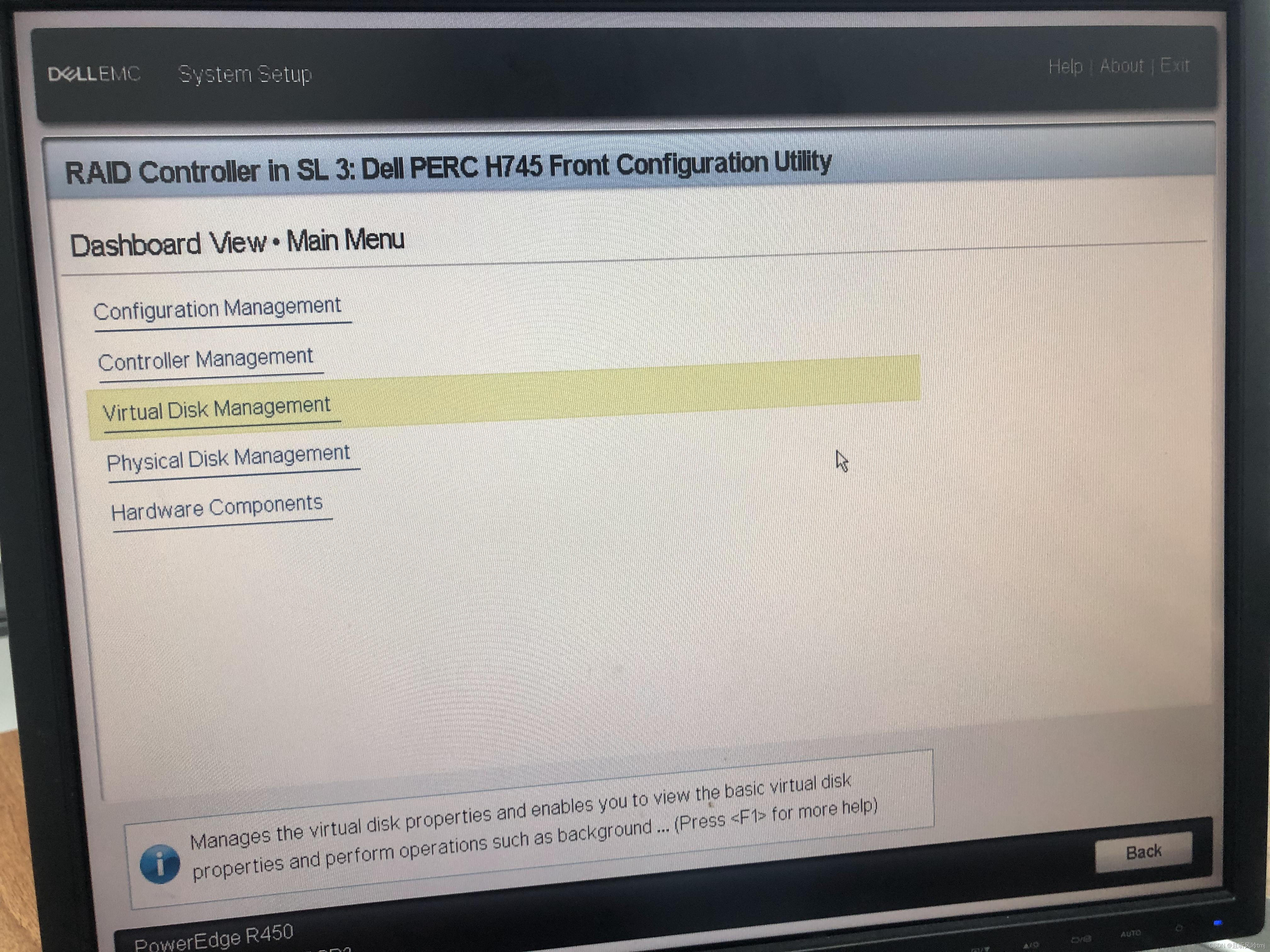
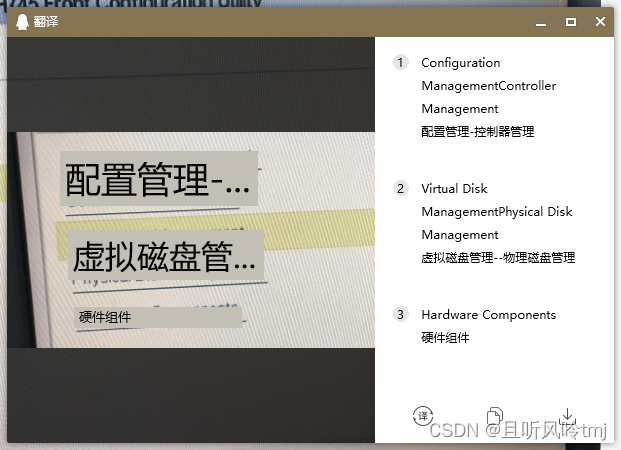
6.1 Select the 4th physical disk management, you can see that there are 4 physical disks on my server that are already online.Two 500G SSDs are used as a RAID1 system, two 8T HDDs are used to mount data, and centos7 system is installed~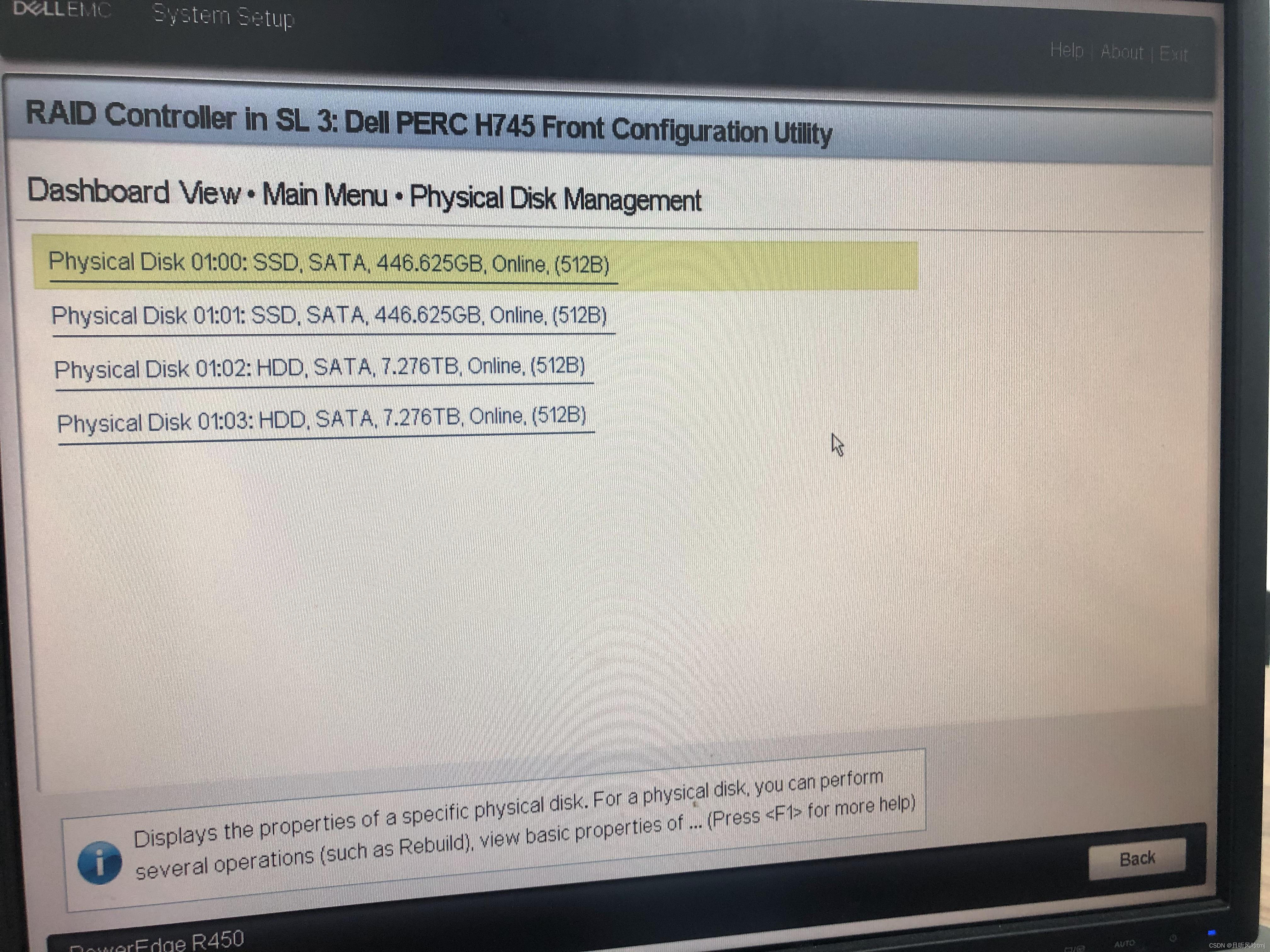
6.2, you can see that I currently have a RAID1 array, which is a RAID made by my two 500G solid-state hard drives, which is going to be used to install the system
7. Press ESC to return to the main menu, select the first one,Enter configuration management menu
8. Select the second one to create a virtual disk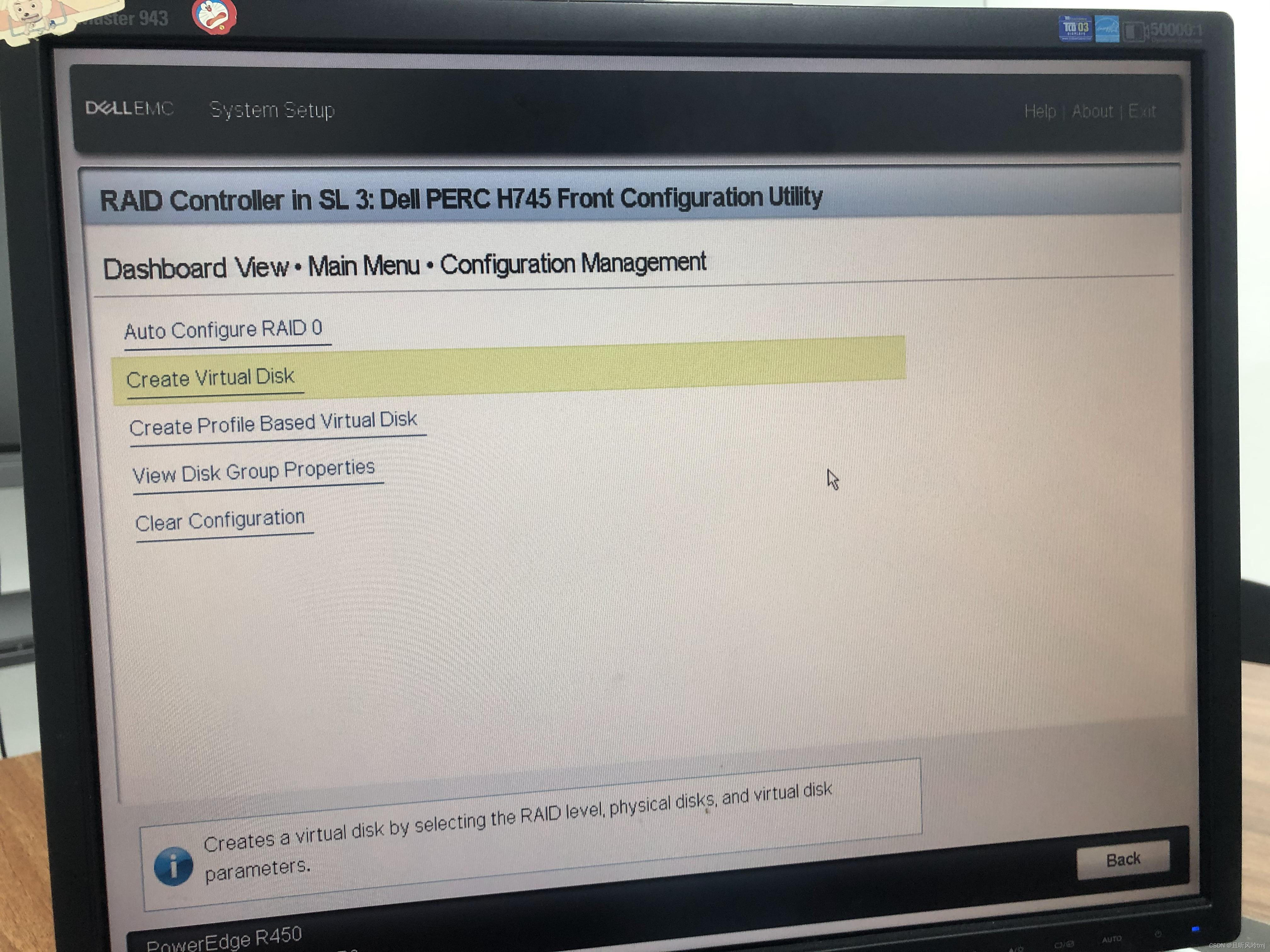
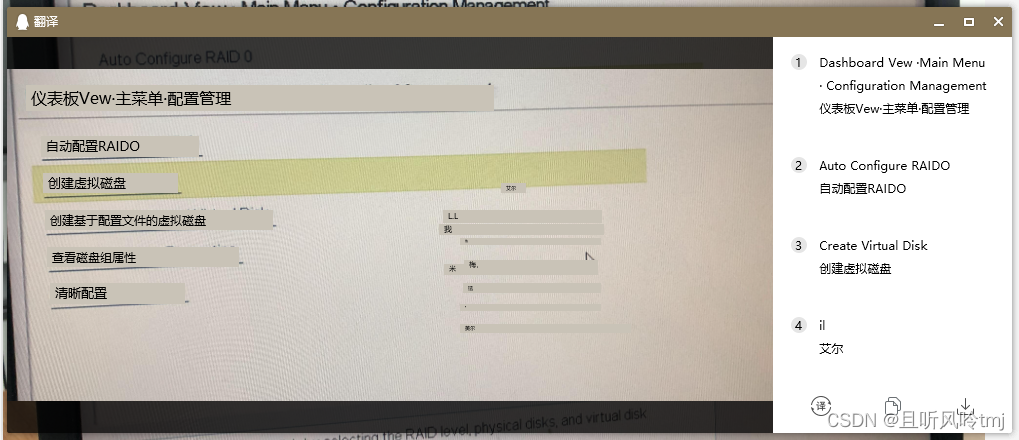
9. As requiredRAID0 or RAID1 is required, other defaults are fine, go to select Physical Disks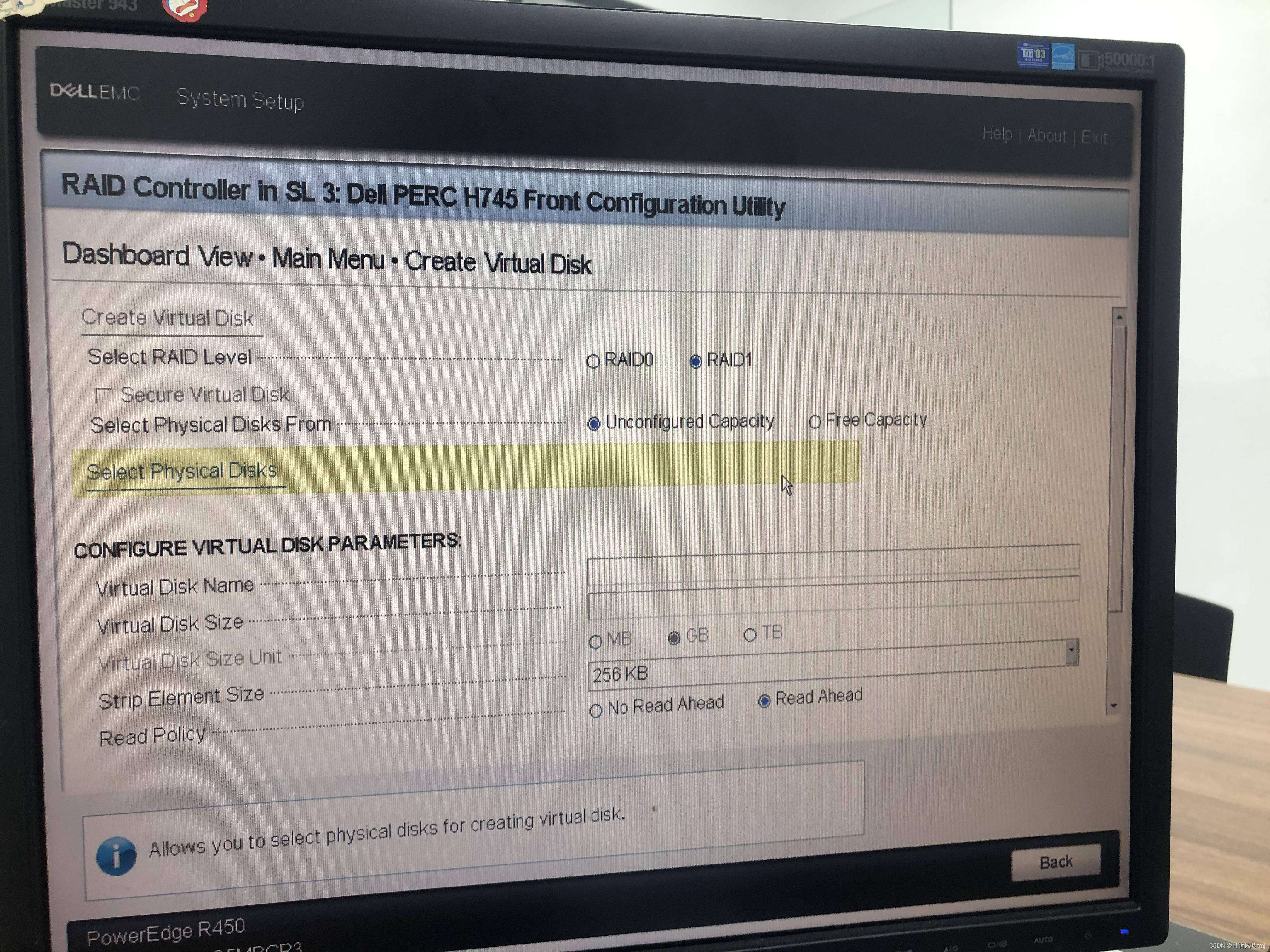
10. Just select the default selection above, check the physical hard disk to be configured, and then select Apply Changes to apply the changes
11. Select ok
12. Others are by default. Name can be filled in or not. Mainly choose fast format, and then choose to create a virtual disk at the bottom
13. Check Confirm to select yes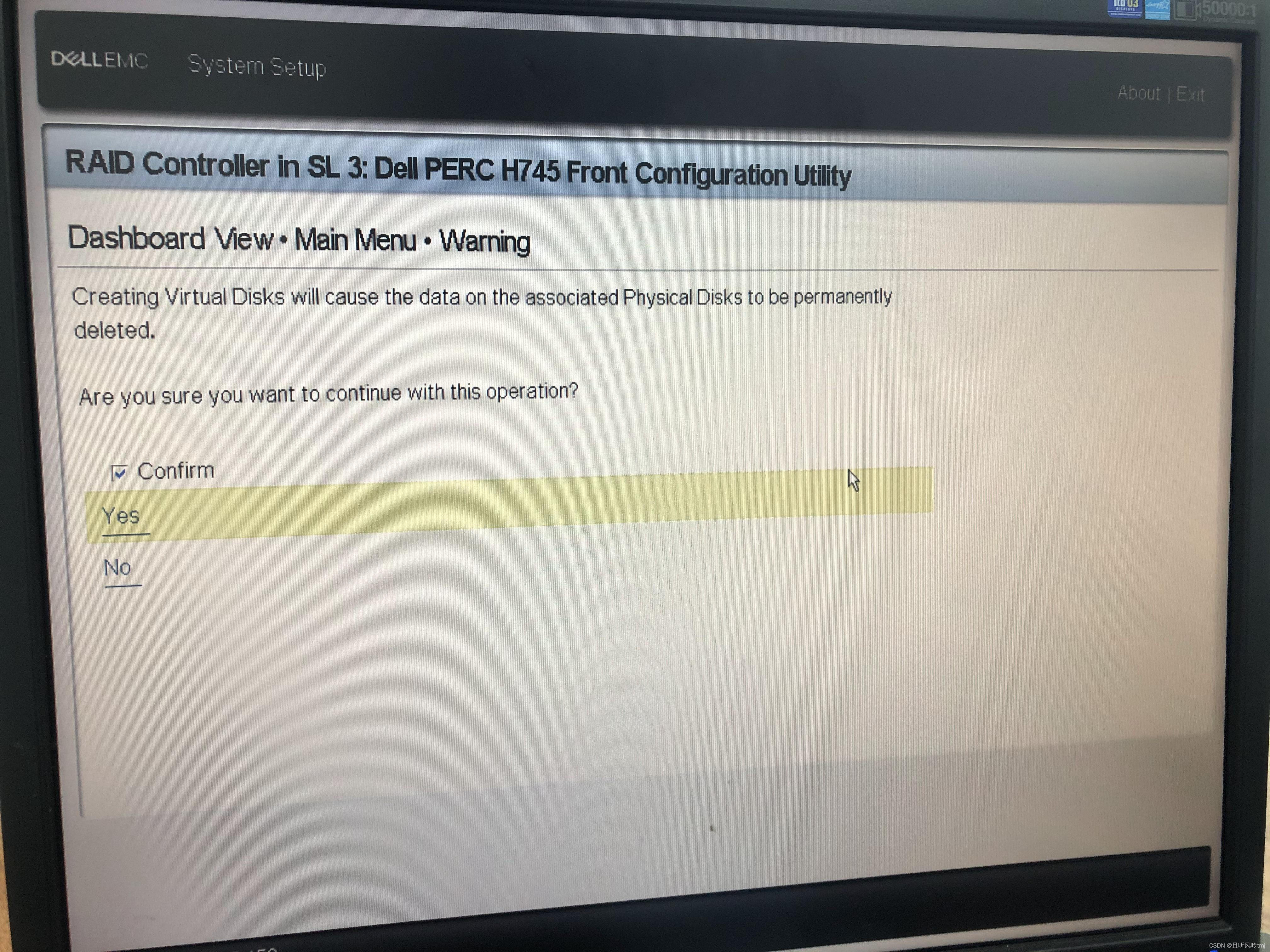
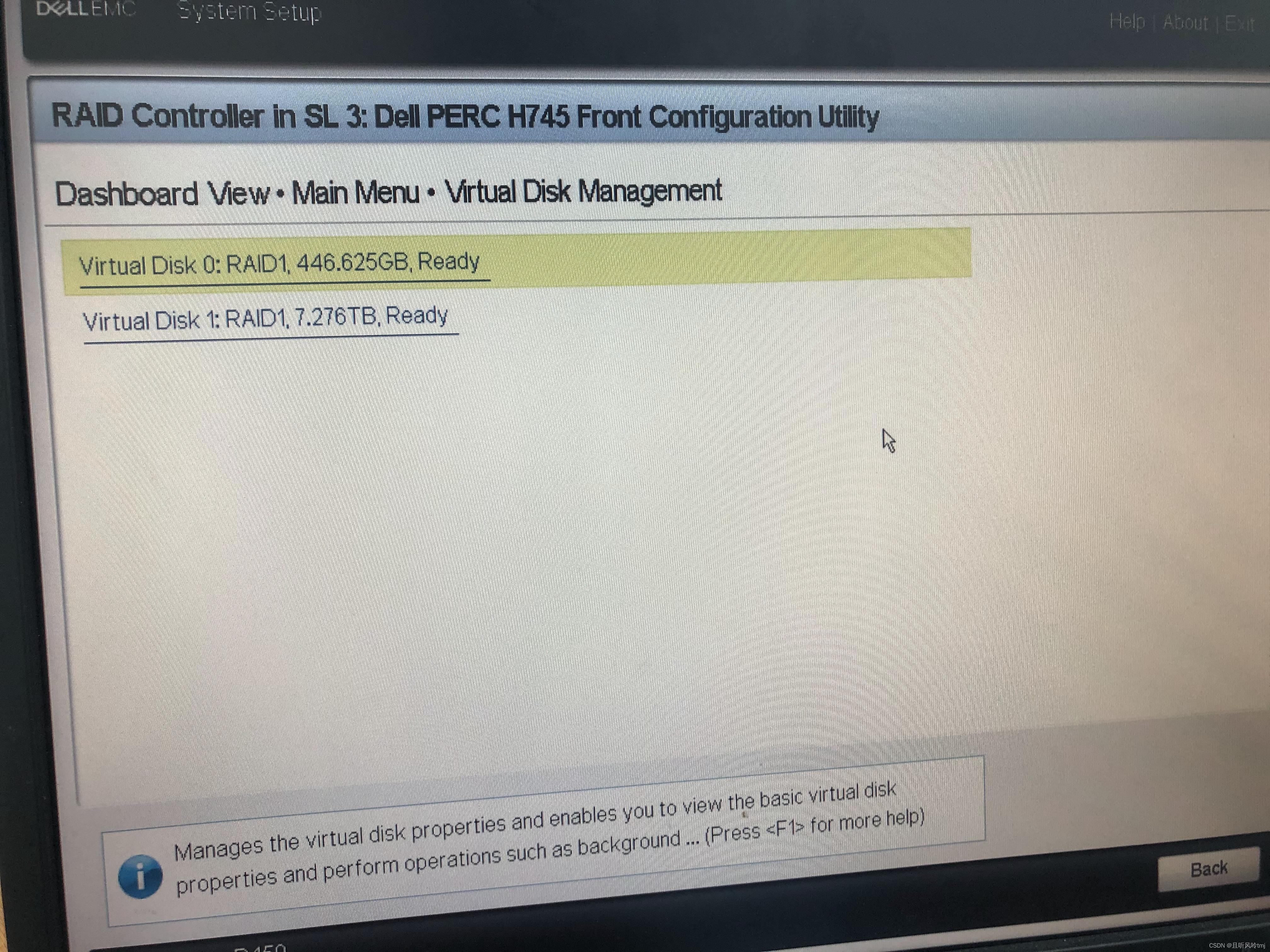
14. At this time, re-enter the virtual disk management to see the RAID situation. You can see that there are already two RAID1s. The one below is the two we just configured.8T mechanical hard disk group RAID1 array
15. See the article on server configuration on CSDNMore, I will share an article about installing centos7 system on Dell servers later, I hope to help those who need it, and make a note for myself~
边栏推荐
猜你喜欢
DL-31/6电流继电器
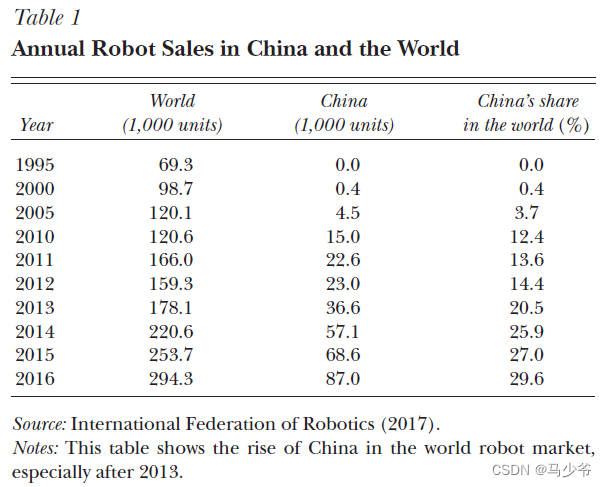
中国的机器人增长

Hunan institute of technology in 2022 ACM training sixth week antithesis

Dialogue with the father of MySQL: One excellent programmer is worth 5 ordinary programmers

pytroch、tensorflow对比学习—专栏介绍
Flip letters using string container
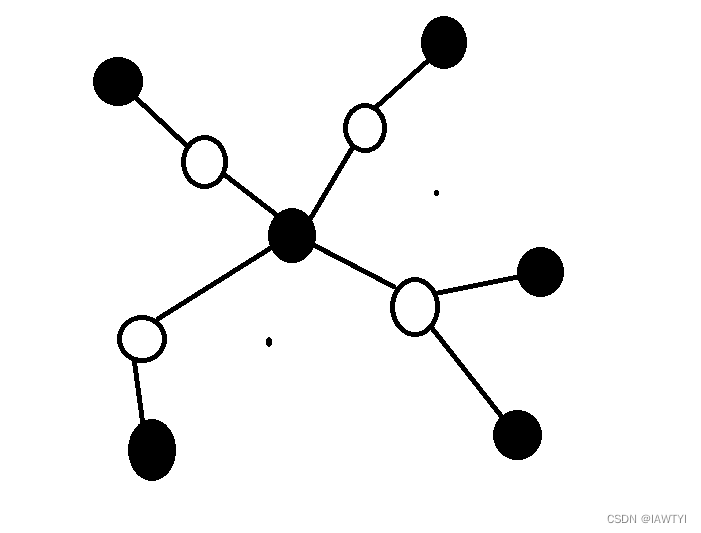
2022.7.26 Mock Competition
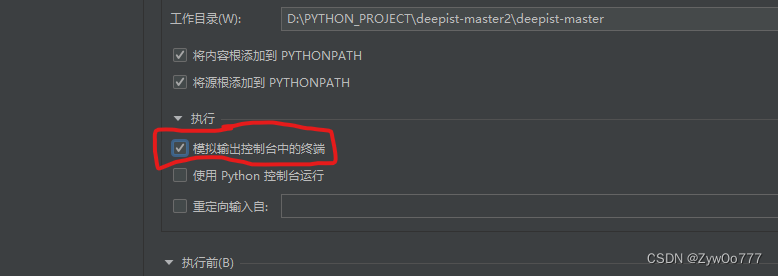
PaddleX部署推理模型和GUI界面测试结果不一致的解决方法
Matlab simulink particle swarm optimization fuzzy pid control motor pump

Robot_Framework:关键字
随机推荐
After the image is updated, Glide loading is still the original image problem
2022.7.26 模拟赛
uva10825
将CSV文件快速导入MySQL中
2022年湖南工学院ACM集训第六次周测题解
matplotlib pyplot
七、MFC序列化机制和序列化类对象
Selenium:浏览器操作
Matlab simulink particle swarm optimization fuzzy pid control motor pump
滚动条样式修改
Check控件
【翻译】确保云原生通信的安全:从入口到服务网及更远的地方
Causes and solutions of lock table
中国的机器人增长
SL-12/2过流继电器
Qt Widget project loading example of qml
leetcode125 Verify palindrome string
Robot_Framework: keyword
Selenium:元素等待
JWL-11/2-99.9A电流继电器