当前位置:网站首页>Fabric.js 将本地图像上传到画布背景
Fabric.js 将本地图像上传到画布背景
2022-07-02 05:08:00 【德育处主任】
本文介绍
我使用 Fabric.js 的版本是 4.6.0。
这次要实现的效果是:在本地上传一张图片,然后渲染到 canvas 里(当做背景图)。
我会用 原生 的方法实现一次,然后再在 Vue3 + Element-plus 环境下实现一次。
最后聊聊我在真实项目中的做法。

<br>
需求:
- 通过点击上传按钮上传图片
- 拿到图片,放到画布上渲染
需要注意的是,本文主要实现 上传图片并渲染到画布 的逻辑,所以没有做上传文件类型的限制,也没做文件大小限制。如果你的业务中需要限制文件类型,只需在本案例基础上添加限制的方法就行了。
<br>
本文所有代码都在文末给出的仓库里。
如果本文内容对你有所帮助,也请你帮我点个赞呗~
<br><br>
原生操作
通过 <input type="file" /> 获取图片路径,会受到浏览器安全策略影响,所以需要处理一下。
实现逻辑:
- 定义好 上传按钮 和 画布(HTML部分);
- 初始化画布;
- 点击上传按钮 获取图片地址(这里需要处理一下安全策略的问题);
- 拿到图片路径,使用
canvas.setBackgroundImage将图片设置成画布背景; - 在
canvas.setBackgroundImage的回调函数里刷新一下画布;
<br>
<div> <input type="file" name="file" id="upload" onchange="handleUpload()" /> <button onclick="saveCanvas()">保存</button></div><canvas id="canvas" width="600" height="600" style="border: 1px solid #ccc;"></canvas><!-- 引入fabric.js --><script src="https://cdn.bootcdn.net/ajax/libs/fabric.js/460/fabric.js"></script><script>// 上传文件的DOM元素const uploadEl = document.getElementById("upload")// 画布let canvas = null// 初始化画布function initCanvas() { canvas = new fabric.Canvas('canvas')}// 上传文件事件function handleUpload() { // 上传文件列表的第一个文件 const file = uploadEl.files[0] // 图片文件的地址 let imgPath = null // 获取图片文件真实路径 // 由于浏览器安全策略,现在需要这么做了 // 这段代码是网上复制下来的,想深入理解的可以百度搜搜 “C:\fakepath\” if (window.createObjcectURL != undefined) { imgPath = window.createOjcectURL(file); } else if (window.URL != undefined) { imgPath = window.URL.createObjectURL(file); } else if (window.webkitURL != undefined) { imgPath = window.webkitURL.createObjectURL(file); } // 设置画布背景,并刷新画布 canvas.setBackgroundImage( imgPath, canvas.renderAll.bind(canvas) )}// 保存画布function saveCanvas() { let data = canvas.toJSON() console.log(data)}window.onload = function() { initCanvas()}</script>上面的实现方式,如果是在纯前端的环境下,保存时背景图是地址是本地地址( "blob:http://127.0.0.1:5500/383e7860-3fa5-43b9-92d9-e7165760e60b" )。
这样其实不是很好,如果在别的电脑想通过 反序列化 渲染出来的时候,可能会出现一点问题。
<br>
如果纯前端实现的方式,可以将图片转成 base64 再生成背景图。
fabric.Image.fromURL( imgPath, // 真实图片地址 img => { // 将图片设置再画布上,然后重新渲染画布,图片就出来了。 canvas.setBackgroundImage( img, // 要设置的图片 canvas.renderAll.bind(canvas) // 重新渲染画布 ) })<br><br>
在 element-plus 里的操作
我使用了 vue3 + element-plus 。
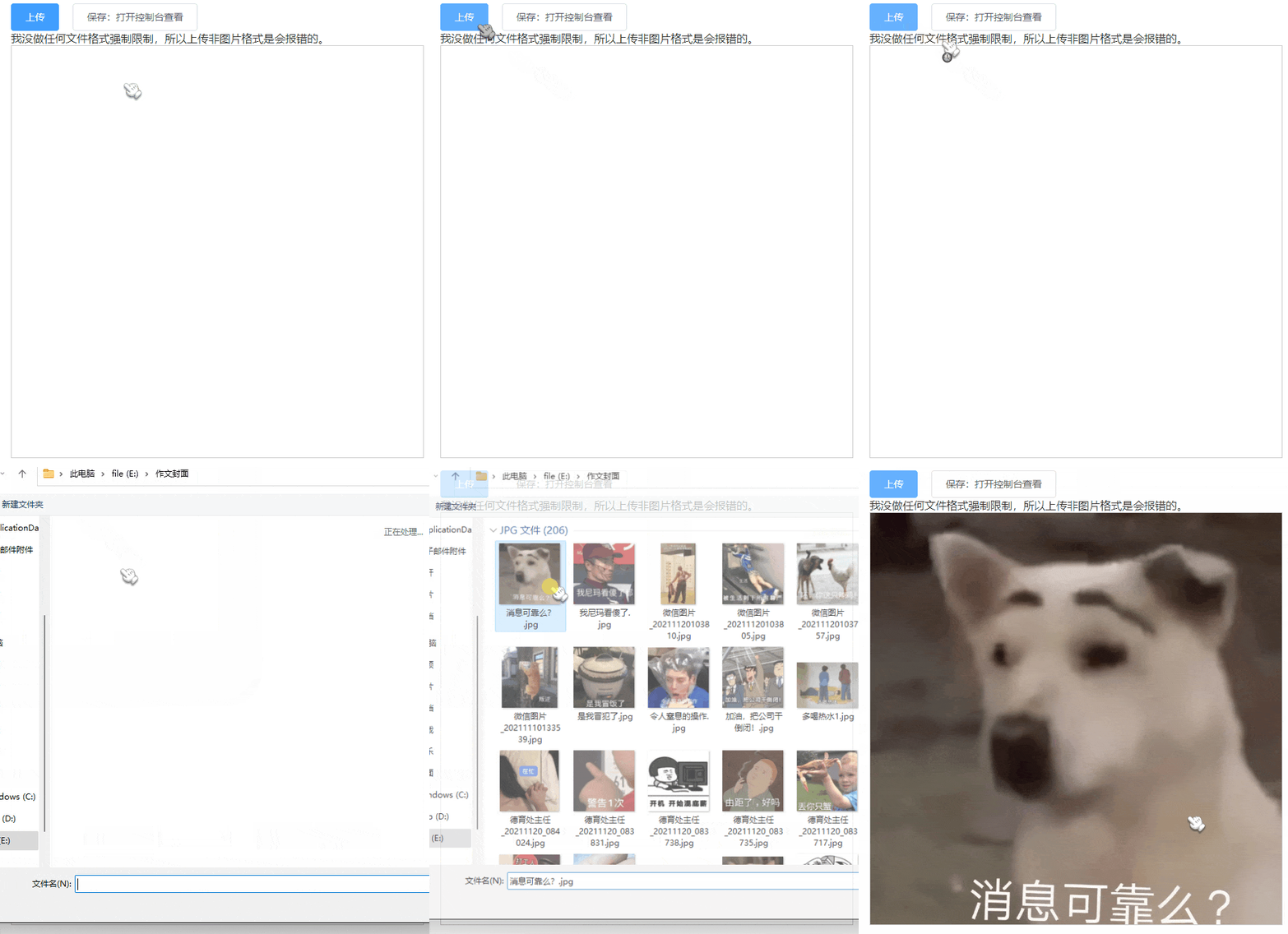
实现逻辑和原生方法一样。 唯一不同的是本例用了 el-upload 这个组件。 我将图片文件转成 base64 再放进画布。
<template> <div> <div class="btn__x"> <!-- 上传组件 --> <el-upload action="https://jsonplaceholder.typicode.com/posts/" :multiple="false" :show-file-list="false" :limit="1" accept=".jpg,.png" :before-upload="onProgress" > <el-button type="primary">上传</el-button> </el-upload> <!-- 保存按钮(序列化) --> <el-button @click="saveCanvas">保存:打开控制台查看</el-button> </div> <!-- 画布 --> <canvas id="canvas" width="600" height="600" style="border: 1px solid #ccc;"></canvas> </div></template><script setup>import { onMounted, ref } from 'vue'import { useStore } from 'vuex'import { fabric } from 'fabric'const store = useStore()// 画布let canvas = null// 上传function onProgress(file) { // 拿图片文件 const reader = new FileReader() reader.readAsDataURL(file) // 图片文件完全拿到后执行 reader.onload = () => { // 转换成base64格式 const base64Img = reader.result // 将base64图片设置成背景 canvas.setBackgroundImage( base64Img, canvas.renderAll.bind(canvas) // 刷新画布 ) } return false}// 初始化画布function init() { canvas = new fabric.Canvas('canvas')}// 保存function saveCanvas() { console.log(canvas.toJSON())}// 页面加载完成后,初始化画布onMounted(() => { init()})</script><style lang="scss" scoped>.btn__x { display: flex; .el-button { margin-right: 20px; }}</style><br><br>
在正式开发中
在正式的项目开发中,上面两种情况出现的概率应该不多(除非你的后端伙伴是个懒人)
先说说上面两种情况存在的问题:
- 图片路径是本地地址,保存到服务器是没意义的。
- 转成 base64 来保存,字段可能会很大。
<br>
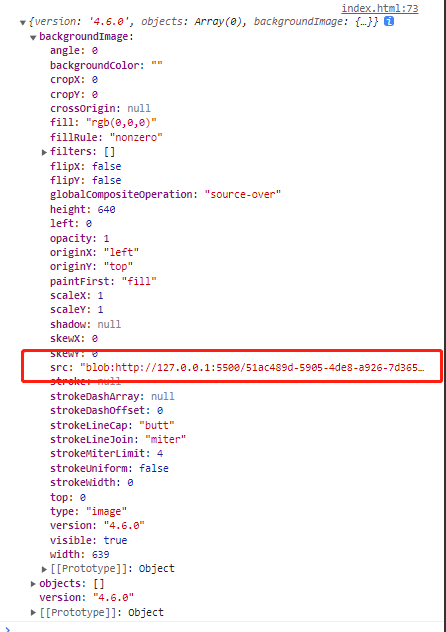
这种情况放到服务器可能没什么用的。 127.0.0.1 是你本机的,你上传的图片在别人的电脑可能无法查看。
<br>
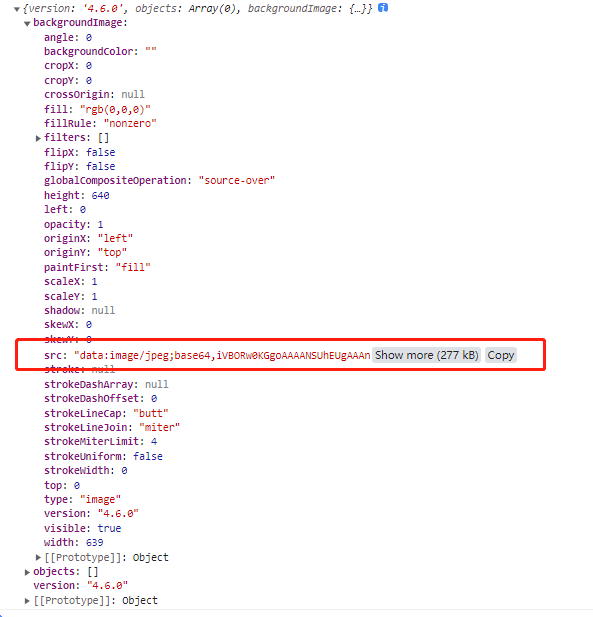
这种情况虽然问题不大,但 backgroundImage.src 的值有点大。
<br>
我在项目中的做法:
- 前端上传图片给后端
- 后端把图片存到服务器,然后返回一个图片url给前端
- 前端拿到图片url,再放到
fabric里渲染出来
这样做的好处是 backgroundImage.src 的值变短了。
<br>
在正式项目中,你可能还要考虑到背景图的大小和画布大小不匹配问题。 你可以参考 《Fabric.js 从入门到膨胀》 中 “拉伸背景图” 这小节。
<br><br>
代码仓库
<br><br>
推荐阅读
《Fabric.js 从入门到膨胀》 <br> 《Fabric.js 渐变效果(包括径向渐变)》 <br> 《Fabric.js 3个api设置画布宽高》 <br> 《Fabric.js 自定义右键菜单》 <br> 《Fabric.js 更换图片的3种方法(包括更换分组内的图片,以及存在缓存的情况)》 <br>
如果本文内容对你有所帮助,也请你帮我点个赞呗~点赞 + 关注 + 收藏 = 学会了
边栏推荐
- Paddlepaddle project source code
- Express logistics quick query method, set the unsigned doc No. to refresh and query automatically
- Use of Baidu map
- Summary of database problems
- There are duplicate elements in leetcode. Go implementation
- Collectors.groupingBy 排序
- 数学知识(欧拉函数)
- Analyzing the hands-on building tutorial in children's programming
- Cultivate primary and secondary school students' love for educational robots
- Differential identities (help find mean, variance, and other moments)
猜你喜欢
Pyechats 1.19 generate a web version of Baidu map

Common errors of dmrman offline backup
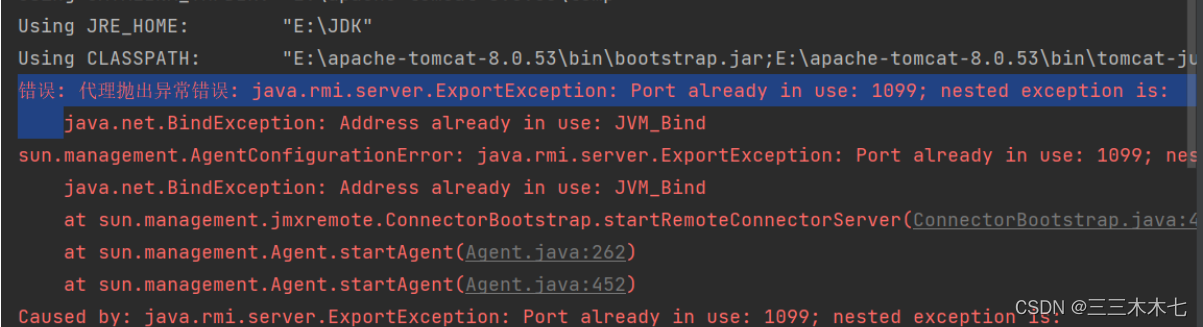
解决:代理抛出异常错误

Rhcsa --- work on the fourth day

Using Kube bench and Kube hunter to evaluate the risk of kubernetes cluster
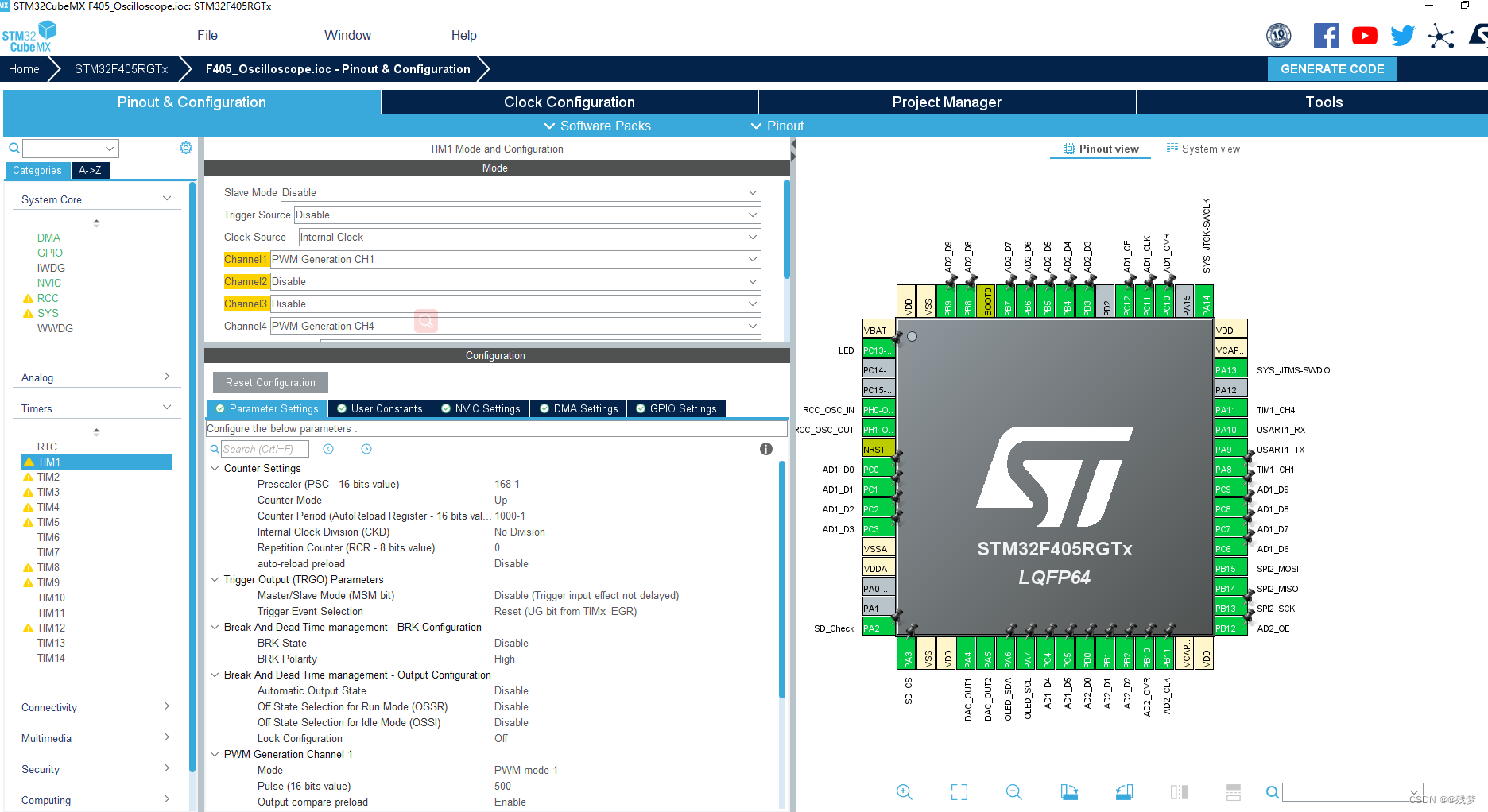
CubeMx DMA笔记

Lay the foundation for children's programming to become a basic discipline
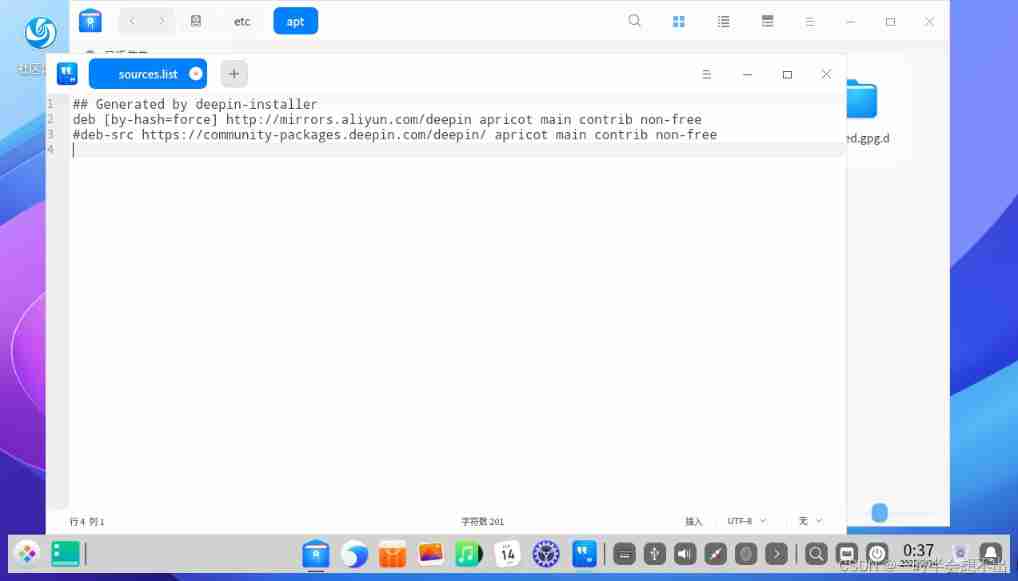
Change deepin to Alibaba image source

Online incremental migration of DM database
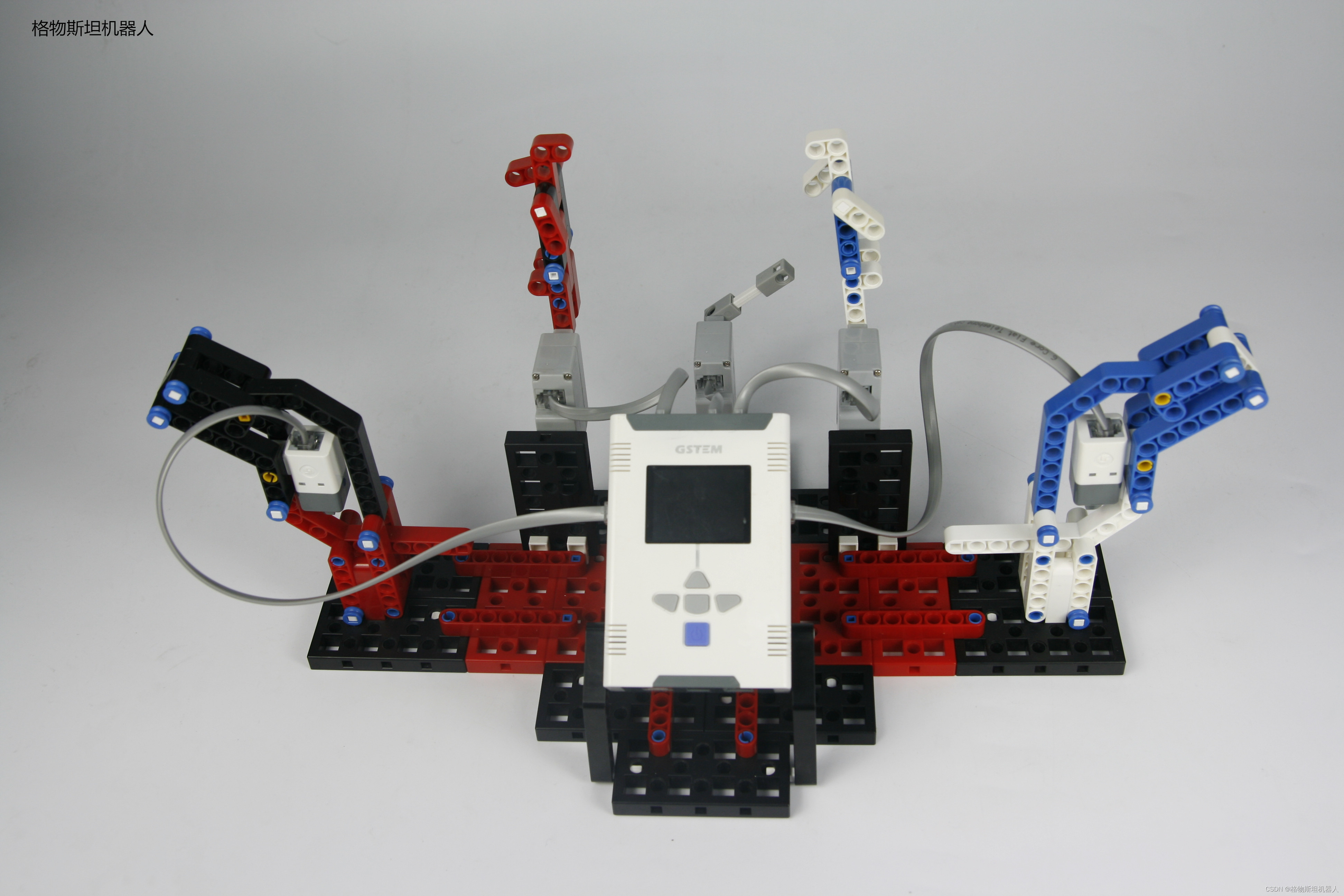
Steam教育的实际问题解决能力
随机推荐
LeetCode 241. 为运算表达式设计优先级(分治/记忆化递归/动态规划)
The El cascader echo only selects the questions that are not displayed
Paddlepaddle project source code
Precipitate yourself and stay up late to sort out 100 knowledge points of interface testing professional literacy
Global and Chinese markets for marine selective catalytic reduction systems 2022-2028: Research Report on technology, participants, trends, market size and share
Getting started with pytest ----- confitest Application of PY
Go GC garbage collection notes (three color mark)
[common error] the DDR type of FPGA device is selected incorrectly
List of common bugs in software testing
Use of typescript classes
Lay the foundation for children's programming to become a basic discipline
C case of communication between server and client based on mqttnet
Implementation of go language for deleting duplicate items in sorting array
Application d'un robot intelligent dans le domaine de l'agroécologie
Black Horse Notes - - set Series Collection
el form 表单validate成功后没有执行逻辑
Feign realizes file uploading and downloading
6.30年终小结,学生时代结束
在{{}}中拼接字符
培养中小学生对教育机器人的热爱之心