当前位置:网站首页>OAuth2:资源服务器
OAuth2:资源服务器
2022-07-31 14:05:00 【Leon_Jinhai_Sun】
基于@EnableResourceServer实现
前面我们讲解了将我们的服务作为单点登陆应用直接实现单点登陆,那么现在我们如果是以第三方应用进行访问呢?这时我们就需要将我们的服务作为资源服务了,作为资源服务就不会再提供验证的过程,而是直接要求请求时携带Token,而验证过程我们这里就继续用Postman来完成,这才是我们常见的模式。
一句话来说,跟上面相比,我们只需要携带Token就能访问这些资源服务器了,客户端被独立了出来,用于携带Token去访问这些服务。
我们也只需要添加一个注解和少量配置即可:
@EnableResourceServer
@SpringBootApplication
public class BookApplication {
    public static void main(String[] args) {
        SpringApplication.run(BookApplication.class, args);
    }
}
配置中只需要:
security:
  oauth2:
    client:
    	#基操
      client-id: web
      client-secret: 654321
    resource:
    	#因为资源服务器得验证你的Token是否有访问此资源的权限以及用户信息,所以只需要一个验证地址
      token-info-uri: http://localhost:8500/sso/oauth/check_token
配置完成后,我们启动服务器,直接访问会发现:

这是由于我们的请求头中没有携带Token信息,现在有两种方式可以访问此资源:
- 在URL后面添加
access_token请求参数,值为Token值
- 在请求头中添加
Authorization,值为Bearer +Token值
我们先来试试看最简的一种:

另一种我们需要使用Postman来完成:

添加验证信息后,会帮助我们转换成请求头信息:


这样我们就将资源服务器搭建完成了。
我们接着来看如何对资源服务器进行深度自定义,我们可以为其编写一个配置类,比如我们现在希望用户授权了某个Scope才可以访问此服务:
@Configuration
public class ResourceConfiguration extends ResourceServerConfigurerAdapter { //继承此类进行高度自定义

    @Override
    public void configure(HttpSecurity http) throws Exception {  //这里也有HttpSecurity对象,方便我们配置SpringSecurity
        http
                .authorizeRequests()
                .anyRequest().access("#oauth2.hasScope('lbwnb')");  //添加自定义规则
      					//Token必须要有我们自定义scope授权才可以访问此资源
    }
}可以看到当没有对应的scope授权时,那么会直接返回insufficient_scope错误:

不知道各位是否有发现,实际上资源服务器完全没有必要将Security的信息保存在Session中了,因为现在只需要将Token告诉资源服务器,那么资源服务器就可以联系验证服务器,得到用户信息,就不需要使用之前的Session存储机制了,所以你会发现HttpSession中没有SPRING_SECURITY_CONTEXT,现在Security信息都是通过连接资源服务器获取。
接着我们将所有的服务都
但是还有一个问题没有解决,我们在使用RestTemplate进行服务间的远程调用时,会得到以下错误:

实际上这是因为在服务调用时没有携带Token信息,我们得想个办法把用户传来的Token信息在进行远程调用时也携带上,因此,我们可以直接使用OAuth2RestTemplate,它会在请求其他服务时携带当前请求的Token信息。它继承自RestTemplate,这里我们直接定义一个Bean:
@Configuration
public class WebConfiguration {

    @Resource
    OAuth2ClientContext context;

    @Bean
    public OAuth2RestTemplate restTemplate(){
        return new OAuth2RestTemplate(new ClientCredentialsResourceDetails(), context);
    }
}
接着我们直接替换掉之前的RestTemplate即可:
@Service
public class BorrowServiceImpl implements BorrowService {

    @Resource
    BorrowMapper mapper;

    @Resource
    OAuth2RestTemplate template;

    @Override
    public UserBorrowDetail getUserBorrowDetailByUid(int uid) {
        List<Borrow> borrow = mapper.getBorrowsByUid(uid);
        User user = template.getForObject("http://localhost:8101/user/"+uid, User.class);
        //获取每一本书的详细信息
        List<Book> bookList = borrow
                .stream()
                .map(b -> template.getForObject("http://localhost:8201/book/"+b.getBid(), Book.class))
                .collect(Collectors.toList());
        return new UserBorrowDetail(user, bookList);
    }
}
可以看到服务成功调用了:

现在我们来将Nacos加入,并通过Feign实现远程调用。
依赖还是贴一下,不然找不到:
<dependency>
    <groupId>com.alibaba.cloud</groupId>
    <artifactId>spring-cloud-alibaba-dependencies</artifactId>
    <version>2021.0.1.0</version>
    <type>pom</type>
    <scope>import</scope>
</dependency>
<dependency>
<groupId>com.alibaba.cloud</groupId>
<artifactId>spring-cloud-starter-alibaba-nacos-discovery</artifactId>
</dependency>
<dependency>
<groupId>org.springframework.cloud</groupId>
<artifactId>spring-cloud-starter-loadbalancer</artifactId>
</dependency>所有服务都已经注册成功了:

接着我们配置一下借阅服务的负载均衡:
@Configuration
public class WebConfiguration {

    @Resource
    OAuth2ClientContext context;

    @LoadBalanced   //和RestTemplate一样直接添加注解就行了
    @Bean
    public OAuth2RestTemplate restTemplate(){
        return new OAuth2RestTemplate(new ClientCredentialsResourceDetails(), context);
    }
}
现在我们来把它替换为Feign,老样子,两个客户端:
@FeignClient("user-service")
public interface UserClient {

    @RequestMapping("/user/{uid}")
    User getUserById(@PathVariable("uid") int uid);
}
@FeignClient("book-service")
public interface BookClient {
@RequestMapping("/book/{bid}")
Book getBookById(@PathVariable("bid") int bid);
}但是配置完成之后,又出现刚刚的问题了,OpenFeign也没有携带Token进行访问:

那么怎么配置Feign携带Token访问呢?遇到这种问题直接去官方查:https://docs.spring.io/spring-cloud-openfeign/docs/current/reference/html/#oauth2-support,非常简单,两个配置就搞定:
feign:
  oauth2:
  	#开启Oauth支持,这样就会在请求头中携带Token了
    enabled: true
    #同时开启负载均衡支持
    load-balanced: true
重启服务器,可以看到结果OK了:

这样我们就成功将之前的三个服务作为资源服务器了,注意和我们上面的作为客户端是不同的,将服务直接作为客户端相当于只需要验证通过即可,并且还是要保存Session信息,相当于只是将登录流程换到统一的验证服务器上进行罢了。而将其作为资源服务器,那么就需要另外找客户端(可以是浏览器、小程序、App、第三方服务等)来访问,并且也是需要先进行验证然后再通过携带Token进行访问,这种模式是我们比较常见的模式。
边栏推荐
- Text similarity calculation (Chinese and English) detailed explanation of actual combat
- 3.爬虫之Scrapy框架1安装与使用
- C# Get network card information NetworkInterface IPInterfaceProperties
- The Selenium IDE of the Selenium test automation
- 【Pytorch】F.softmax()方法说明
- 尚硅谷-JVM-内存和垃圾回收篇(P1~P203)
- Selenium自动化测试之Selenium IDE
- 一篇文章讲清楚!数据库和数据仓库到底有什么区别和联系?
- In the future, the interviewer asks you why it is not recommended to use Select *, please answer him out loud!
- 深度剖析 Apache EventMesh 云原生分布式事件驱动架构
猜你喜欢

C# control ListView usage

Why do we need to sub-library and sub-table?
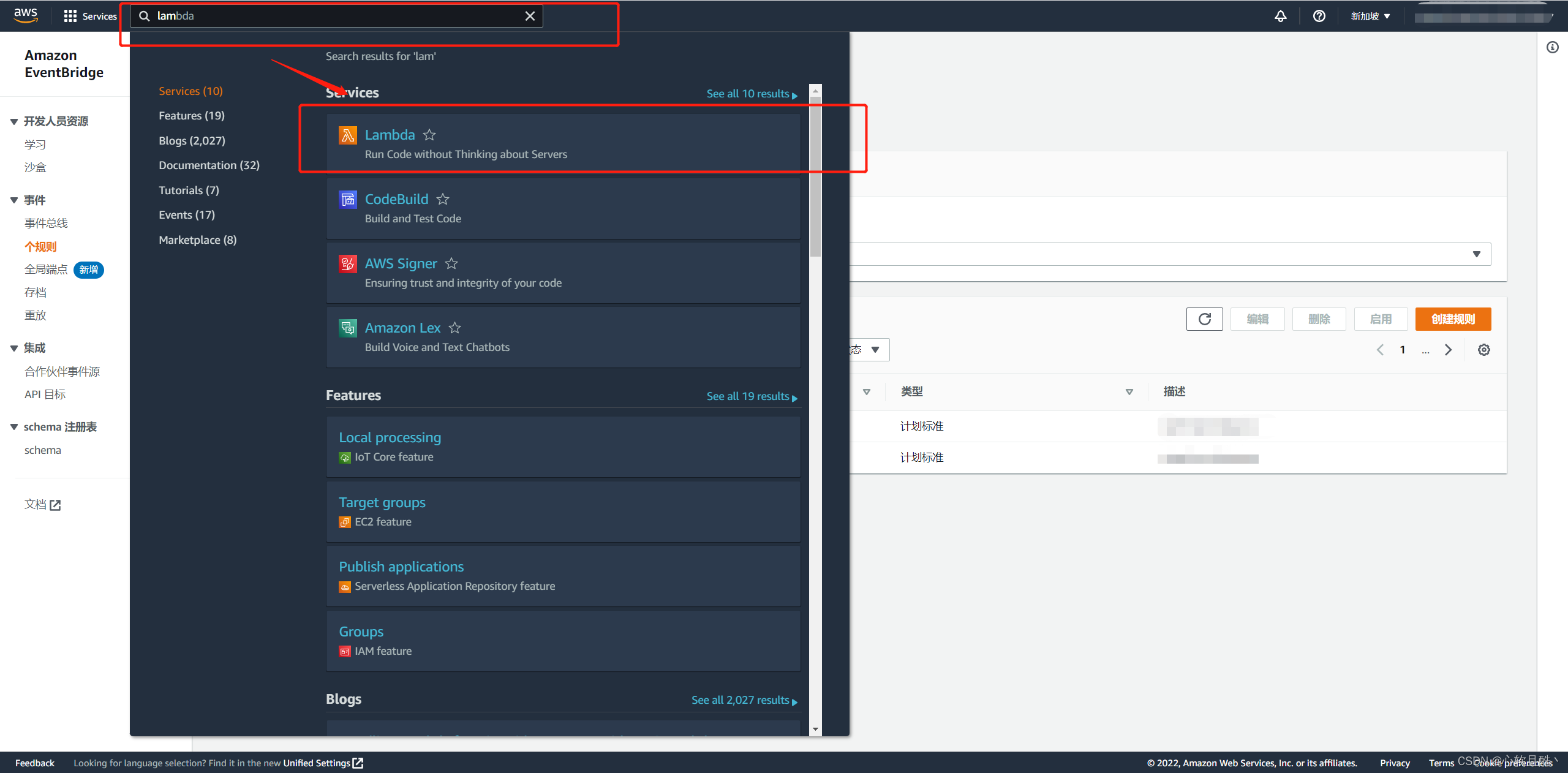
AWS实现定时任务-Lambda+EventBridge
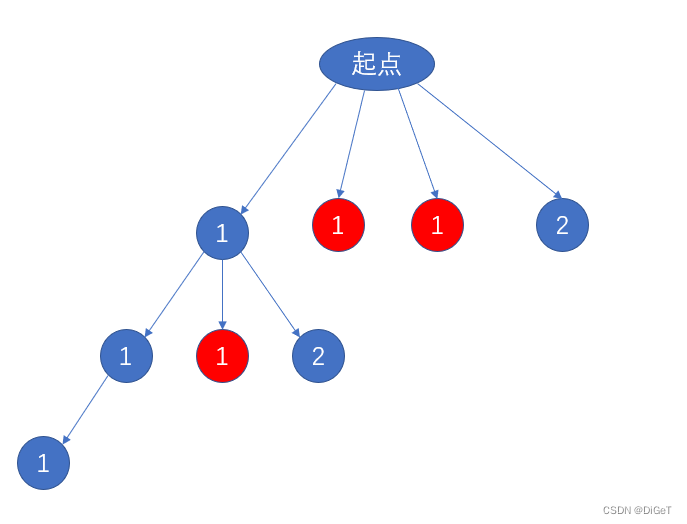
Combination series - there are combinations when there are arrangements

海康摄像机取流RTSP地址规则说明
为什么要分库分表?
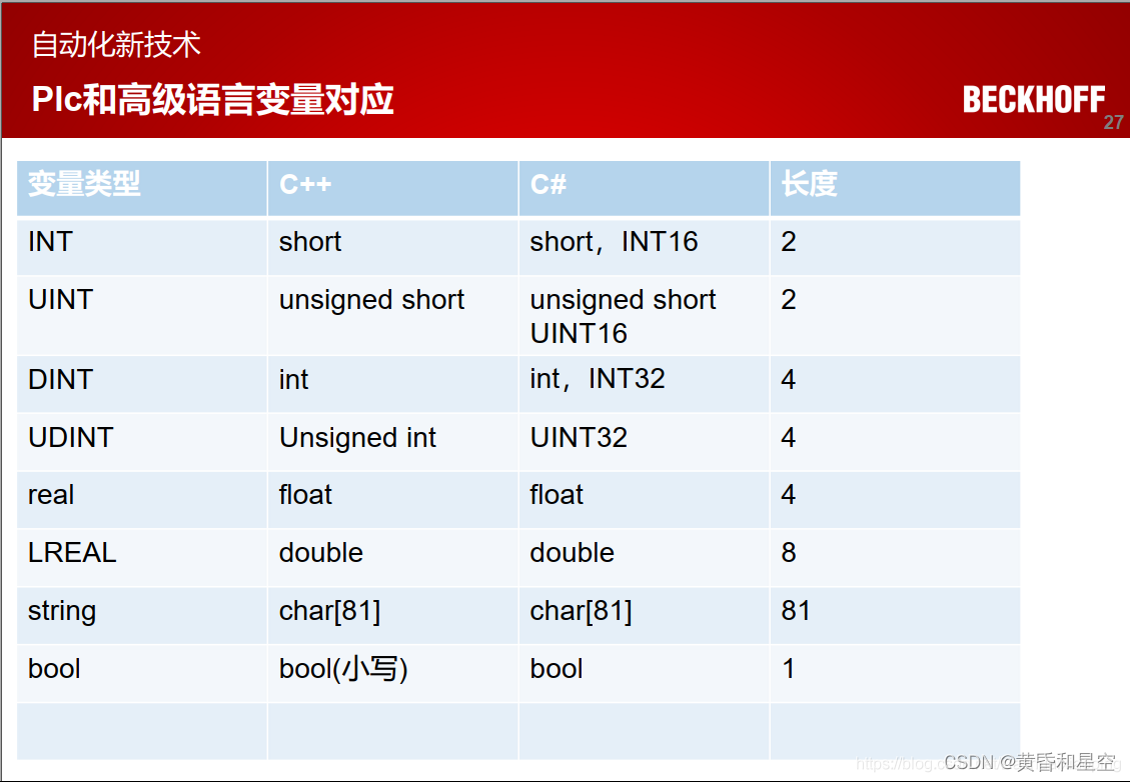
ADS communicate with c #
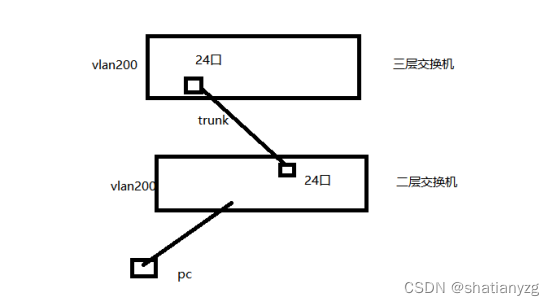
技能大赛训练题:交换机的远程管理
搭建私有的的Nuget包服务器教程

A detailed explanation of the usage of Async and Await in C#
随机推荐
I summed up the bad MySQL interview questions
龟速乘【模板】
numpy矩阵和向量的保存与加载,以及使用保存的向量进行相似度计算
拥塞控制,CDN,端到端
Install the latest pytorch gpu version
A detailed guide to simulating latency with SQL/JDBC
The latest complete code: Incremental training using the word2vec pre-training model (two loading methods corresponding to two saving methods) applicable to various versions of gensim
Save and load numpy matrices and vectors, and use the saved vectors for similarity calculation
[QNX Hypervisor 2.2用户手册]9.13 rom
Error: npm ERR code EPERM
The magic of SQL MERGE statement (detailed instructions)
Usage of += in C#
leetcode:485.最大连续 1 的个数
技能大赛训练题:交换机虚拟化练习
C# Get network card information NetworkInterface IPInterfaceProperties
多智能体协同控制研究中光学动作捕捉与UWB定位技术比较
AWS实现定时任务-Lambda+EventBridge
MySQL【聚合函数】
AI cocoa AI frontier introduction (7.31)
Sliding window method to segment data