当前位置:网站首页>1. 获取数据-requests.get()
1. 获取数据-requests.get()
2022-07-31 04:47:00 【m0_54861649】
1、爬虫的工作原理
获取数据–解析数据–提取数据–存储数据
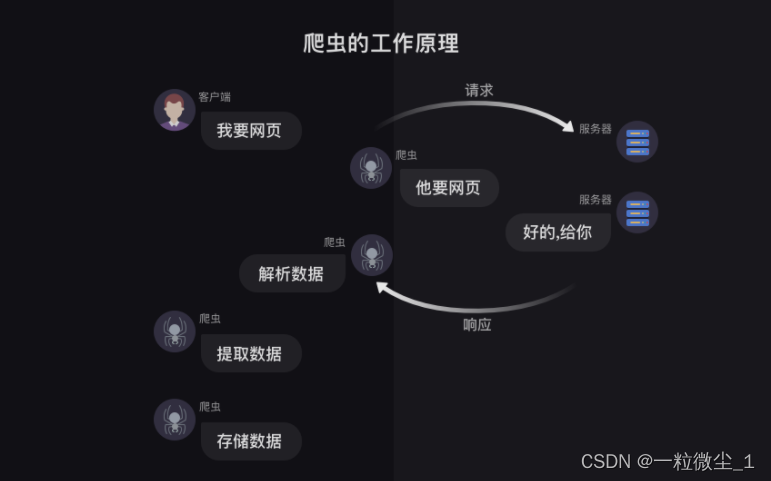
2、获取数据
本质就是通过URL去向服务器发出请求,服务器再把相关内容封装成一个Response对象返回给我们,这是通过requests.get()实现的。而我们获取到的Response对象下有四个常用的方法(status_code、content、text、encoding)。
3、requests.get()
import requests #引入requests模块
res = requests.get(‘url’) # 向服务器请求数据,服务器返回的结果是个Response对象
print(type(res)) # 终端显示:<class ‘requests.models.Response’>
这代表着res是一个对象,属于requests.models.Response类。
3、response.status_code
用法:print(变量.status_code),
用来检查请求是否正确响应,如果响应状态码为200,即代表请求成功。
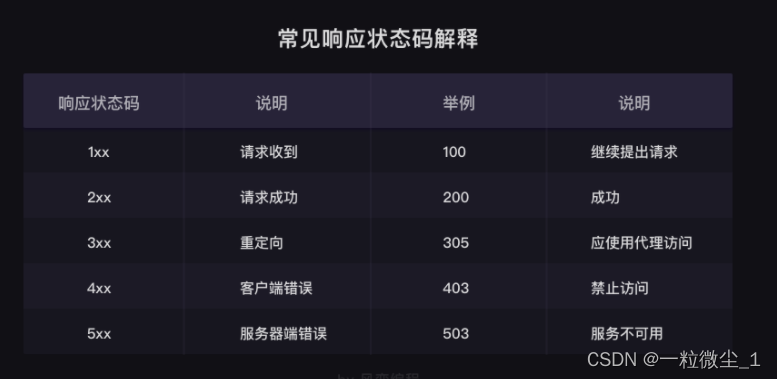
响应状态码表示服务器对请求的响应结果。例如,200代表服务器响应成功,403代表禁止访问,404代表页面未找到,408代表请求超时。浏览器会根据状态码做出相应的处理。在爬虫中,可以根据状态码来判断服务器的状态,如果状态码为200,则继续处理数据,否则直接忽略。
4、response.content
response.content能把Response对象的内容以二进制数据的形式返回,适用于图片、音频、视频的下载,示例:
import requests
#图片地址
URL=‘‘https://img1.baidu.com/it/u=2076064484,1314795796&fm=253&fmt=auto&app=120&f=JPEGw=531&h=309’’
发出请求,并把返回的结果放在变量res中
res = requests.get(url)
# 把Reponse对象的内容以二进制数据的形式返回
pic = res.content
# 下载一个图片文件并命名为picture.jpg, 图片内容需要以二进制wb只写。
with open(r’C:UsersAveryDesktop estpicture.jpg’, ‘wb’) as f:
获取pic的二进制内容,写入f
f.write(pic)
这样我们图片就下载成功了!
5、response.text
response.text这个方法可以把Response对象的内容以字符串的形式返回,适用于文字、网页源代码的下载。示例如下:
import requests
文章地址
url = ‘https://localprod.pandateacher.com/python-manuscript/crawler-html/sanguo.md’
发出请求,并把返回的结果放在变量res中
res = requests.get(url)
# 把Response对象的内容以字符串的形式返回
novel = res.text
#打印变量
print(novel[0:170])
6、response.encoding
response.encoding方法,它能帮我们定义Response对象的编码,示例如下:
import requests
文章地址
url = ‘https://localprod.pandateacher.com/python-manuscript/crawler-html/sanguo.md’
发出请求,并把返回的结果放在变量res中
res = requests.get(url)
# 定义response对应的编码为utf-8
res.encoding = ‘utf-8’
把Response对象的内容以字符串的形式返回
novel = res.text
打印变量
print(novel[0:170])
先自我介绍一下,小编13年上师交大毕业,曾经在小公司待过,去过华为OPPO等大厂,18年进入阿里,直到现在。深知大多数初中级java工程师,想要升技能,往往是需要自己摸索成长或是报班学习,但对于培训机构动则近万元的学费,着实压力不小。自己不成体系的自学效率很低又漫长,而且容易碰到天花板技术停止不前。因此我收集了一份《java开发全套学习资料》送给大家,初衷也很简单,就是希望帮助到想自学又不知道该从何学起的朋友,同时减轻大家的负担。添加下方名片,即可获取全套学习资料哦
边栏推荐
- ERROR 1064 (42000) You have an error in your SQL syntax; check the manual that corresponds to your
- MySQL database must add, delete, search and modify operations (CRUD)
- 【C语言进阶】文件操作(一)
- input输入框展示两位小数之precision
- MySQL数据库安装配置保姆级教程(以8.0.29为例)有手就行
- Unity教程:URP渲染管线实战教程系列【1】
- pom文件成橘红色未加载的解决方案
- idea工程明明有依赖但是文件就是显示没有,Cannot resolve symbol ‘XXX‘
- 重磅 | 开放原子校源行活动正式启动
- 三子棋的代码实现
猜你喜欢
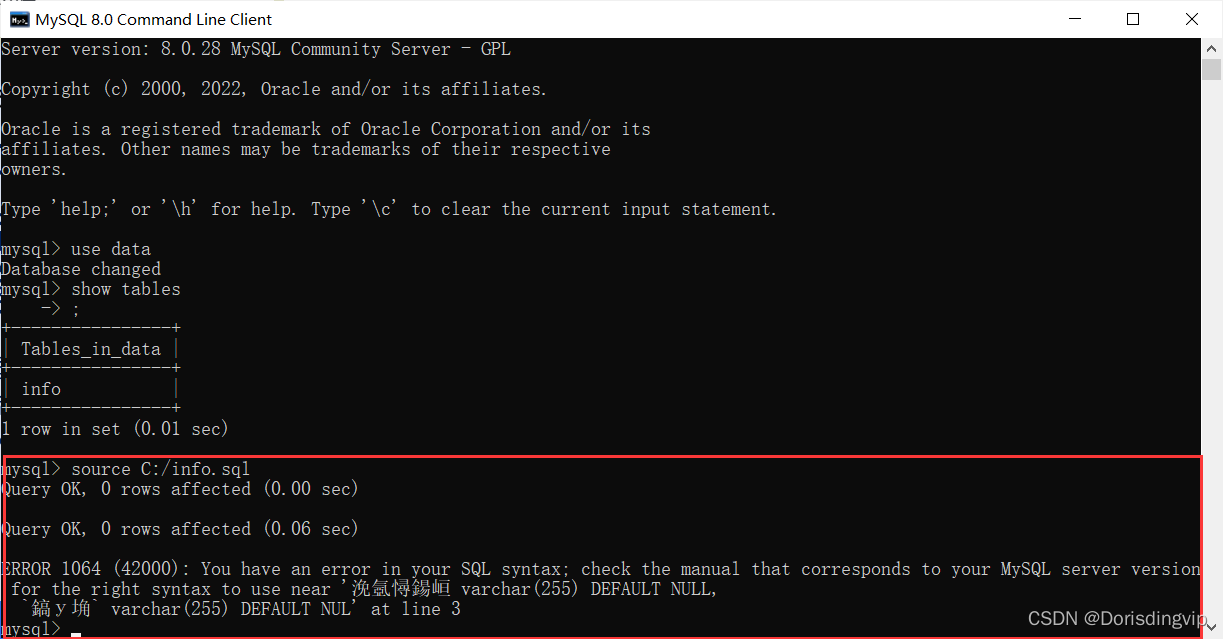
ERROR 1064 (42000) You have an error in your SQL syntax; check the manual that corresponds to your
![[R language] [3] apply, tapply, lapply, sapply, mapply and par function related parameters](/img/98/282d8d192f701ad33de48aeeb038b4.png)
[R language] [3] apply, tapply, lapply, sapply, mapply and par function related parameters

【C语言】操作符详解
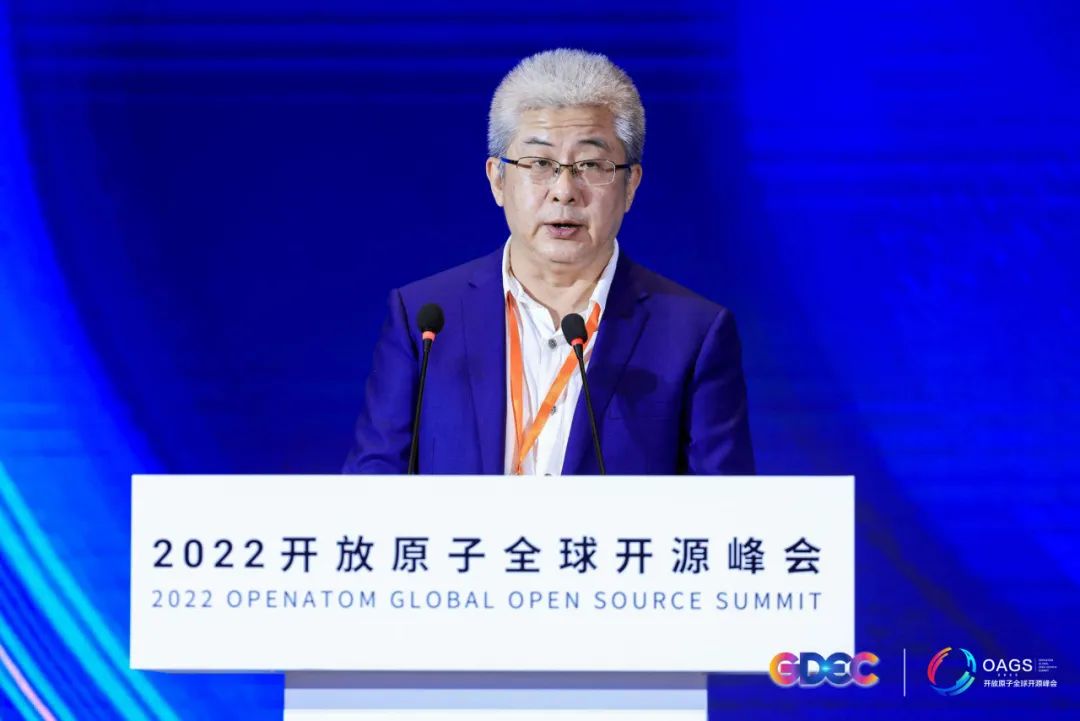
开源汇智创未来 | 2022开放原子全球开源峰会OpenAtom openEuler分论坛圆满召开
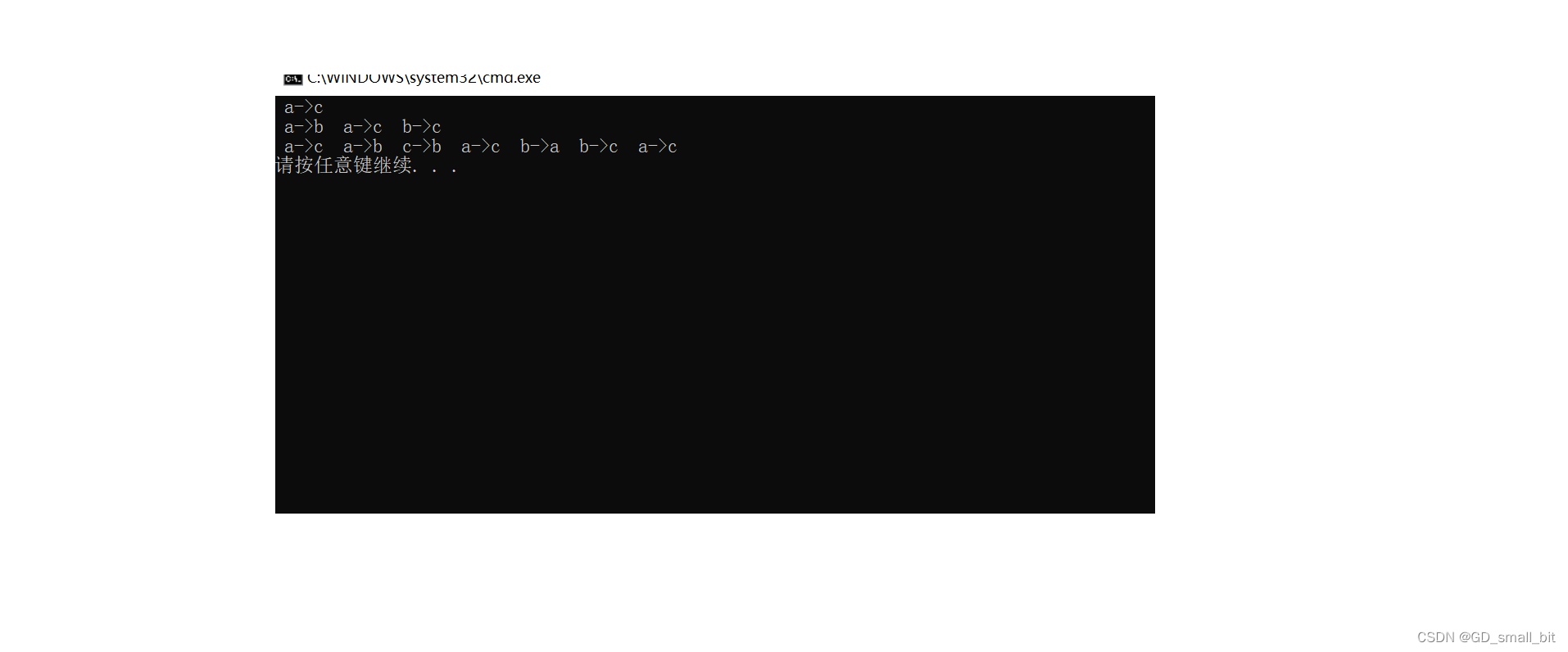
Recursive implementation of the Tower of Hanoi problem
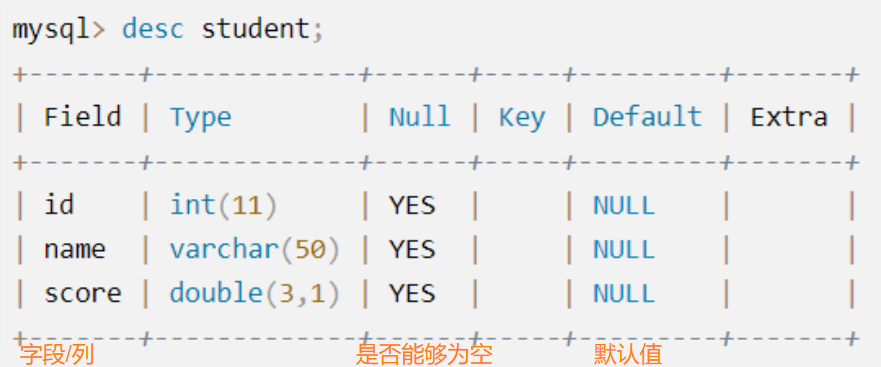
MySQL数据库必会的增删查改操作(CRUD)
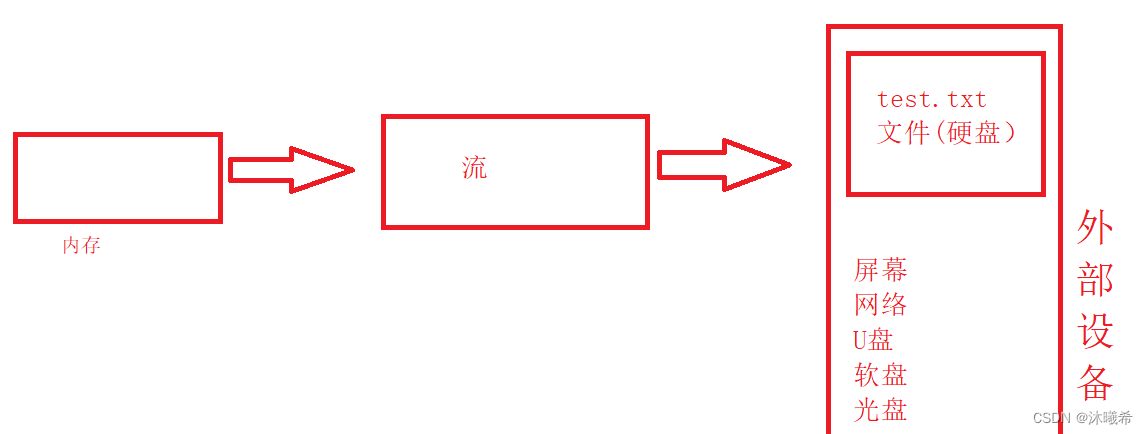
【C语言进阶】文件操作(一)
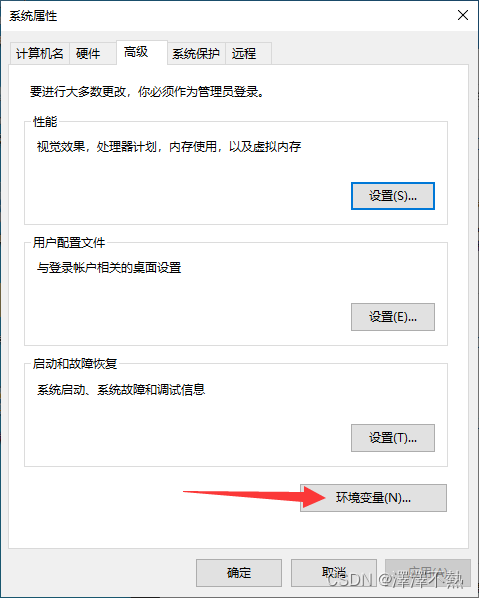
MySQL数据库安装配置保姆级教程(以8.0.29为例)有手就行

聚变云原生,赋能新里程 | 2022开放原子全球开源峰会云原生分论坛圆满召开
mysql基础知识(二)
随机推荐
C Implementation of Simple Network File Copy
马斯克对话“虚拟版”马斯克,脑机交互技术离我们有多远
[C language] Detailed explanation of operators
SOLVED: After accidentally uninstalling pip (two ways to manually install pip)
PCL 计算点云坐标最值及其索引
[debug highlights] Expected input batch_size (1) to match target batch_size (0)
三道leetcode上的oj题
[py script] batch binarization processing images
Unity URP渲染管线摄像机核心机制剖析
Basic knowledge of mysql (2)
开放原子开源基金会秘书长孙文龙 | 凝心聚力,共拓开源
开源社区三十年 | 2022开放原子全球开源峰会开源社区三十年专题活动圆满召开
两个地址池r2负责管地址池r1负责管dhcp中继
open failed: EACCES (Permission denied)
ERP Production Operation Control Kingdee
XSS靶场(三)prompt to win
专访 | 阿里巴巴首席技术官程立:云+开源共同形成数字世界的可信基础
【线性神经网络】softmax回归
Unity资源管理系列:Unity 框架如何做好资源管理
three.js 制作3D相册