当前位置:网站首页>About integrating superset into your own project
About integrating superset into your own project
2022-07-31 05:38:00 【Silver fish】
下载&安装
方式一:pip install apache-superset
方式二:https://github.com/apache/superset.git
搭建虚拟环境(可选)
1.安装anaconda (https://www.anaconda.com/products/individual#Downloads)
2.anaconda下run一个python环境,(推荐python3.8)
运行
1.superset db upgrade #初始化数据库
2.superset fab create-admin #初始化用户
3.superset init # 初始化
4.superset run -h 0.0.0.0 -p 8088 --with-threads --reload --debugger # 启动
This process may have many pit,I met a few listed below and the solution:
1.Python-geohash、sasl包有问题:
下载文件安装:https://www.lfd.uci.edu/~gohlke/pythonlibs/#python-geohash
2.markupsafe模块有问题:
安装201版本:pip install markupsafe==2.0.1
3.建议python-v >= 3.8
4.a "wsgi.py" or "app.py" module was not found in the current directory.
CD到app.pyUnder the directory to performsuperset run命令
5.pip install Pillow
未安装Piollow可能会导致run不起来
6.error: Microsoft Visual C++ 14.0 is required. Get it with "Build Tools for Visual Studio":
下载安装:https://visualstudio.microsoft.com/downloads/
superset的集成
本文用的方式是Button点击跳URLTo the deployment ofsuperset上,The following system and permissions to access account processing.
superset采用flask-appbuilder做身份验证,About how to access the user,The official documentation for details:Security — Flask AppBuilder
本文的思路是:拦截/loginThe request to your own project,Make the function of login and verify.At the same time to the alogin的CallBack URLLet their success in landing back tone system,在回调时把UserWrites the current system ofSession中去.Logout也是同样的道理.都是使用CallBack URL来做的.代码如下:
# config.py

from flask_appbuilder.security.manager import AUTH_REMOTE_USER
from my_security_manager import MySecurityManager

AUTH_TYPE = AUTH_REMOTE_USER # 设置模式
CUSTOM_SECURITY_MANAGER = MySecurityManager # 引入自己写的Security
AUTH_USER_REGISTRATION = True  # 允许用户注册
AUTH_USER_REGISTRATION_ROLE = "Gamma"  # Set the default add user role
# 与seperset文件夹同级目录下创建 my_security_manager.py

LOGIN_SERVER_URL = 'http://10.113.72.88:5000/login' # Access to the system login interface
CHECK_SERVER_URL = 'http://10.113.72.88:5000/check' # Access to the system oftoken检查接口
LOGINOUT_SERVER_URL = 'http://10.113.72.88:5000/logout' # System access to the appropriate interface

class MyAuthRemoteUserView(AuthRemoteUserView):
    # 需继承config.py中AUTH_TYPEThe value corresponding to the parent class
    login_template = 'appbuilder/general/security/login_my.html'
    title = "My Login"

    @expose('/login/', methods=['GET', 'POST'])
    def login(self):
        token = request.args.get('token')
        if not token:
            token = request.cookies.get('access_token')
        if not token:
            return redirect(LOGIN_SERVER_URL)
        manager = self.appbuilder.sm
        # According to modify your system parameters
        result = requests.get(CHECK_SERVER_URL + '?token=' + token)
        # According to modify your system validation condition
        if result.status_code != 200:
            return redirect(LOGIN_SERVER_URL)

        # Where access is,只验证token是否有效,All users to entersupersetSee the same page
        # 同一个superset账号(admin)
        username = "admin"
        user = manager.find_user(username=username)
        login_user(user, remember=False)
        return redirect(self.appbuilder.get_url_for_index)

        # Can also according to different login account insupersetGenerated in the different account,Different user interface is different.
        # Equivalent to the corresponding access system account number insuperset中进行创建,同时修改login方法,In the custom login.
# if token is not None:
#     jwt_payload = jwt.decode(token, 'secret', algorithms=['RS256'])
#     user_name = jwt_payload.get("user_name")
#     user = self.appbuilder.sm.find_user(username=user_name)
#     if not user:
#         role_admin = self.appbuilder.sm.find_role('Admin')
#         user = self.appbuilder.sm.add_user(user_name, user_name, 'aimind', user_name + "@aimind.com", role_admin, password="aimind" + user_name)
#     if user:
#         login_user(user, remember=False)
#         redirect_url = request.args.get('redirect')
#         if not redirect_url:
#             redirect_url = self.appbuilder.get_url_for_index
#         return redirect(redirect_url)
#     else:
#         return super(AuthRemoteUserView, self).login()


class MySecurityManager(MyAuthRemoteUserView):
    authremoteuserview = MyAuthRemoteUserView
边栏推荐
猜你喜欢
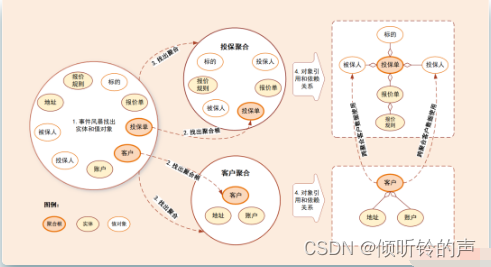
With MVC, why DDD?
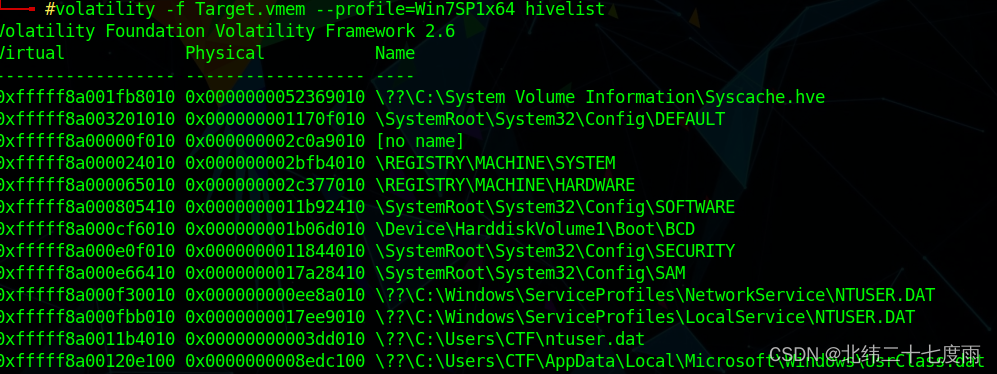
Volatility取证工具使用日记

10 【组件编码流程 组件自定义事件 全局事件总线】

第7章 网络层第2次练习题答案(第三版)

MySQL (updating)
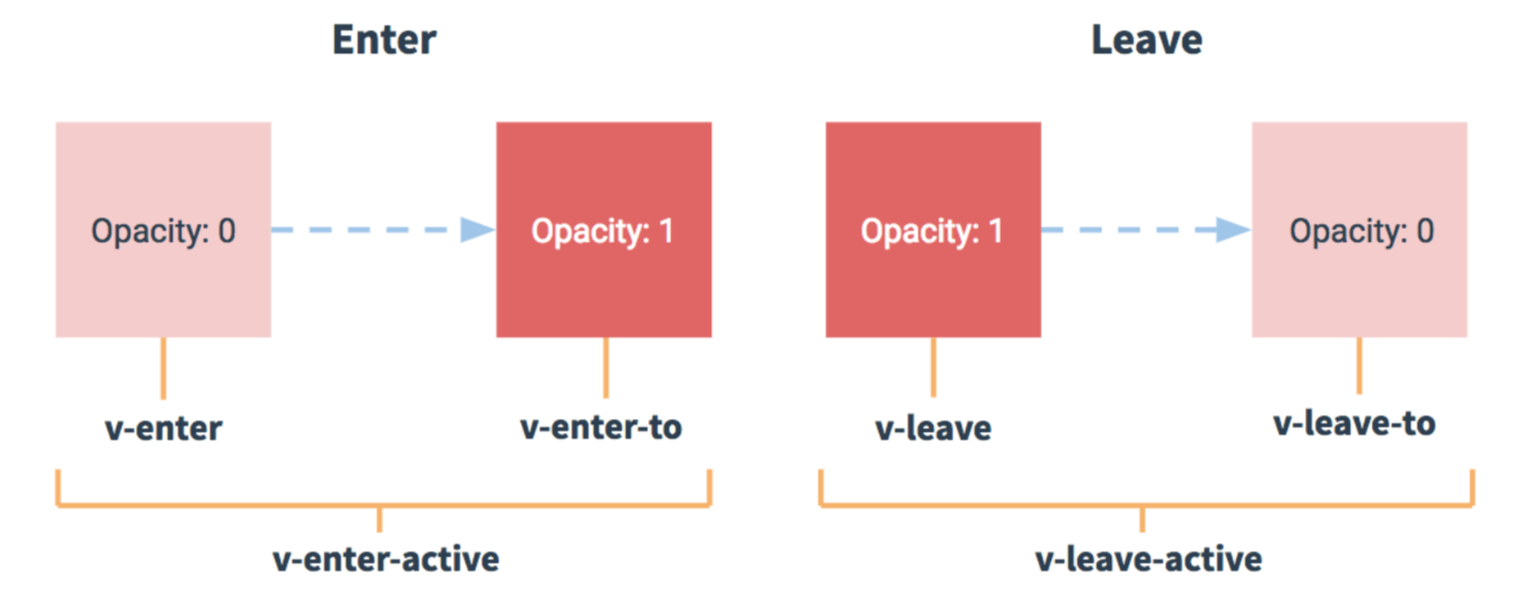
12 【nextTick 过渡与动画】

Three-party login using wallet Metamask based on web3.0
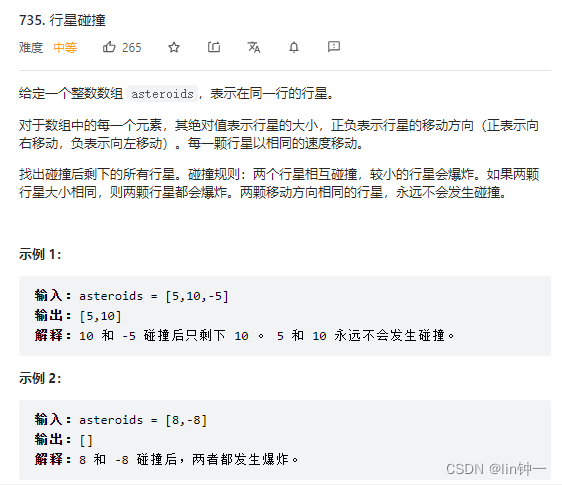
leetcode-每日一题735. 行星碰撞(栈模拟)

Goodbye to the cumbersome Excel, mastering data analysis and processing technology depends on it

10 【高度塌陷与BFC】
随机推荐
闭包(五)----一个常见的循环
基于web3.0使用钱包Metamask的三方登陆
字符串的新增方法
mysql 的简单运用命令
C语言教程(一)-准备
Volatility取证工具使用日记
实验7 UDP与TCP对比
Lock wait timeout exceeded解决方案
Element concatenation operations in numpy and pytorch: stack, concatenat, cat
The process and specific code of sending SMS verification code using flask framework
目标检测学习笔记
数据库上机实验6 数据库完整性
Redis的初识
剑指offer基础版 ----- 第28天
uni-app进阶之生命周期【day8】
剑指offer基础版 --- 第24天
07 【内置指令 自定义指令】
C语言文件读、写、定位函数
运用flask框架发送短信验证码的流程及具体代码
Paginate the list collection and display the data on the page