当前位置:网站首页>How to burn the KT148A voice chip into the chip through the serial port and the tools on the computer
How to burn the KT148A voice chip into the chip through the serial port and the tools on the computer
2022-08-04 23:38:00 【Qingyue Electronics】
1.0 KT148A programming principle introduction

KT148A voice chip how to burn voice into the chip, need to use serial port and computer tools here
The required tools are as follows:
- PC-side audio compression software---we provide---the purpose is to convert specific mp3 or wav audio files into files that KT148A can recognize
- USB to TTL serial port tool---recommended to use CH340G USB to TTL module---very versatile and easy to use on the market
- PC-side download tool software---we provide---the purpose is to download the voice file into the chip
1.1 Step 1 - Generate Audio File
1. This can generate mp3 or wav files by TTS synthesis software.You can also find live recordings, etc.
2. After obtaining these audio files, you can listen to the effect yourself
3. The effect of the audio must be completed in this step, including, trimming, removing the head and tail, adjusting the volume, etc.
1.2 Step 2 - Convert Audio Files

1. Use the tool software provided by us, the format can only choose F1A, and no other format can be selected, otherwise the converted file cannot be played
2, the sampling rate and code rate, you can choose flexibly, generally recommend "sampling rate 16K", code rate 6K, the effect isvery good
If space allows, feel free.If there are more voices, it is recommended to use "sampling rate 8K, bit rate 8K"
3. Add files, select the output directory, and finally click Convert
- He will generate the original audio file into a file in xxx.f1a format, note that this file cannot be played on the computer, it can only be downloaded to the chip to decode and play
1.3 Step 3--Download audio using serial download tool

1. Be sure to short-circuit pin 5 of the chip to the ground before powering it on. When you hear a "beep" from the speaker, release it.
2. At this time, the chip will automatically enter the download state.CH340G USB to TTL module is recommended
3. Connect the serial port module to the computer. The TX of USB to TTL is connected to pin 2 of the chip, and the RX of USB to TTL is connected to pin 3 of the chip.Then together.
4. Click on the upper computer, open the serial port, the baud rate is fixed at 115200, select the import file, and then click "Download All", wait for the completion5. Note that after the download is complete, you can use the chip's pin 4 to trigger it to listen to the downloaded sound file
1.4 The complete test environment is as follows

Here is also the test board using the KT148A chip
Plus CH340G usb to ttl module
This builds a minimal system for testing
边栏推荐
猜你喜欢

The market value of 360 has evaporated by 390 billion in four years. Can government and enterprise security save lives?
MySQL基础篇【子查询】
【无标题】线程三连鞭之“线程池”

Literature reading ten - Detect Rumors on Twitter by Promoting Information Campaigns with Generative Adversarial Learn
自从新来了个字节20K出来的,就见识到了什么是天花板
深度|医疗行业勒索病毒防治解决方案
NebulaGraph v3.2.0 Release Note, many optimizations such as the performance of querying the shortest path
uniapp 分享功能-分享给朋友群聊朋友圈效果(整理)
MongoDB权限验证开启与mongoose数据库配置
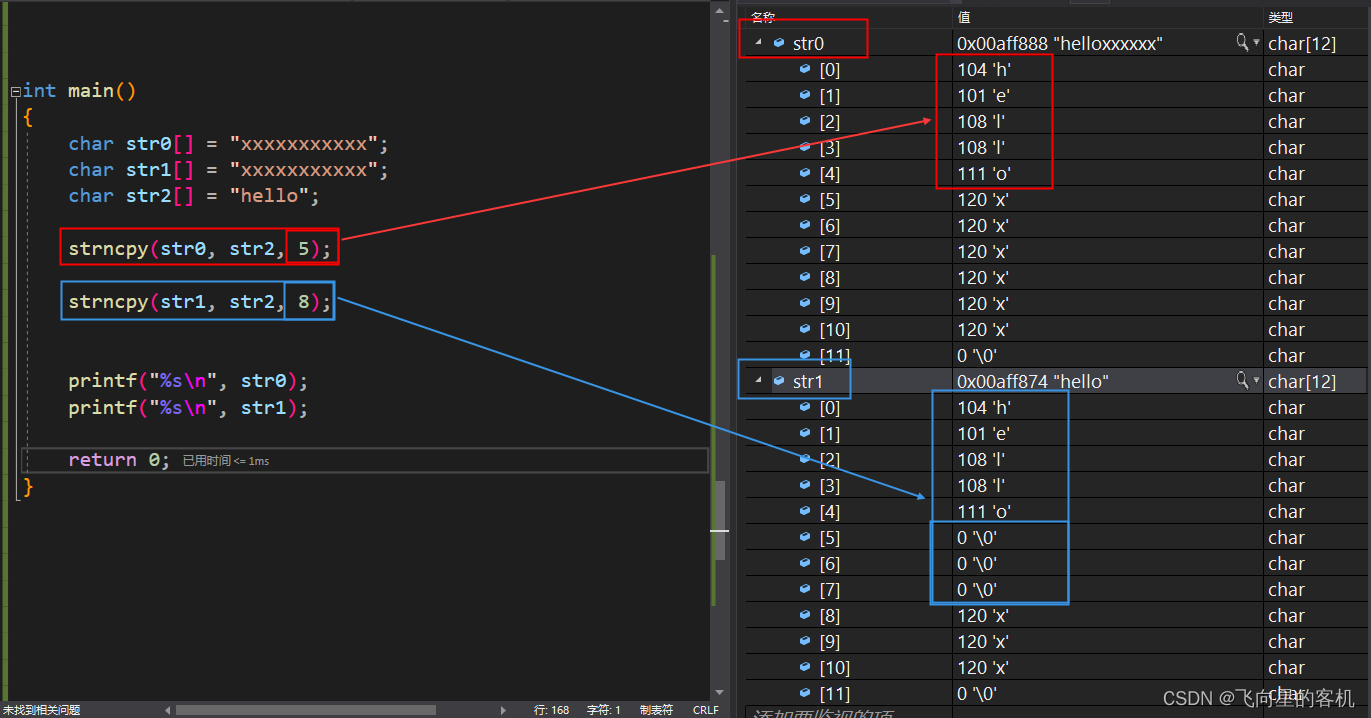
【字符串函数内功修炼】strncpy + strncat + strncmp(二)
随机推荐
MYS-6ULX-IOT 开发板测评——使用 Yocto 添加软件包
未来我们还需要浏览器吗?(feat. 枫言枫语)
头脑风暴:完全背包
2022年华数杯数学建模
招标公告 | 海纳百创公众号运维项目
365天深度学习训练营-学习线路
uniapp 分享功能-分享给朋友群聊朋友圈效果(整理)
【七夕情人节特效】-- canvas实现满屏爱心
隐私计算综述
2022年华数杯数学建模
DNS常见资源记录类型详解
KT148A语音芯片ic工作原理以及芯片的内部架构描述
NebulaGraph v3.2.0 Release Note, many optimizations such as the performance of querying the shortest path
如何根据地址获取函数名
注解@EnableAutoConfiguration的作用以及如何使用
The Go Programming Language (Introduction)
Literature reading ten - Detect Rumors on Twitter by Promoting Information Campaigns with Generative Adversarial Learn
Uniapp dynamic sliding navigation effect demo (finishing)
2022年华数杯数学建模
【SSR服务端渲染+CSR客户端渲染+post请求+get请求+总结】