当前位置:网站首页>在已经知道表格列勾选一个显示一列
在已经知道表格列勾选一个显示一列
2022-07-04 06:41:00 【爱技术的大仙】
import React, {
    useEffect, useState} from 'react';
import {
    Table,Checkbox,} from 'antd'
const columns = [
    {

        title: 'ID',
        dataIndex: 'user_id',
        key: 'user_id',
        width: 100,
    },
    {

        title: '昵称',
        dataIndex: 'nickname',
        key: 'nickname',
        width: 150,
    },
    {

        title: '手机号',
        dataIndex: 'phone',
        key: 'phone',
        width: 150,
    },
    {

        title: '余额',
        dataIndex: 'balance',
        key: 'balance',
        width: 150,
    },
    {

        title: '平台服务费',
        dataIndex: 'service_charge',
        key: 'service_charge',
        width: 150,
    },
    {

        title: '性别',
        dataIndex: 'sex',
        key: 'sex',
        width: 150,
    },
    {

        title: '连续登录天数',
        dataIndex: 'login_day',
        key: 'login_day',
        width: 200,
    },
    {

        title: '最大连续登录天数',
        dataIndex: 'login_bigday',
        key: 'login_bigday',
        width: 200,
    },
    {

        title: '登陆时间',
        dataIndex: 'login_time',
        key: 'login_time',
        width: 200,
    },
    {

        title: '加入时间',
        dataIndex: 'join_time',
        key: 'join_time',
        width: 200,
    },
    {

        title: '状态',
        dataIndex: 'status',
        key: 'status',
        width: 150,
    },
]

//下拉
const plainOptions = [
    {
     label: 'ID', value:'user_id'  },
    {
     label: '昵称', value: 'nickname'},
    {
     label: '手机号', value:'phone' },
    {
     label: '余额', value: 'balance'},
    {
     label: '平台服务费', value:'service_charge'},
    {
     label: '性别', value: 'sex' },
    {
     label: '连续登录天数', value:'login_day'  },
    {
     label: '最大连续登陆天数', value: 'login_bigday'},
    {
     label: '登陆时间', value:'login_time' },
    {
     label: '加入时间', value: 'join_time'},
    {
     label: '状态', value:'status'},
];

const TableTreeChange = () => {

    //把选中的value设置成响应式的用于更新界面
    const [selectColum,setSelectColum]=useState(columns)
    //原始默认选中的value值
    const [checkedList, setCheckedList] = useState(['user_id']);

    // 把你勾选到的多选放到一个数组里面
    const onChange = (list) => {

        setCheckedList(list)
    };
    useEffect(() => {

        console.log(checkedList,66666666666666666)
        //使用双重for循环将选中的value和表格中的列中的key值联系起来
        let newList=[]
        for (let i = 0; i < checkedList.length; i++){

            for (let j = 0; j < columns.length; j++){

                if (checkedList[i] == columns[j].key) {

                    newList.push(columns[j]);
                }
            }
        }


        //下面部分代码是为了给表格添加一个固定的操作列,如果不需要可以忽略
        newList.push({

            title: '操作',
            key: 'action',
            render: (text, record) => (
                <span>
                    <a>edit</a>
                </span>
            ),
            width: 100,
            fixed: 'right',
        })
        setSelectColum(newList)
    }, [checkedList])
    return (
        <div>
            <Table
                columns={
    selectColum}
                pagination={
    false}
            />
            <Checkbox.Group options={
    plainOptions} value={
    checkedList} onChange={
    onChange} />
        </div>
    );
};

export default TableTreeChange;
边栏推荐
- Abap:ooalv realizes the function of adding, deleting, modifying and checking
- Tar source code analysis 6
- Native Cloud - SSH articles must be read on Cloud (used for Remote Login to Cloud Server)
- 24 magicaccessorimpl can access the debugging of all methods
- 校园网络问题
- ORICO ORICO outdoor power experience, lightweight and portable, the most convenient office charging station
- C # symmetric encryption (AES encryption) ciphertext results generated each time, different ideas, code sharing
- Selection (022) - what is the output of the following code?
- C语言中的排序,实现从小到大的数字排序法
- Considerations for testing a website
猜你喜欢
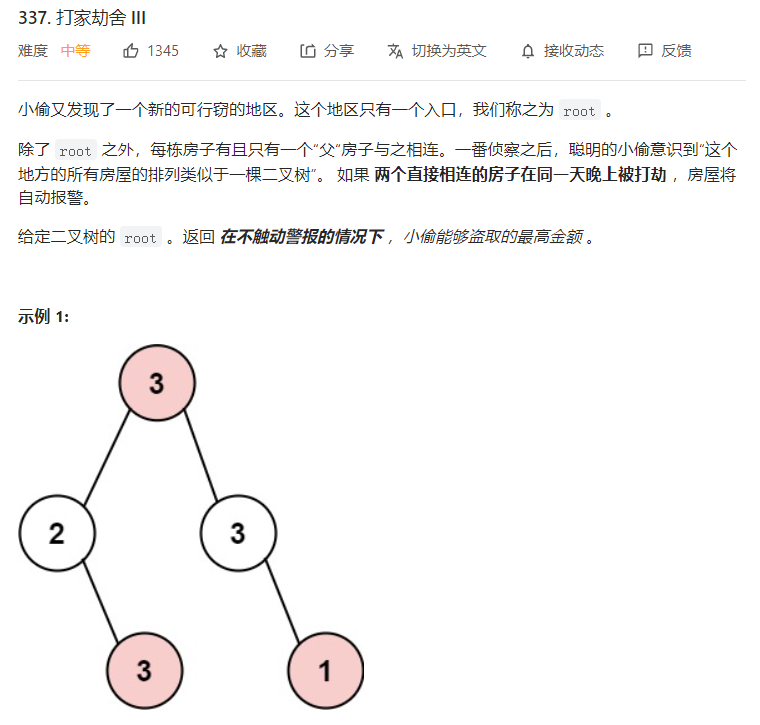
树形dp
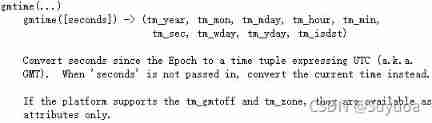
Common usage of time library
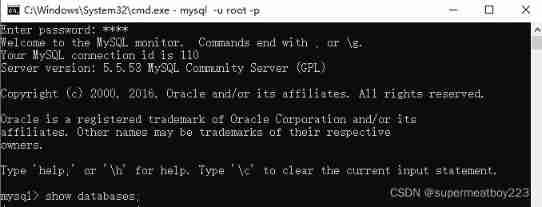
Fundamentals of SQL database operation
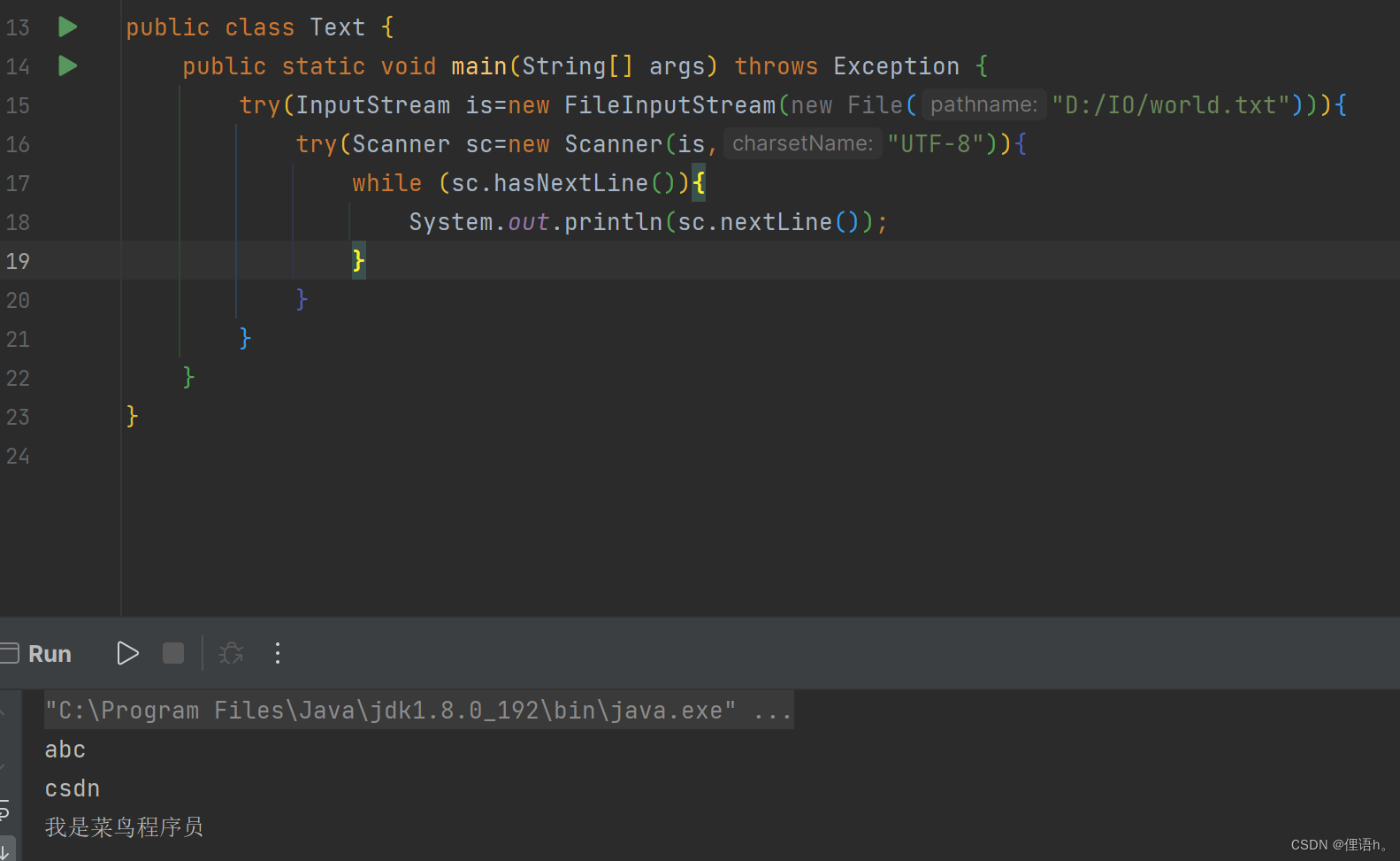
InputStream/OutputStream(文件的输入输出)

198. House raiding
Reading notes of Clickhouse principle analysis and Application Practice (4)

24 magicaccessorimpl can access the debugging of all methods
P26-P34 third_ template
Arcpy 利用updatelayer函数改变图层的符号系统
Appium基础 — APPium安装(二)
随机推荐
thread priority
C # symmetric encryption (AES encryption) ciphertext results generated each time, different ideas, code sharing
Software keywords and process information intercepted by Golden Shield video player
Data analysis notes 09
Operator < <> > fool test case
Abap:ooalv realizes the function of adding, deleting, modifying and checking
How to use multithreading to export excel under massive data? Source code attached!
GoogleChromePortable 谷歌chrome浏览器便携版官网下载方式
C实现贪吃蛇小游戏
[MySQL] introduction, function, creation, view, deletion and modification of database view (with exercises)
Native Cloud - SSH articles must be read on Cloud (used for Remote Login to Cloud Server)
uniapp 自定义环境变量
期末周,我裂开
Explain in one sentence what social proof is
tars源码分析之8
Is the insurance annuity product worth buying? Is there a hole?
leetcode825. 适龄的朋友
Mysql 45讲学习笔记(十二)MySQL会“抖”一下
The solution of win11 taskbar right click without Task Manager - add win11 taskbar right click function
17-18. Dependency scope and life cycle plug-ins