当前位置:网站首页>Explain several mobile ways of unity in detail
Explain several mobile ways of unity in detail
2022-07-28 20:38:00 【Dream small day young】
Preface
Recently, I am learning how to make FPS game , Learned how to use the character controller to control the movement and jumping of the character, and so on , Combine what you learned before transform, Rigid bodies, etc. make objects move , Different mobile modes are suitable for different scenes , Today, let's take a brief inventory of various mobile modes and their advantages and disadvantages , If there is something wrong , Your advice are most welcome .
Catalog
Front row reminders : This article only represents personal views , For exchange and learning , If you have different opinions, please comment , The author must study hard , Day day up .
Video Explanation :
Detailed explanation Unity Several mobile ways of _BiLiBiLi
One 、 Use Transform Components
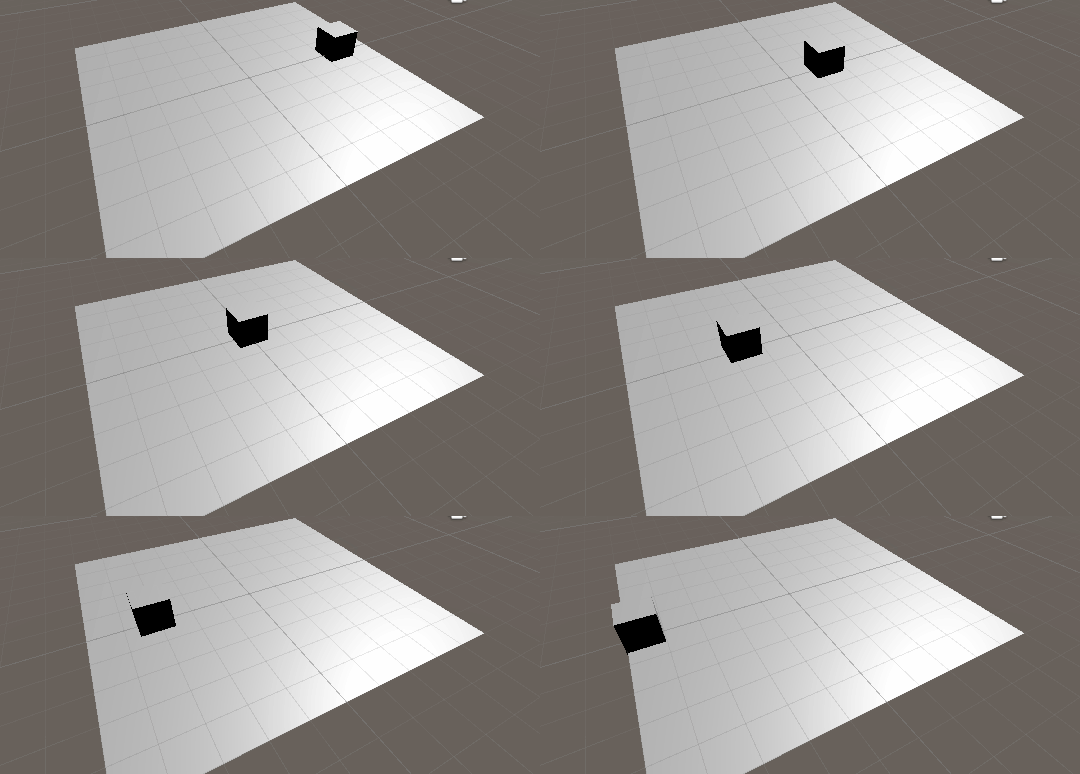
Unity Each game object in the scene has a Transform Components , The location used to store the object 、 rotate 、 Basic attributes such as scaling , The principle of this way is through Update Function updates its position every frame to achieve the purpose of moving .
1. Transform.position
The most basic way to move , Every frame += Calculated new location , More intuitive
    public float speed = 3.0f;
    void Update()
    {
        transform.position += new Vector3(0, 0, speed * Time.deltaTime);
    }
2. Transform.Translate
How much distance does it move in a certain direction per second , This method is not much different from the previous one , But when coordinate transformation is needed , Using this method, the conversion step can be omitted .
translate(V3 vector , Coordinate system ( Leave blank and default to Space.Self));
    public float speed = 3.0f;
    void Update()
    {
        transform.Translate(Vector3.forward * Time.deltaTime * speed);
    }
Two 、 Use Vector3 The interpolation method of
Vector3 Type can store the location of objects 、 Direction . Aforementioned transform The basic information of the component is provided by Vector3 Type stored , So you can V3 The self-contained class method obtains relatively smooth parameters through some operations on the position , The essence of its movement is to modify the object position. It depends on the situation and needs V3 Of 4 An interpolation method .Mathf There are also these methods in the class , But the argument is float, The way to use it is roughly the same , If readers are interested , Learn by yourself .
1. Vector3.Lerp
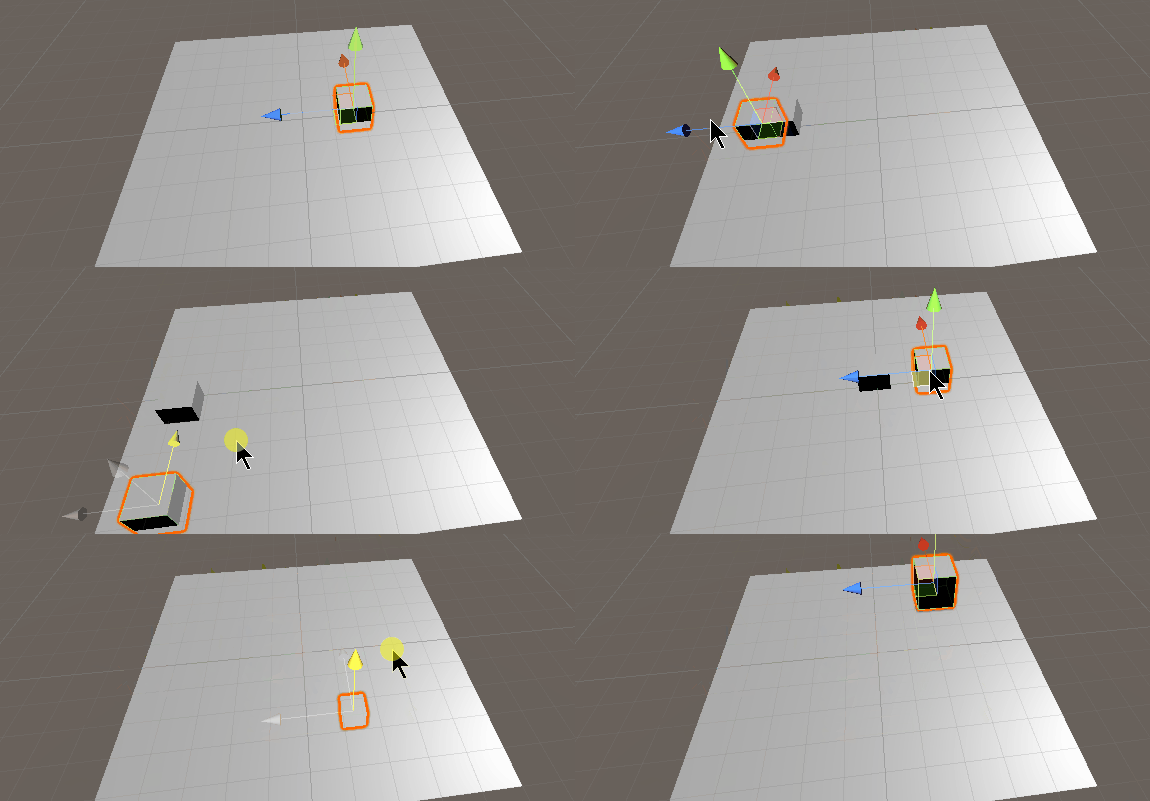
The linear difference between two vectors , Applicable to moving from a certain point to a certain point ( Or follow something ), Slow motion
Here the linear movement is controlled by the time parameter , If written as Speed*Time.deltaTime Theoretically, it will never arrive , But how to use... Is not discussed here Lerp Uniform speed has been achieved , Write later .
Lerp( The current position (V3), Target location (V3), Time (float)) The less time , The slower the slow effect
    public Transform target; // The object being followed
    public float speed = 3.0f;
    void Update()
    {
        Vector3 lerp =  Vector3.Lerp(transform.position, target.position, Time.deltaTime * speed);
        transform.position = lerp;
    }
2. Vector3.Slerp
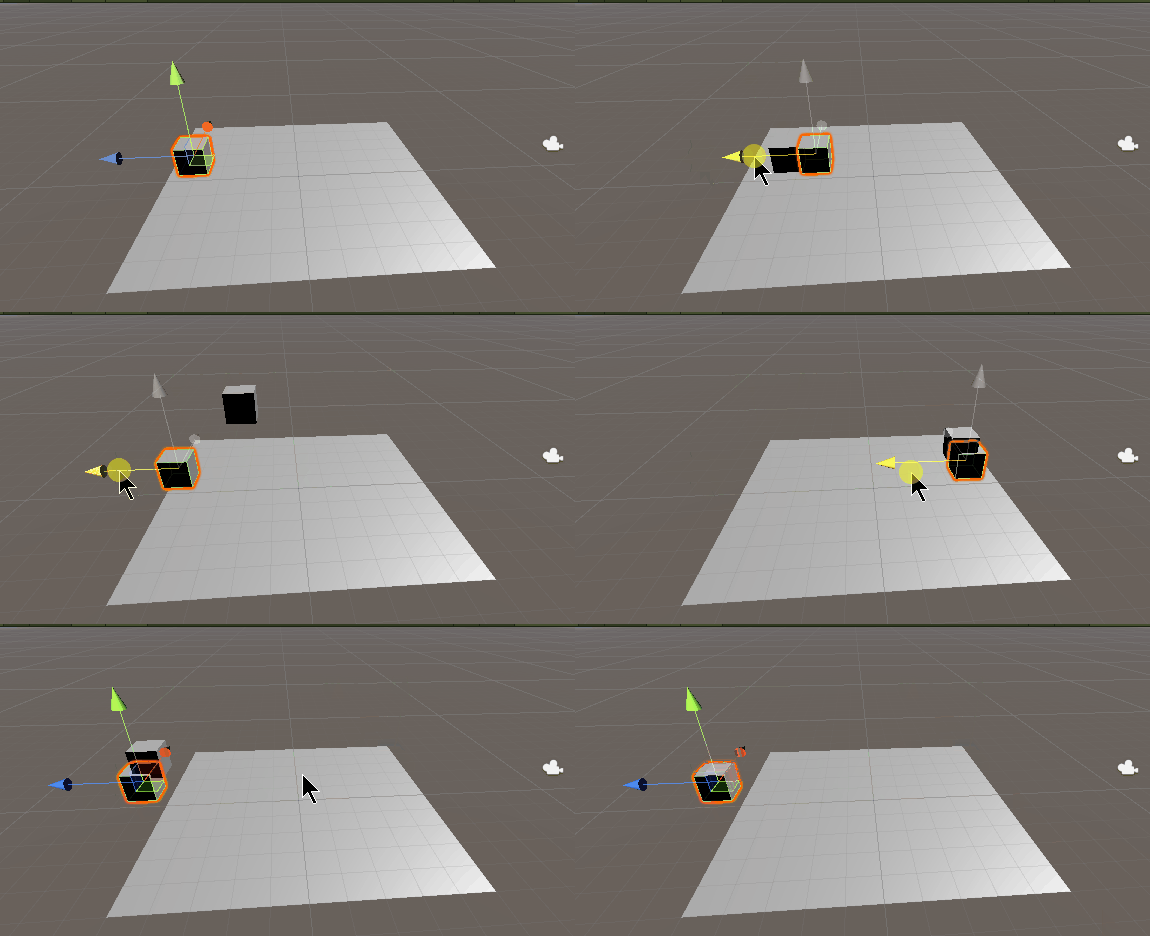
The sphere between two vectors ( Arc ) Difference value , Applicable to moving from a certain point to a certain point ( Or follow something ), Slow motion , The farther away the current position is from the target position , The more obvious the effect
Slerp( The current position (V3), Target location (V3), Time (float)) The less time , The slower the slow effect
    public Transform target; // The object being followed
    public float speed = 3.0f;
    void Update()
    {
        Vector3 slerp =  Vector3.Slerp(transform.position, target.position, Time.deltaTime * speed);
        transform.position = slerp;
    }
3. Vector3.MoveTowards
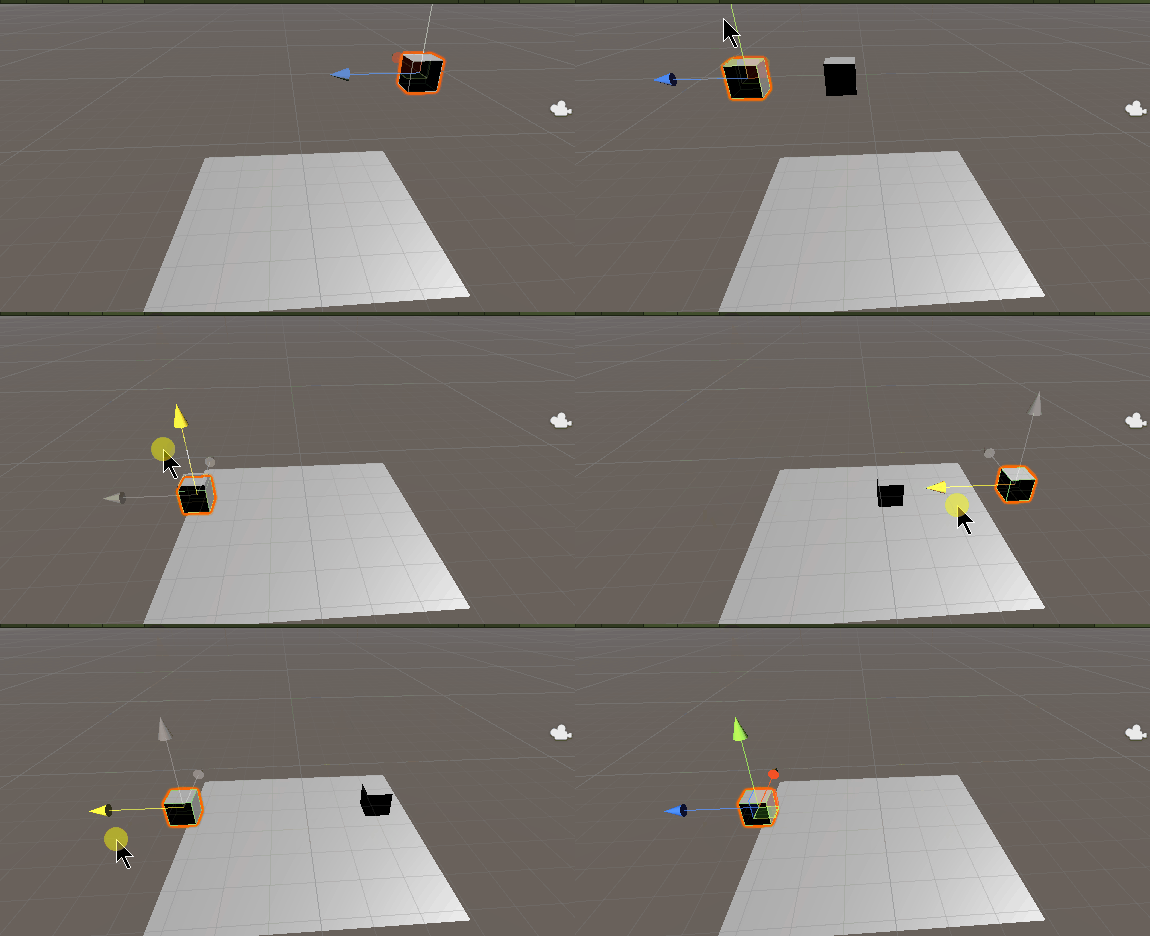
and Lerp The functions are basically the same , But this function has a maximum speed limit , And is uniform Move towards the target , and Lerp and Slerp It will slow down when reaching the position ( Slow down )
MoveTowards( The current position (V3), Target location (V3), Maximum speed (float))
Speed parameters : Take a positive target and approach , Take negative and stay away from the target
    public Transform target; // The object being followed
    public float speed = 1.0f;
    void Update()
    {
        Vector3 movetowards =  Vector3.MoveTowards(transform.position, target.position, Time.deltaTime * speed);
        transform.position = movetowards;
    }
4. Vector3.SmoothDamp
The official translation is :“ Smooth damping ”, Extremely silky from A Move to B spot , The speed is controllable , It is more suitable for camera following ,Lerp It is also suitable for camera following , The difference between the two is
SmoothDamp( The current position (V3), Target location (V3), Current speed (ref:V3), Time required (float), Maximum speed (float, Optional ),Time.deltaTime( Default )( Optional ))
Current speed : The initial assignment is 0, This parameter is automatically modified every time the method is called , Note that it is set as a global variable , And for ref
Time required : The smaller the value , The sooner we reach our goal
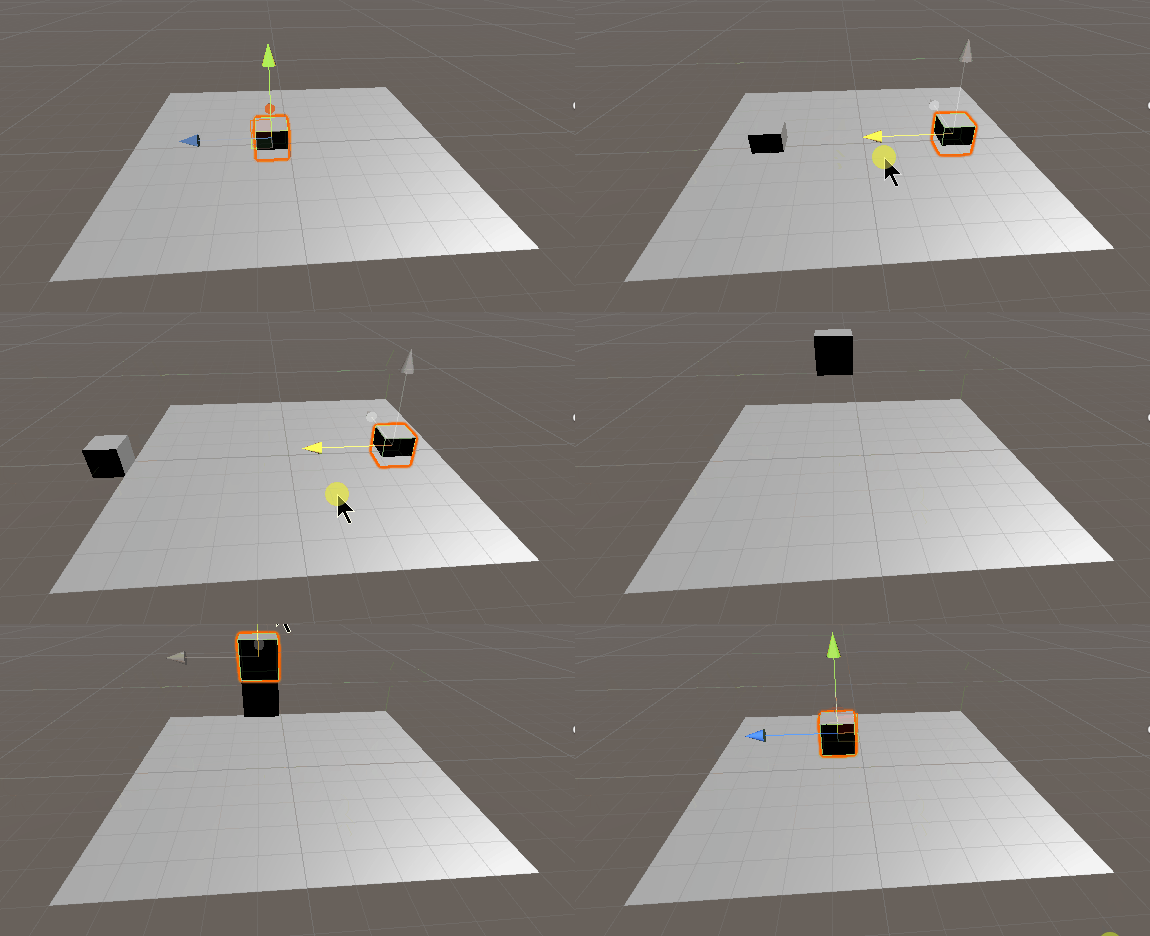
    public Transform target; // The object being followed
    public Vector3 currentVelocity = Vector3.zero; // Current speed
    public float smoothTime = 0.3f; // Time required
    void Update()
    {
        Vector3 smoothdamp = Vector3.SmoothDamp(transform.position, target.position, ref currentVelocity, smoothTime);
        transform.position = smoothdamp;
    }
3、 ... and 、 Use rigid bodies (Rigidbody) Components
Rigidbody Components control the position of an object through physical simulation , When using this component to control the movement of objects , Should be in FixedUpdate Update data in function , This method will be called before each physical simulation , This is better than Update Functions are more precise , The specific reason will be discussed later or you can search by yourself .
1. AddForce
Add a force in one direction to the rigid body , The rigid body will begin to move , This method is suitable for simulating rigid body motion under external force , Like a bullet . But pay attention to , This force is cumulative , It is not suitable to repeatedly apply force to simulate objects !
AddForce( Directional force (V3), The mode of force (ForceMode, Default :ForceMode.Force))ForceMode( The mode of force ):
Force( Sustainable force , Affected by quality )
Acceleration( Sustainable acceleration , Not affected by quality )
Impulse( An instant impact , Affected by quality )
VelocityChange( An instantaneous speed change , Not affected by quality )
The author is a little confused about the differences between these things , Let's realize it by ourselves , The example shows the first force ,20 to Z Force
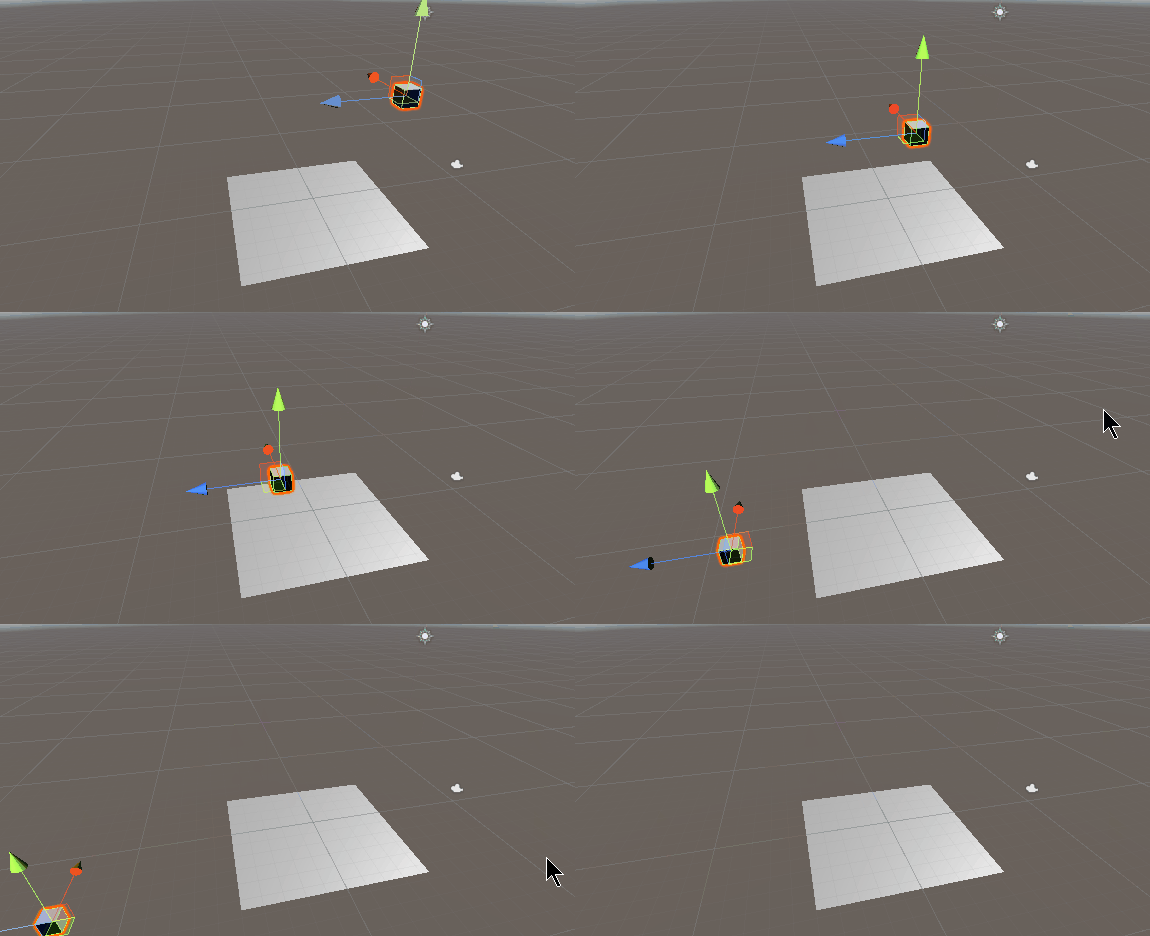
    public float forceNumber = 20f;
    public Rigidbody rig; // Get the rigid body component of the current object
    void FixedUpdate()
    {
        Vector3 force = new Vector3(0, 0, forceNumber);
        rig.AddForce(force, ForceMode.Force);
    }
2. MovePosition
Move the rigid body to a new position , While moving, it is affected by physical simulation
MovePosition( New location (V3))
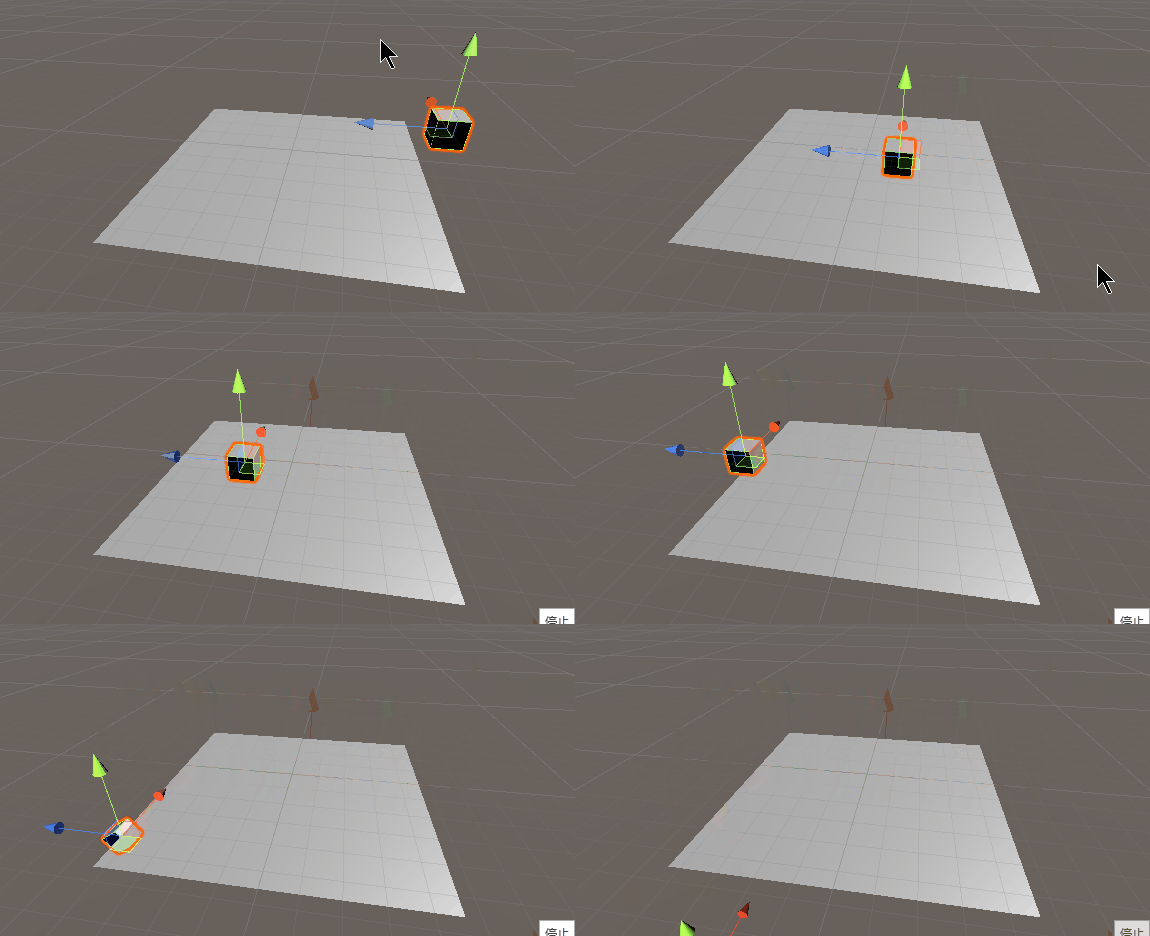
    public Vector3 speed = new Vector3(0, 0, 1);
    public Rigidbody rig; // Get the rigid body component of the current object
    void FixedUpdate()
    {
        rig.MovePosition(transform.position + speed * Time.deltaTime);
    }
3. Velocity
Instantly give an object a constant speed , Lift the object to this speed , keep . Comparison AddForce More suitable for jumping function . Every jump is a constant height , If you jump , Figure 2 remember to set zero after each jump .
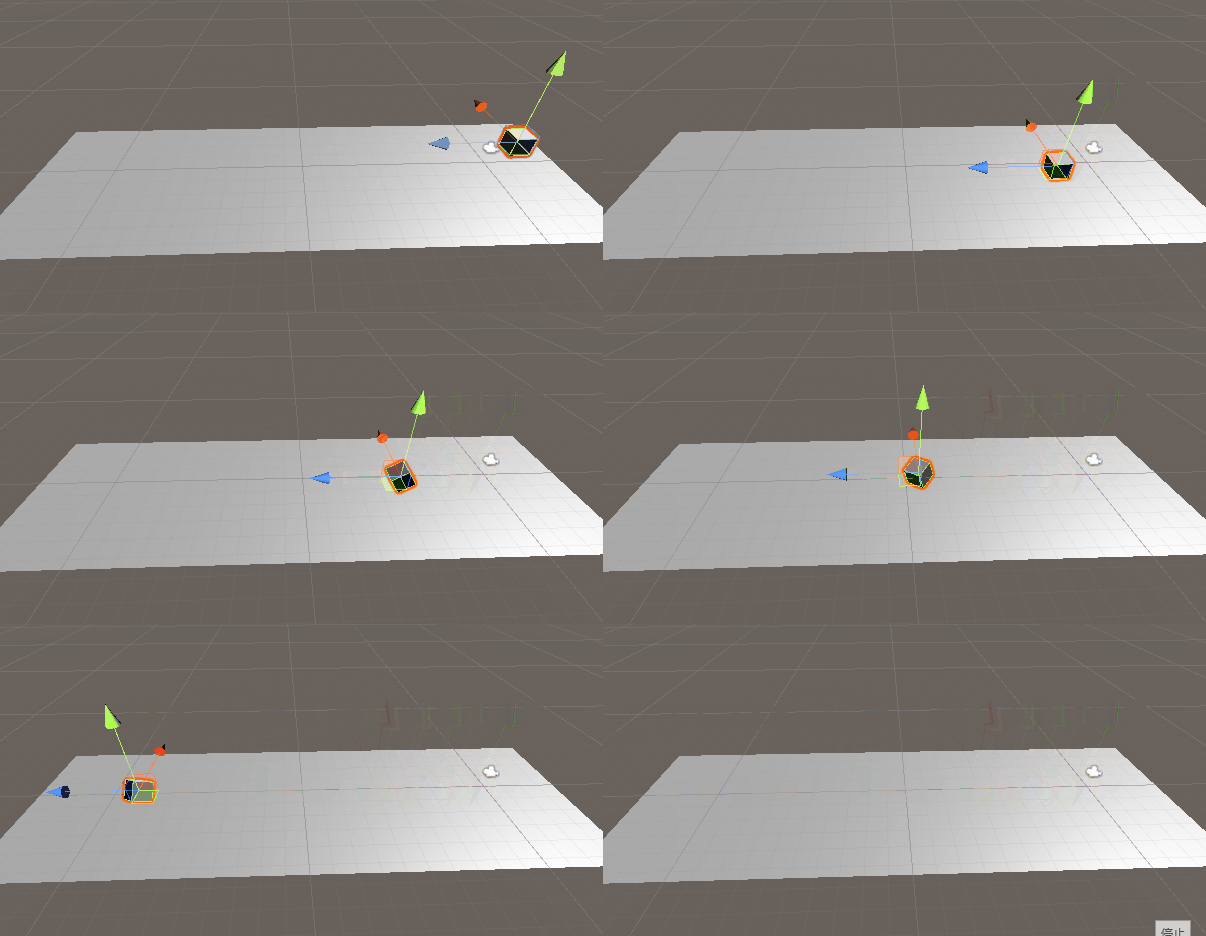
    public Vector3 high = new Vector3(0, 0, 10);
    public Rigidbody rig; // Get the rigid body component of the current object
    private void FixedUpdate() {
        rig.velocity += high * Time.deltaTime;
    }
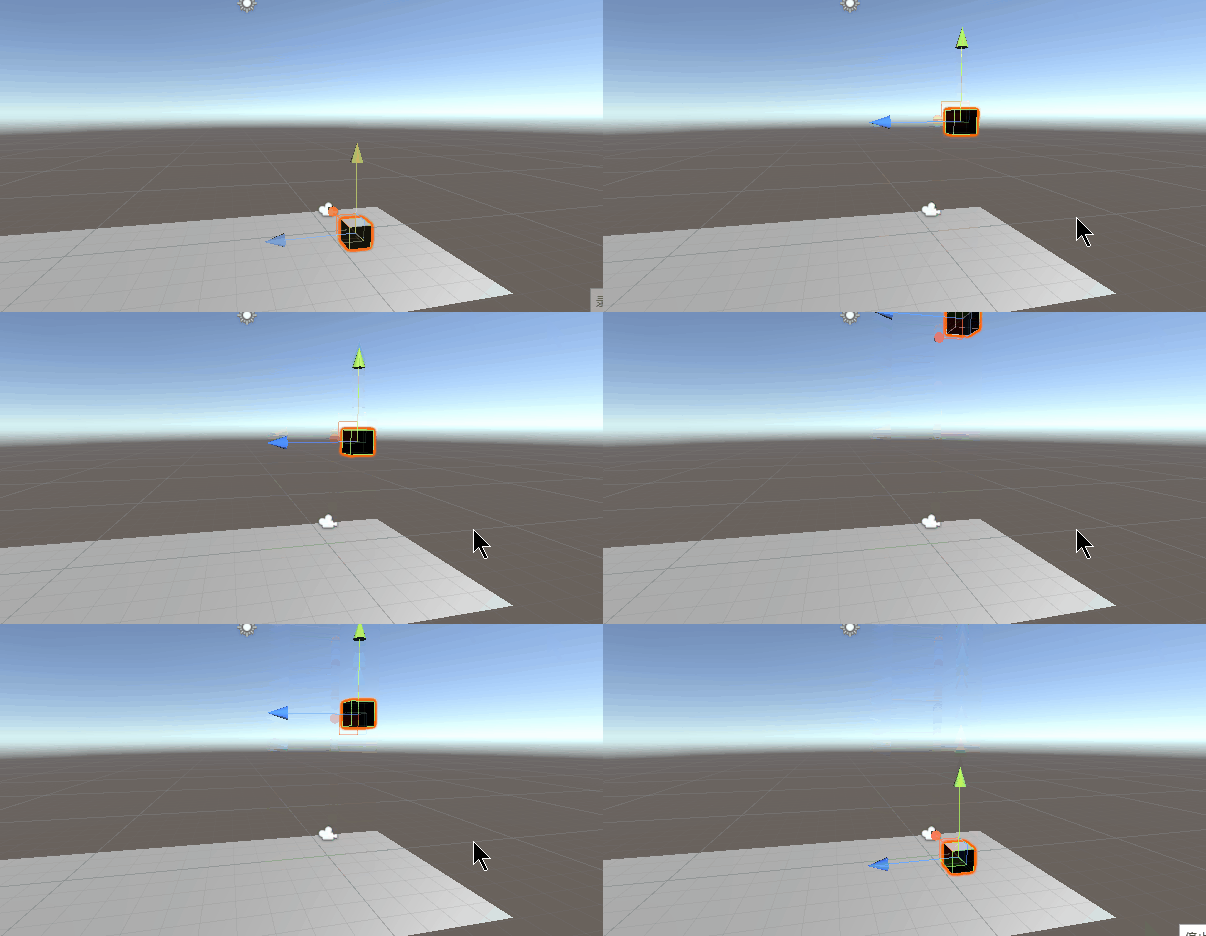
    public Vector3 high = new Vector3(0, 10, 0);
    public Rigidbody rig; // Get the rigid body component of the current object
    private void Update() {
        if(Input.GetKeyDown(KeyCode.J))
        {
            rig.velocity = high;
        }
    }
Four 、 Use character controllers (Character Controller) Components
As the name suggests , yes Unity A component launched specifically for character mobility , Objects using character controllers have the effect of rigid bodies , But it won't roll ( It means that the motion is only limited by the collision body , Not affected by other factors ), Very suitable for character movement . You can also set slope parameters , A certain slope automatically lifts , It is also a collision body , The specific details will not be repeated in this chapter .
1. SimpleMove
Move the character at a certain speed , In seconds , There is no need to multiply by time , With gravity
SimpleMove( Directional force (V3))
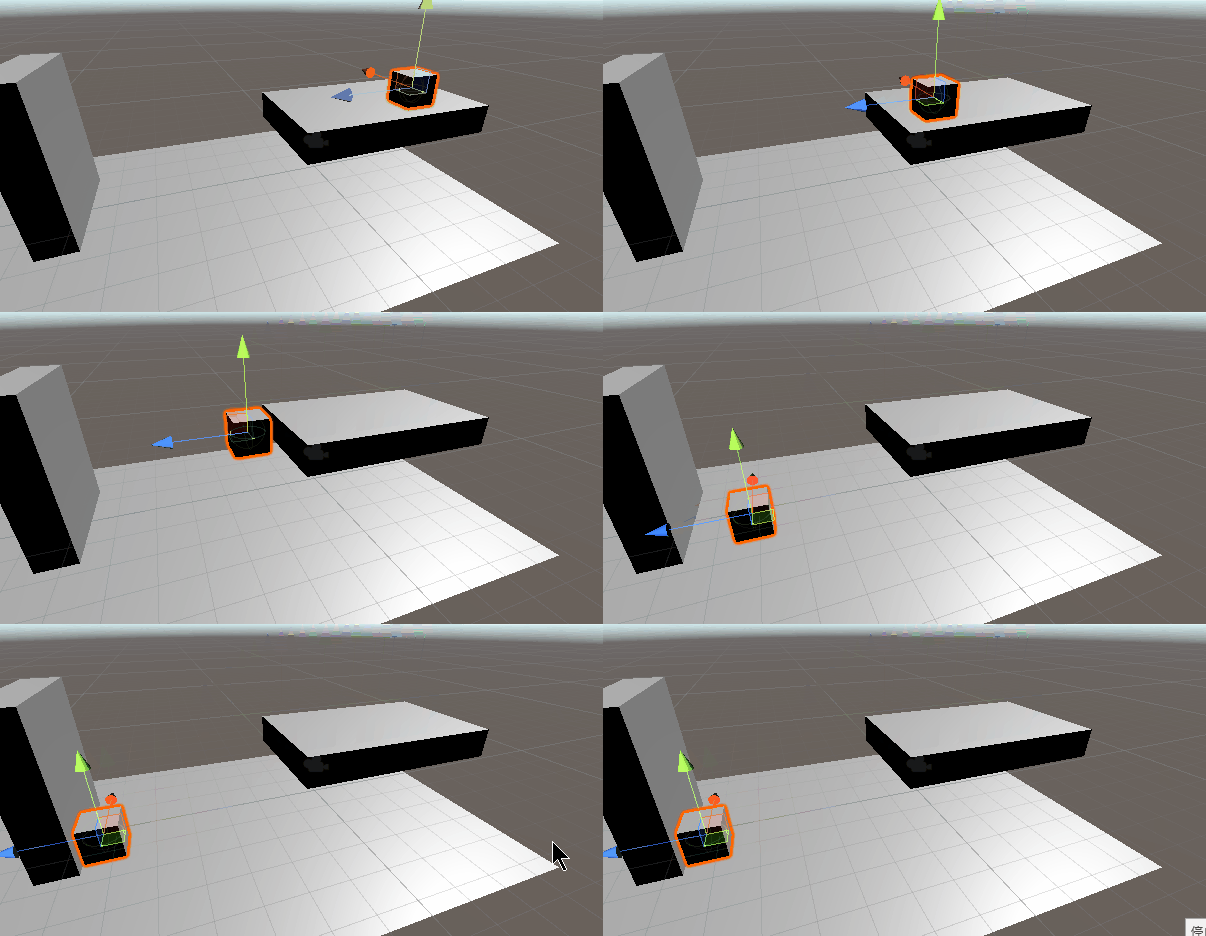
    public float speed = 5;
    public CharacterController cc; // Get the rigid body component of the current object
    void Update() {
        cc.SimpleMove(transform.forward * speed);
    }
2. Move
Move the character at a certain speed , There is no gravity , You need to calculate the whereabouts by yourself
Move( Directional force (V3))
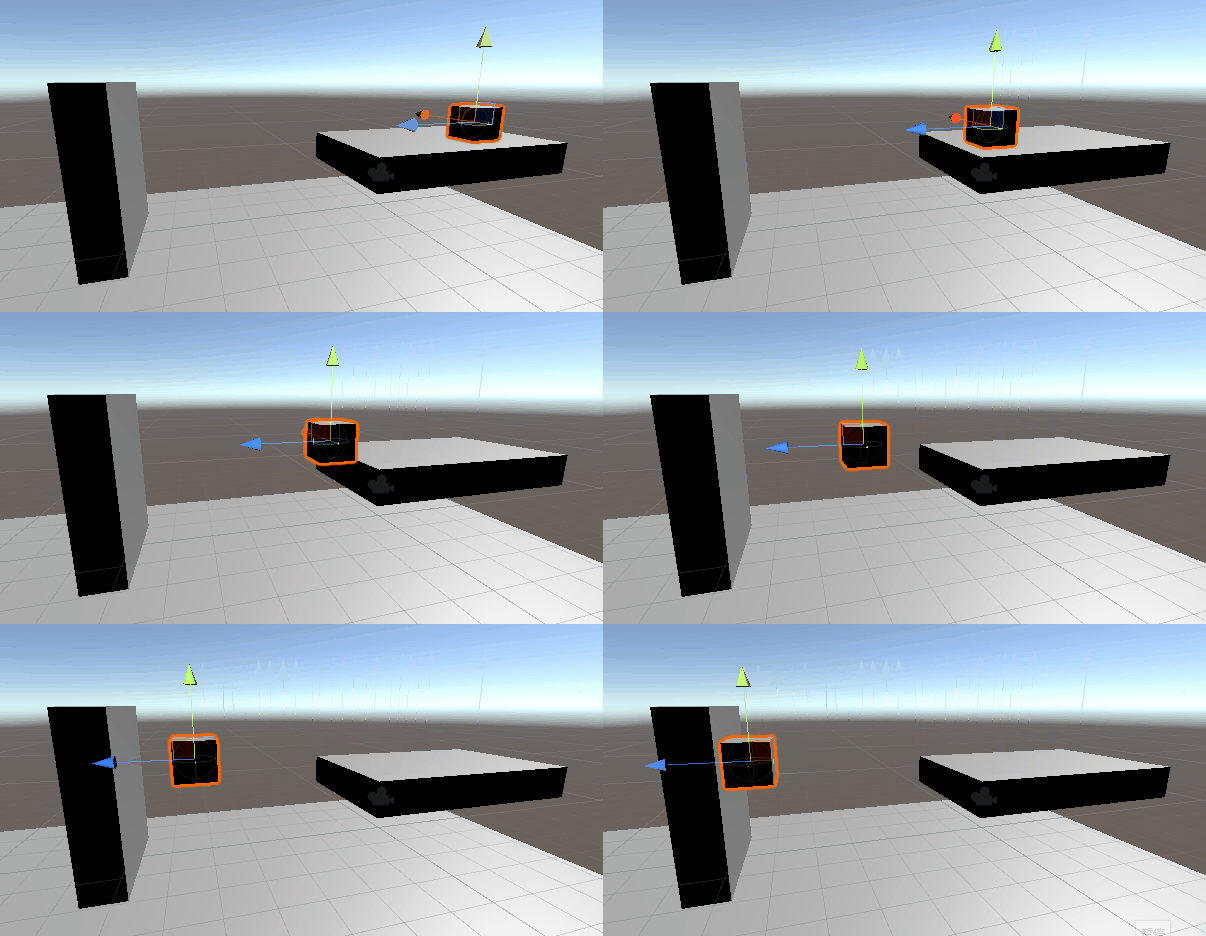
    public float speed = 5;
    public CharacterController cc; // Get the rigid body component of the current object
    void Update() {
        cc.Move(transform.forward * speed * Time.deltaTime);
    }
5、 ... and 、 Summary and references
1. summary
Simply distinguish the above ways , It can be divided into physical movement and non physical movement , Readers should distinguish which objects should be used in which way .
- For example, non physical movement is applied to the movement obstacles in the level , Because there is no need for relevant obstacles to perform physical operations .
- For example, the camera follows the character , In a simple way, it can be directly used as a sub object of the character or directly calculate the offset , Directly added to the camera position, But too blunt , So consider joining Lerp or SmoothDamp, Make the camera follow more smoothly .
- For example, character movement , If non physical methods are used , Cannot interact with the environment , If rigid body components are used , Collision and toppling may occur , It will generate forces in many directions , It's complicated to deal with , So consider using character controllers , Restrict the movement of objects only in case of collision , It won't lead to many strange things .
- about V3 Application of interpolation function , It can handle some motion conversion more smoothly , The specific usage should be expanded by readers .
There are many things I haven't clarified in this article , It will be revised after being straightened out in the future , If readers have some different views on some of the fragments , Please leave a message to discuss .
2. Reference material
1.https://blog.csdn.net/jiumengdz/article/details/78537758
2.https://www.cnblogs.com/claireyuancy/p/7266586.html
3.https://www.sohu.com/a/211459755_667928
4.https://www.cnblogs.com/CasualAttachment/p/7308993.html
5.https://blog.csdn.net/six_sex/article/details/51114083
6.https://blog.csdn.net/renkai0406/article/details/63800248
7.https://blog.csdn.net/weixin_44370124/article/details/90080871
边栏推荐
- [pytorch] LSTM neural network
- TCP.IP
- leetcode:2141. 同时运行 N 台电脑的最长时间【最值考虑二分】
- Redis review summary
- 太空射击第13课: 爆炸效果
- [C language] comprehensively analyze the pointer and sort out the pointer knowledge points
- Soft raid
- [task01: getting familiar with database and SQL]
- [dynamic link library (DLL) initialization example program failed "problem]
- Anaconda creation environment
猜你喜欢

企业如何成功完成云迁移?

Product manager interview | innovation and background of the fifth generation verification code
![Teach you how to draw a map with ArcGIS [thermal map]](/img/16/993da4678667884a98e1d82db37d69.png)
Teach you how to draw a map with ArcGIS [thermal map]
关于链接到其他页面的标题
![[task02: SQL basic query and sorting]](/img/10/c2a936c882cd77f422396840282ed5.png)
[task02: SQL basic query and sorting]

Raspberry pie 4B deploy yolov5 Lite using ncnn
![[fasttext -- Summary notes]](/img/4d/2871b2525bf0ea75ee958338b18013.png)
[fasttext -- Summary notes]

Usage Summary of thymeleaf

类与对象(中)

Unity gadget displays the file size of the resource directory

随机推荐
Solve the problem that jupyter cannot import new packages
Unity performance optimization
Read JSON configuration file to realize data-driven testing
Storage of C language data in memory (1)
Raspberry pie creation self start service
读取json配置文件,实现数据驱动测试
Unity object path query tool
Use of DDR3 (axi4) in Xilinx vivado (2) read write design
一文让你搞懂什么是TypeScript
Raspberry pie 4B ffmpeg RTMP streaming
[detailed use of doccano data annotation]
[task03: complex query methods - views, subqueries, functions, etc.]
User and group and authority management
C# 委托 delegate 的理解
Using typedef in C language to change the name of data type
【pytorch】LSTM神经网络
太空射击第14课: 玩家生命
Scheduled backup of MySQL database under Windows system
Other IPS cannot connect to the local redis problem solving and redis installation
关于正则的两道笔试面试题