当前位置:网站首页>Appium automation test foundation - appium basic operation API (II)
Appium automation test foundation - appium basic operation API (II)
2022-07-05 15:29:00 【Test - Eight Precepts】
5、 Send files to the phone and get the files in the phone
(1) send out ⽂ Pieces arrive at ⼿ machine
code snippet :
#  Import base64 library
import base64

#  Convert files to binary files
with open(file_path,'rb') as fp:
    data = str(base64.b64encode(fp.read()),'utf-8')
    # print(data)

#  Send the converted file to the phone
driver.push_file(path, data)
Parameter description :file_path: File path to upload .path:⼿ Path on the device ( for example :/sdcard/a.txt)data:⽂ In piece data , requirement base64 code .
explain :
Python3.x All Chinese characters are unicode code , You need to import base64 Library for encoding and decoding , First turn the file into base64 Binary files in format , Then transfer the file to the mobile phone , Because the transfer between devices is binary .
(2) from ⼿ Pull in the machine ⽂ Pieces of
code snippet :
import base64

#  The returned data is base64 Encoded data
data = driver.pull_file(path)

# base64 decode
with open('a.txt','wb') as fp:
    fp.write(base64.b64decode(data))
Parameters :path:⼿ The path on the device, for example : /sdcard/a.txt
(3) Example :
# 1. Import appium
import time
from appium import webdriver
import base64

# 2. establish Desired capabilities object , Add startup parameters
desired_caps = {
    "platformName": "Android",  #  System name
    "platformVersion": "7.1.2",  #  System version
    "deviceName": "127.0.0.1:21503",  #  Equipment name
    "appPackage": "com.cyanogenmod.filemanager",  # APP Package name
    "appActivity": ".activities.NavigationActivity"  # APP Start name
}

# 3. start-up APP
#  Declare the mobile phone driver object ( Instantiation webdriver)
#  The first parameter is zero appium Address of service , Need to start the appium service .
#  The second parameter is Desired capabilities object
#  Let's just pass in these two parameters first .
driver = webdriver.Remote("http://127.0.0.1:4723/wd/hub", desired_caps)

# 4. operation APP

# 4.1  Send files to your phone
file_path = r'C:\Users\L\Desktop\test.txt'

#  Convert files to binary files
with open(file_path, 'rb') as fp:
    data = str(base64.b64encode(fp.read()), 'utf-8')
    # print(data)

#  Send the converted file to the phone
path = r'/sdcard/test.txt'
driver.push_file(path, data)

# 4.2  Pull files from your phone to your computer
#  The path of the file in the phone
path_app = '/sdcard/test.txt'
#  The returned data is base64 Encoded data
data = driver.pull_file(path_app)

print(data)

# base64 decode
with open('test.txt', 'wb') as fp:
    fp.write(base64.b64decode(data))

#  Tips : The file will be pulled to the directory where the script file is located

# 5. close APP
time.sleep(5)
driver.quit()
6、 Get the element structure in the current screen ( a key )
( That is, get the source code of the current screen )
The use of API:
driver.page_source

 do ⽤:
     Return to the current page ⾯ Of ⽂ Gear structure , It can provide a premise for the subsequent judgment of whether a specific element exists .
Example :
# 1. Import appium
import time
from appium import webdriver

# 2. establish Desired capabilities object , Add startup parameters
desired_caps = {
    "platformName": "Android",  #  System name
    "platformVersion": "7.1.2",  #  System version
    "deviceName": "127.0.0.1:21503",  #  Equipment name
    "appPackage": "com.android.settings",  # APP Package name
    "appActivity": ".Settings"  # APP Start name
}

# 3. start-up APP
driver = webdriver.Remote("http://127.0.0.1:4723/wd/hub", desired_caps)

# 4. operation APP
#  Get the current source page
#  Just set the page source code in the home page
source = driver.page_source
# # print(source)

#  take app Save the page source code to a file
with open("source.txt", "w", encoding="UTF-8") as fp:
    fp.write(source)

# 5. close APP
time.sleep(3)
driver.quit()
7、 Start other programs within the script app
The use of API:
driver.start_activity(appPackage,appActivity)

 Tips :appPackage,appActivity Start for the desired app Package name and startup name
Example :
#  From management app Page to open the file manager app

# 1. Import appium
import time
from appium import webdriver

# 2. establish Desired capabilities object , Add startup parameters
desired_caps = {
    "platformName": "Android",  #  System name
    "platformVersion": "7.1.2",  #  System version
    "deviceName": "127.0.0.1:21503",  #  Equipment name
    "appPackage": "com.android.settings",  # APP Package name
    "appActivity": ".Settings"  # APP Start name
}

# 3. start-up APP
driver = webdriver.Remote("http://127.0.0.1:4723/wd/hub", desired_caps)

# 4. operation APP
#  From settings app Page launch file manager APP
time.sleep(3)

#  First use adb Command to get the package name and startup name of the file manager
# com.cyanogenmod.filemanager/.activities.NavigationActivity
driver.start_activity("com.cyanogenmod.filemanager", ".activities.NavigationActivity")

# 5. close APP
time.sleep(3)
driver.quit()
8、 Put the application in the background ( a key )
The use of API:
#  Put the application in the background ( second )
driver.background_app()
Example :
# 1. Import appium
import time
from appium import webdriver

# 2. establish Desired capabilities object , Add startup parameters
desired_caps = {
    "platformName": "Android",  #  System name
    "platformVersion": "7.1.2",  #  System version
    "deviceName": "127.0.0.1:21503",  #  Equipment name
    "appPackage": "com.android.settings",  # APP Package name
    "appActivity": ".Settings"  # APP Start name
}

# 3. start-up APP
driver = webdriver.Remote("http://127.0.0.1:4723/wd/hub", desired_caps)

# 4. operation APP
time.sleep(3)
#  Set app Running in the background
#  Run the app in the background 5 second , Back to the front desk
driver.background_app(5)

#  Tips : Before testing, it's best to put all the background running in the equipment app All shut down .

# 5. close APP
time.sleep(3)
driver.quit()
Tips : In the test app During hot start , You will often use this command .
a key : Supporting learning materials and video teaching
So here I have carefully prepared the detailed information of the above outline in The link below is as follows

边栏推荐
猜你喜欢
Bugku's steganography
Fr exercise topic - simple question
Your childhood happiness was contracted by it
B站做短视频,学抖音死,学YouTube生?
MySQL 巨坑:update 更新慎用影响行数做判断!!!
Interpretation of Apache linkage parameters in computing middleware
Bugku's eyes are not real
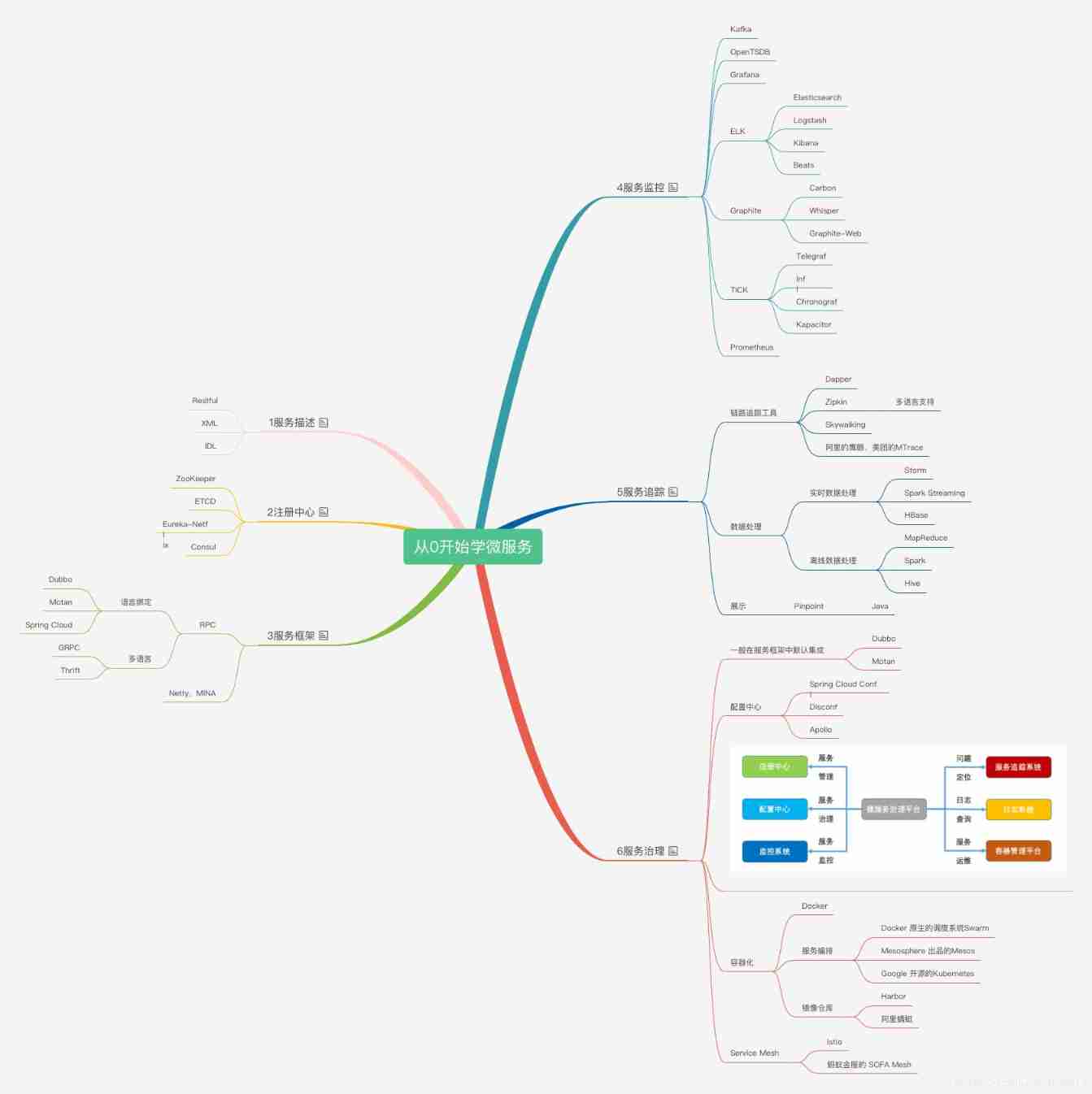
Talk about your understanding of microservices (PHP interview theory question)

Visual task scheduling & drag and drop | scalph data integration based on Apache seatunnel
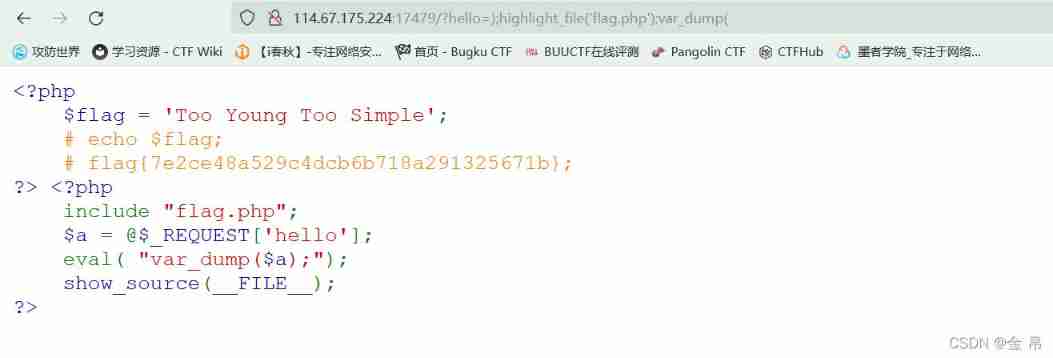
Bugku's Eval
随机推荐
CSDN I'm coming
Common MySQL interview questions
Anaconda uses China University of science and technology source
Redis' transaction mechanism
MySQL 巨坑:update 更新慎用影响行数做判断!!!
Mysql---- function
DVWA range clearance tutorial
Lesson 4 knowledge summary
你童年的快乐,都是被它承包了
[brief notes] solve the problem of IDE golang code red and error reporting
OSI seven layer model
Nine hours, nine people, nine doors problem solving Report
Example of lvgl display picture
Magic methods and usage in PHP (PHP interview theory questions)
数学建模之层次分析法(含MATLAB代码)
What are CSRF, XSS, SQL injection, DDoS attack and timing attack respectively and how to prevent them (PHP interview theory question)
Common interview questions about swoole
Number protection AXB function! (essence)
swiper. JS to achieve barrage effect
Value series solution report